| nav | Example |
|---|---|
| group | SESAME SDK |
| title | ESP32 version |
| order | 3 |
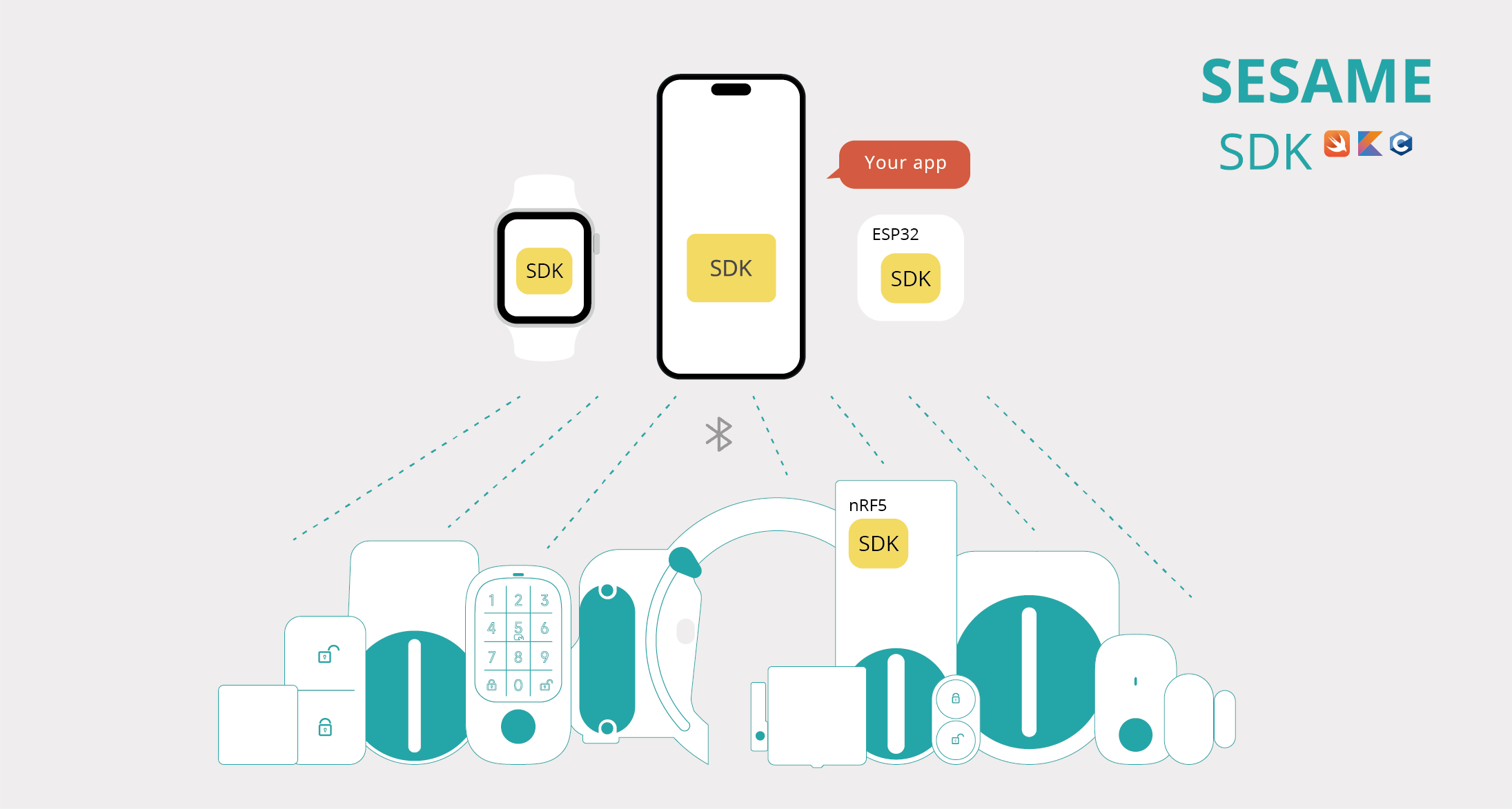







This project demonstrates how to use the ESP32-C3-DevKitM-1 microcontroller to register and control Sesame5 smart lock. The example uses the ESP-IDF development framework to automatically find, connect, and register nearby Sesame5 devices using BLE technology. When the ESP32-C3-DevKitM-1 detects that the Sesame5 has reached the unlock position, it will send an instruction to automatically lock.
- Please ensure that you have installed the toolchain through ESP-IDF's
install.sh. - Open the terminal, navigate to the path of ESP-IDF, and execute
export.shto add environmental variables. - Connect the ESP32-C3-DevKitM-1 to your computer via USB.
- Return to the project folder and run
idf.py flashto compile and burn.
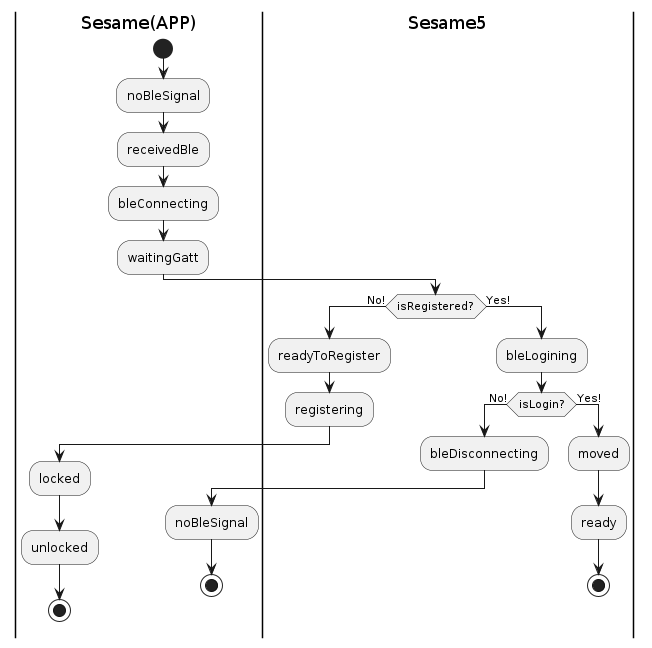
Usage: After burning and rebooting the ESP32-C3-DevKitM-1, it will automatically search for unregistered Sesame devices nearby. After connecting and registering, the ESP32-C3-DevKitM-1 will monitor the status of the Sesame5 and send a lock command at the appropriate time.
// Code snippet omitted for translation brevity// Code snippet omitted for translation brevity// Code snippet omitted for translation brevity// Code snippet omitted for translation brevity- Automatic Device Discovery: Automatically search for and connect to nearby Sesame5 smart locks.
- Automatic Lock: When the Sesame5 reaches the preset unlock position, the ESP32-C3-DevKitM-1 will issue a lock command.
// Code snippet omitted for translation brevityDetails of each command interaction can be found in the Bluetooth Protocol documentation.
- See details: Bluetooth Protocol
- Please visit CANDY HOUSE official website for more information about Sesame5 smart lock.
This project is licenced under the MIT license. Please refer to the LICENSE document for details.