Installation
Software is currently very buggy on Linux!
- Install Java 8 or later
- Windows: Use the Installer from the offical Java website
- Linux:
bash sudo apt-get install openjdk-8-jre
- Download the latest 2.x version of VLCController
- Extract downloaded zip file
- Set up your VLC instances
- Add VLC Instances to VLCController configuration
- Change VLCController Settings
- Open your VLCController Installation Folder
- Use one of the start files to start the application
- Windows: start.bat
- Linux: start.sh
- After a short time VLCController is started and you can visit the web page locally via 127.0.0.1:8080 in any browser (if you didn't change the config file). The browser should be opened automatically if you did not change the config.
- You can also access this webpage from any other device in the same network using the local IP (what's my IP?). Just go to Connect the Server on the previous opened web page and scan the QR Code or use the displayed address.
To run this app like a native app you can add this app to you homescreen.
This is possible tue Chrome or Safari. Just go to the webpage and press Add to homescreen in your browser menu.
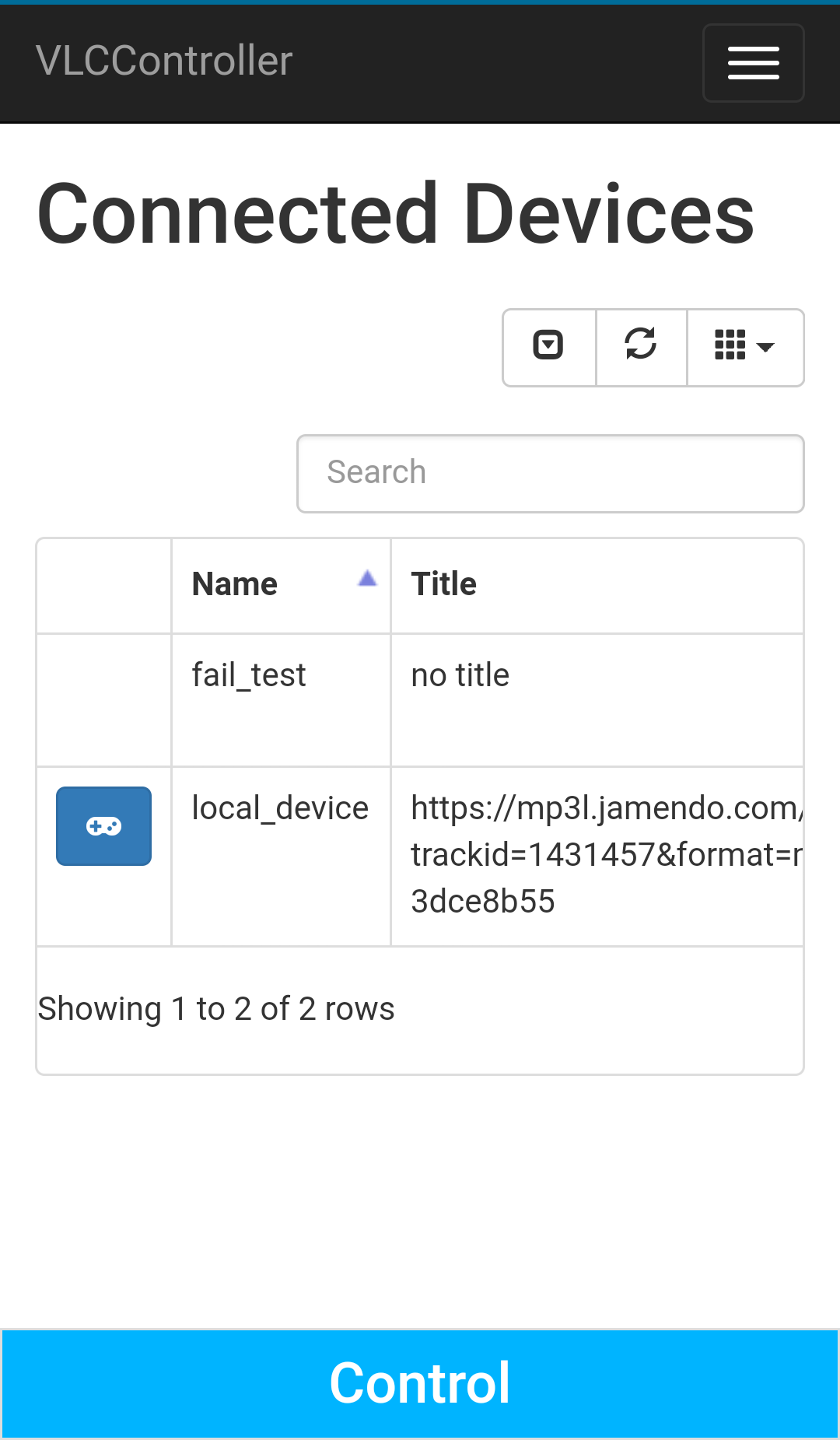
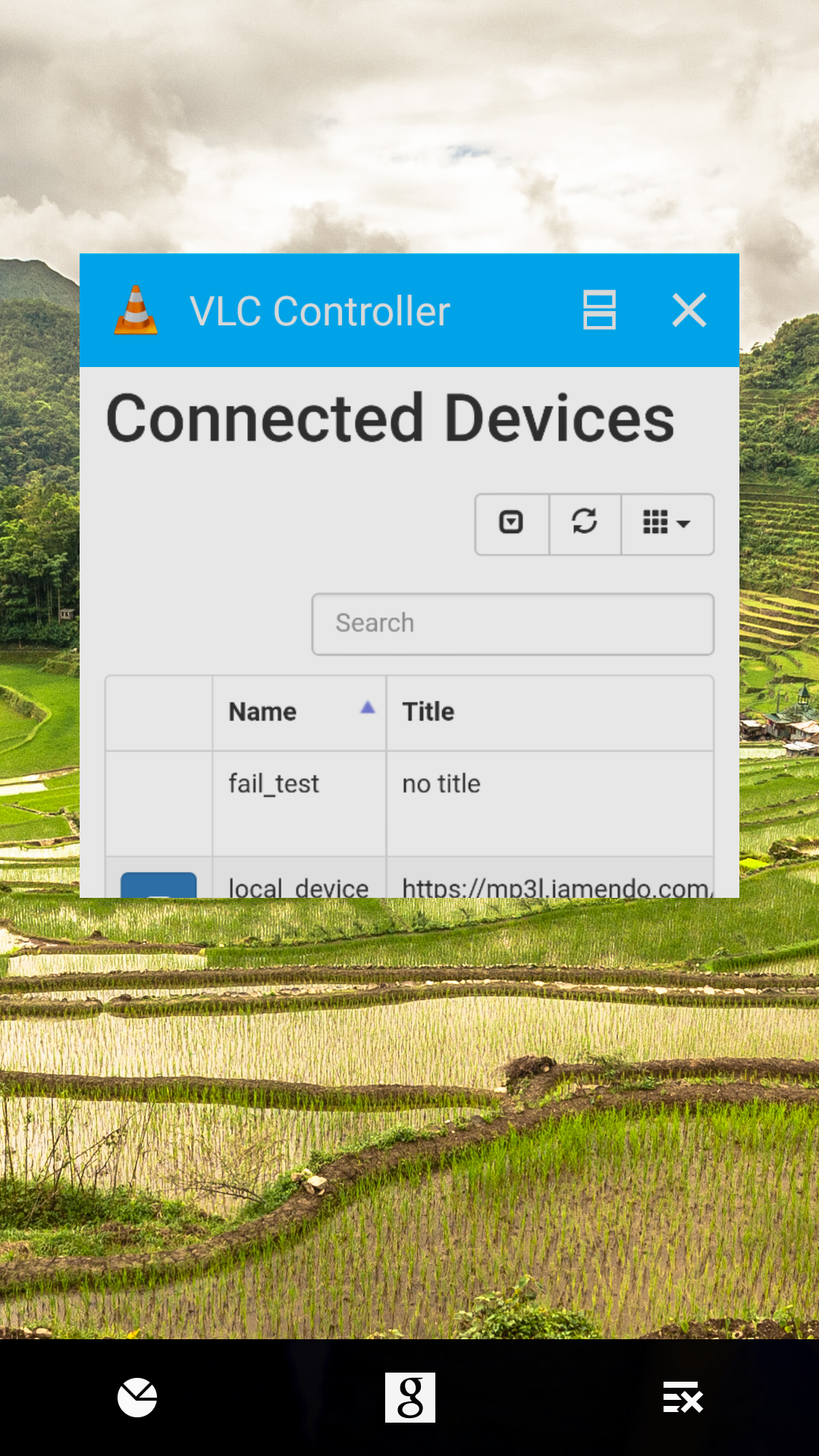
It would look like this:
- Use Ctrl+C in the command window
- Install Java 8 or later
- Windows: Use the Installer from the offical Java website
- Linux:
bash sudo apt-get install openjdk-8-jre
- Download the latest 1.x Version of VLCController
- Extract it
- run VLC media player
- change config of VLC media player as shown in the docs folder of your extracted file with HostIP: 127.0.0.1
- start the software
- test the software on the command line
- start 127.0.0.1:8080 in a browser
For more information look at the README.txt located in the conf folder.