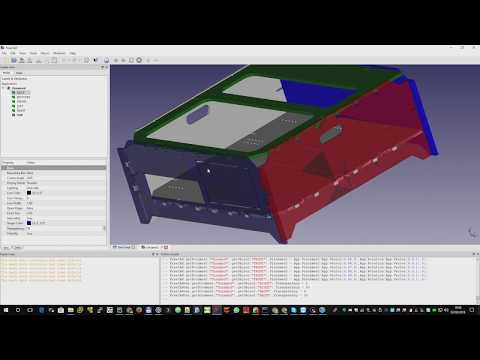
Below for you convenience, you may find descriptions for each FreeCAD Addon/Workbench that is available to use in FreeCAD. Important Note: Some of the info of these individual Addons may be obsolete, incomplete, or missing. For the most up-to-date changes please visit said specific Addon repo you're interested in. Also if you'd like to update this page with more current info, Pull Requests are welcome. If there are Addons not listed please open an issue to let the admins know.
Back to the README.md
BOLTS is an Open Library for Technical Specifications.

This repository contains all the tools and data that are required to build the different distributions and the website. You only need to get the content of this repository if you want to contribute content to BOLTSFC or want to develop the tools that are used to manage it.
Note: BOLTSFC is a fork of the currently unmaintained BOLTS
CAD Exchanger addon for FreeCAD
This addons allows FreeCAD to import and export to several additional file formats supported by the CAD Exchanger application. See the CAD Exchanger website for details on support of these formats.
Computational Fluid Dynamics (CFD) for FreeCAD based on OpenFOAM solver
Computational Fluid Dynamics (CFD) workbench for FreeCAD
This is a python workbench, with a collection of tools for Nurbs curves and surfaces
Labeling software module for Geometric Dimensioning and Tolerancing (GD&T) in 2D and 3D technical drawings.
- Allows the GD&T information to be added to the design itself, thus linking design, manufacturing and quality specifications
- Implements the ISO16792 standard for both 2D and 3D parts.
- Incorporates a homogeneous graphical interface and integrated with the technical design tools and 3D.
- There is no precedent developed as free software.
Icon themes for FreeCAD
Launcher widget for FreeCAD
Navigation indicator for FreeCAD
Experiment on FreeCAD-wide automation of Part container management Compatible with FreeCAD v0.17. (It won't work with FC v0.16.)
The goal is to experiment with UI and ways to bring assembly infrastructure into the whole FreeCAD. Sure you have seen that new PartDesign things called Part and Body. The aim of Part-o-magic is to bring similar things to every workbench in FreeCAD, and make working with them more convenient.
With Part-o-magic, organizing a multi-part project (i.e. an assembly) is much easier.
Beware. Part-o-magic is an epic hack. It will collide with similar functionality in FreeCAD as it is introduced. In case of doubt, you can always switch to Part-o-magic workbench, and disable Observer.
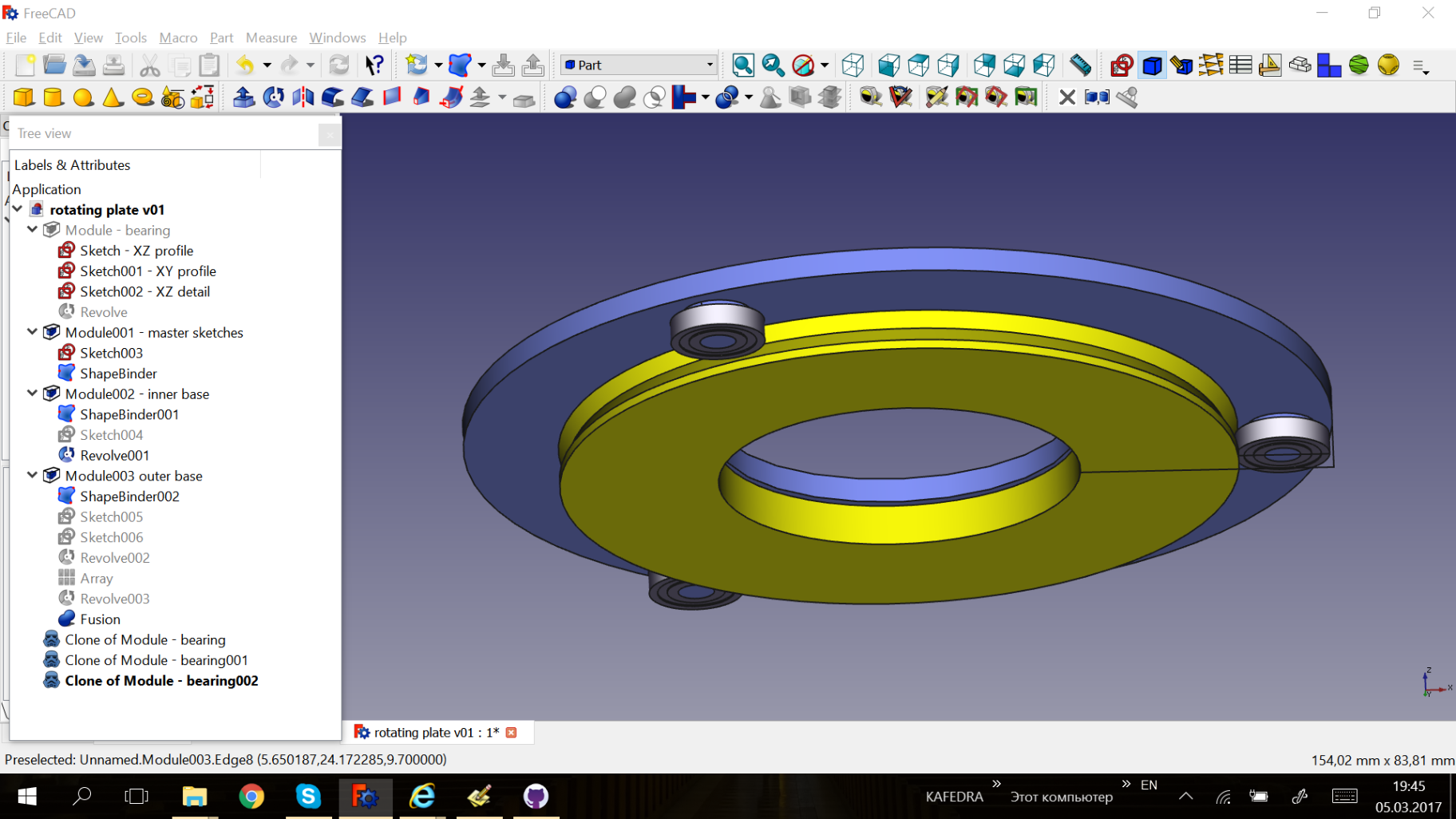
PieMenu widget for FreeCAD
Shortcuts overlay for FreeCAD
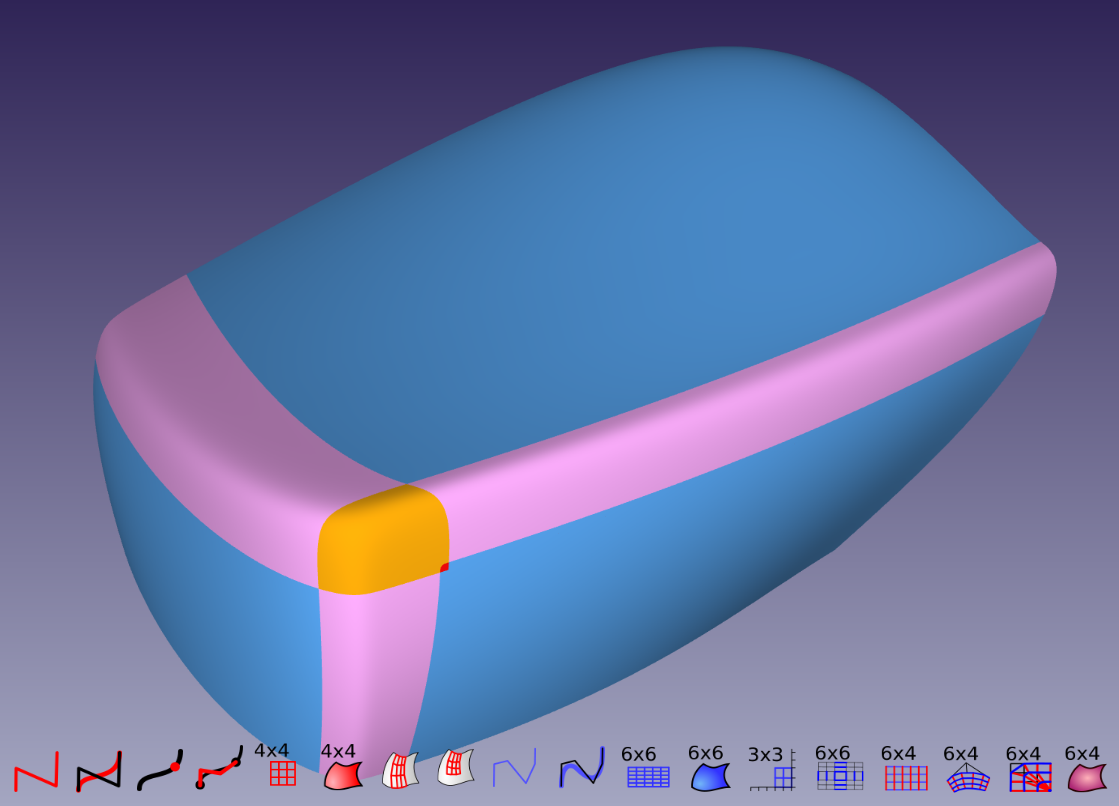
NURBS Surface modeling tools focused on low degree and seam continuity
Website: https://edwardvmills.github.io/Silk/
TabBar widget for FreeCAD
WebTools workbench for FreeCAD
This workbench contains tools to interact with different web services:
- Git: Manages the current document with Git
- BimServer: Connects and interacts with a BIM server instance
- Sketchfab: Connects and uploads a model to a Sketchfab account
Animation Toolkit for FreeCAD
This Workbench can be used to create sequences of pictures.
Assembly workbench for FreeCAD v0.15, 0.16 and 0.17 with support for importing parts from external files. Although the original programmer of the workbench (hamish) is no longer active this workbench is still maintained as good as possible. Feel free to post issues and pull requests. Assembly2 requires numpy to be installed (bundled with FreeCAD since 0.15.4671). Thanks to Maurice (@easyw-fc) assembly2 will work with files from FreeCAD 0.17.
Module that adds a tabbed CadQuery editor to FreeCAD. Please see the cadquery freecad module github wiki for more detailed information on getting started.

CuraEngine Plugin for FreeCAD
This is a Python macro workbench used to integrate CuraEngine into FreeCAD
Drawing dimensioning workbench for FreeCAD v0.15.4576 and newer.
This repository contains files needed to add DXF support (import-export) to FreeCAD. Note: The files in this repository are not needed anymore when using the built-in DXF importer (default since FreeCAD 0.16). They are still needed if you wish to use the legacy python importer (settable in Edit-> Preferences -> Import/Export -> DXF) or if you wish to export (directly from the 3D model (exporting a Drawing page to DXF also doesn't require these f(iles)
FreeCAD workbench to create exploded views and animations of assemblies.
Features:
- Create nice explosions of assemblies graphically (no code at all!)
- Create sub-exploded groups
- Give rotation to screws and nuts for realistic disassembles
- Use the provided auxiliary assembly tools to place your parts together
Screencast

A workbench to add/attach various fasteners to parts Details at http://theseger.com/projects/2015/06/fasteners-workbench-for-freecad/
"Flamingo tools" is a set of macros made to speed up some actions in FreeCAD
geodata support for freecad This workbench uses geodata from openstreetmap.org
Kerkythea exporter for FreeCAD
[Deprecated!] Old version of FreeCAD workbench with advanced array tools
FreeCAD workbench with advanced array tools.
The workbench purpose is working with placements and arrays of placements. It is a sort of assembly workbench, but with emphasis on arrays. There are no constraints and relations, there are just arrays of placements that can be generated, combined, transformed, superimposed and populated with shapes.
Ever wondered how to create a protractor with FreeCAD? That's the aim of the workbench (including tick labeling). Also, exploded assemblies can be made with the workbench.
Additionally, the workbench features a few general-purpose tools, such as parametric downgrade, bounding boxes, shape info tool, and tools for working with collections of shapes (compounds).
One of the big design goals of the workbench is being as parametric as possible.
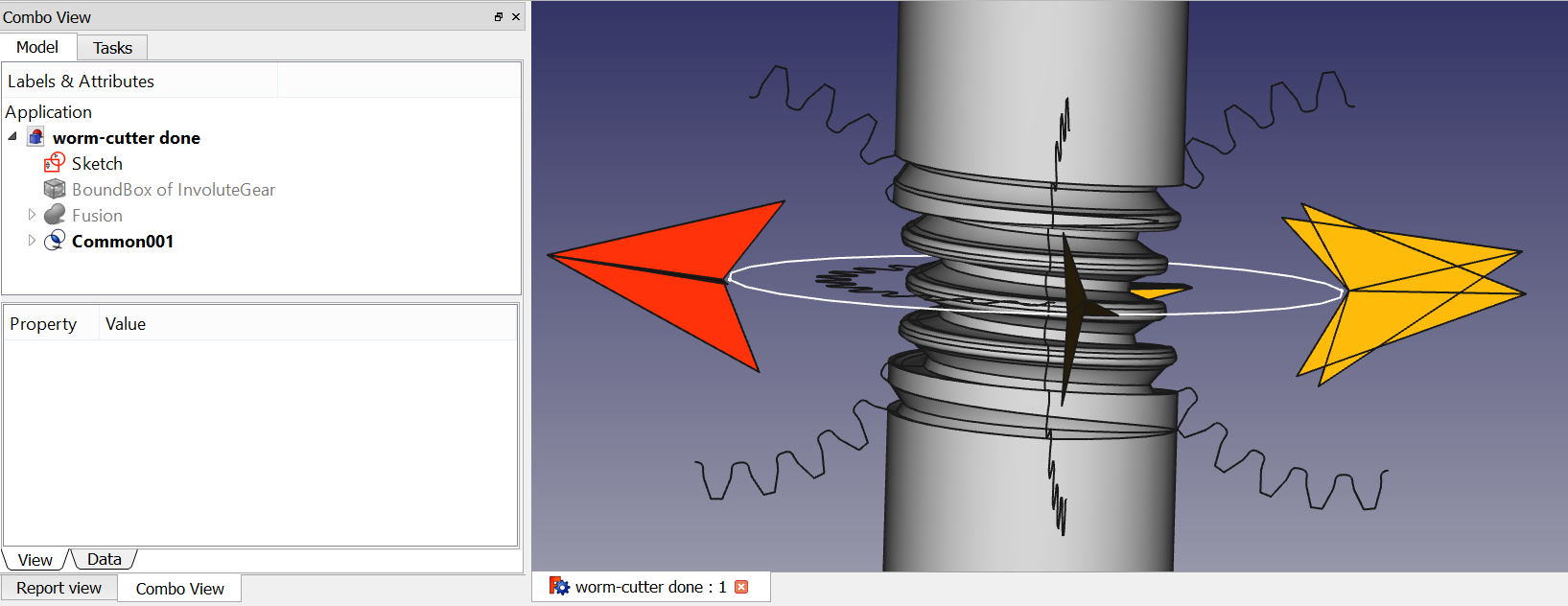

Take a look at other examples in the Gallery of screenshots.
This addon contains a library of Parts to be used in FreeCAD. It is maintained by the community of users of FreeCAD and is not part of the FreeCAD project, although it is made with the aim to be used as a repository of parts by FreeCAD in the future.
Printed Circuit Board Workbench for FreeCAD PCB Flexible Printed Circuit Board Workbench for FreeCAD FPCB

Persistent toolbars support for FreeCAD Note: Starting with FreeCAD 0.17 persistent toolbars is part of the default FreeCAD experience.
Optical Design with Python.

reconstruction models from images for freecad
Retr3d (ˈriːˌtred) is a framework dedicated to affordable 3D printing equipment for developing economies that can be locally sourced, locally maintained and locally improved.
We believe that 3D printing can be as transformative in developing countries as the mobile phone. As with the mobile phone, which has already changed the way people across the Africa communicate, introducing 3D printing at the community level offers the potential to localize manufacturing. Which is why we are making it possible to build Retr3d machines from the thousands of tonnes of e-waste which would otherwise end up as landfill.
Retr3d uses python and FreeCAD to 3D model printable parts for the construction of more 3D printers. Through globalVars.py dimensions of procured e-waste are turned into customized 3D models. Retr3d's software depends on FreeCAD's python scripting API.

FreeCAD SheetMetal Workbench Details: http://theseger.com/projects/2015/06/sheet-metal-addon-for-freecad/
FreeCAD Symbols Library
This repository contains a library of SVG symbols to be used in FreeCAD. Although they consist of simple SVG files, so they can also be imported inside the 3D document, they are primarily made for use on Drawing pages.
A Timber module for FreeCAD
Tool utility to create Points (mid points, center of circle, center of object(s)...), Axes (from 2 points, Normal of a plane...), Planes (from 3 points, from one axis and a point...) and many other useful features to facilitate the creation of your project. This utility is up next in the combo view with "Work Features" label.
This tool allows you to create YAML configuration files for easy importing of files. If your import files change often and you use FreeCAD to check how parts fit together this makes it much easier and faster to check designs.