Sana is integrated into MNN for cartoon-style photo editing and face-style conversion on mobile/edge.
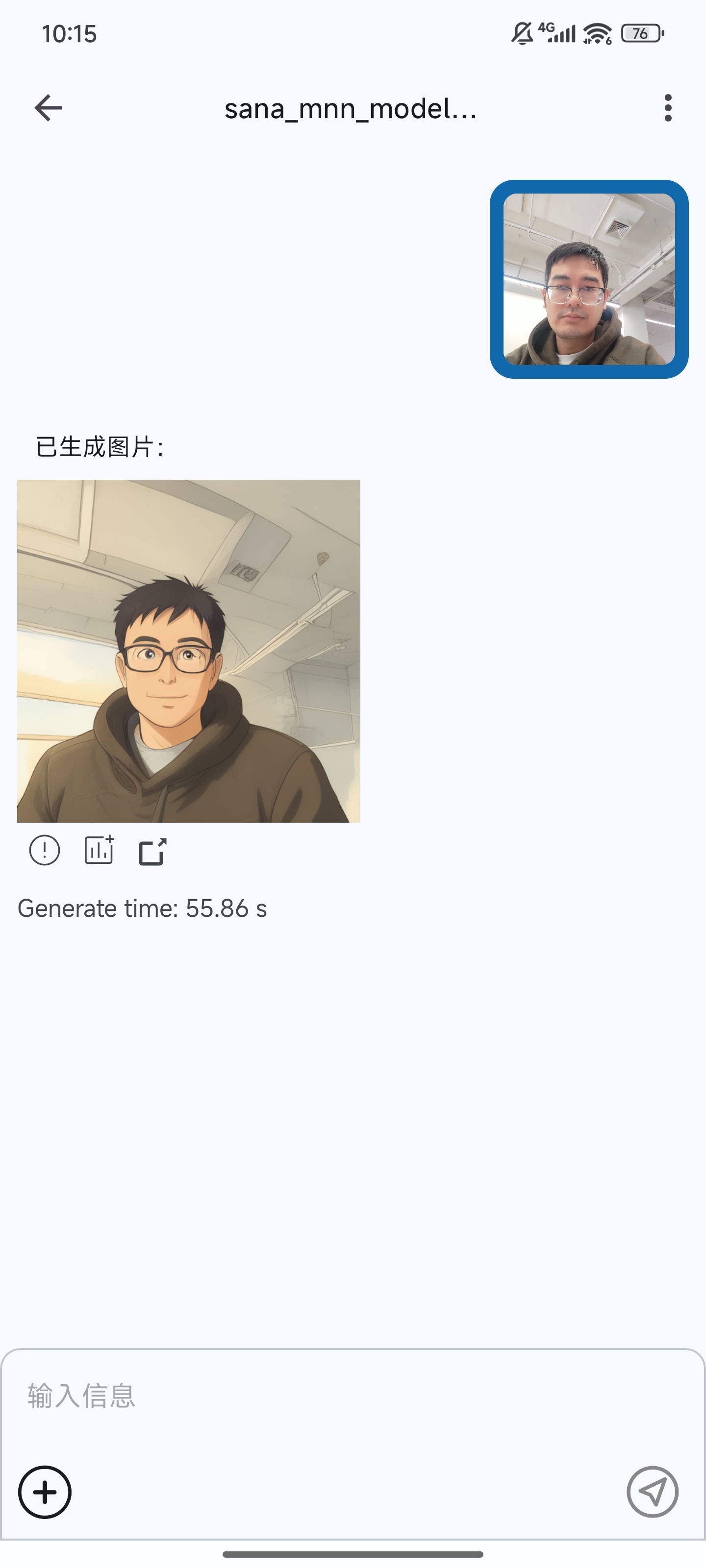
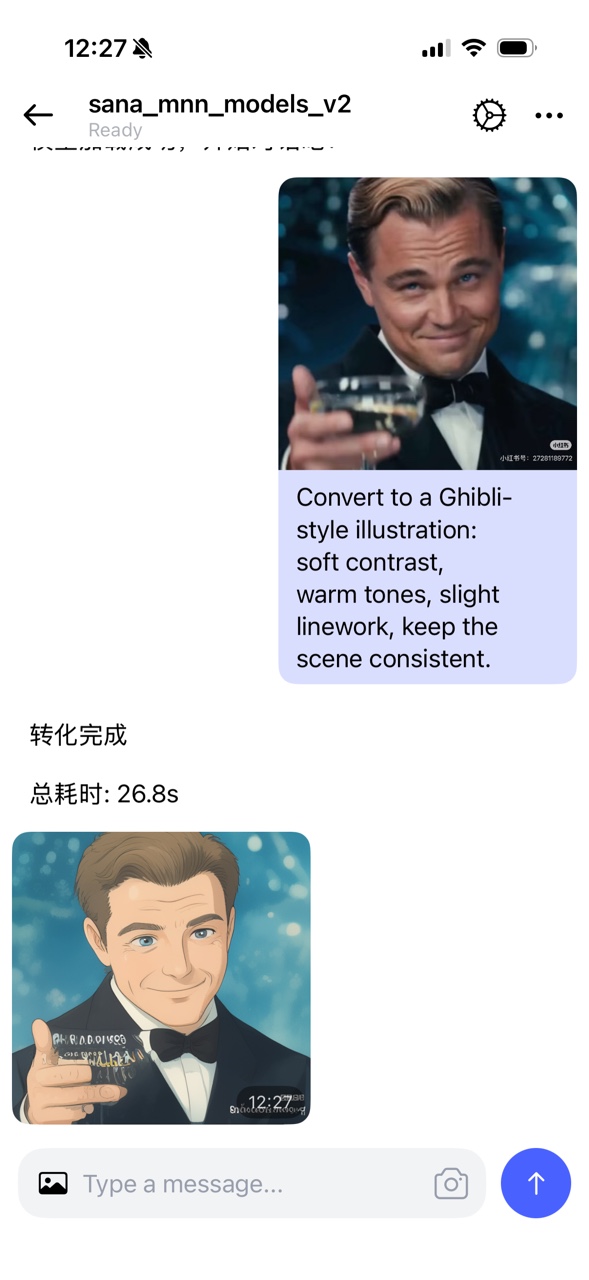
Cartoon-style edit model
- HuggingFace: https://huggingface.co/taobao-mnn/MNN-Sana-Edit-V2
- ModelScope: https://modelscope.cn/models/MNN/MNN-Sana-Edit-V2
- Input: use square images when possible; non-square input often gives worse results.
- Output: fixed at
512x512. - Prompt: fixed for this model pipeline. No extra prompt is needed; changing it may reduce quality.
- Step:
10steps are recommended. Fewer steps usually reduce visual quality.
- Open
apps/Android/MnnLlmChat. - Download model
MNN-Sana-Edit-V2from model market. - Switch to Sana model in app.
- Upload an input face image (square is preferred).
- Keep prompt/settings as default and set step to
10. - Run generation and review
512x512output.
- Sana paper: https://arxiv.org/abs/2410.10629