The current state of godcr is reported below. Working features, known bugs and issues, work-in-progress features are all listed.
The list of features available on godcr is maintained below. Some features are either only partially implemented (:ballot_box_with_check:) or not implemented at all (:x:) on some interfaces
| Feature | ✅ | ☑️ | ❌ | Next Steps |
|---|---|---|---|---|
| create wallet | cli, http, nuklear | terminal | Allow creating multiple wallets, even if wallet already exists (done on cli, use godcr create)Seed display confirmation should follow same pattern as dcrandroid |
|
| detect wallets | cli | http, terminal, nuklear | ||
| sync blockchain (spv) | cli, http, nuklear | terminal | ||
| sync blockchain (rpc) | all | Add this feature to all interfaces | ||
| balance | cli, http, nuklear, terminal | |||
| receive | cli, http, nuklear, terminal | |||
| send funds (simple) | cli, http, nuklear | terminal (in-progress) | ||
| send funds (custom) | cli | http (in-progress), nuklear | terminal | |
| history | cli, http, nuklear, terminal | |||
| tx detail | cli, http | nuklear, terminal | ||
| stake info | cli, http, nuklear, terminal | |||
| purchase ticket(s) | cli, http, nuklear | terminal (in-progress) |
Godcr can run in any of the following interface modes:

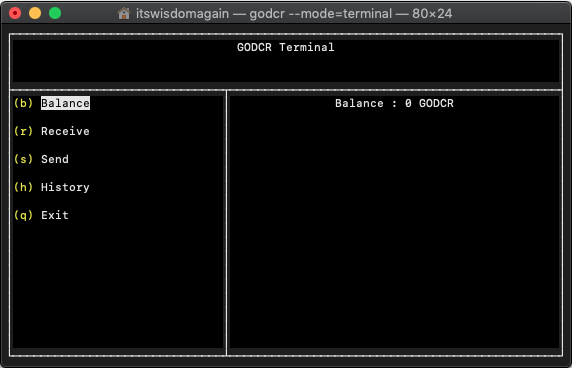
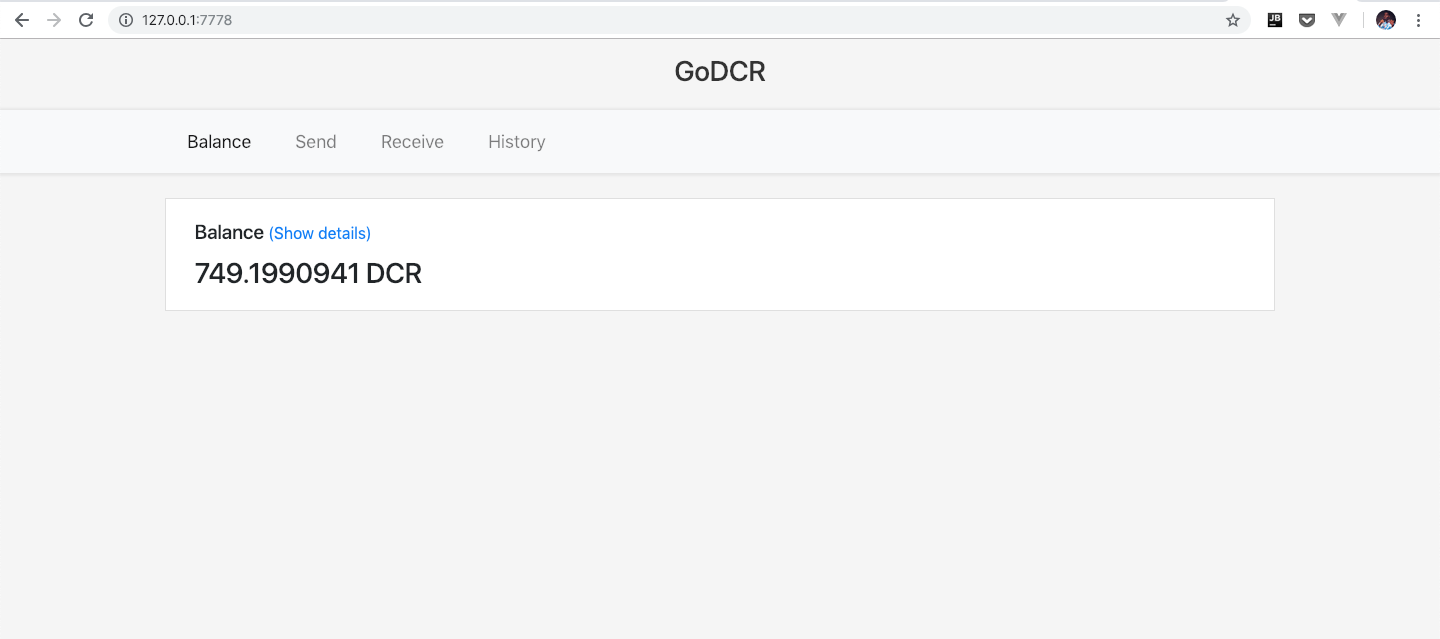
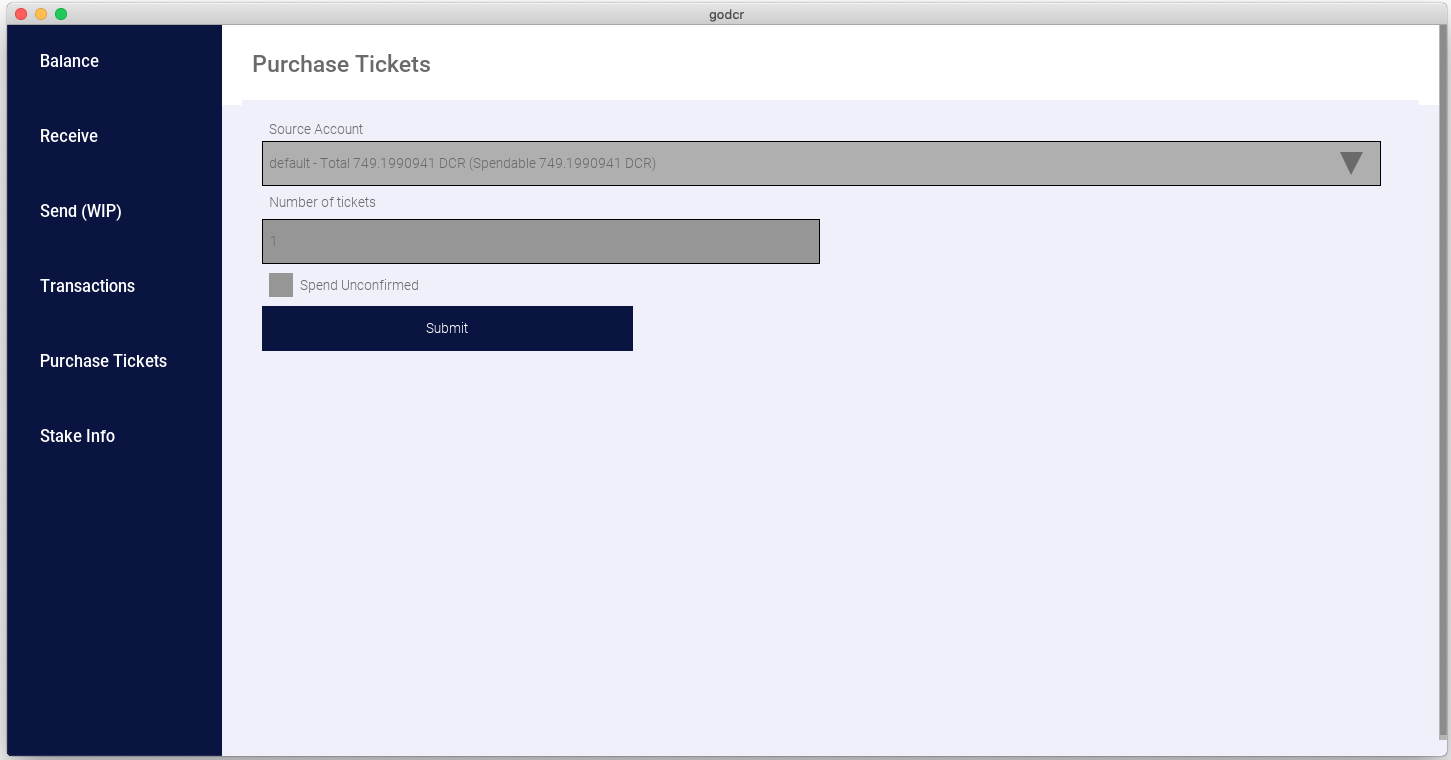
- Unlike in other interfaces, the cli interface does not automatically sync the blockchain before performing wallet operations.
This may lead to inaccuracy of displayed information or complete inability to perform certain wallet operations such as
sendandpurchasetickets - To circumvent the issue(s) identified above, the
--syncflag should be used when issuing godcr commands on cli e.g.godcr send --syncorgodcr --sync send. Alternatively, you can setsync=1orsync=trueingodcr.confto always perform a blockchain sync before performing any wallet operation. - Also,
godcr --synccan be run alone, without any command to perform a blockchain sync at any time. - The above concerns do not apply if godcr is properly configured to perform wallet operations using dcrwallet rpc.
- May get
wallet.NetworkBackend: Decred network is unreachableerror when using dcrlibwallet (and sometimes with dcrwallet); run the command with--syncto successfully send funds or purchase tickets - When using dcrlibwallet, successful send transactions do not get published to the blockchain immediately.
The sending account is debited, but the recipient doesn't get the funds until after a while.
There's no solution for this at this time.
Running
godcr --synca couple times after a send transaction could ensure the transaction gets published to the blockchain.
Tickets purchase works with dcrwallet rpc but not with dcrlibwallet. The latter produces the following error:
could not complete ticket(s) purchase, encountered an error:
Unable to purchase tickets: wallet.PurchaseTickets: insufficient balance:: txauthor.NewUnsignedTransaction
This happens if the wallet database is open/in use by another process such as dcrwallet or a separate instance of godcr.
Stopping the other process would free godcr to continue execution.
Alternatively, run godcr detect to locate and connect to a different wallet database.