First we need to create the client master using the Admin-Tool.
- Go to the Admin-Tool
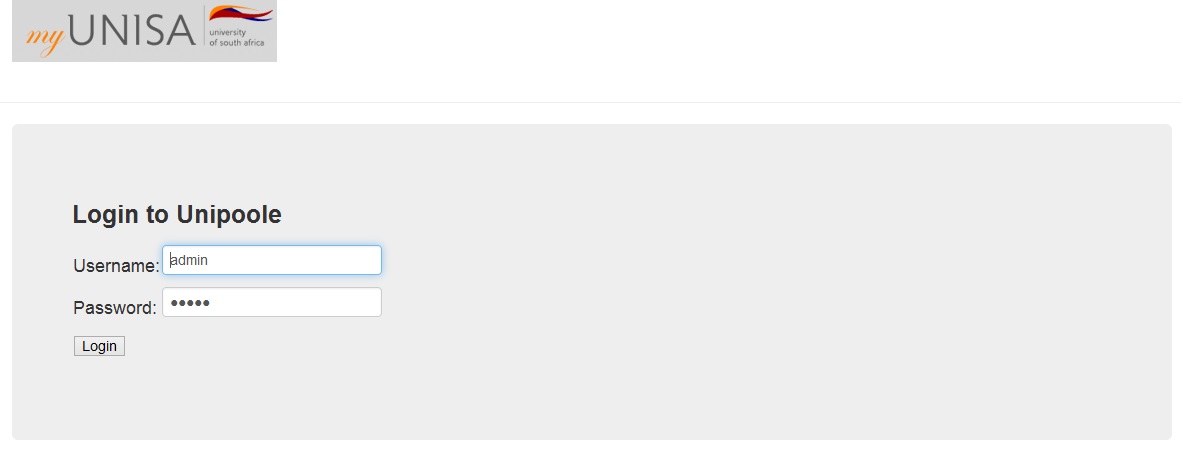
- Login to the Admin-Tool
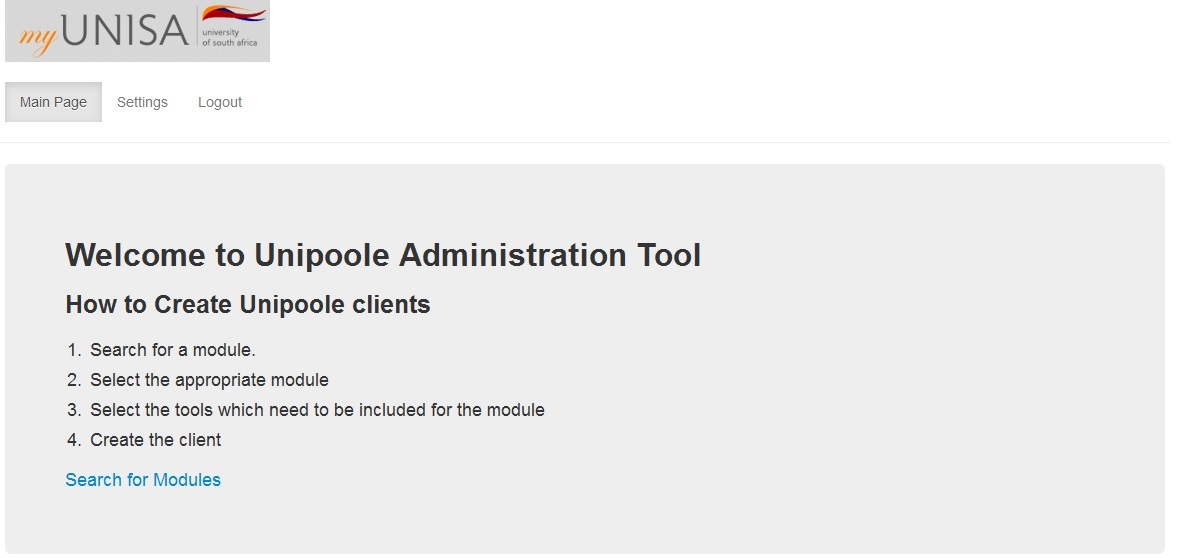
- Select 'Search for modules'
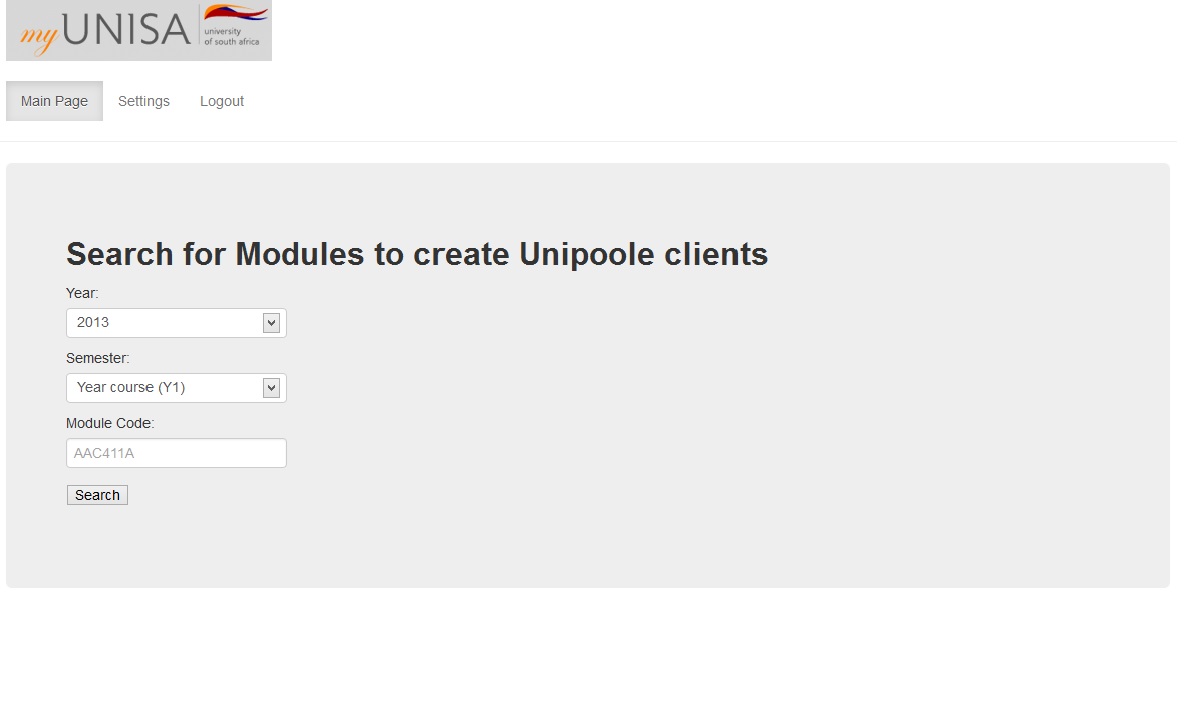
- Enter correct search criteria and select 'Search'
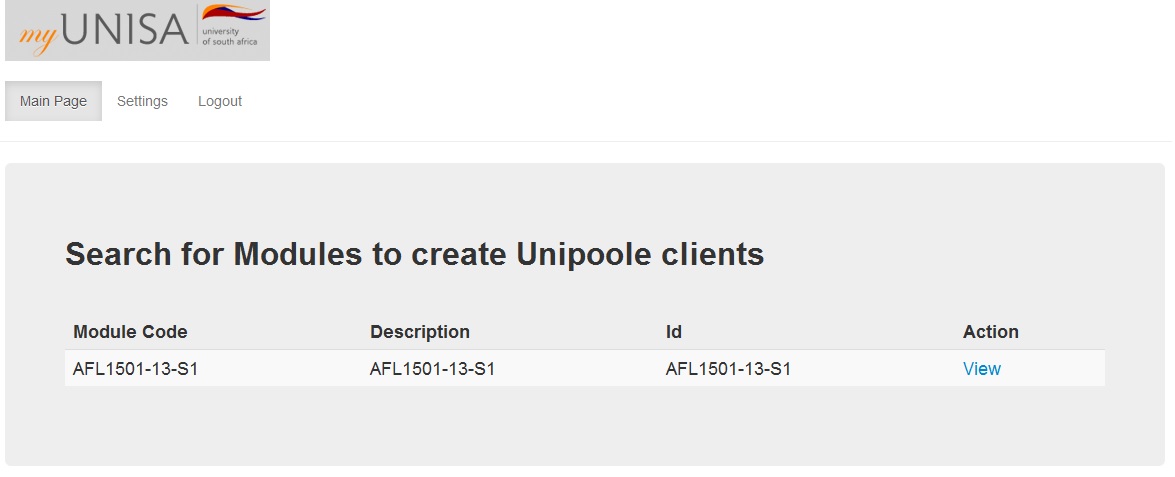
- Select 'View' at the correct module.
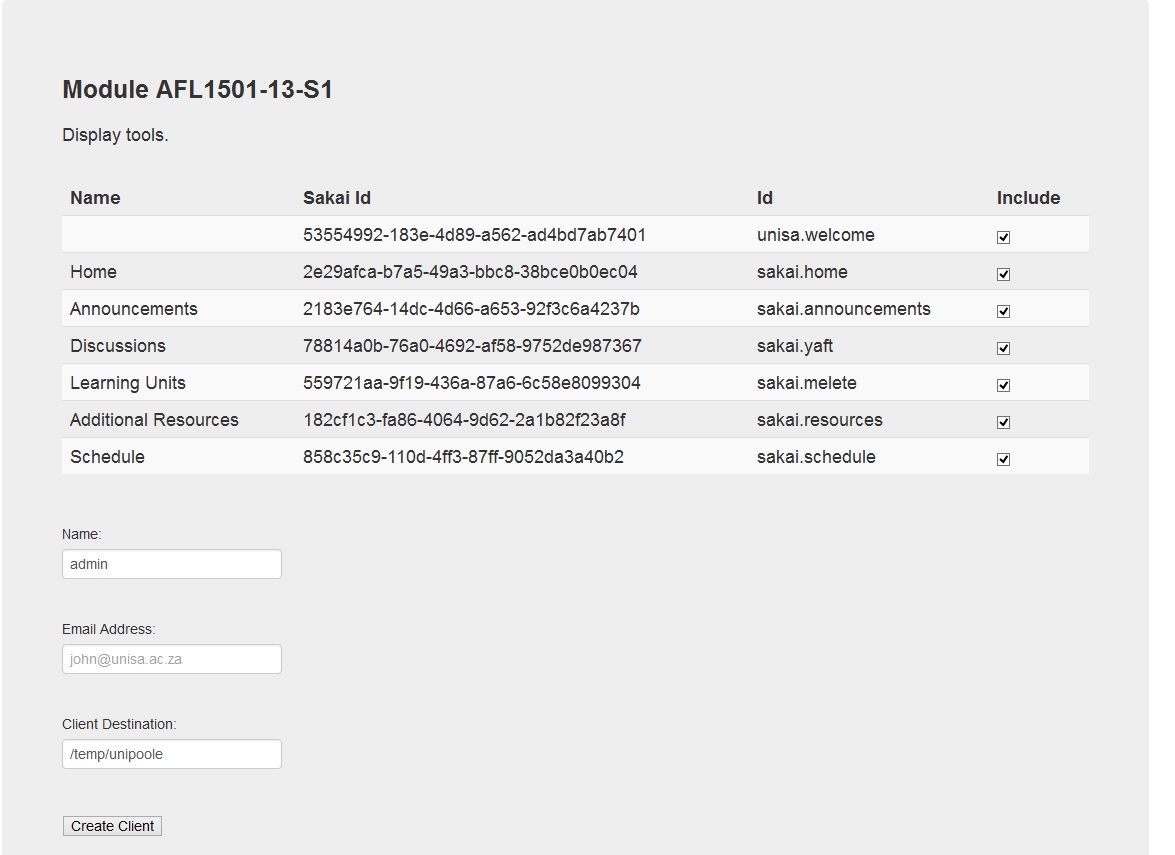
- Enter your name, email and the destination of the client file and select 'Create Client'
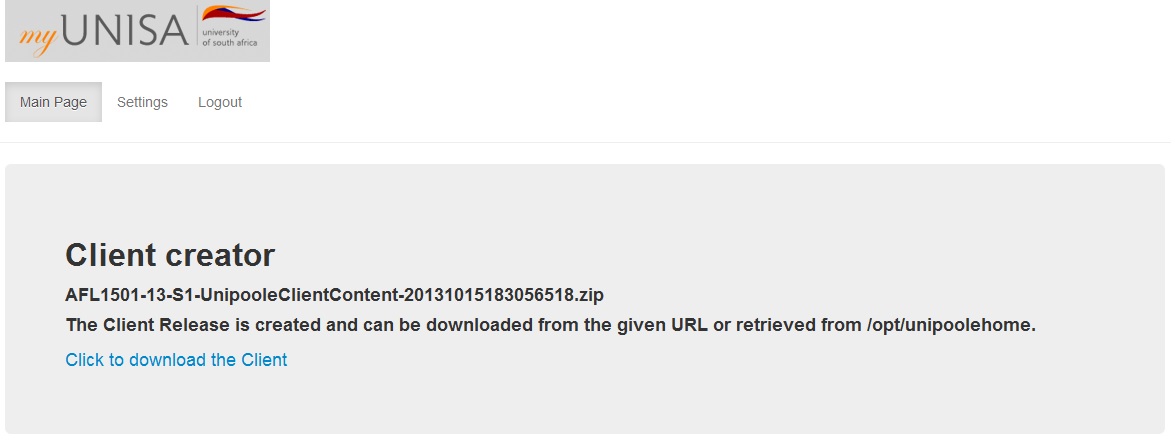
If the files have already been generated you will see a message giving you the download link. If the files must still be generated a message will display telling you that you will receive an email with the link once the package has been created.