Project development has stopped. This release is stable but will no longer continue. I lost my LabVIEW license...
Video playback and control in LabVIEW. LabVLC provides a high-level library for adding video to your LabVIEW projects using VLC, an open source media player. You can use it to display a demonstration video of your VI within the VI itself, quickly and interactively tune video playback speed and audio, or just watch a movie. LabVLC can turn LabVIEW into VLC.
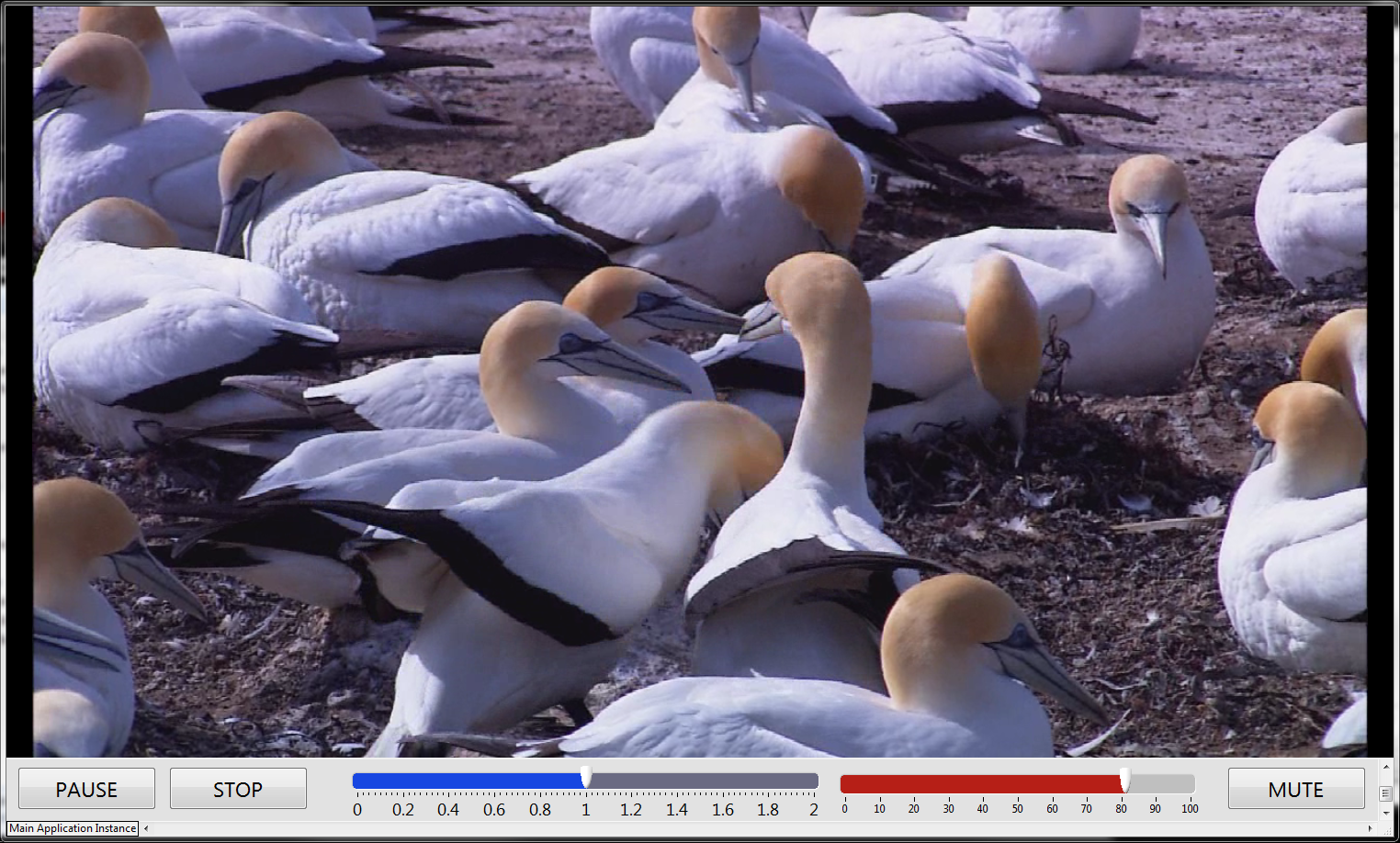
- Play, pause, mute, stop video
- Manipulate video volume
- Manipulate video playback speed (affects sound tempo, but not pitch)
- Works with all VLC video codecs (many many many)
- LabVIEW
- VLC
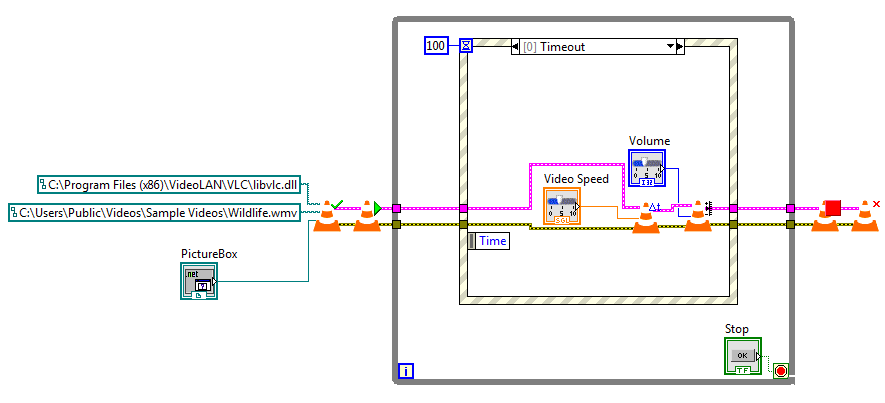
- Initialize a VLC controller in your VI using
LabVLC - InitControl.vi. Requires a pointer to thelibvlc.dllof the VLC installation directory, a path to your video, and a PictureBox handle (.NET). - Pass the output cluster to the Play VI (
LabVLC - PlayControl.vi) - Perform other playback controls, make some popcorn, watch a movie...
- Stop the video when desired (
LabVLC - StopControl.vi) - Release the VLC media player using
LabVLC - TerminateControl.vi
See LabVLC - Example.vi to try out a simple video player (pictured above)