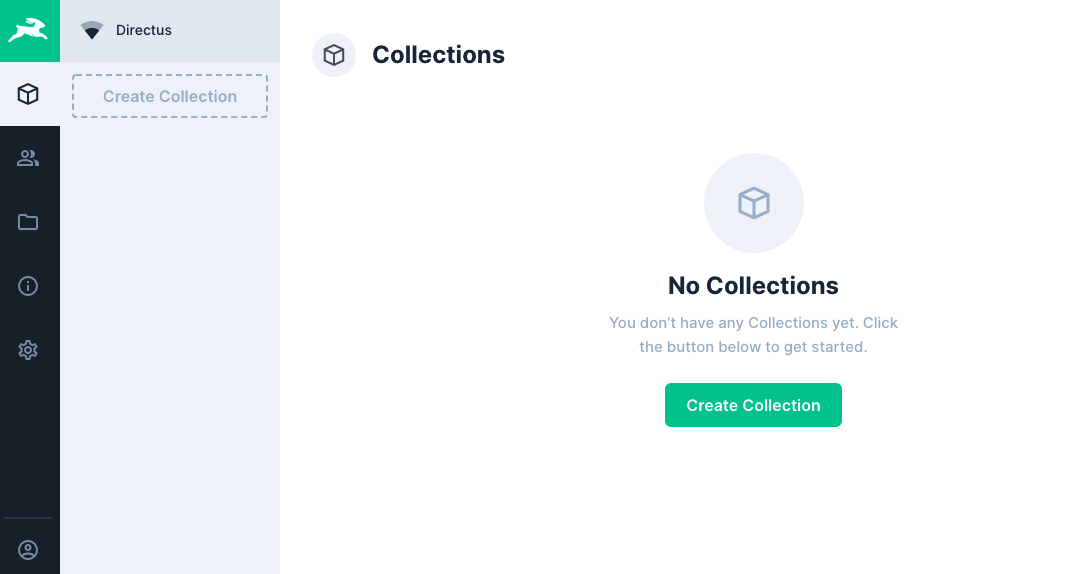
On a new server in your cleavr.io account, add a new site and select Directus as the app type.
Expand Advanced Options and enable the option to Setup Database. Select MySQL for your database server type.
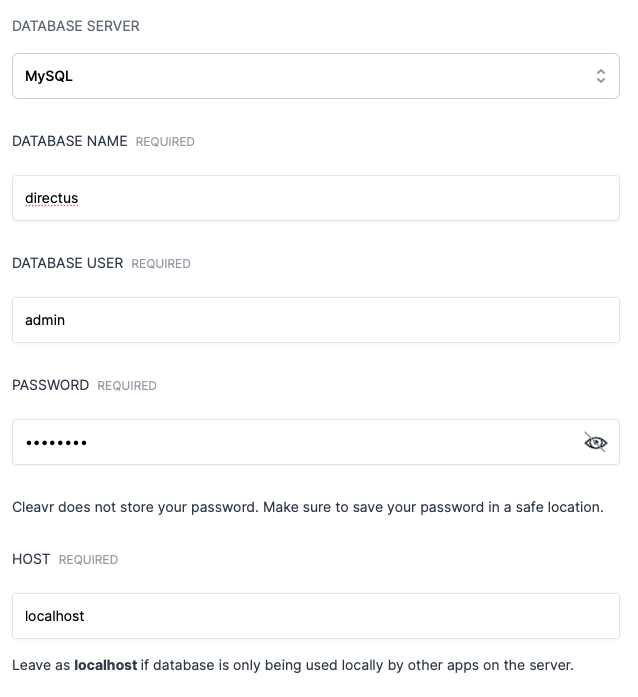
In the web app section, select Complete Setup for the web app that was created for the site.
On the Code Repository tab, enter the following:
Version Control Provider: GitHub
Repository: cleavr/directus-example
Branch: master
Click Update.
Once you have everything configured, deploy! 🚀
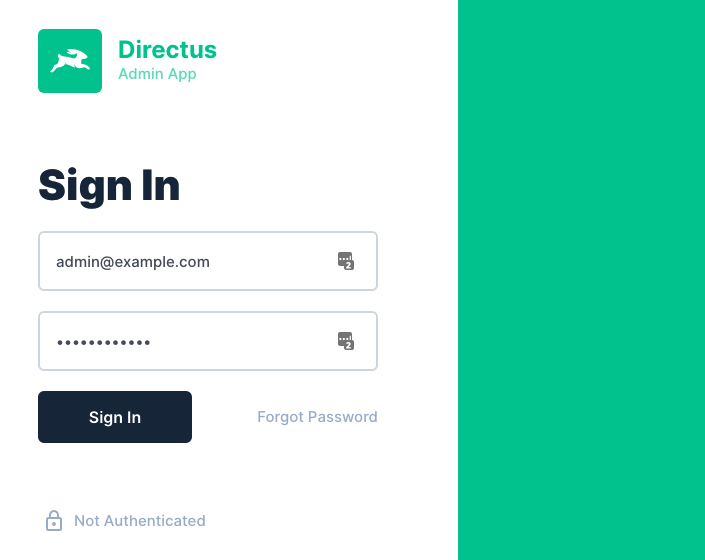
After deployment, check the Build Assets logs. You will get the initial email and password to login to your Directus app.
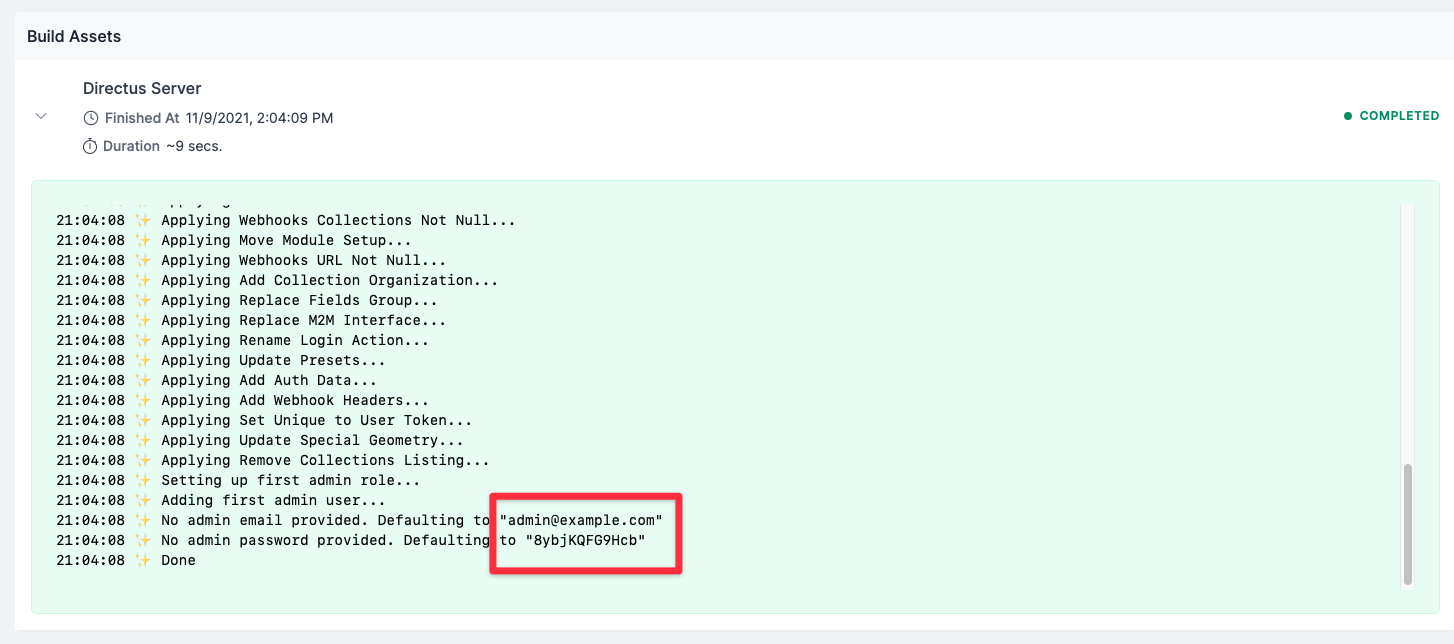
Use the email and password to login to your Directus App. You can change the credentials later.