React is a great front-end framework, but can be tough to debug or see the big picture. Nested components defined in other disparate folders and JSX syntax make it hard to get a clear snapshot of your component hierarchy and each component's internal state.
React Developer Tools are easy to install and require no set-up. Just install the React Developer Tools Chrome Extension and open up the Chrome Console. You should see a new tab, 'React', that will show you all your components, and give you access to their state.
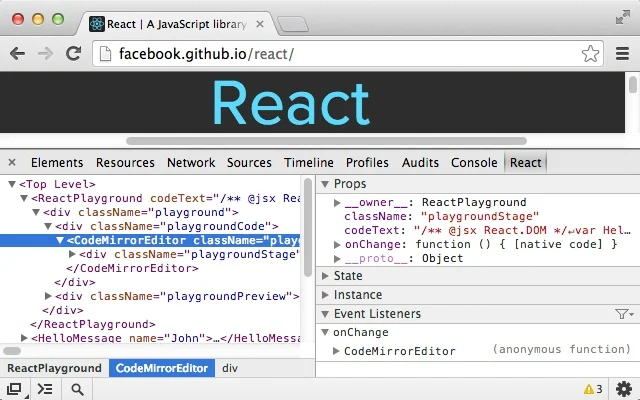
Check out the docs for a brief overview. You can even use React Developer Tools on the React homepage. So meta. A couple things to try:
- Inspect a component, looking at it's props and state
- Change a component's state from the console
- Compare a component to the native HTML it generates (look at the "Elements" tab)
Take a few minutes to install the extension and play around with it while completing tonights homework. If nothing else, it will expand your visual model of React and your component hierarchy.