Pglet ("piglet") is a rich user interface (UI) framework for scripts written in PowerShell or any other language. Pglet renders web UI, so you can easily build web apps with Bash. Knowledge of HTML/CSS/JavaScript is not required as you build UI with controls. Pglet controls are built with Fluent UI React to ensure your programs look cool and professional.
- Bash, Zsh on Linux or macOS. Windows is not supported.
Download pglet.sh helper script from our website:
curl -O https://pglet.io/pglet.sh
Create hello.sh with the following content:
. pglet.sh

pglet_page
pglet_send "add text value='Hello, world!'"
Run sh hello.psh and in a new browser window you'll get:
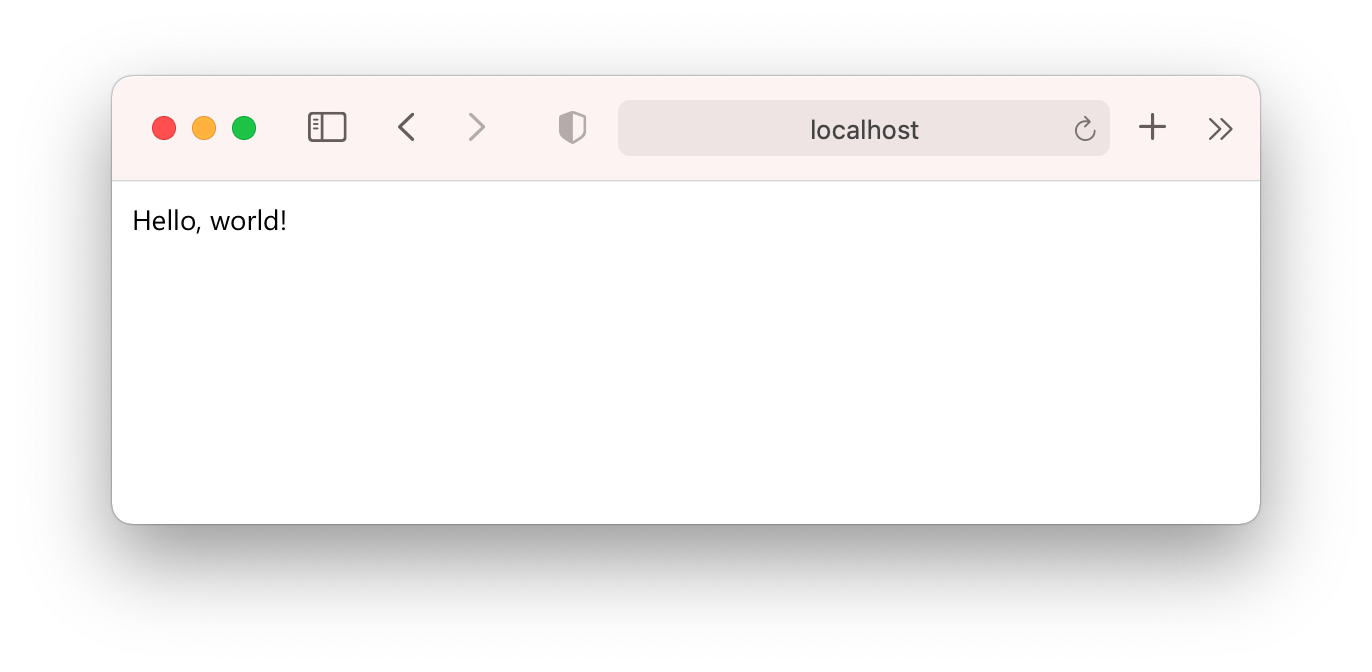
Here is a local page served by an instance of Pglet server started in the background on your computer.
Add PGLET_WEB=true before pglet_page call:
. pglet.sh

PGLET_WEB=true pglet_page
pglet_send "add text value='Hello, world!'"
This time page will be created on Pglet hosted service.
Read Bash tutorial for further information and more examples.