
Arch · Hyprland 0.56 · pywal16


A chromatophore is the pigment cell a cephalopod uses to take on the colour of whatever is behind it. This does the same to a desktop: a Wayland setup on Arch where the whole system is painted from the wallpaper. Change the background and the bar, launcher, terminal, prompt, notifications, editor, browser and GTK and Qt apps pick up the new palette in the same pass.
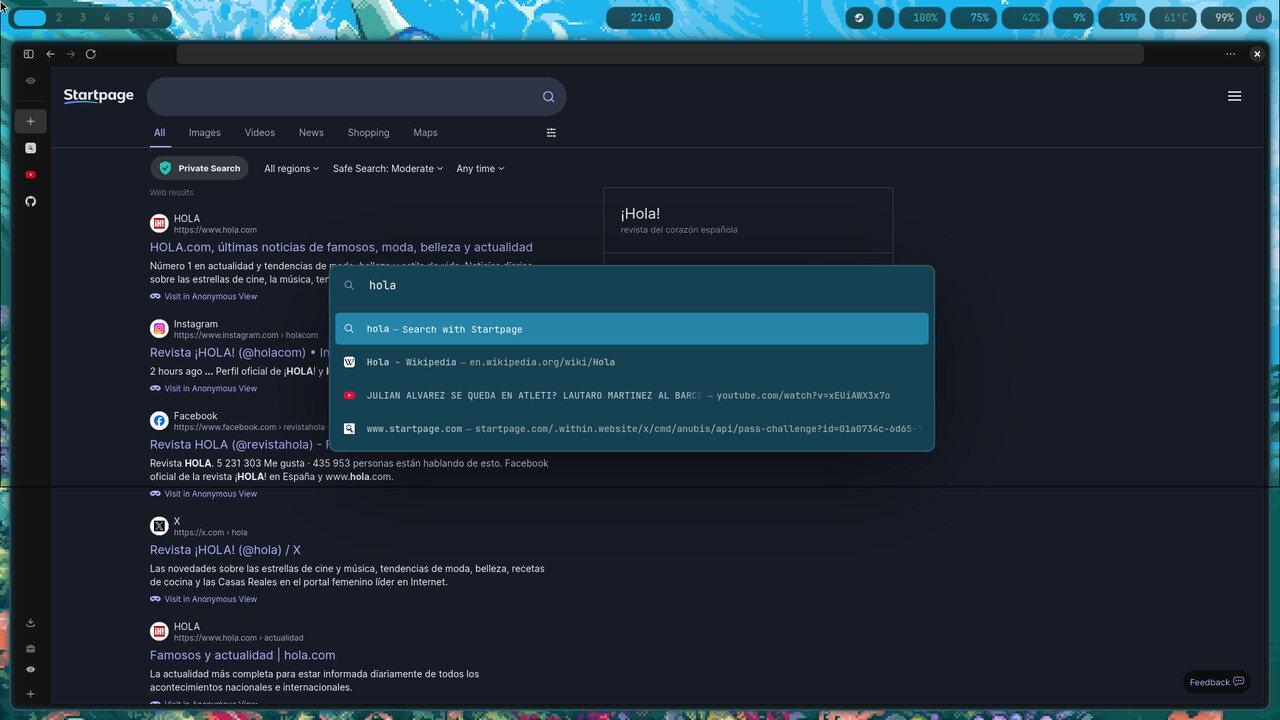
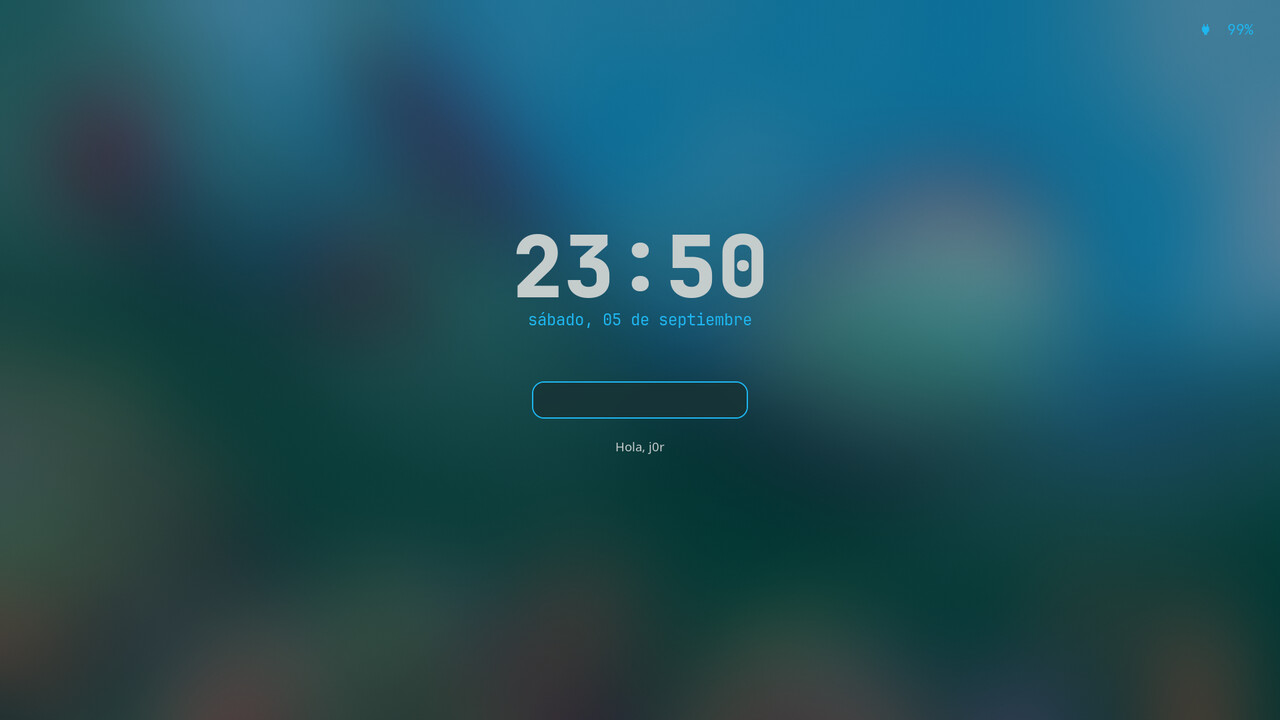
Same screens, two wallpapers, not a single line of config changed between the columns. Click any image for the full size.
| akira | kyogre | |
|---|---|---|
| Desktop | 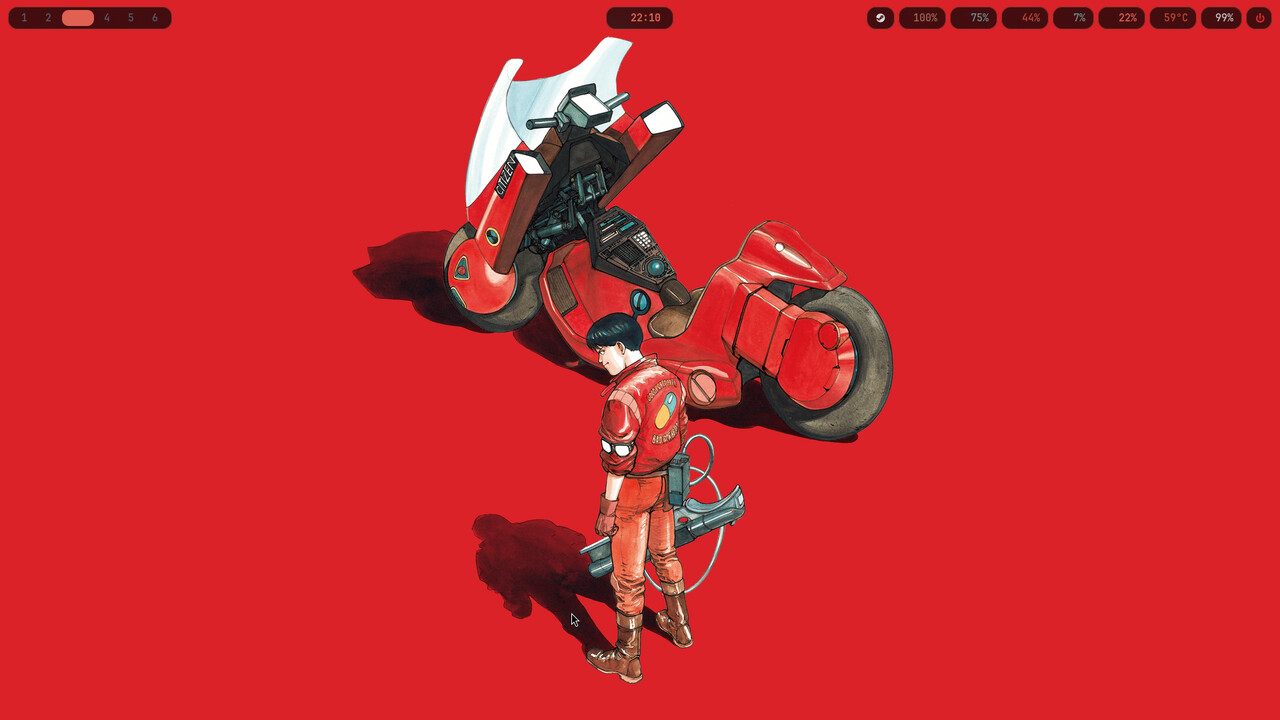 |
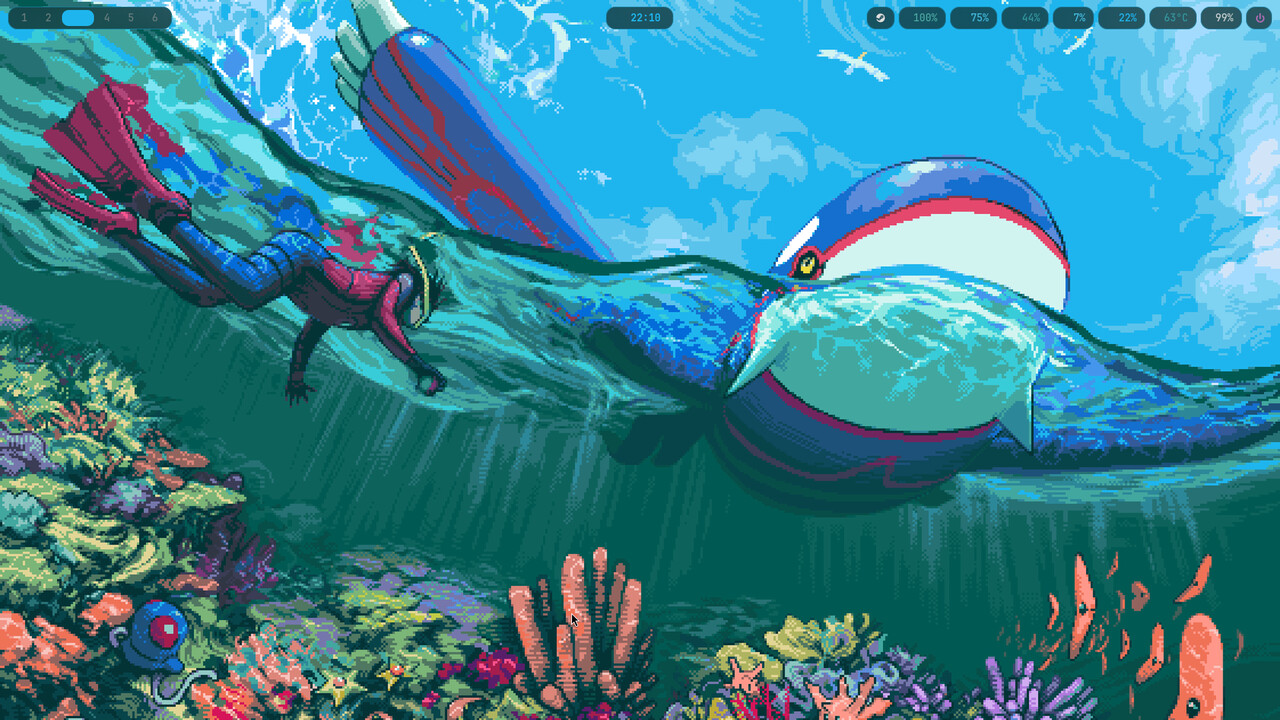 |
| fastfetch | 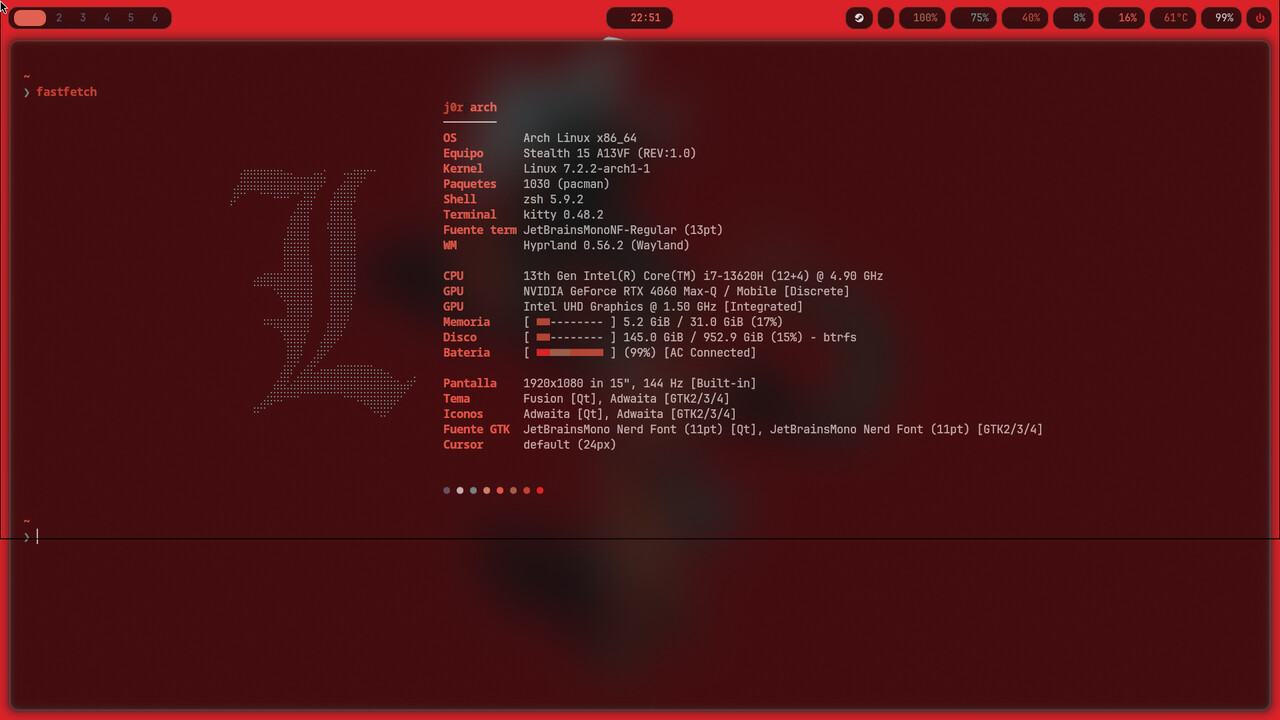 |
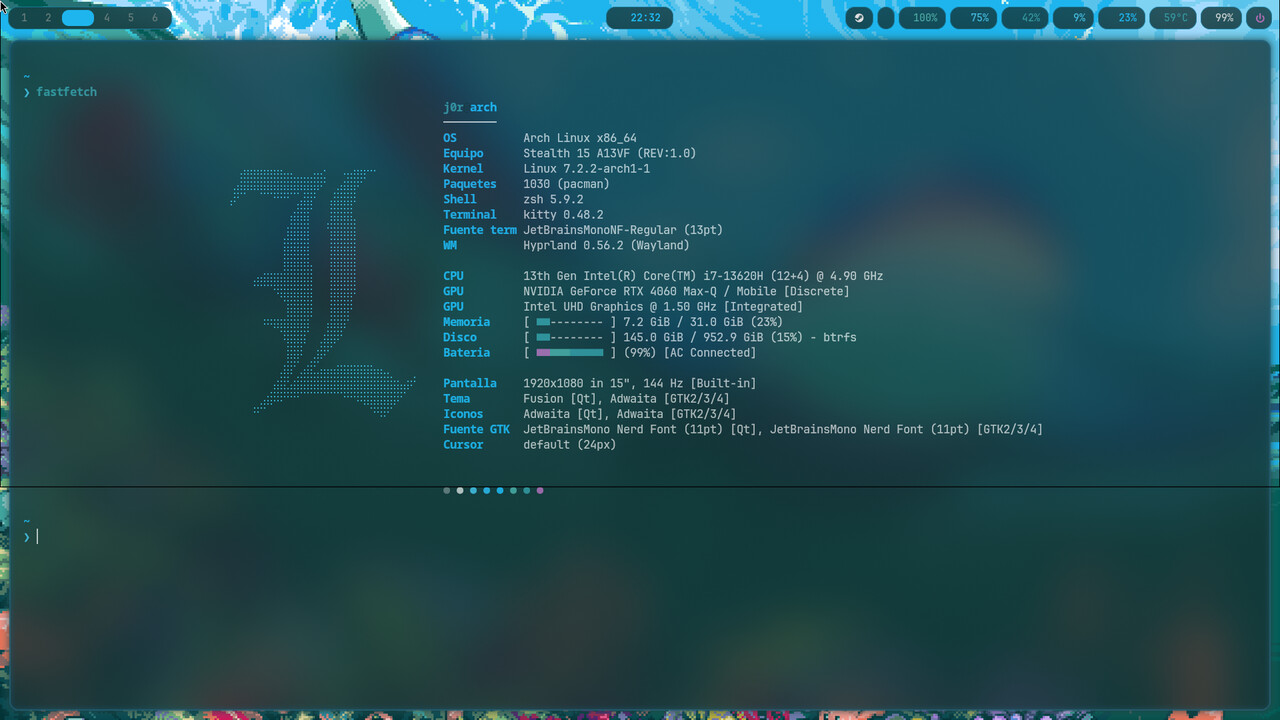 |
| Thunar (GTK) | 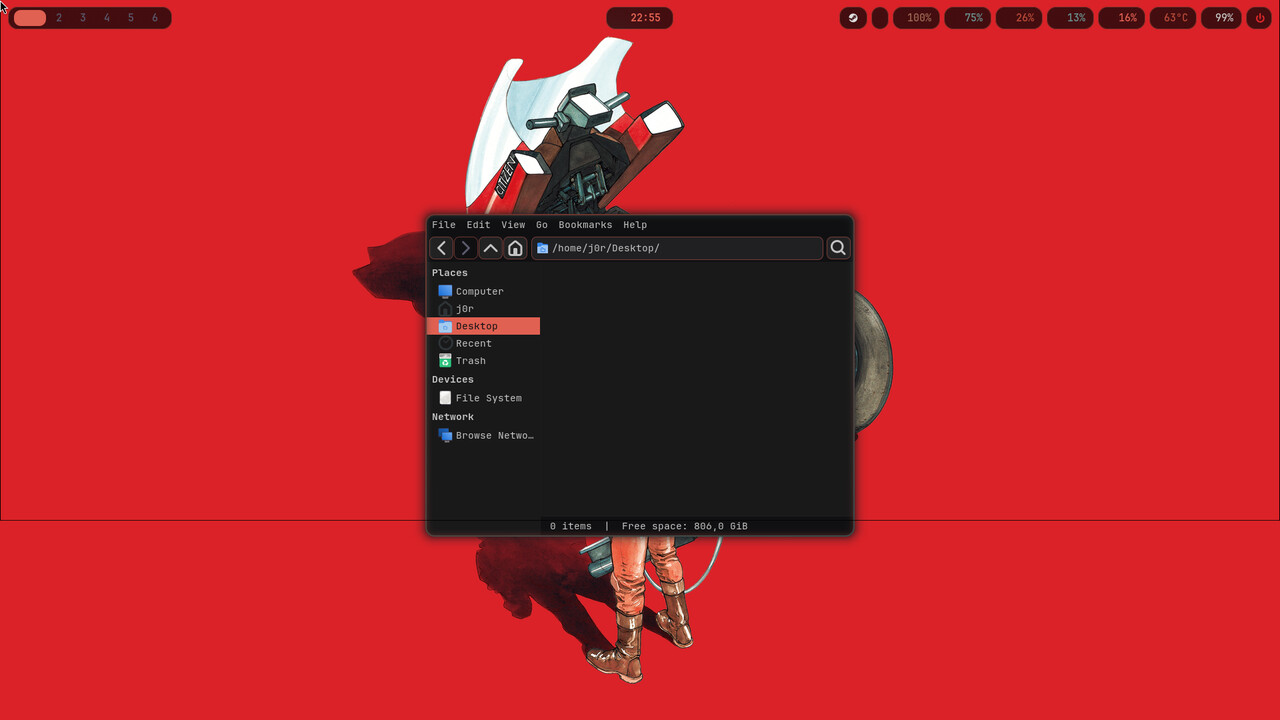 |
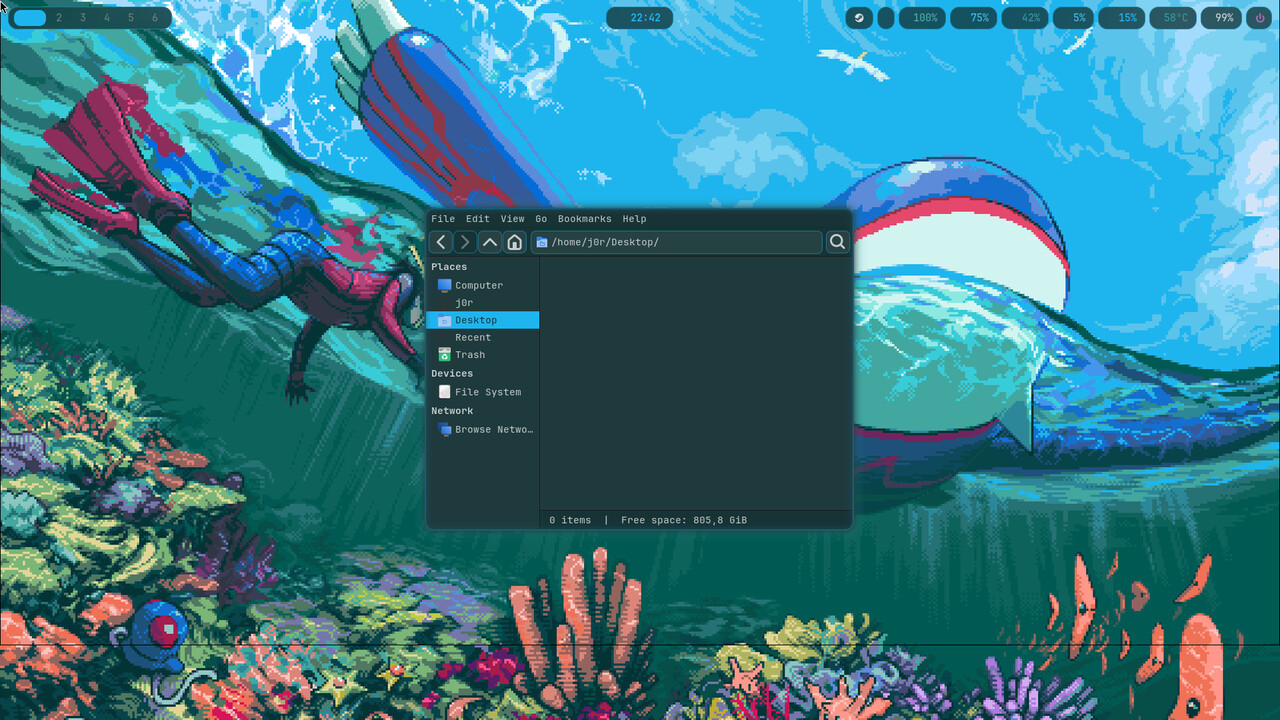 |
| Code - OSS | 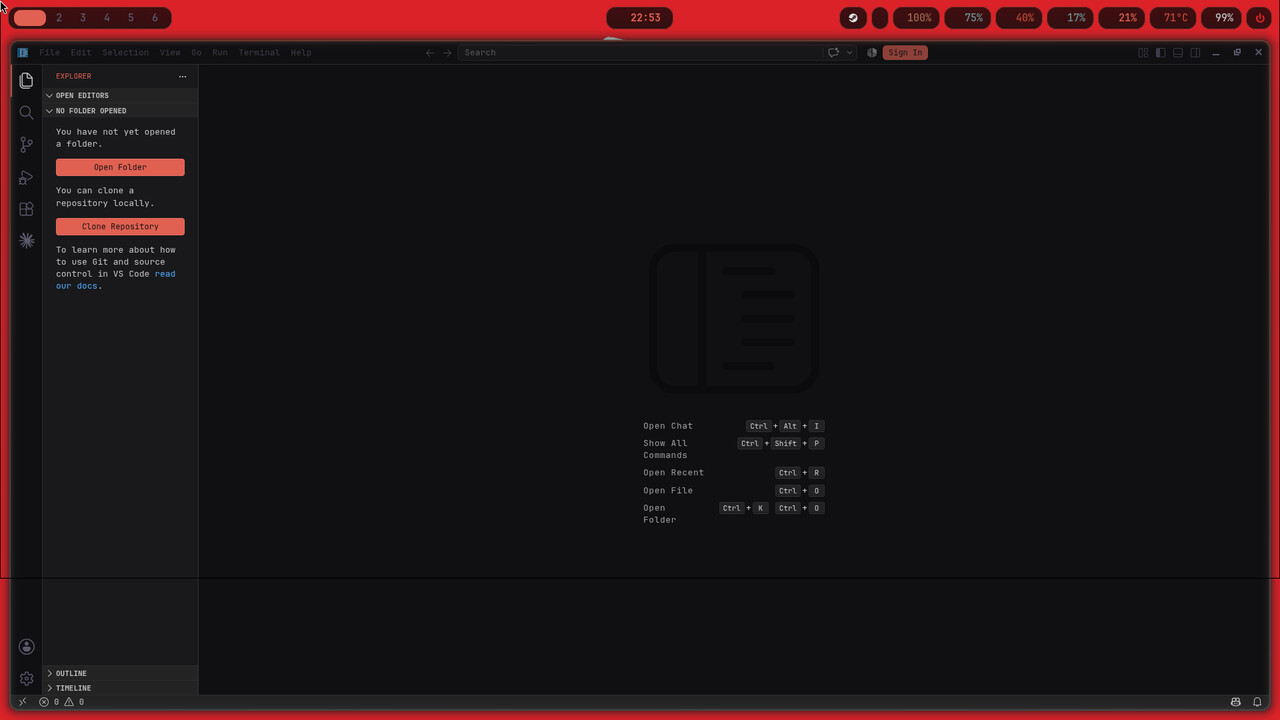 |
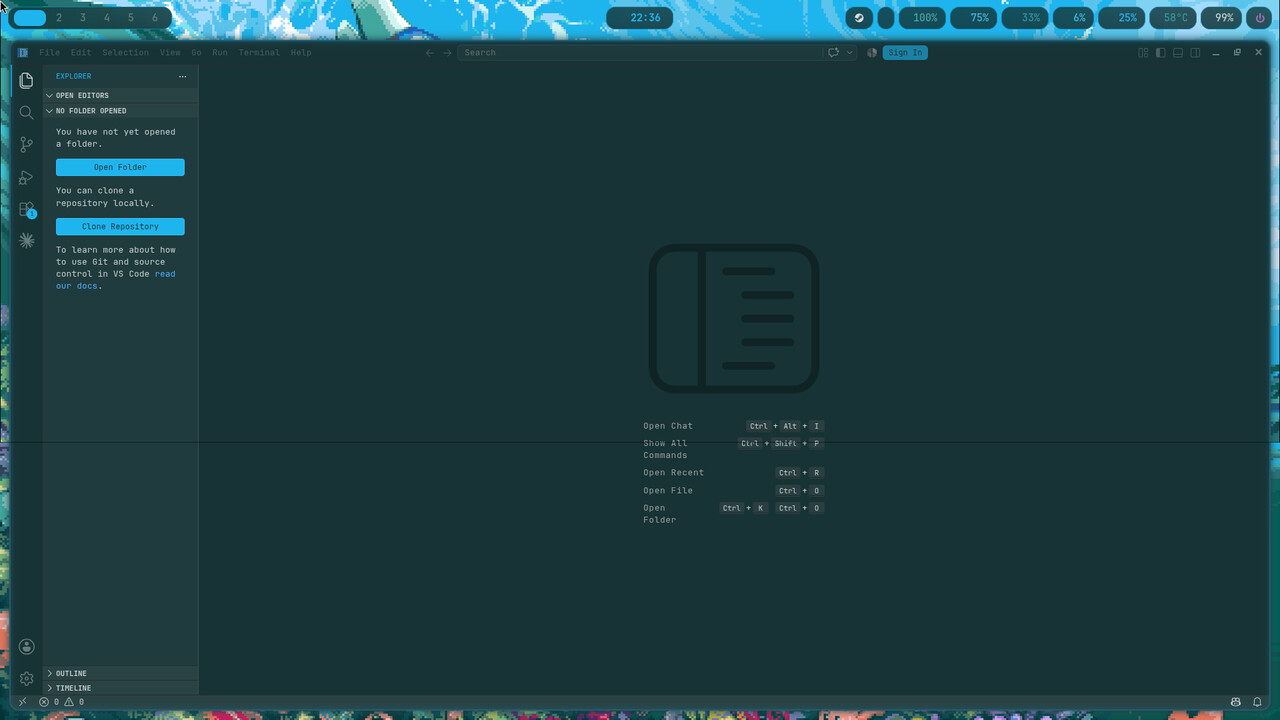 |
| Zen Browser | 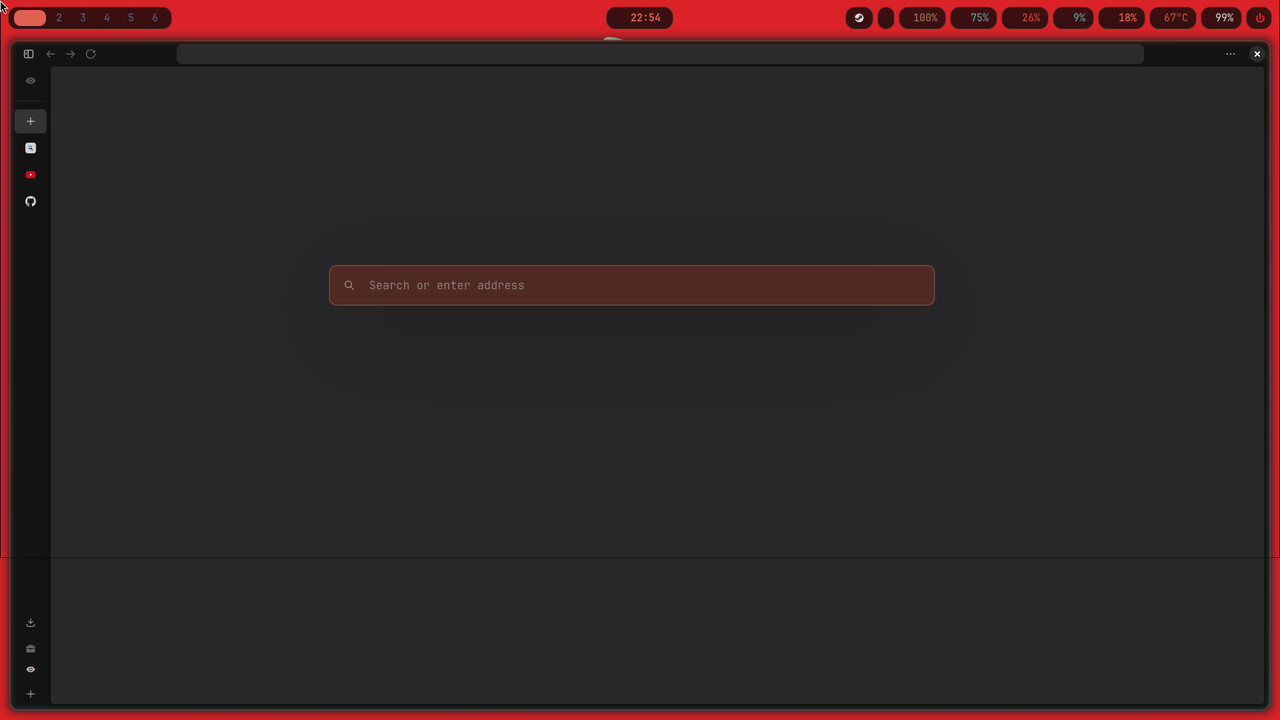 |
 |
| hyprlock | 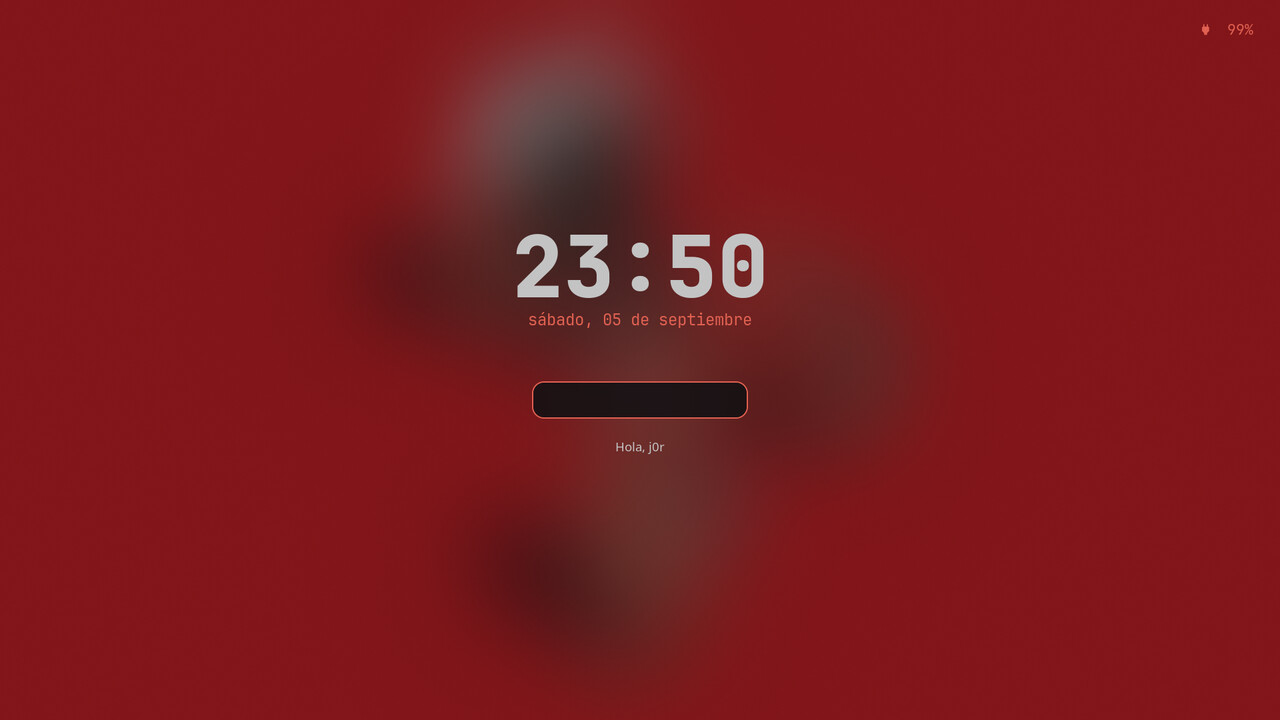 |
 |
wallpaper ──► wal ──► ~/.cache/wal/* ──► every program
~/.config/hypr/scripts/wall.sh sets the wallpaper, runs pywal and reloads
each program. The colour mappings live in ~/.config/wal/templates/: to change
how a colour is used, edit the template, never the program's final config.
- Updates live: Hyprland, waybar, wofi, swaync, wlogout, kitty, starship, GTK3/GTK4 apps, hyprlock, Code - OSS, Obsidian and open terminals.
- On the next launch: Qt6 apps, btop, cava, fzf, eza, yazi, lazygit, Zen Browser, and optionally Steam and Spotify.
- Left alone on purpose: DaVinci Resolve, Discord, and the icon and cursor themes.
~/.config/hypr/scripts/theme-status.sh checks the whole chain and exits
non-zero if any consumer is out of date.
This is a bare repo: files live where programs read them, with no symlinks.
git clone --bare https://github.com/jorgeress/cromatoforo.git "$HOME/.dotfiles"
alias dot='git --git-dir=$HOME/.dotfiles --work-tree=$HOME'
dot checkout                                  # overwrites existing files
dot config status.showUntrackedFiles no

~/.local/bin/dotfiles-bootstrap --paquetes    # packages, GTK, Qt, Zen; idempotent, has --dry-run
chsh -s /usr/bin/zsh

awww-daemon &
~/.config/hypr/scripts/wall.sh /path/to/a/wallpaper.jpg
~/.config/hypr/scripts/theme-status.sh
If dot checkout complains about files it would overwrite, move them first or
use dot checkout -f.
Two optional files are loaded last if they exist, so whatever you put in them
wins, and dot pull never conflicts:
| File | Loaded by | For |
|---|---|---|
~/.config/hypr/local.lua |
the end of hyprland.lua |
binds, monitors, window rules |
~/.config/shell/local.sh |
the end of aliases.sh |
your own aliases and functions (bash and zsh) |
If local.lua has an error, Hyprland keeps the repo config and shows a
notification.
Modifier: SUPER.
| Keys | Action |
|---|---|
SUPER + Return / E / B / R |
kitty / Thunar / Zen / launcher |
SUPER + Q |
close window |
SUPER + F / V |
fullscreen / floating |
SUPER + h j k l |
move focus (+ SHIFT moves the window) |
SUPER + 1..9 |
go to workspace (+ SHIFT sends the window) |
SUPER + W / SUPER + SHIFT + W |
random wallpaper / pick a wallpaper |
PRINT |
region screenshot to the clipboard |
SUPER + CTRL + L / Q |
lock / power menu |
Everything the config uses, ready for pacman -S --needed -, in
~/.config/pkglists/ (installed by dotfiles-bootstrap --paquetes).
- Core:
hyprlandwaybarwofikittyhyprlockhypridleswayncwlogoutawwwpython-pywal16qt5ctqt6ct - Tools:
starshipbtopcavafastfetchthunarcliphistwl-clipboardgrimslurpplayerctlbrightnessctlimagemagickjq - Font:
ttf-jetbrains-mono-nerd(required for the bar and prompt glyphs) - Optional:
steamwith Adwaita-for-Steam, andspicetify-clifor Spotify. Without them the scripts simply do nothing.
MIT, see LICENSE.