
MacBook display and keyboard backlight controller (with sound!) based on openFrameworks.
- openFrameworks 0.9.3+
- ofxDisplayBrightness
- ofxKeyboardBacklightBrightness
- ofxUI
- ofxXmlSettings
- ofxFFT
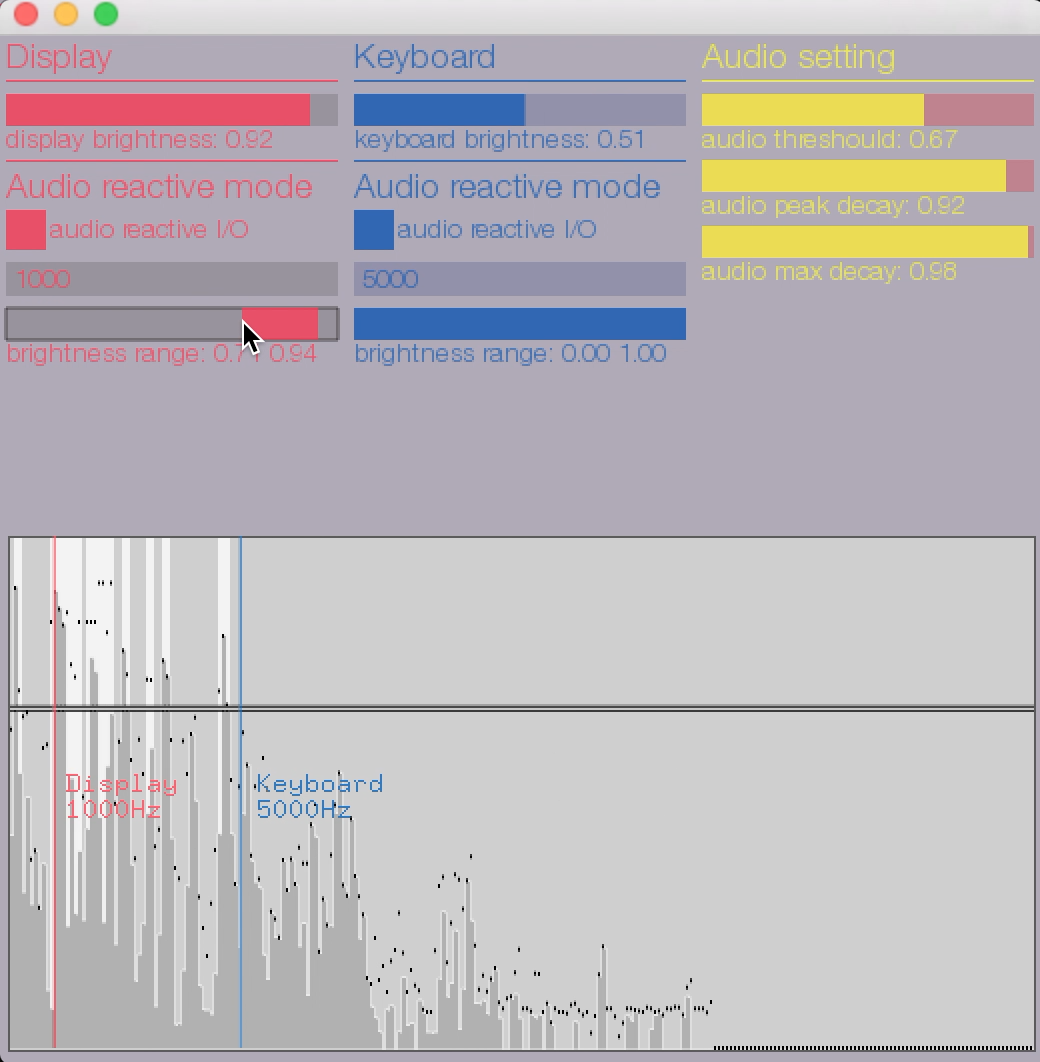
- Just drag top two sliders(display brightness & keyboard brightness)
- Type frequency in the text input bar.
- Drag range slider(brightness range).
- Put audio reactive I/O button.
Audio sthreshould, audio peak decay, audio max decay can be controlled at Audio setting sliders as well.
Copyright 2016-, Scott Allen(scottallen.ws).
Twitter:@Scott_Allen__.