
Unmaintained. This fork is no longer developed and no binaries are published. It is left here as a record of the work. Nothing in it should be used with real funds, and the code has not been reviewed or tested for that purpose. No warranty of any kind — see the Apache 2.0 licence.
Shrike is an unofficial fork of Sparrow Bitcoin Wallet, adding support for the BLAKE2b proof-of-work hard fork chain proposed in Bitcoin Knots PR #359 ("BIP-110" / RDTS). It is not Sparrow itself, and it is not affiliated with the Sparrow project. If you are looking for a Bitcoin wallet, use upstream Sparrow — everything below this section is upstream's documentation, and describes Sparrow rather than Shrike.
It adds support for the 164 byte v2 block header and the BLAKE2b proof of work used by the forked chain. The v2 header fork is live on testnet4, activating at height 149537. On mainnet the forked chain still uses SHA256d; the BLAKE2b proof-of-work change is scheduled for 1 September 2026, and the activation height is not yet announced. Shrike is therefore intended for developers and testing, not for holding funds.
DO NOT USE THIS ON MAINNET OR THE FORKED MAINNET CHAIN.
IF YOU DO, YOU HAVE NO REPLAY PROTECTION. No build carries a mainnet activation height, so past activation the wallet declines to opt in and signs the legacy way. The same happens on any chain if even one keystore is hardware-held. Those signatures are valid on both the forked chain and the original one — which is exactly what replay protection exists to prevent. The wallet notes this in its log. It does not stop you.
Shrike carries its own application identity, so it installs and runs alongside an existing Sparrow without sharing any state with it. Its configuration, wallets and log file live in ~/.shrike and the corresponding XDG directories, rather than the ~/.sparrow that upstream uses, and the two have separate single instance locks. The Linux packages are named shrike and shrikeserver and install under their own prefix, /opt/shrike or /opt/shrikeserver, registering their own desktop entry and MIME types rather than upstream's, so they should not overwrite an existing Sparrow install. That has been checked by inspecting the contents of the built deb and rpm, not by installing them on a machine alongside an upstream Sparrow. Only the Linux packaging has been renamed so far: the macOS bundle metadata and the Windows installer still carry upstream's names. The version reports as 2.5.4-blake2b.1, being the upstream version this fork is based on with a suffix identifying it.
The v2 header parsing and serialisation, and the proof-of-work hash pipeline, live in the drongo submodule, which points at AcesHigh70/drongo branch blake2b-header. The lark submodule remains upstream's. Within the wallet itself, the bundled Cormorant now uses raw header hex from bitcoind rather than rebuilding headers from verbose JSON.
The drongo unit tests assert every stage of the proof-of-work pipeline against the reference implementation's own test vectors (block_header_v2.json from luke-jr/bitcoin, branch pow_hf_blake2b). The wallet has also been verified end to end against a live forked regtest node: connect, sync, send and confirm. Instructions to reproduce that verification are provided.
Building is the same as upstream, except that the drongo submodule must come from this fork — clone this repository, not upstream's:
git clone --recursive https://github.com/AcesHigh70/sparrow.git shrike
cd shrike
git checkout blake2b-header
git submodule update --init --recursive
Java 25 or higher is required, as upstream. --recursive matters: the BLAKE2b work lives in the drongo submodule, and a plain clone leaves it empty. If you clone over SSH instead, make sure an ssh-agent is running with your key added, or the submodule clones fail with Permission denied (publickey) even though the parent clone succeeded.
No binaries are published for this fork. Build from source as described above.
Binaries previously published here have been withdrawn. They predate a change to the unified sighash message and produce signatures a current node rejects, so they should not be used.
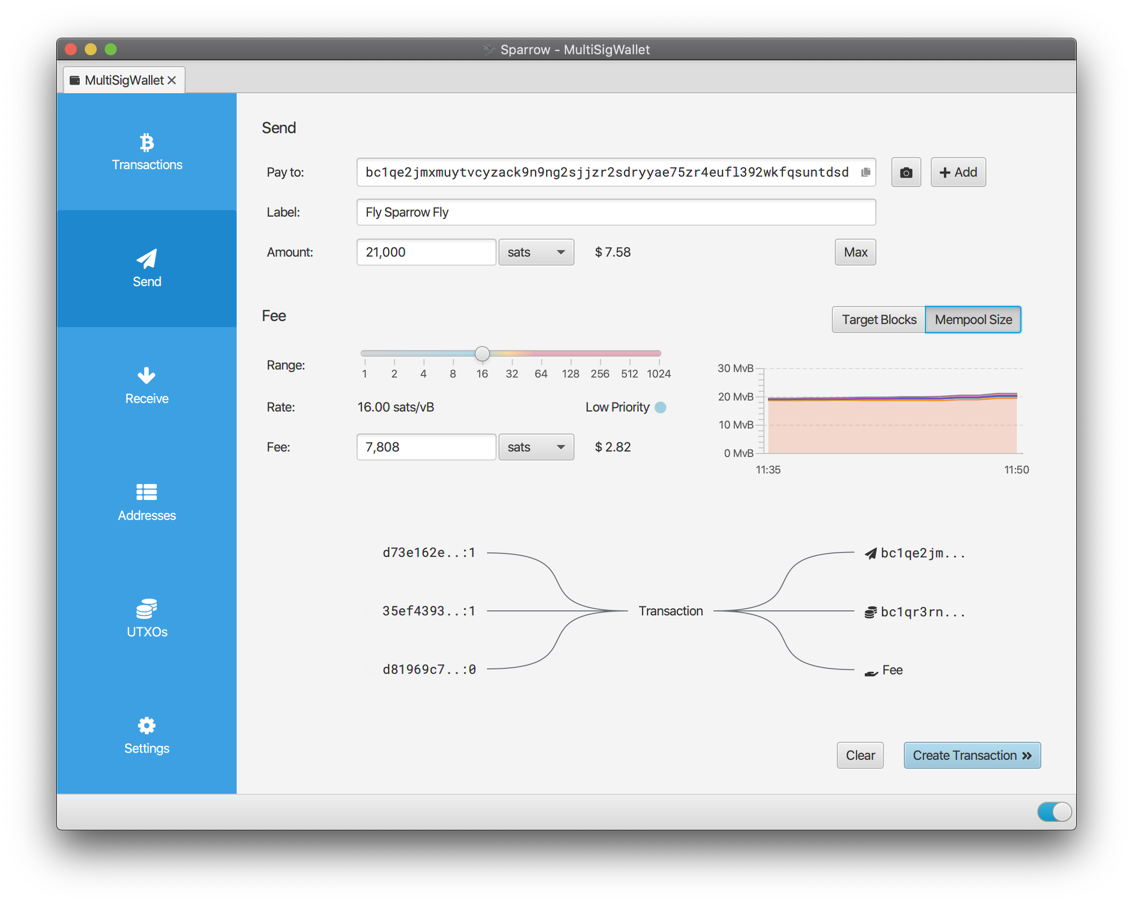
Sparrow is a modern desktop Bitcoin wallet application supporting most hardware wallets and built on common standards such as PSBT, with an emphasis on transparency and usability.
More information (and release binaries) can be found at https://sparrowwallet.com. Release binaries are also available directly from GitHub.
To clone this project, use
git clone --recursive git@github.com:sparrowwallet/sparrow.git
or for those without SSH credentials:
git clone --recursive https://github.com/sparrowwallet/sparrow.git
In order to build, Sparrow requires Java 25 or higher to be installed.
The release binaries are built with Eclipse Temurin 25.0.2+10.
If you are using SDKMAN, you can use sdk env install to ensure you have the correct version.
Other packages may also be necessary to build depending on the platform. On Debian/Ubuntu systems:
sudo apt install -y rpm fakeroot binutils
The Sparrow binaries can be built from source using
./gradlew jpackage
Note that to build the Windows installer, you will need to install WiX.
When updating to the latest HEAD
git pull --recurse-submodules
The release binaries are reproducible from v1.5.0 onwards (pre codesigning and installer packaging). More detailed instructions on reproducing the binaries are provided.
Video documentation of your build process uploaded to bitcoinbinary.org is appreciated. Alternatively check the site if you wish to see if someone else already verified the provided binaries.
If you prefer to run Sparrow directly from source, it can be launched from within the project directory with
./sparrow
Java 25 or higher must be installed.
Sparrow has a number of command line options, for example to change its home folder or use testnet:
./sparrow -h

Usage: sparrow [options]
  Options:
    --dir, -d
      Path to Sparrow home folder
    --help, -h
      Show usage
    --level, -l
      Set log level
      Possible Values: [ERROR, WARN, INFO, DEBUG, TRACE]
    --network, -n
      Network to use
      Possible Values: [mainnet, testnet, regtest, signet, testnet4]
Note that testnet currently refers to testnet3.
As a fallback, the network (mainnet, testnet, testnet4, regtest or signet) can also be set using an environment variable SPARROW_NETWORK. For example:
export SPARROW_NETWORK=testnet
A final fallback which can be useful when running the Sparrow binary is to create a file called network-testnet in the Sparrow home folder (see below) to configure the testnet network.
Note that if you are connecting to an Electrum server when using testnet, that server will need to be running on testnet configuration as well.
When not explicitly configured using the command line argument above, Sparrow stores its mainnet config file, log file and wallets in a home folder location appropriate to the operating system:
| Platform | Location |
|---|---|
| macOS | ~/.sparrow |
| Linux | ~/.sparrow |
| Windows | %APPDATA%/Sparrow |
Testnet3, testnet4, regtest and signet configurations (along with their wallets) are stored in subfolders to allow easy switching between networks.
On macOS and Linux, Sparrow also supports the XDG Base Directory Specification. This is opt in: for each category below, if the corresponding directory already exists, Sparrow uses it, otherwise it continues to use the home folder above. Categories are resolved independently, so files can be moved across one at a time.
| Category | Location | Contents |
|---|---|---|
| Config | $XDG_CONFIG_HOME/sparrow (default ~/.config/sparrow) |
config, network-* markers |
| Data | $XDG_DATA_HOME/sparrow (default ~/.local/share/sparrow) |
wallets, certs, lark |
| State | $XDG_STATE_HOME/sparrow (default ~/.local/state/sparrow) |
sparrow.log, tor/work, lock files |
| Cache | $XDG_CACHE_HOME/sparrow (default ~/.cache/sparrow) |
tor/cache |
Specifying a home folder with the -d argument disables XDG resolution entirely, and stores all files in the given folder.
Please use the Issues tab above to report an issue with this fork. Issues that are not specific to the BLAKE2b fork should be reported upstream instead. If possible, look in the sparrow.log file in the configuration directory for information helpful in debugging.
Sparrow is licensed under the Apache 2 software licence.
The Sparrow release binaries here and on sparrowwallet.com are signed using craigraw's GPG key:
Fingerprint: D4D0D3202FC06849A257B38DE94618334C674B40
64-bit: E946 1833 4C67 4B40

Sparrow Wallet uses the Yourkit Java Profiler to profile and improve performance. YourKit supports open source projects with useful tools for monitoring and profiling Java and .NET applications.