A powerful and elegant clipboard manager for macOS that enhances your productivity by keeping track of multiple copied items and providing quick access through the menu bar.
- Automatically stores your recently copied text items
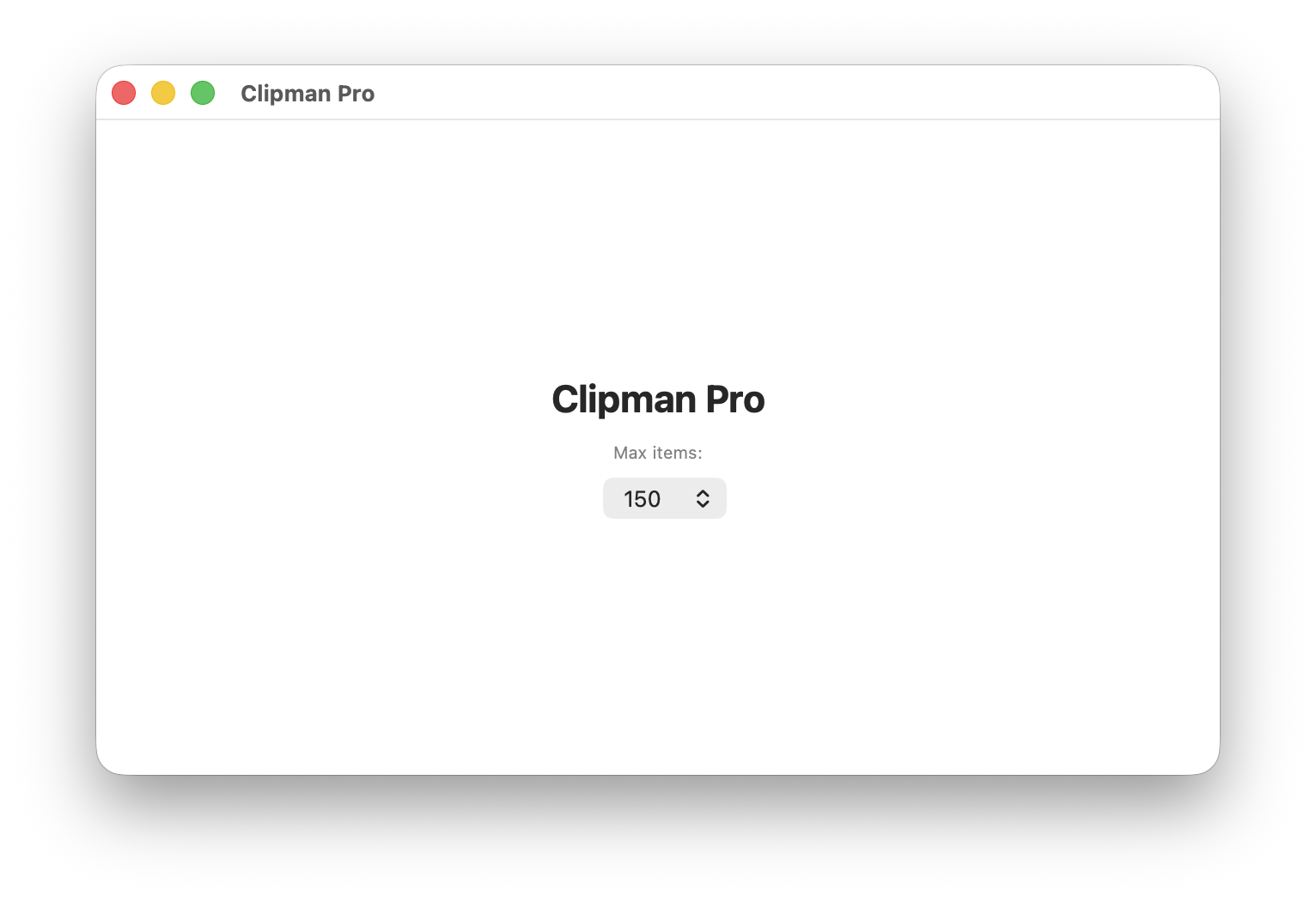
- Configurable maximum items (25-300)
- Persistent storage across app restarts
- Smart duplicate detection
- Pin frequently used items to keep them at the top
- Pinned items stay visible even when new items are added
- Easy toggle pin/unpin with a single click
- Always available in your menu bar
- Click any item to instantly copy it back to clipboard
- Smooth hover effects and intuitive interface
- Adjust maximum clipboard items through the settings window
- Option to auto-move copied items to the top
- Confirmation dialogs for destructive actions
- Delete individual items or clear all at once
- Confirmation prompts for pinned item deletion
- Automatic cleanup when reducing maximum items
-
Automatic Monitoring: Clipman Pro runs quietly in the background, monitoring your clipboard for new content every 0.5 seconds.
-
Smart Storage: When you copy text, it automatically gets added to your clipboard history, removing duplicates and maintaining the most recent items.
-
Menu Bar Access: Click the clipboard icon in your menu bar to see all your copied items in a clean, organized list.
-
Pin & Organize: Pin important items to keep them easily accessible at the top of your list.
-
Settings: Open the app window to customize the maximum number of items and other preferences.
- Clone this repository
- Open
Clipman Pro.xcodeprojin Xcode - Build and run the project
- The app will appear in your menu bar automatically
- macOS 12.0 or later
- Xcode 13.0 or later (for building from source)
- Copy text as you normally would (⌘C)
- Click the clipboard icon in your menu bar
- Click on any item to copy it back to your clipboard
- Use the pin button to keep important items at the top
- Max Items: Set the maximum number of clipboard items to store (25-300)
- Auto Move to Top: When enabled, copied items automatically move to the top of the list
- Clear All: Remove all clipboard items (with confirmation)
- About: View app information and credits
- Quit: Exit the application
- Built with: SwiftUI and AppKit
- Architecture: MVVM pattern with Combine for reactive updates
- Storage: UserDefaults for persistence
- Monitoring: Timer-based clipboard polling (0.5s intervals)
- Memory: Efficient storage with configurable limits
- All clipboard data is stored locally on your device
- No data is transmitted over the internet
- Clipboard content is only monitored for text data
- Full control over data retention and deletion
This project is open source. Feel free to submit issues, feature requests, or pull requests.
Copyright © 2025 Shyam Mahanta. All rights reserved.
Created by Shyam Mahanta
Version: 1.0 Last Updated: December 2025