Spider is a Discord bot admin tool for monitoring, controlling, and micromanaging your Discord bot user. It provides a terminal-like interface for executing commands on your bot user that can interact with Discord guilds, users and the rest of the API. It is written in Node.js using Electron and Discord.js.
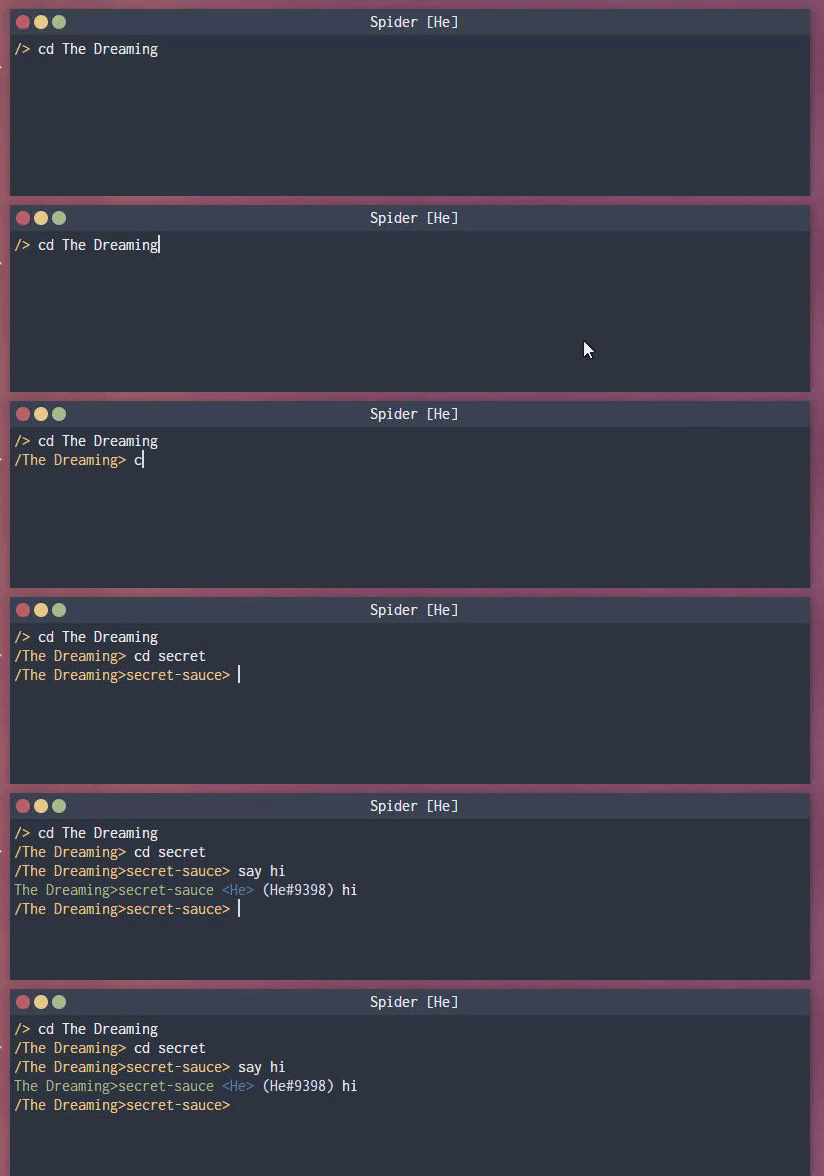
To run it, you have to have Node.js+NPM and Electron installed (you can get Electron by running npm i -g electron). Make sure you also do npm install to get all the dependencies. Once that finishes, either run electron . or npm run start to run Spider.
Ensure all dependencies are installed and run npm run build to build it for your environment or npm run build-all to build for all targets. Executables will be in the out directory.
- Finish implementing the role command
- Add options to the
logincommand to allow declaring additional intents - Add support for using the up/down arrow keys for command history
- Add commands for monitoring other events such as users going online, message edits, etc (maybe modify
monitor) - Add command for checking who's lurking, using status and typing indicators
- Add command similar to monitor except it logs to a file instead of the console
- Add auto export/autolog feature