Privacy-focused Android gallery with smart search support powered by metadata files.
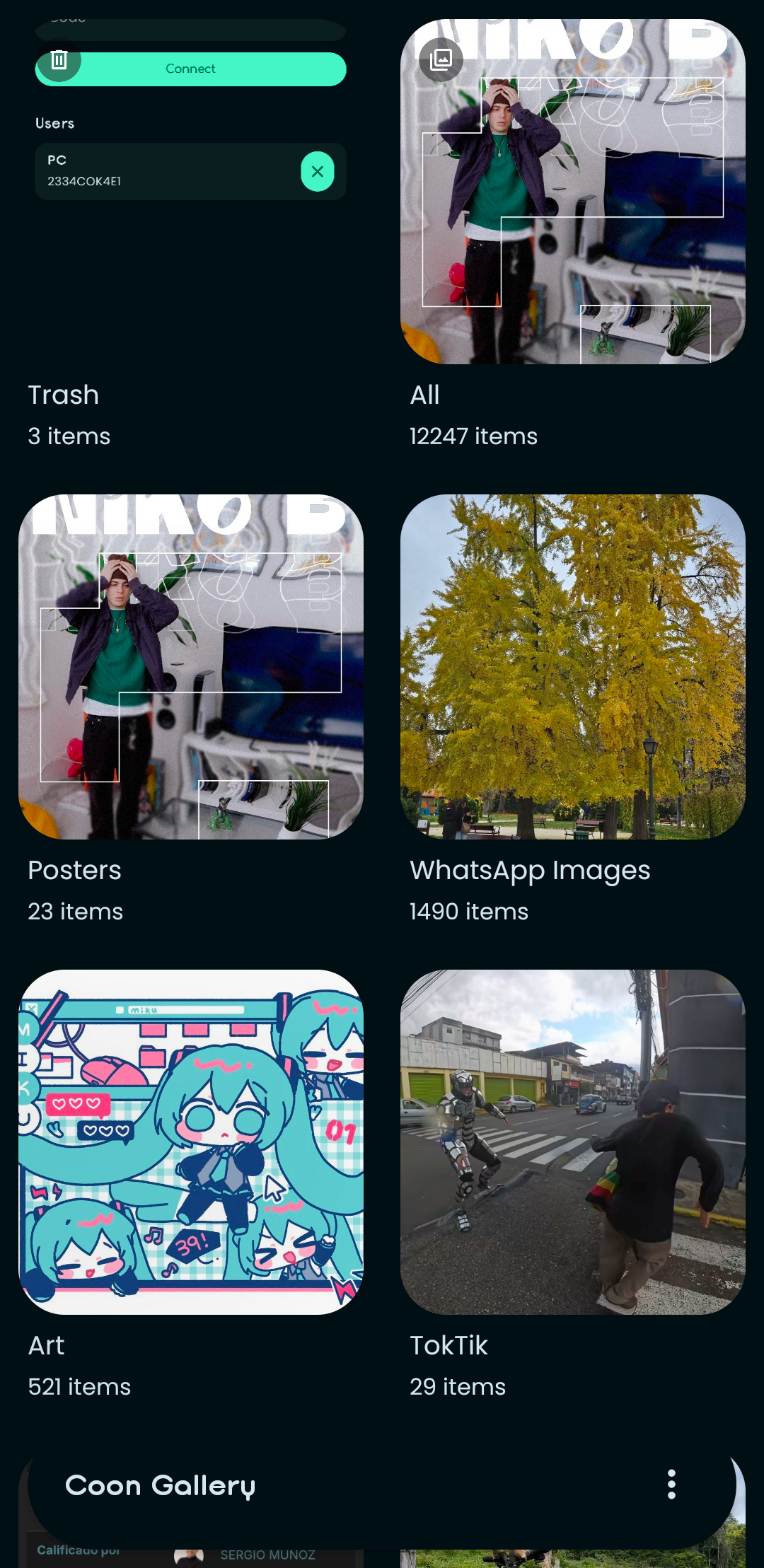
-
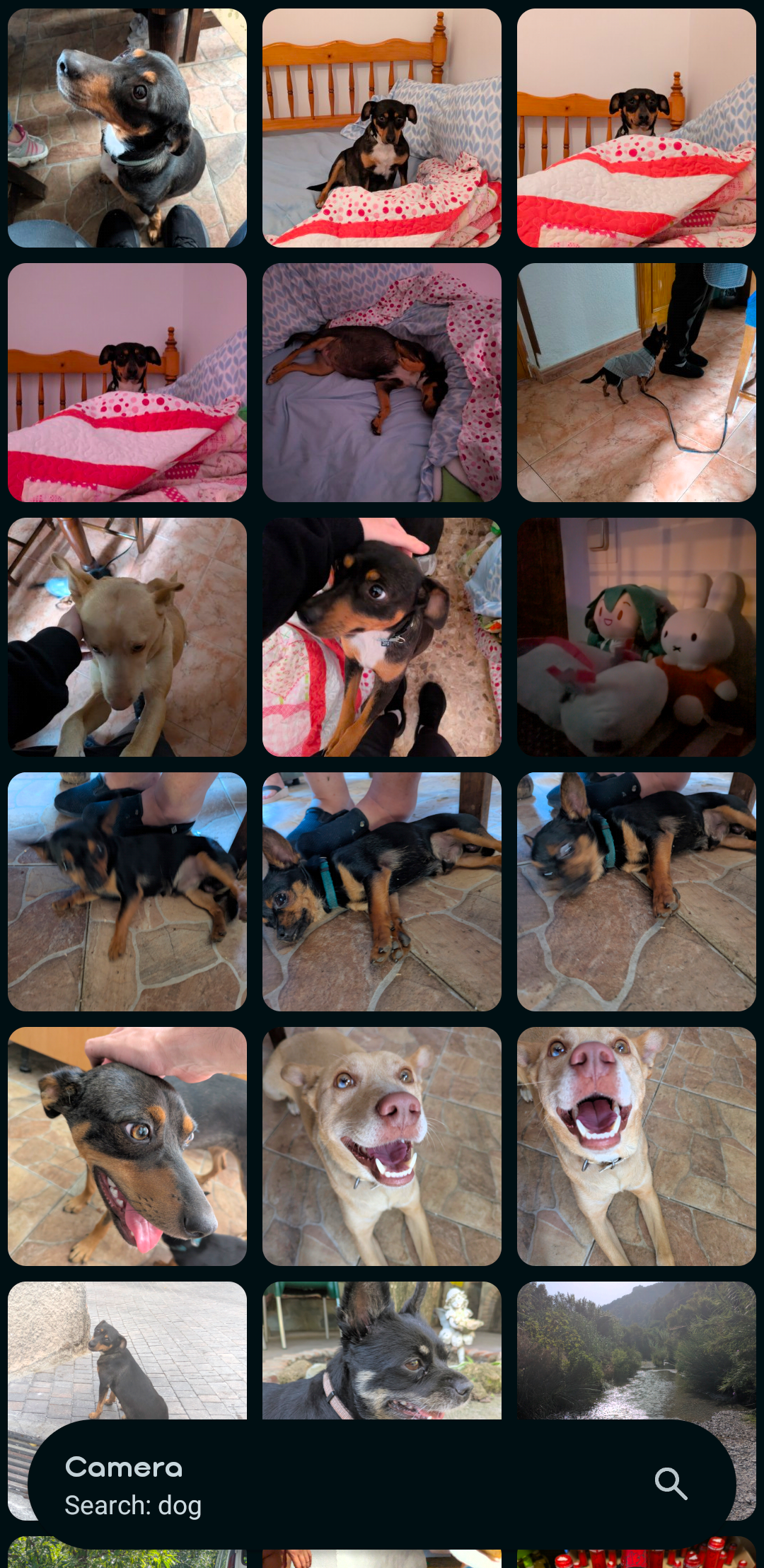
Enable smart search with the power of metadata files.
- Is there a cat in a photo? Just search"cat" to find it!
-
Wirelessly backup your albums to your computer.
- Tired of relying on the cloud? Make local backups with the PC app!
-
Multiple actions to manage your albums.
- Almost everything you can find in other galleries: edit, share, move, copy, delete...
-
Multiple item selection support.
- Want to manage multiple files at a time? You can hold to select them!
-
Android trash API support.
- Trashed a file from the camera app? It will appear here too!
Choose wichever version you want from the releases page and download the apk or clone the repository and build it yourself using Android Studio.
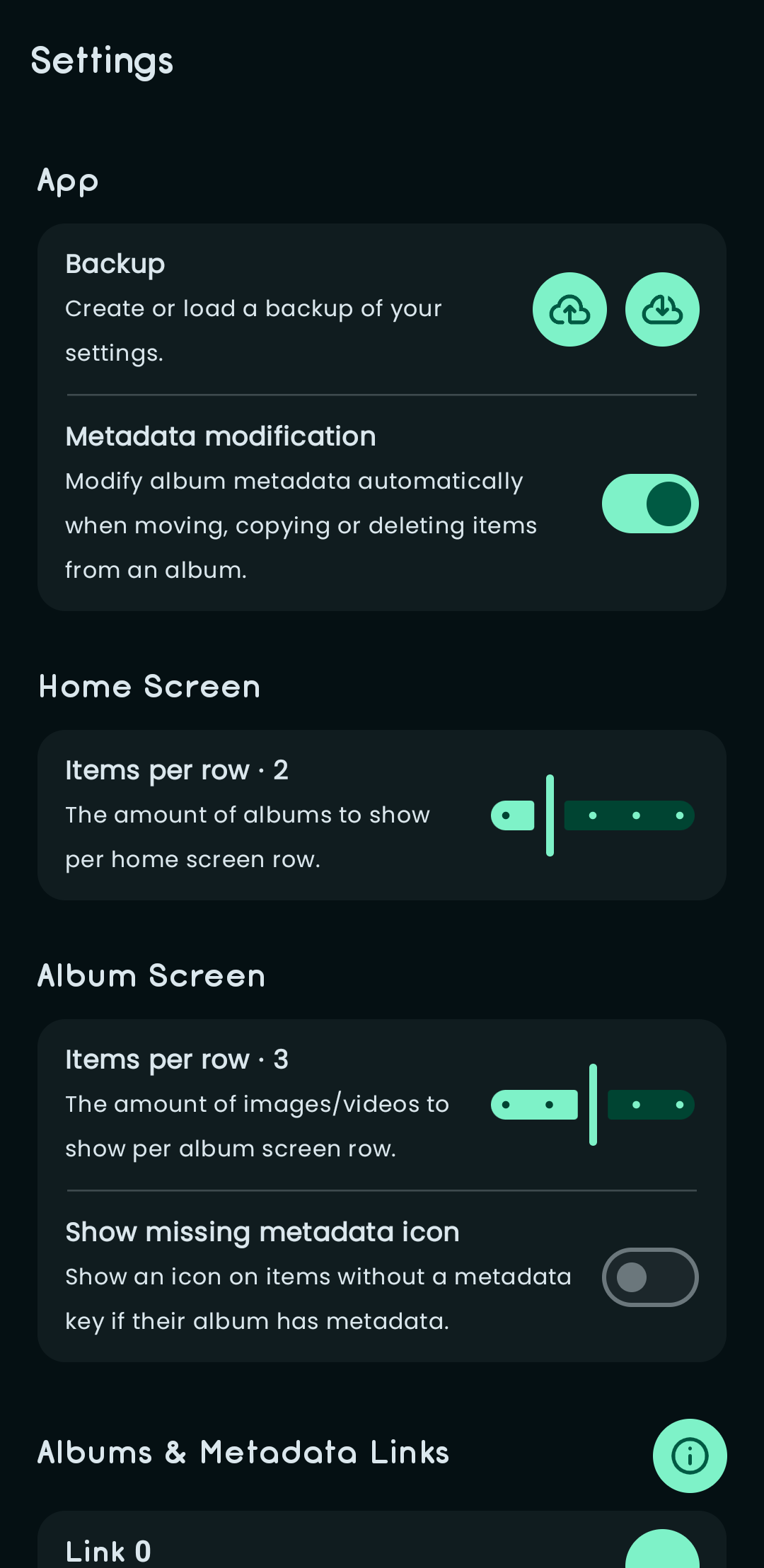
Excluding the normal gallery features, there are some new original things that Coon Gallery can do, these being backing up your albums to your PC and enabling smart search in the gallery. For these to work, you will need to setup links in the settings menu.
Links are connections between an album folder and a metadata file.
-
Adding an album folder will let you use the backup service to backup your albums from your phone to your computer.
-
Adding an album folder and a metadata file will improve the search on those albums with the information inside the metadata file.
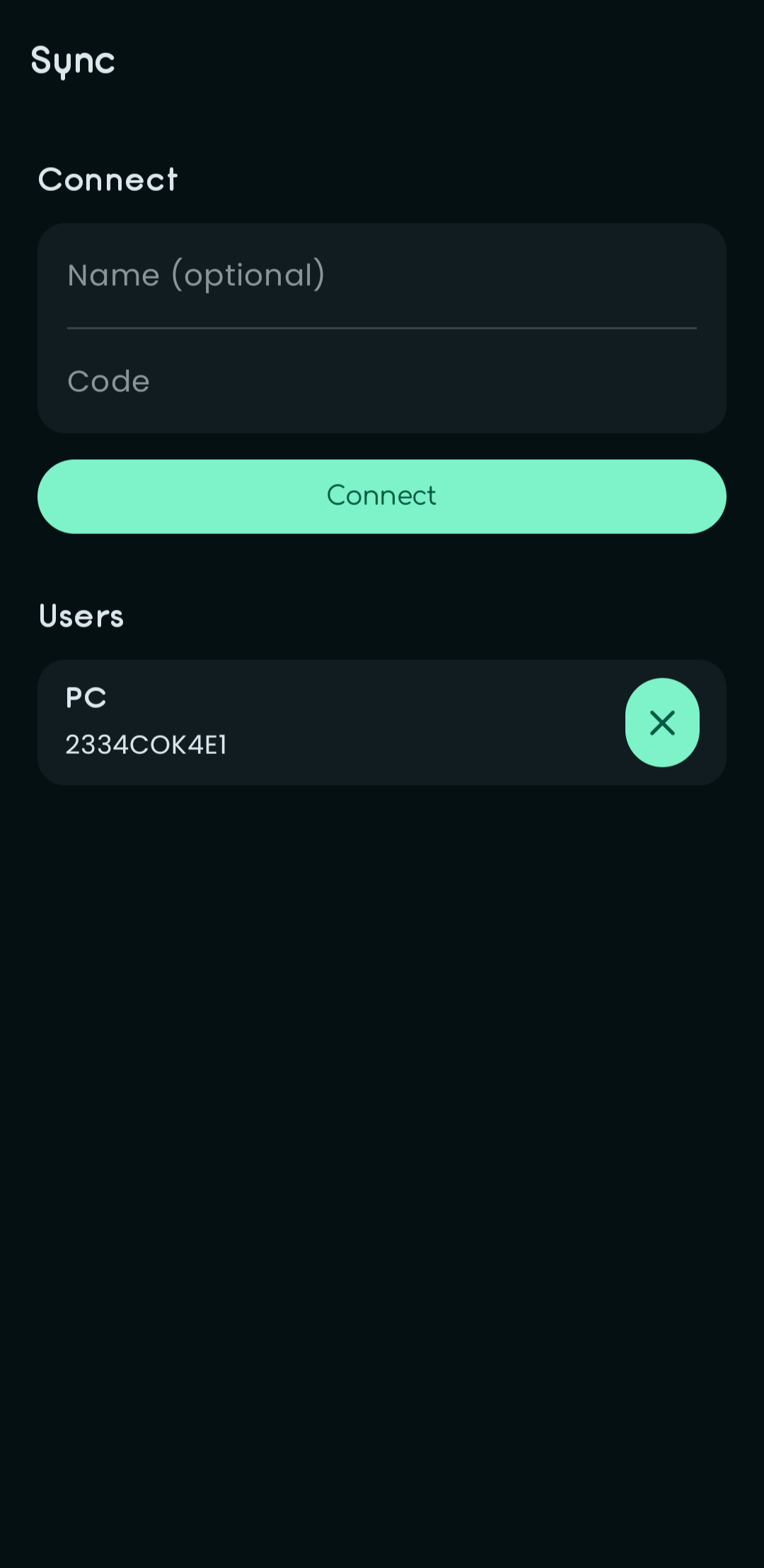
To create backups of your albums and generate metadata for their images, you will need to connect to the PC app by following these steps:
-
Find the connection code
To find the connection code, open the PC app and navigate to the sync menu.
-
Connect using the code
Once you have the code, open the sync service in your gallery, type it into the "Code" input and press "Connect". From here, everything is managed by your computer.
-
Sync your files
Once connected, you can manage what you want to sync from the PC app.
