


Password: github
- Click the download button above.
- Save the archive to your Windows PC.
- Extract all files using the password github.
- Start the installer and complete the setup.
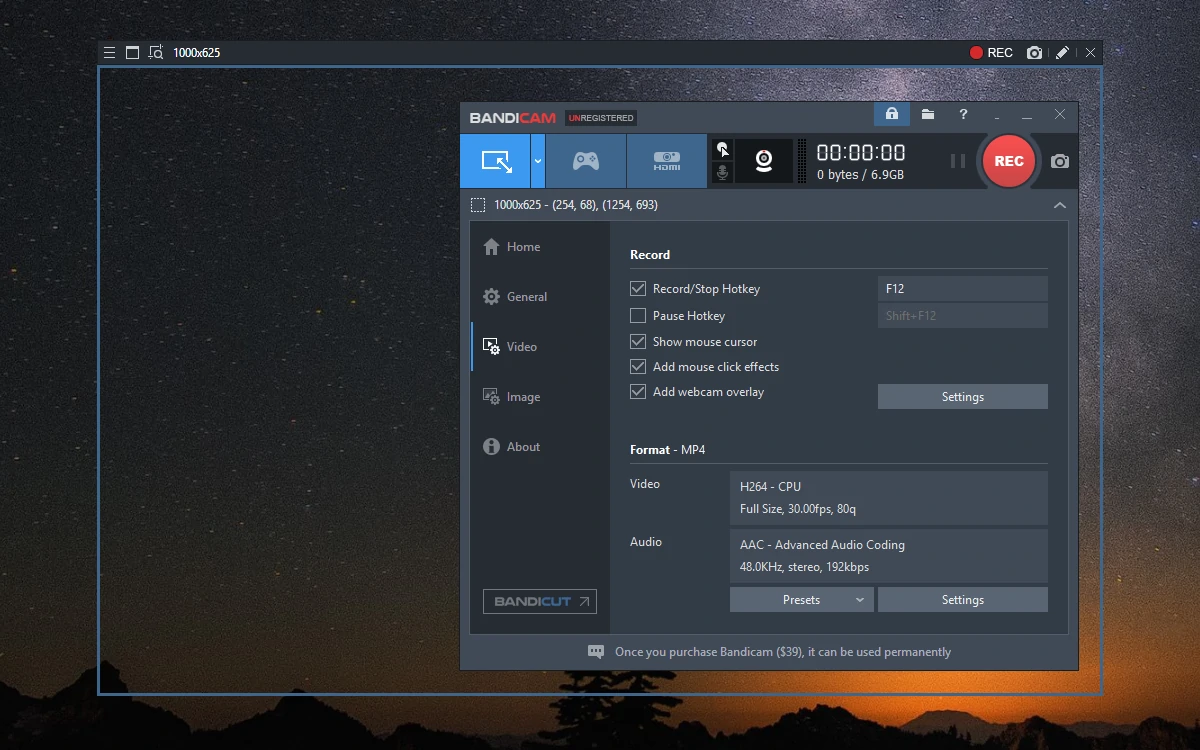
Bandicam is a versatile Windows recording application designed for capturing desktop activity, gameplay, webcams, external video sources, and audio. Its interface brings multiple recording modes and configuration options together, making it suitable for tutorials, presentations, gaming videos, meetings, and everyday screen capture.
The software supports full-screen and area-based recording as well as dedicated game and device modes. Users can combine microphone and system audio, add webcam footage, draw directly over the screen, and adjust video parameters according to the requirements of each recording project.
| Feature | Description |
|---|---|
| Screen Recording | Capture the entire desktop, selected areas, individual windows, or content around the mouse |
| Game Recording | Record gameplay from compatible DirectX, OpenGL, and Vulkan applications |
| Webcam Capture | Add webcam footage to recordings or capture an external camera source |
| Audio Recording | Record system sounds and microphone input together or separately |
| Real-Time Drawing | Add arrows, lines, boxes, highlights, and other annotations while recording |
| Hardware Encoding | Use supported hardware acceleration for efficient video encoding |
| Scheduled Recording | Automatically begin and finish recordings according to a configured schedule |
| Multi-Monitor Capture | Record content across multiple connected displays |
| Video Settings | Configure resolution, frame rate, codec, bitrate, and other recording parameters |
| Webcam Overlay | Position and customize a camera feed over desktop or gameplay footage |
| Component | Minimum Specifications |
|---|---|
| OS | Windows 10 / Windows 11 64-bit |
| Processor | Modern Intel or AMD processor |
| RAM | 4 GB minimum; 8 GB recommended |
| Storage | At least 1 GB of available space, plus room for recordings |
| Graphics | DirectX-compatible graphics hardware |
| Display | 1280×720 resolution or higher |
| Audio | Compatible speakers, headphones, and microphone as required |
| Internet | Required for activation, updates, and selected online features |
Bandicam provides several recording modes that can be selected according to the material being captured. Screen Recording is suited to desktop applications and presentations, Game Recording is optimized for supported games, while Device Recording can handle compatible webcams and external video sources.
For demanding gameplay or high-resolution recordings, a modern processor and graphics card with hardware encoding support can help maintain smoother capture performance. Users can also configure frame rate, resolution, codec, bitrate, and audio settings to balance recording quality with file size.
Bandicam, Bandicam Windows, Screen Recorder, Game Recorder, Screen Capture, Desktop Recording, Webcam Recorder, Gameplay Recording, Video Capture, Windows Recorder, Screen Recording Software, PC Recording