
IMPORTANT: Open WebUI v0.10.0 or newer is required to use Event Functions
A function to create traces to Pydantic Logfire from Open WebUI events. Changes to OWUI are tracked and can be queried using the Pydantic Logfire web portal. All OWUI events from the catalog are added as traces.
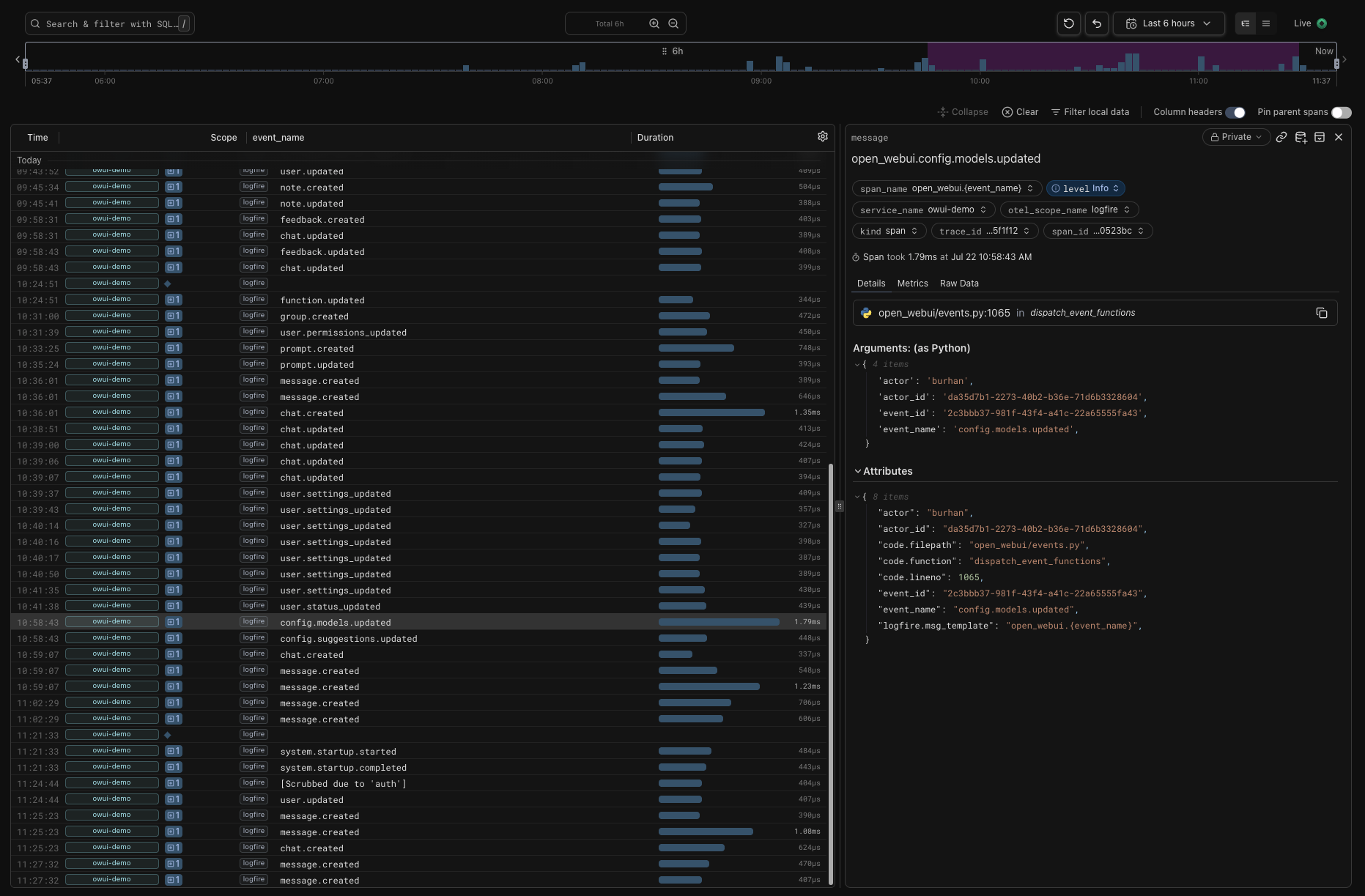
-
Ensure you’re using Open WebUI v0.10.0 or newer
-
Follow the directions for getting started with Pydantic Logfire: https://pydantic.dev/docs/logfire/get-started/
-
Sign into Logfire https://logfire.pydantic.dev
-
Create a new project
-
Generate a Write Token and add it to your Open WebUI environment variables:
LOGFIRE_TOKEN={YOUR-TOKEN}or, use the Function Valves to add your token and to configure the project to send the traces to.
-
Navigate to your Logfire project, and select the “Live” view, then create a new chat, add a user, update permissions, etc., and a trace will be added to the Logfire Live view.
-
Use the Logfire UI or SQL queries to filter events and track changes.