More games button
What is a "more games button"?
A more games button is a button that redirects the player to a page where he can find other games of our platform. It can be a DOM element external to the game's canvas, or a clickable element inside the game itself.
How can I display a more games button?
GamifiveSDK has a built-in more games button that can be created as a DOM element outside the canvas. See this section of the docs for displaying the default more games button during initialization.
GamifiveSDK also allows you to use an existing button inside the game's canvas as a more games button. See this section of the docs for binding an existing clickable element to the function that implements the behaviour of the more games button.
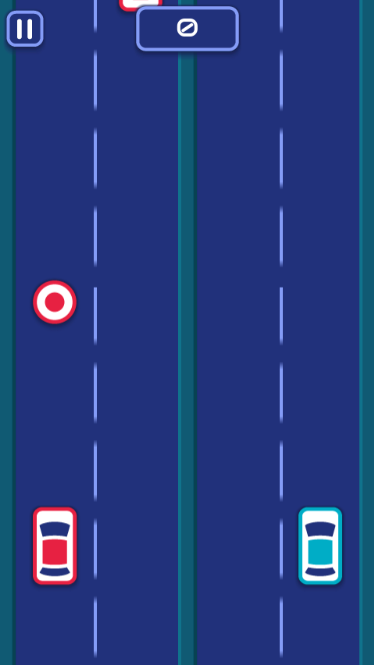
In the image below you can see both the default more games button (circle shape with spaceship) and an one internal to the game:

The default more-games button gets hidden when a session starts and it's shown again when the session ends. This is to prevent it from covering some clickable area of the screen. If you want the more-games button to be shown on your pause screen, simply call GamifiveSDK.showMoreGamesButton when the game gets paused (and remember to call GamifiveSDK.hideMoreGamesButton when the game is resumed!).
Desktop Devices
MoreGamesButton should be visible and not in conflict with the game's interface:
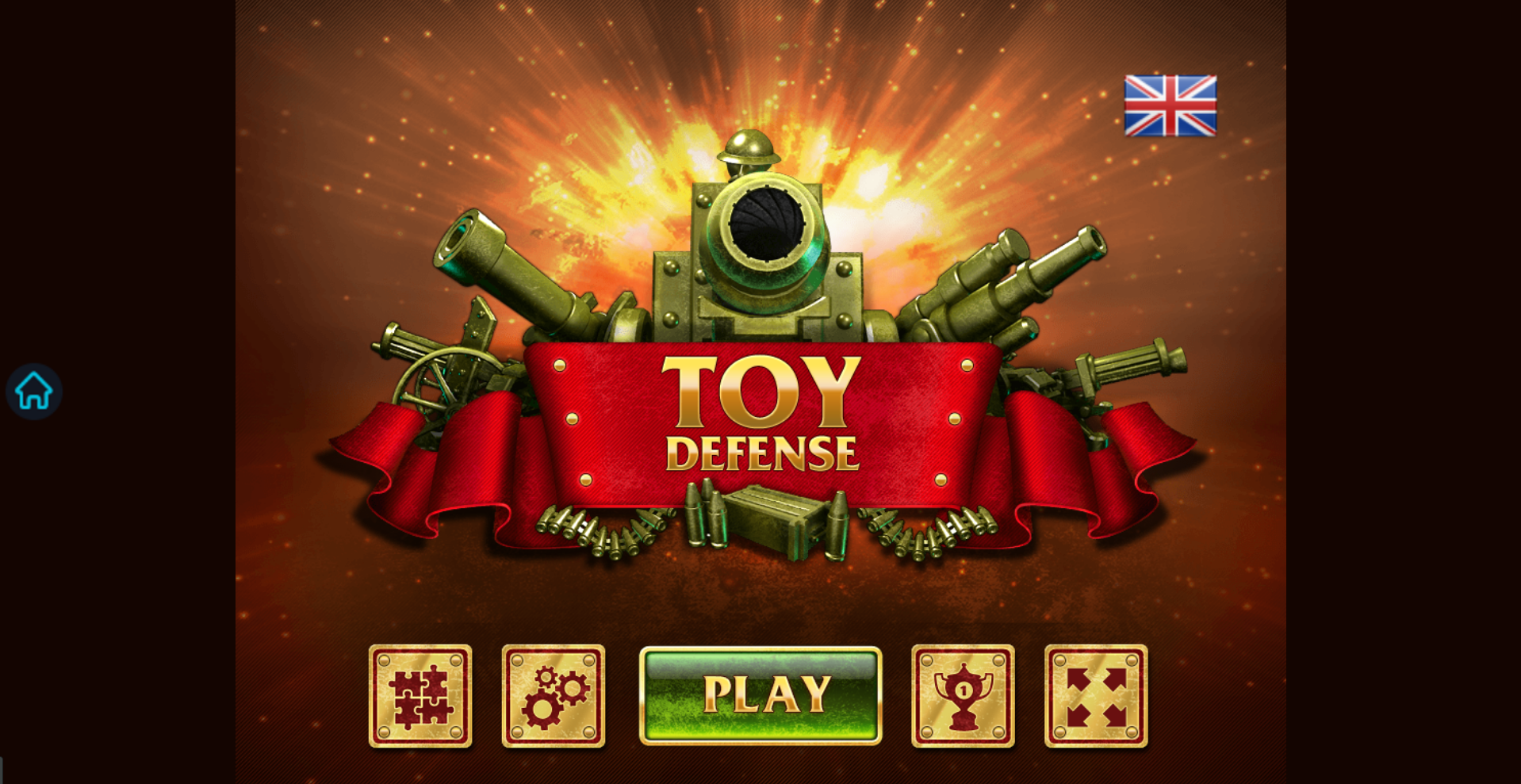
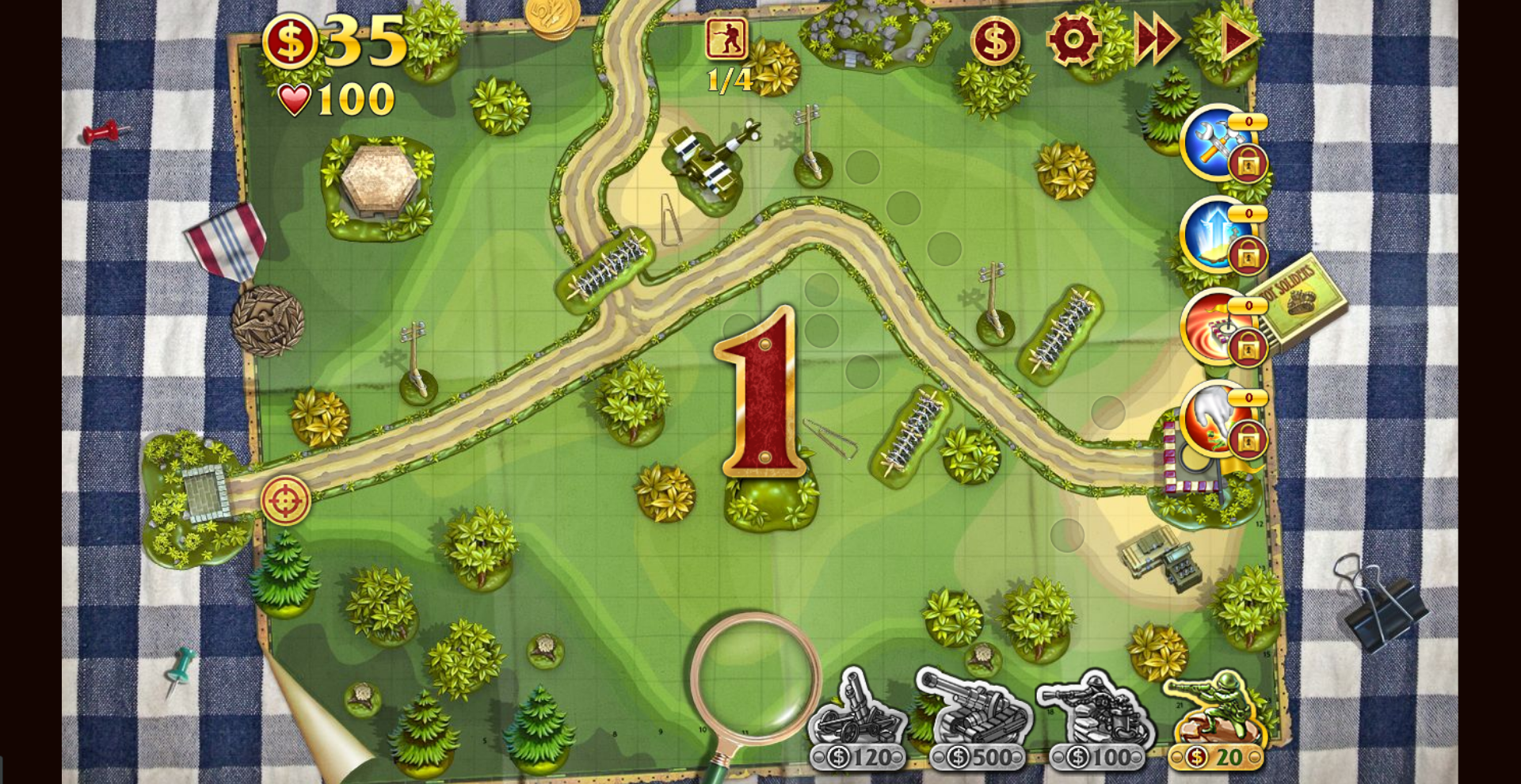
MoreGamesButton should not be visible during the game session:
Mobile Devices
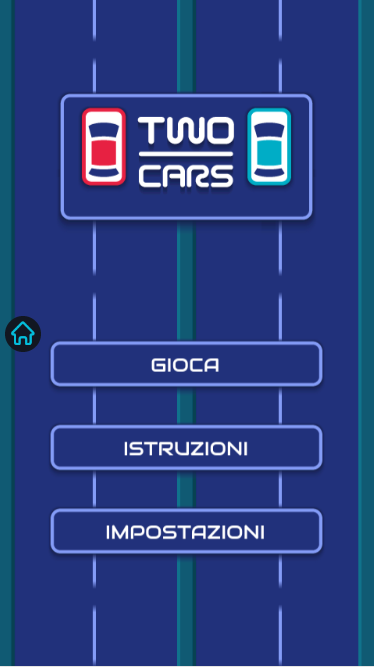
MoreGamesButton is not in conflict with the game interface:
MoreGamesButton is hidden during the game session also in mobile devices: