Personal portfolio, project hub, and supporter leaderboard
Documenting the journey — projects, courses, certifications, and the people backing the work.




Featured project tiles from the live portfolio. Open the full site →
- Overview
- Features
- Architecture
- Tech stack
- Repository structure
- Quick start
- Environment variables
- Deployment
- API reference
- Supporters flow
- Featured projects
- Contributing
- Links
DELEXO is a fast, static-first personal site for Delexo — cybersecurity & computer science student, builder, and creator. It brings together:
- A curated projects grid (live products, experiments, and upcoming work)
- Courses (programs in progress and favorites)
- An interactive journey timeline
- A Top supporters leaderboard powered by Stripe Checkout + Supabase
- About, certifications, and FAQ
- Legal pages via
site-information.html
The frontend is vanilla HTML/CSS/JS with no framework lock-in. The supporters backend runs on Express (Render) with an alternate Netlify Functions deployment path.
| Area | Highlights |
|---|---|
| Hero & navigation | Splash screen, scroll progress indicator, section-aware nav, mobile dropdown menu |
| Projects | App-tile grid with hover states and external links |
| Courses | Program cards + favorite course reels |
| Journey | Scroll-driven timeline |
| Supporters | Live top-5 leaderboard, Stripe donations, post-payment name & note |
| Accessibility | Semantic HTML, ARIA labels, prefers-reduced-motion support |
| Performance | Static assets, lazy-loaded images, minimal JS bundle |
flowchart TB
  subgraph Client["Browser"]
    HTML[index.html]
    CSS[style.css]
    JS[app.js]
  end

  subgraph Hosting["Static hosting"]
    Netlify[Netlify / GitHub Pages / delexo.store]
  end

  subgraph Backend["support-leaderboard-backend · Render"]
    API[Express server.js]
    WH[/stripe-webhook]
  end

  subgraph Services["Third-party"]
    Stripe[Stripe Checkout]
    DB[(Supabase PostgreSQL)]
  end

  HTML --> Netlify
  CSS --> Netlify
  JS --> Netlify
  JS -->|leaderboard · checkout · save-note| API
  API --> Stripe
  Stripe -->|checkout.session.completed| WH
  WH --> DB
  API --> DB
| Layer | Technology |
|---|---|
| Markup & style | HTML5, CSS3 (custom properties, grid, flex) |
| Client logic | Vanilla JavaScript (ES modules via app.js) |
| API server | Node.js, Express 5 |
| Payments | Stripe Checkout Sessions + webhooks |
| Database | Supabase (Postgres) — supporters, donations |
| Deploy | Netlify (static + functions), Render (API) |
| Fonts | Fraunces, Inter, Outfit (Google Fonts) |
aboutme/
├── index.html              # Main portfolio page
├── site-information.html   # Privacy, terms, supporter registry
├── about.html              # About / connect page
├── css/
│   └── style.css           # All site styles
├── js/
│   └── app.js              # Nav, scroll, supporters, FAQ
├── server.js               # Express API + optional static server
├── netlify/
│   └── functions/          # Serverless API alternative
├── supabase/
│   └── migrations/         # Supporters schema
├── SUPPORTERS_DB.sql       # Standalone SQL bootstrap
├── env.example             # Environment template
├── netlify.toml            # Netlify redirects → functions
└── package.json
git clone https://github.com/Delexoo/About-Me.git
cd About-Me
npm installcp env.example .envFill in Stripe and Supabase values (see Environment variables).
npm startOpen http://localhost:3000 — the API is same-origin on port 3000, so checkout and the leaderboard work without CORS setup.
Open index.html with Live Server or any static host. The site calls the production API at:
https://support-leaderboard-backend.onrender.com
Donate uses a redirect-based checkout (no CORS preflight) when talking to Render.
Copy env.example to .env (never commit real secrets).
| Variable | Required | Description |
|---|---|---|
STRIPE_SECRET_KEY |
Yes | sk_test_ or sk_live_ from Stripe Dashboard |
STRIPE_WEBHOOK_SECRET |
Yes | whsec_ signing secret from your webhook endpoint |
PRICE_ID |
Yes | Stripe Price ID for donations |
SITE_URL |
Yes | Public site URL (Stripe success/cancel redirects) |
SUPABASE_URL |
Yes | Supabase project URL |
SUPABASE_SERVICE_ROLE_KEY |
Yes | Service role key (server-only) |
CORS_ORIGIN |
No | * or comma-separated allowed origins |
PORT |
No | Default 3000 |
SERVE_STATIC |
No | Set 1 to serve index.html from Express |
Apply the supporters schema:
# Option A — Supabase CLI
supabase db query --linked -f SUPPORTERS_DB.sql

# Option B — paste SUPPORTERS_DB.sql into Supabase SQL Editor| Field | Value |
|---|---|
| URL | https://support-leaderboard-backend.onrender.com/stripe-webhook |
| Event | checkout.session.completed |
| Secret | → STRIPE_WEBHOOK_SECRET on Render |
- Connect this repo to Netlify (or deploy
index.html,css/,js/anywhere). - Point your domain (e.g.
delexo.store) at the host. - Ensure
window.SUPPORTERS_API_BASEinindex.htmlpoints at your API.
- Create a Web Service from this repo; start command:
npm start. - Set all environment variables.
- Set
CORS_ORIGIN=*(or list your domains). - Redeploy after
server.jschanges.
Render environment checklist
SUPABASE_URL=https://your-project.supabase.co
SUPABASE_SERVICE_ROLE_KEY=...
STRIPE_SECRET_KEY=sk_live_...
STRIPE_WEBHOOK_SECRET=whsec_...
PRICE_ID=price_...
SITE_URL=https://delexo.store
CORS_ORIGIN=*netlify.toml maps API routes to netlify/functions/. Set the same env vars in the Netlify dashboard.
Base URL (production): https://support-leaderboard-backend.onrender.com
| Method | Endpoint | Description |
|---|---|---|
GET |
/health |
Health check |
GET |
/leaderboard?limit=5 |
Top supporters by total_cents |
GET |
/create-checkout-session?redirect=1 |
Create Stripe session → redirect |
POST |
/create-checkout-session |
Create session → { url } JSON |
POST |
/save-note |
Save display name & note after payment |
GET |
/supporter?session_id=… |
Load supporter for thank-you form |
POST |
/stripe-webhook |
Stripe webhook (server-only) |
sequenceDiagram
  participant U as Visitor
  participant S as Site (app.js)
  participant API as Render API
  participant St as Stripe
  participant DB as Supabase

  U->>S: Click Donate
  S->>API: GET /create-checkout-session?redirect=1
  API->>St: Create Checkout Session
  St-->>U: Payment page
  U->>St: Complete payment
  St->>API: webhook checkout.session.completed
  API->>DB: Upsert supporter + insert donation
  St-->>U: Redirect to SITE_URL/?thanks=1&session_id=…
  U->>S: Thank-you form
  S->>API: POST /save-note
  API->>DB: Update name & note
| Project | Link |
|---|---|
| Free University Tools | freeuniversitytools.com |
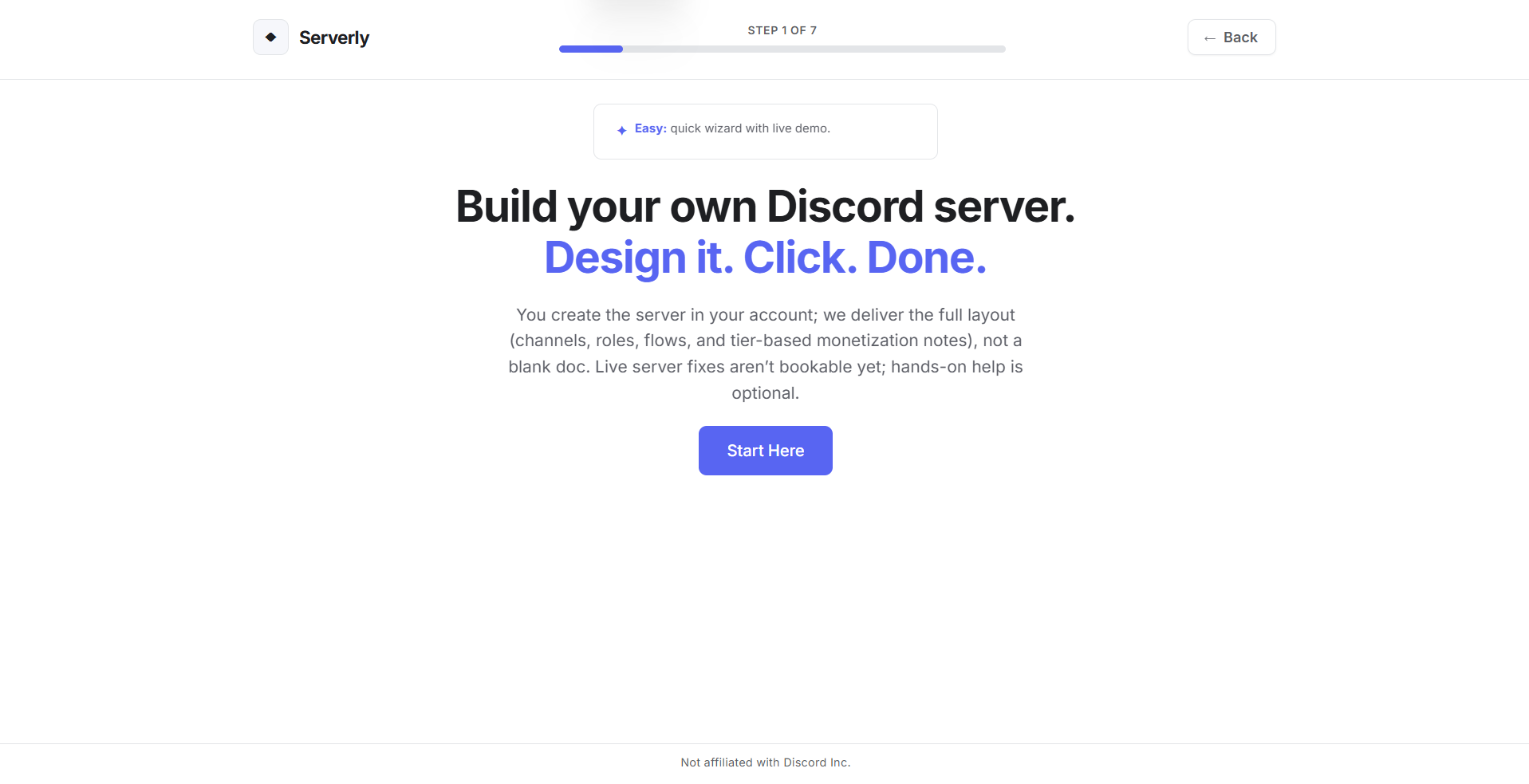
| Serverly | serverly.store |
| Beats | delexoo.github.io/beats |
| GitReplay | delexoo.github.io/GitReplay |
| Vanta | delexoo.github.io/vanta |
| PrankApp | github.com/Delexoo/PrankApp |
This is a personal portfolio repo. Issues and PRs for bugs or documentation improvements are welcome.
- Fork the repository
- Create a feature branch (
git checkout -b fix/description) - Commit your changes
- Open a pull request
Please do not commit .env, essential variables.txt, or render-env.txt — they are gitignored.
| Website | delexo.store |
| GitHub | @Delexoo |
| Spotify | Profile |
| Venmo | @onepoundcoins |
| Cash App | $VXQQ |
| Privacy & Terms | site-information.html |
Built by Delexo · Cybersecurity & Computer Science