


Voltiva is a free, open-source desktop application for recording, reviewing, comparing and verifying electricity bills. It turns the official tariff rules into an auditable billing engine: every amount is explained, printable and verifiable, and the rules can be updated without editing code.
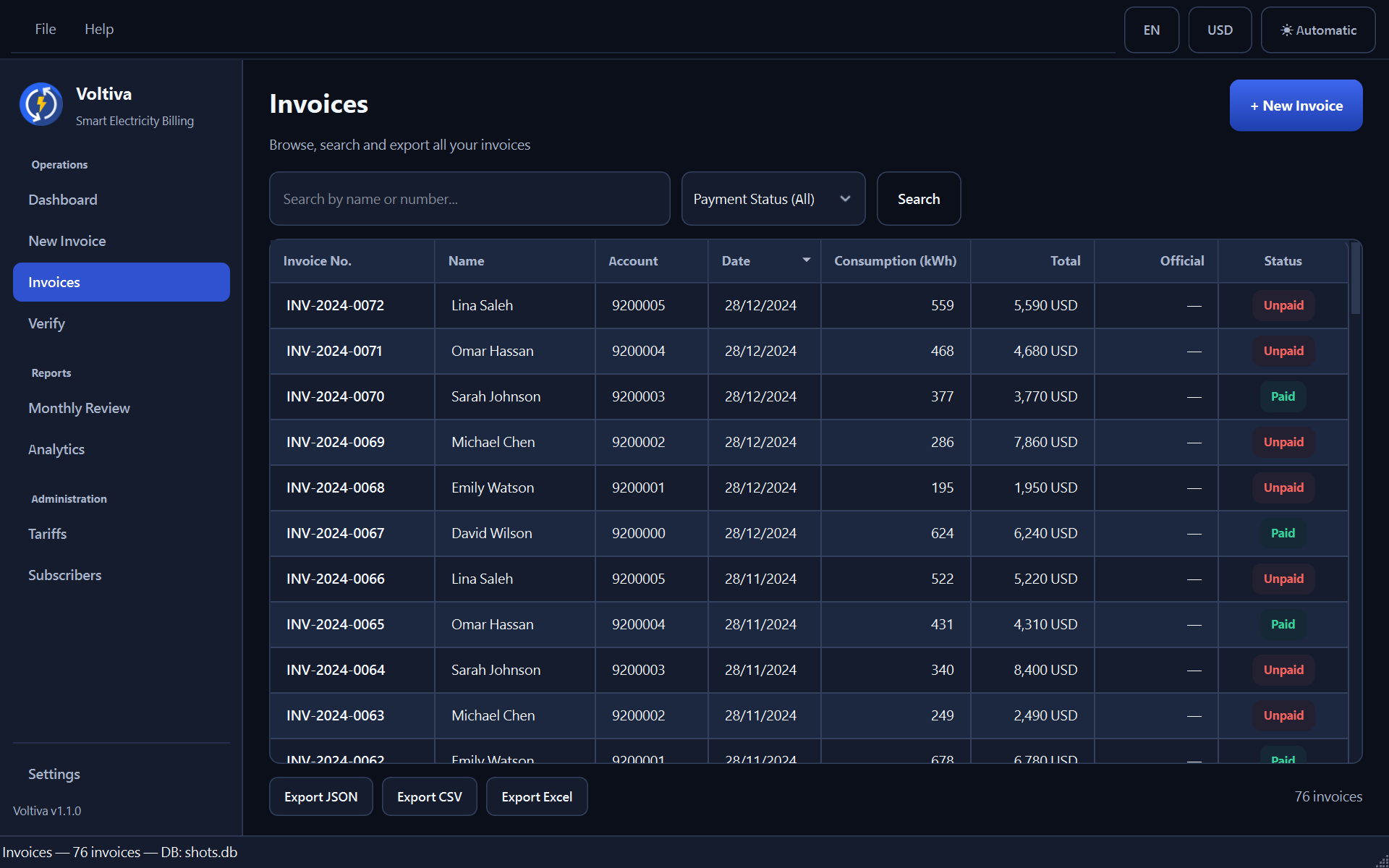
- Auditable invoices — each bill shows the full calculation chain (tiers, fees, charges) so you can always answer "how did you arrive at this number?".
- Tariff management — tariffs, fee schedules and rules are data, editable in-app via the Tariff Manager; simulation histories are kept for comparison.
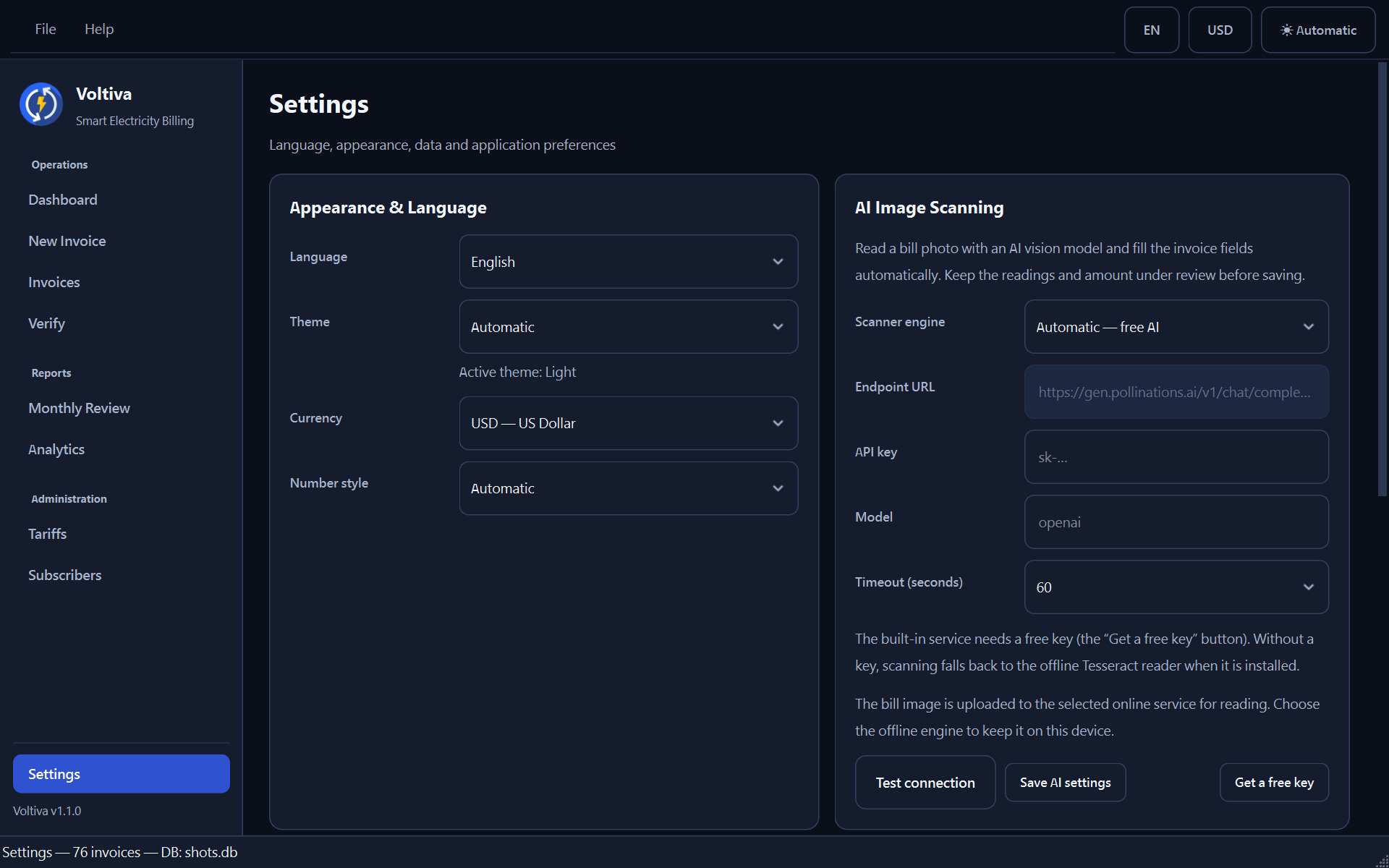
- AI bill scanning — photograph or scan a bill and a vision model reads the readings, dates, consumption, amount, account/meter numbers and the subscriber name into the import form. Three engines in Settings: Automatic — free AI (built-in service, free key), Custom AI (any OpenAI-compatible URL, key and model) and Offline — Tesseract.
- Smart import (OCR) — the offline reader stays available for fully private
scanning, and automatic mode falls back to it when the AI service is
unreachable (requires Tesseract with
ara/englanguage data). - Subscribers & meters — manage subscriber records, meters, previous readings and debts.
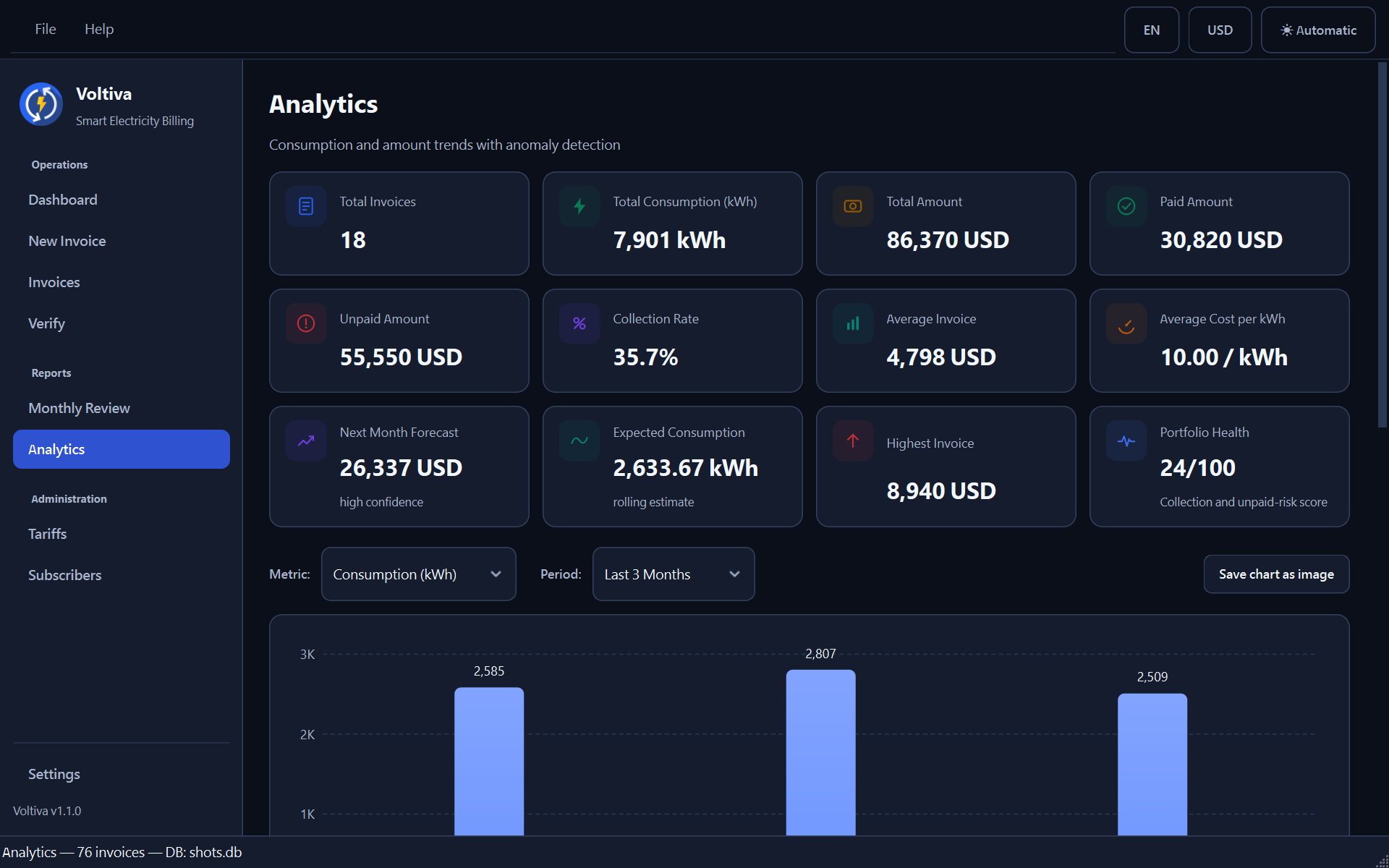
- Analytics dashboard — usage trends, cost breakdowns and exports.
- Verification & review — compare simulated versus issued amounts to spot discrepancies.
- Print / PDF export — professional printable documents with full RTL Arabic support; no extra libraries required.
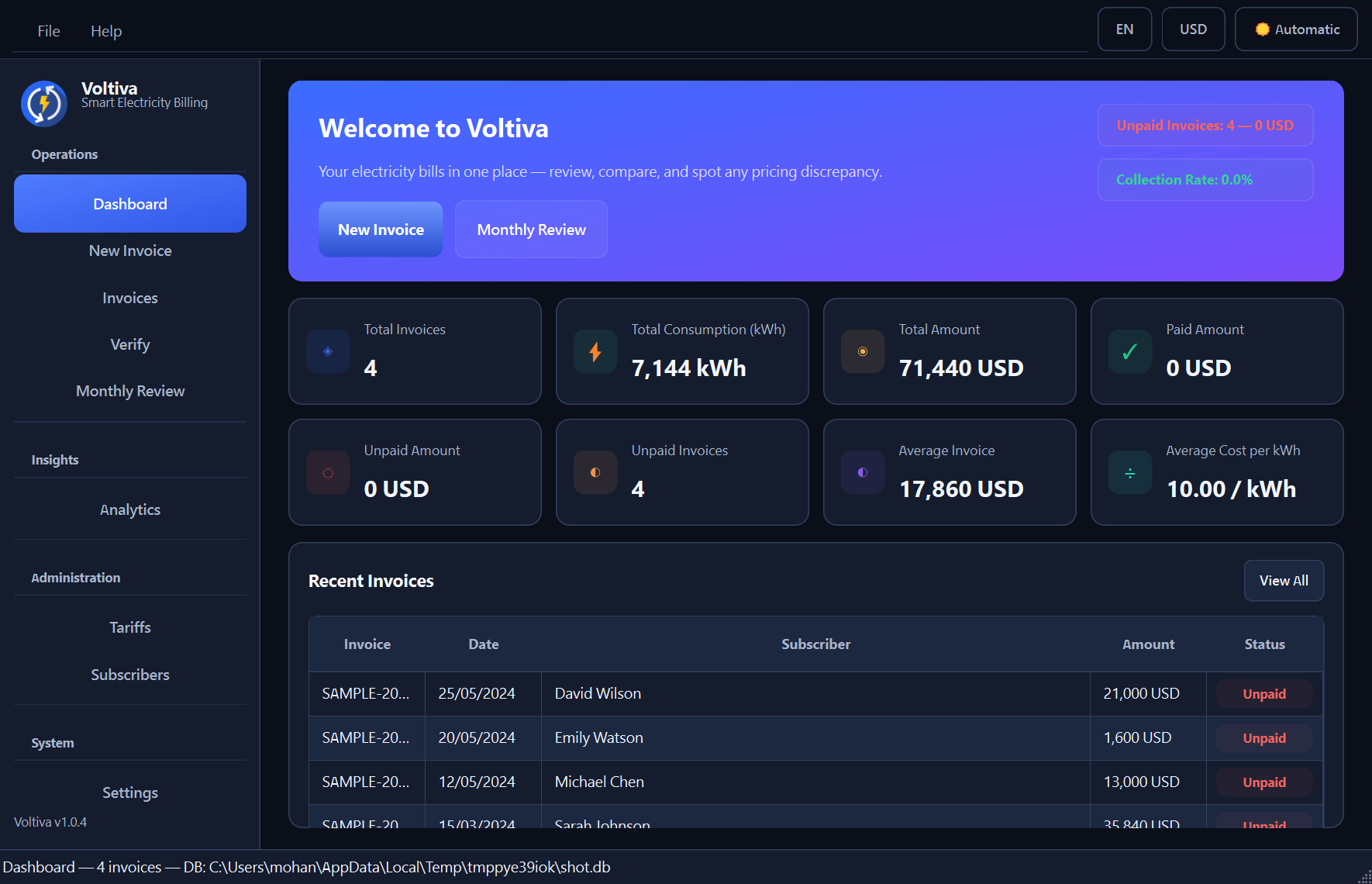
- English demo data — one click in Settings loads a fully fictional English sample (2 tariffs, 4 subscribers, 4 self-verifying invoices) so you can explore every screen before entering your own records.
- Ten interface languages — English, Arabic (full RTL), French, Spanish, German, Portuguese, Russian, Turkish, Hindi and Chinese, with automatic language/currency detection and Arabic or Western digit styles.
- Six themes — Light, Warm Paper, Frost, Dark, Midnight Blue and Graphite, plus an automatic mode that follows Windows; every palette passes a WCAG AA contrast audit.
Requires Python 3.12+ with PyQt6 6.5+ (and optionally pytesseract +
Pillow + numpy for OCR, plus openpyxl for Excel export).
run_kahraba.bator double-click Voltiva.exe — the application launcher with the Voltiva
icon (no console window opens).
or, from a terminal:
pythonw.exe run.py
python run.py
Your data is stored in ~/.kahraba_smart/ (or %KSE_DATA_DIR% if set) as a
local SQLite database — no cloud, no accounts, fully offline.
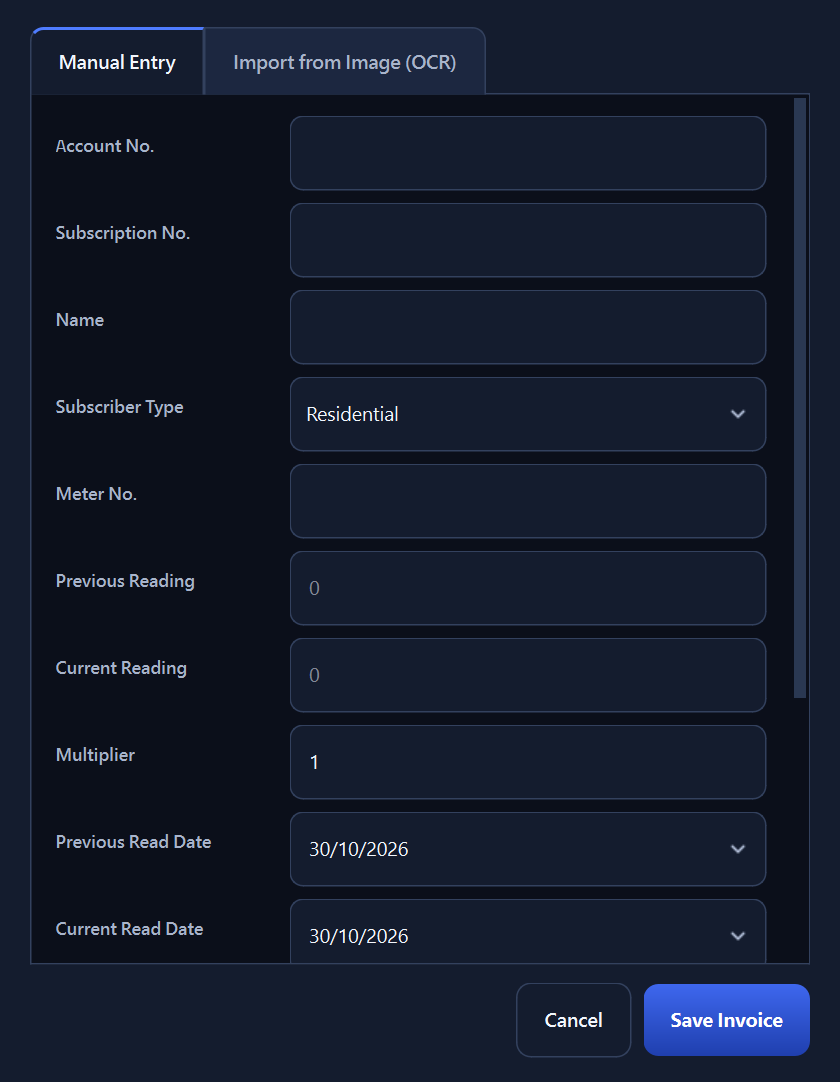
All pages and key dialogs (English UI, light palette):
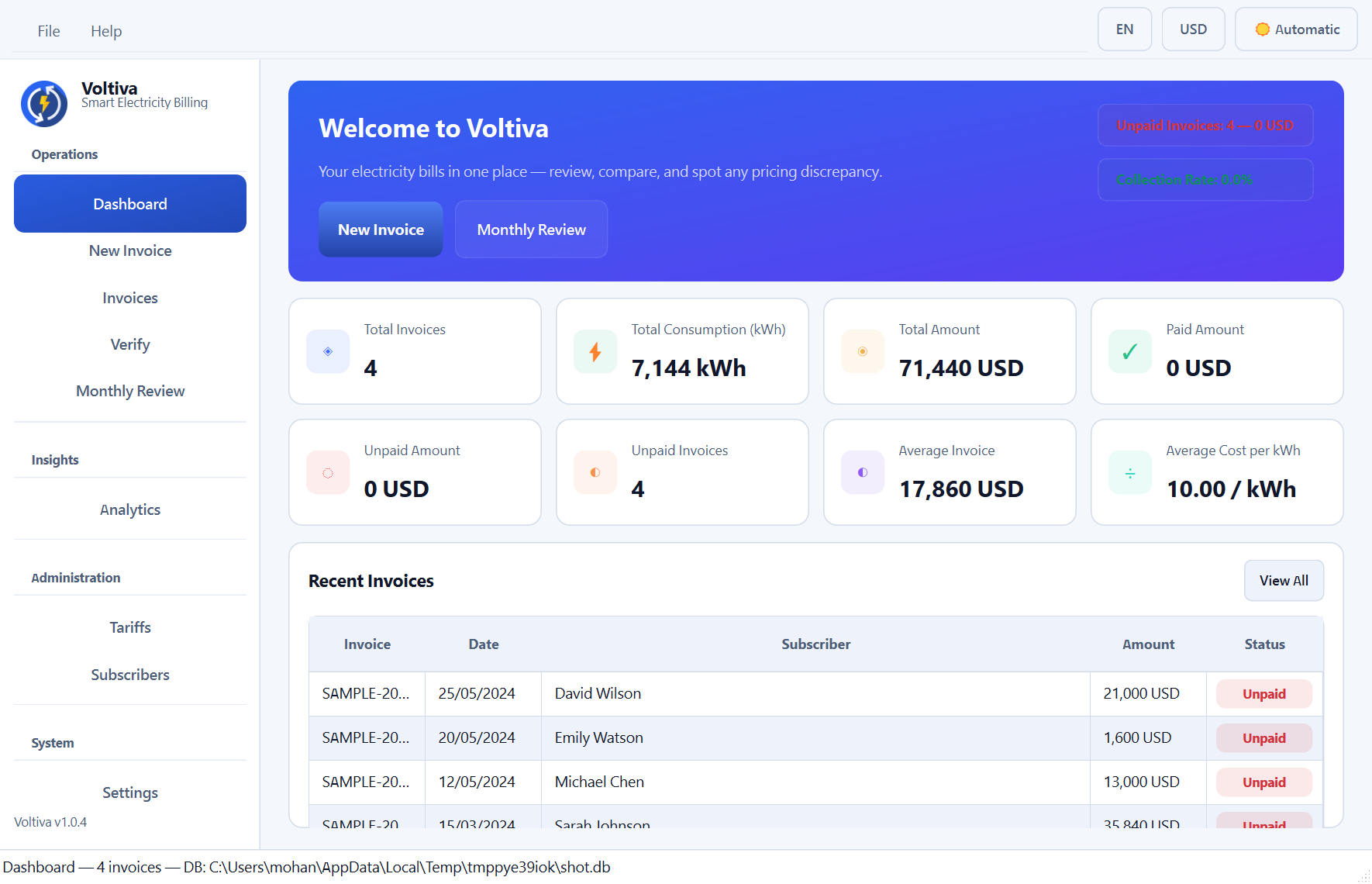
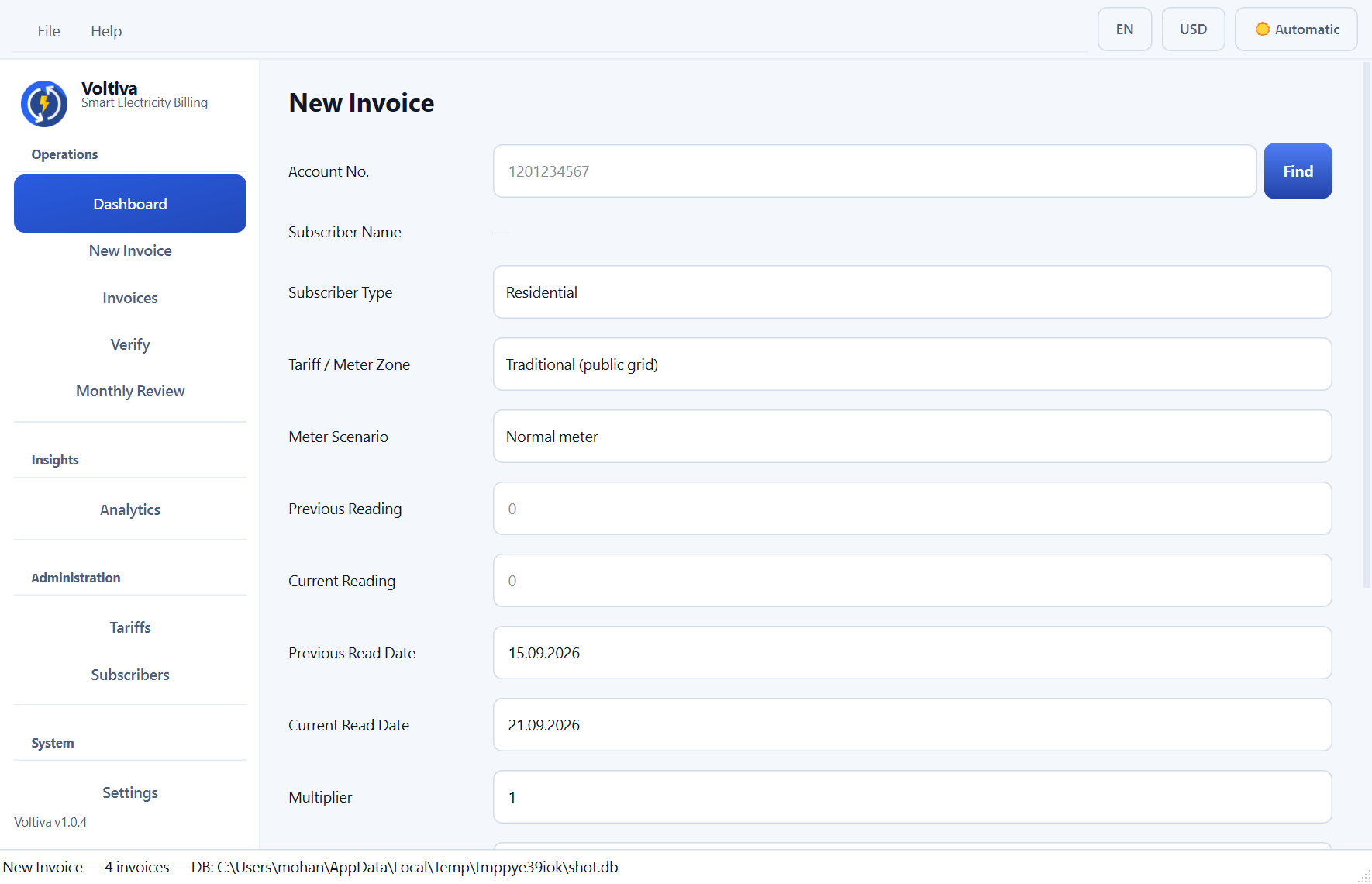
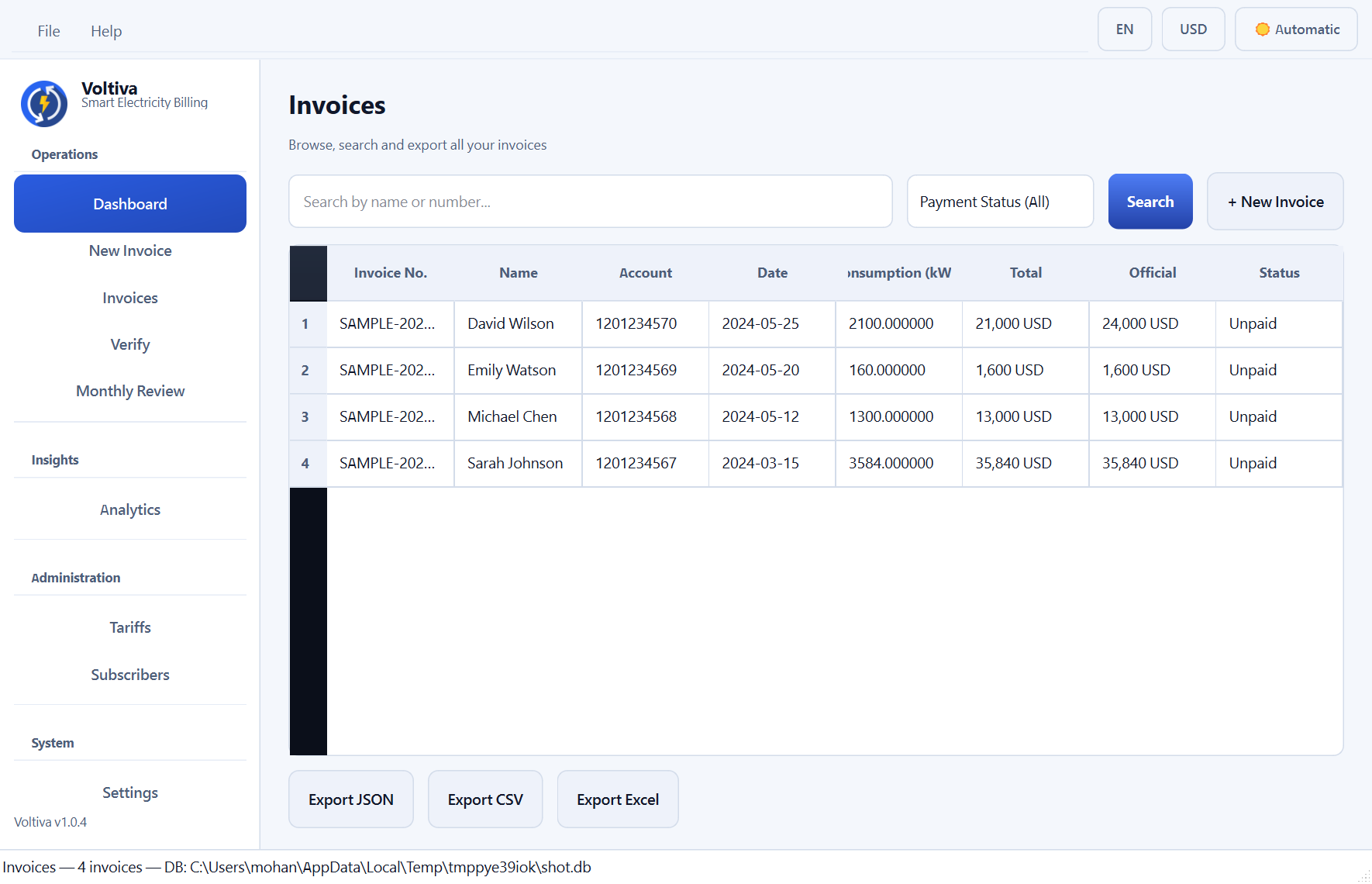
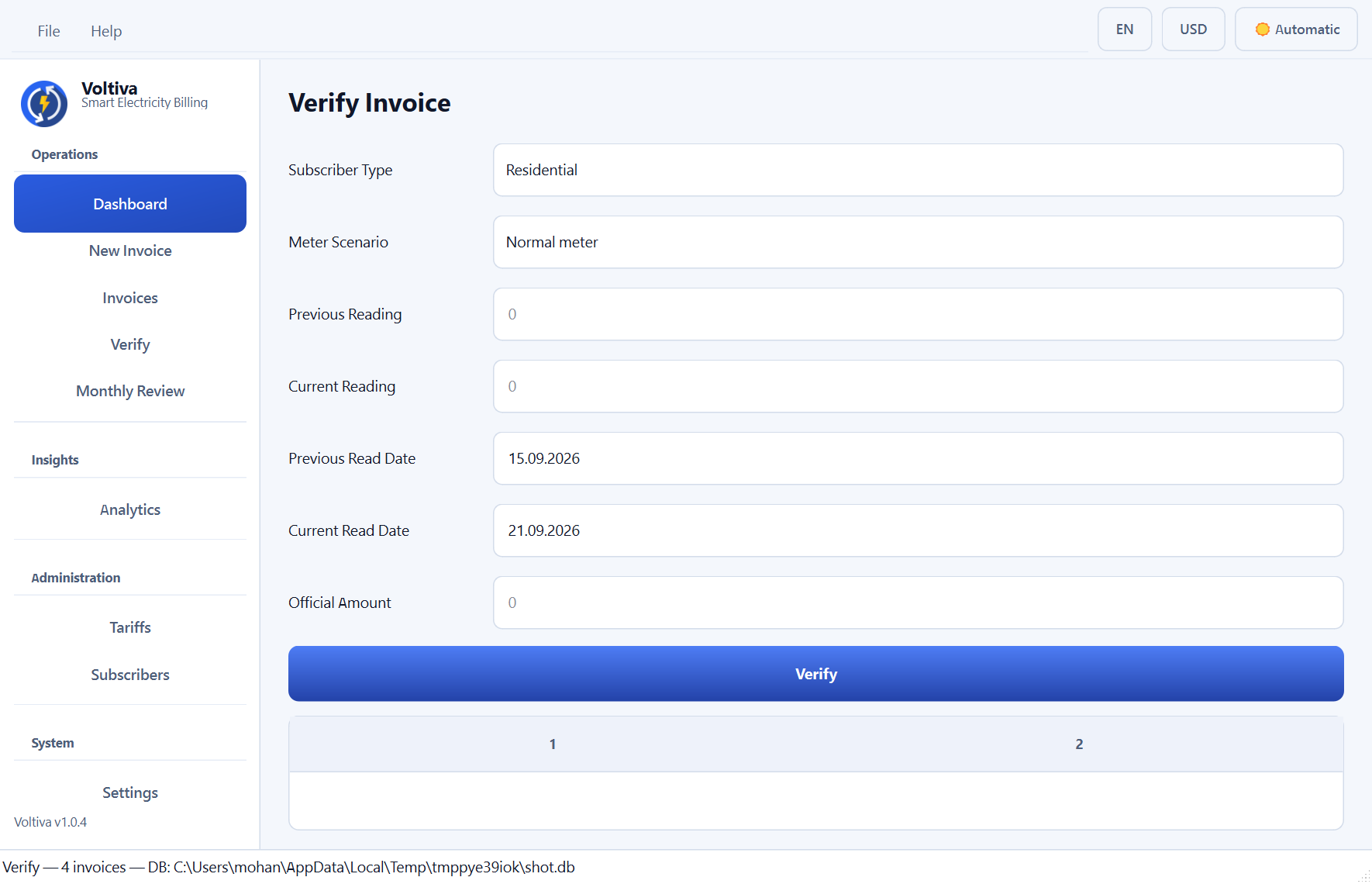
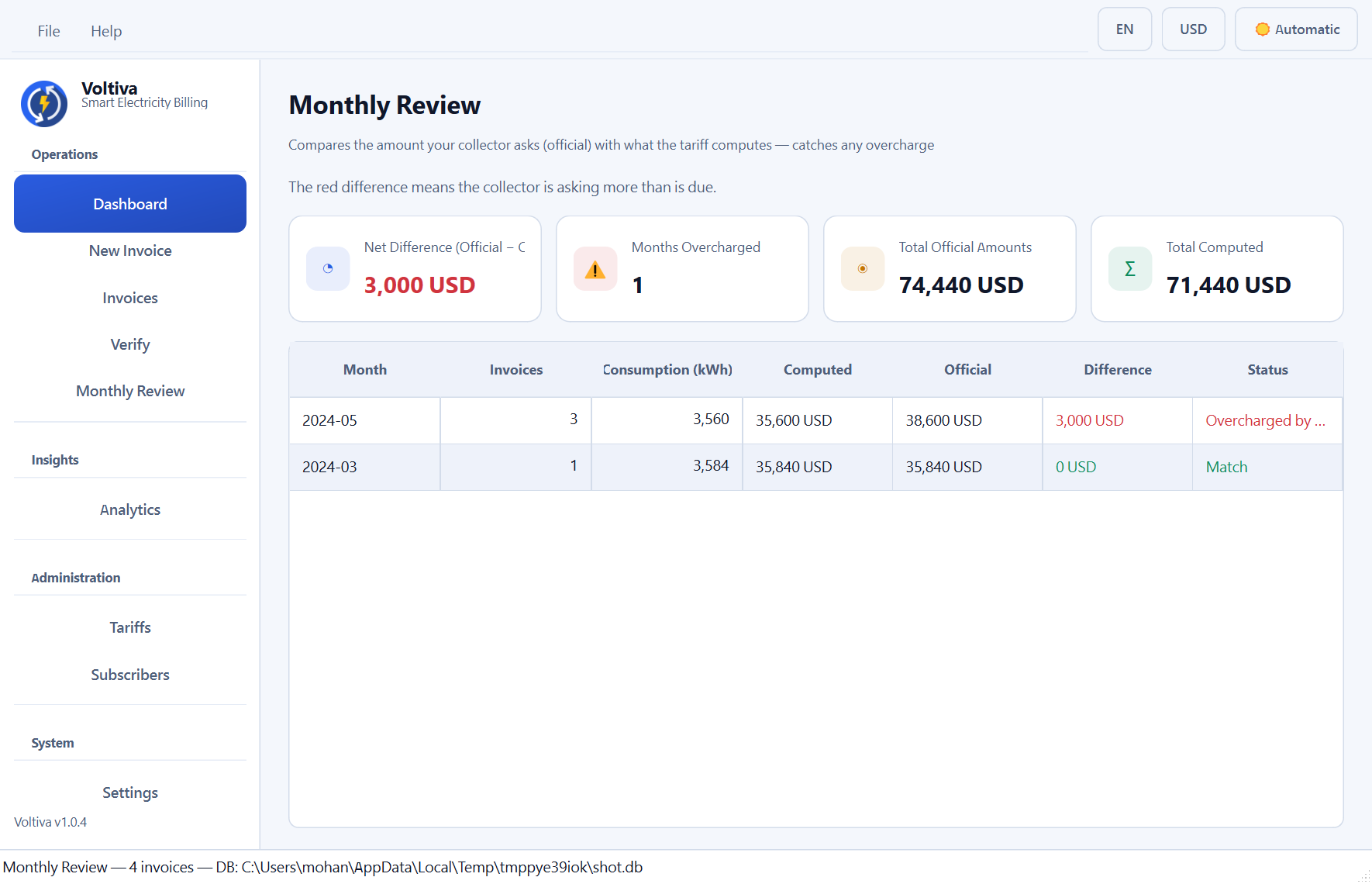
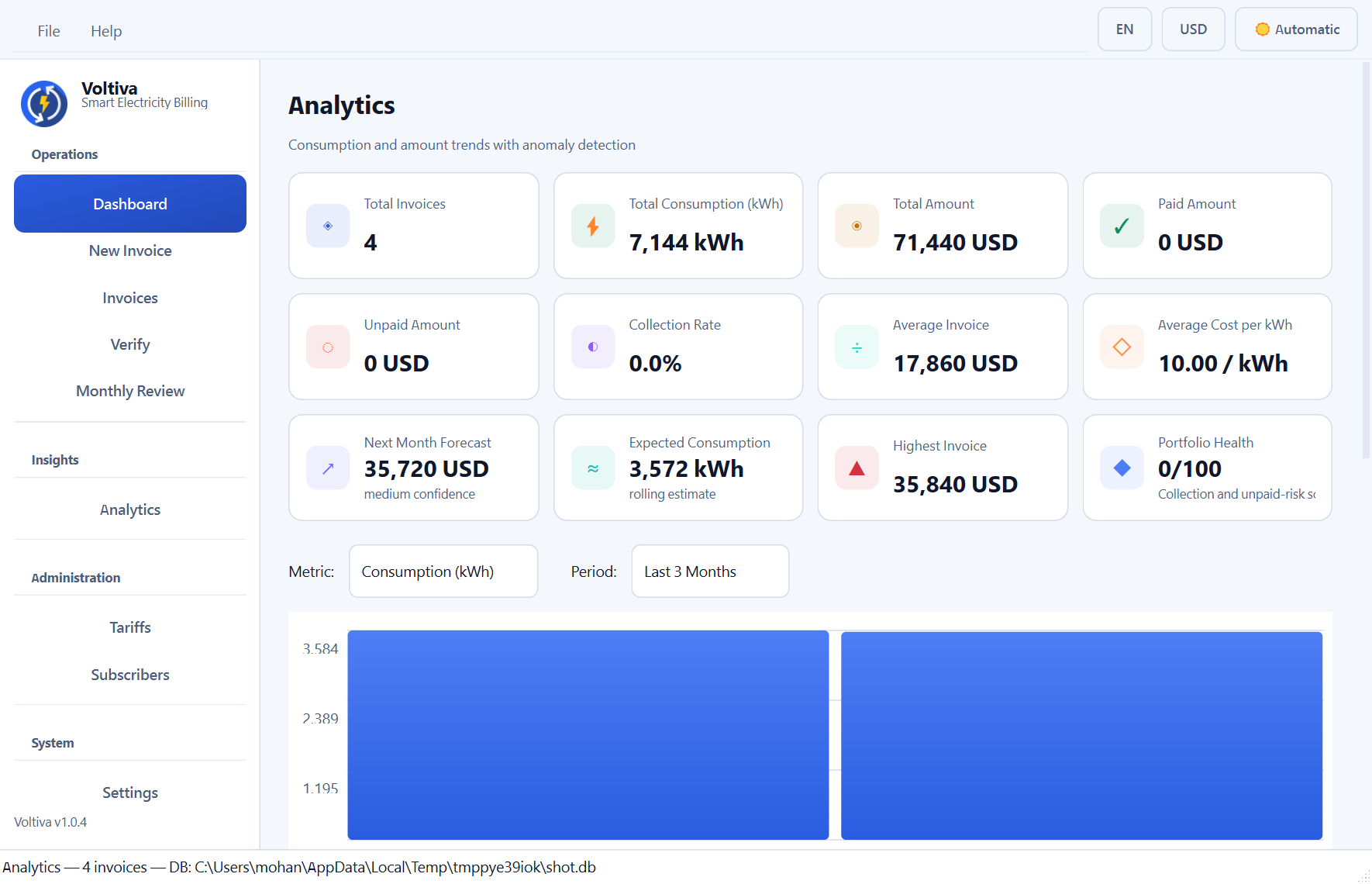
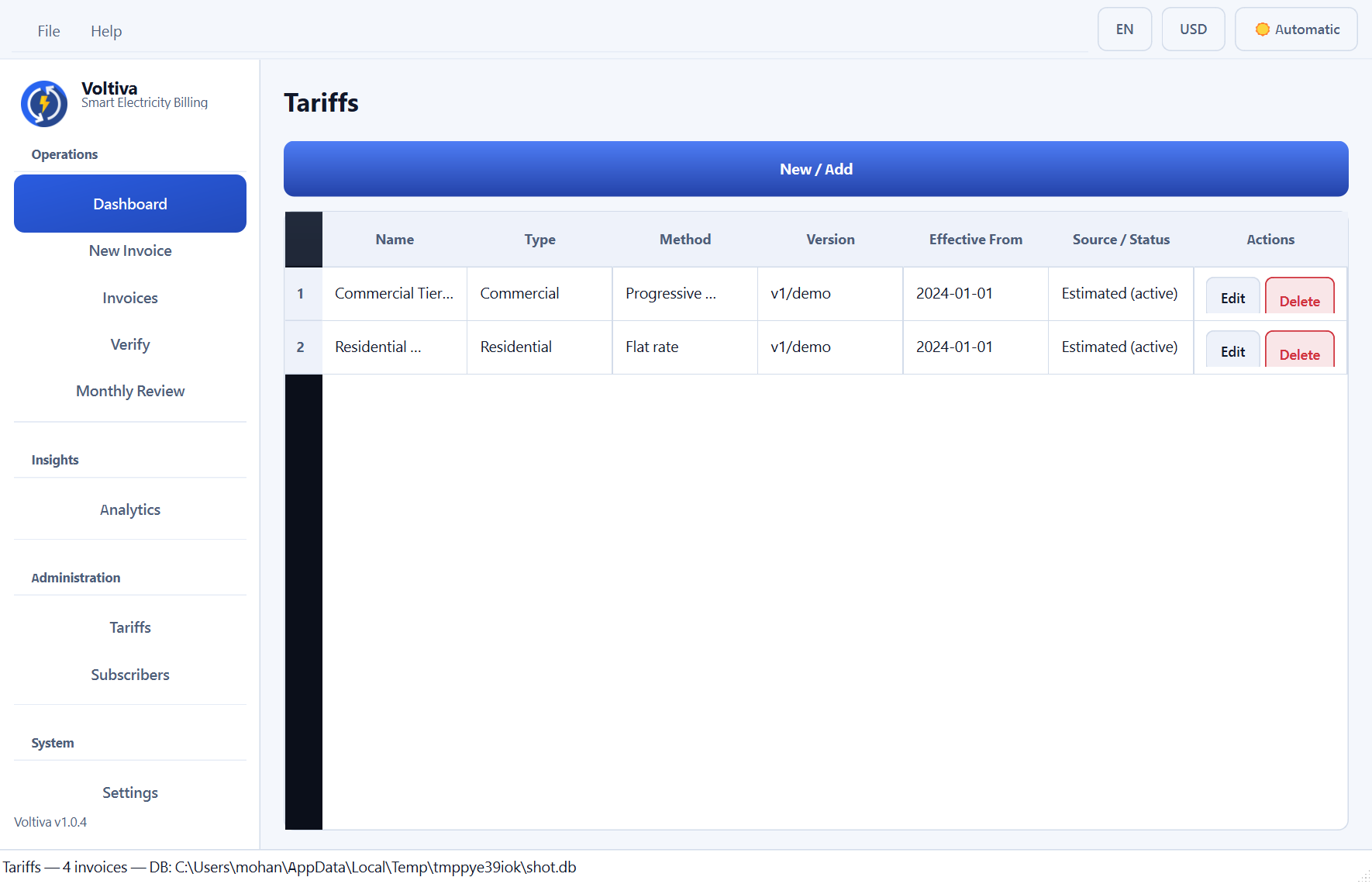
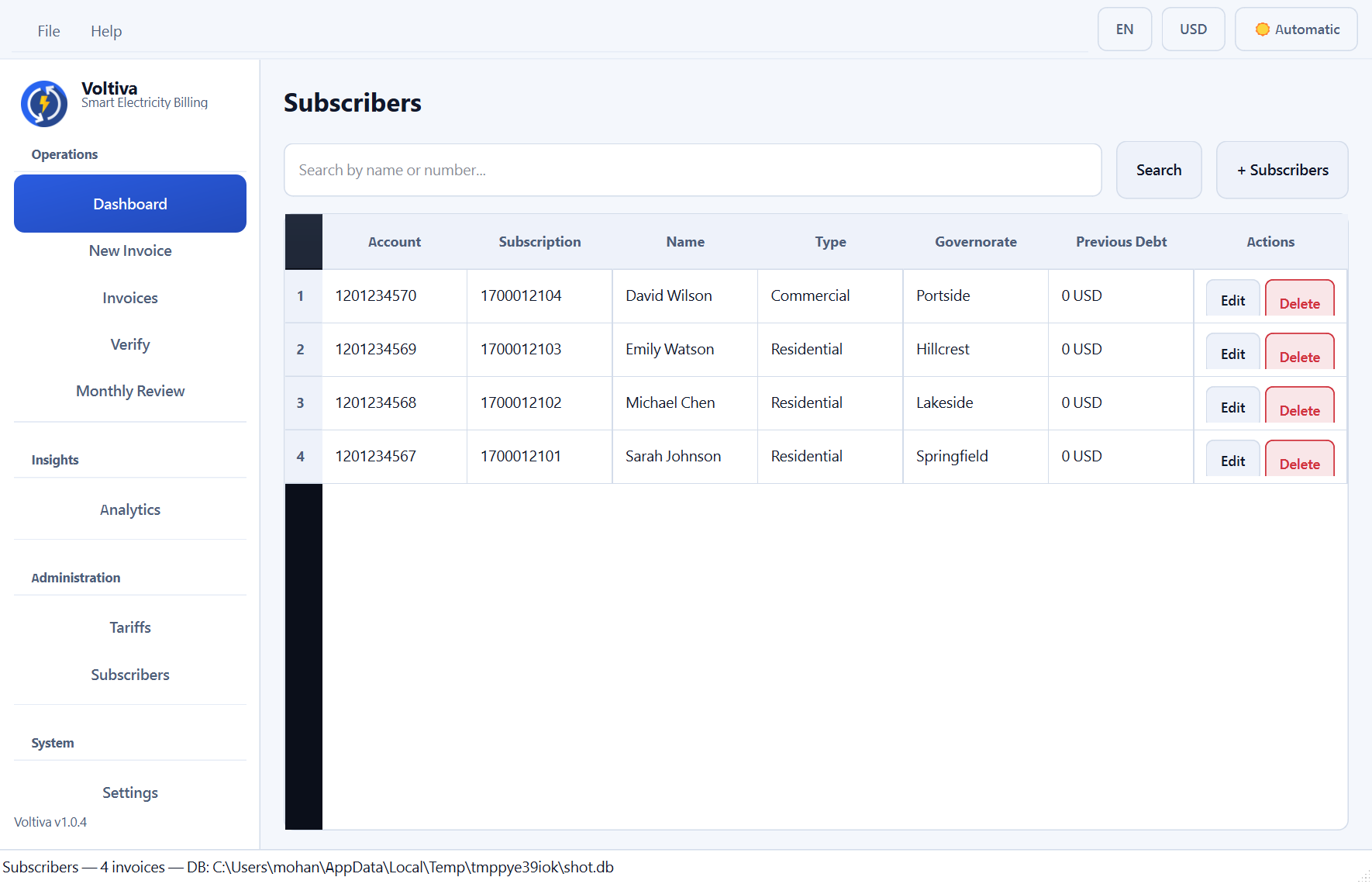
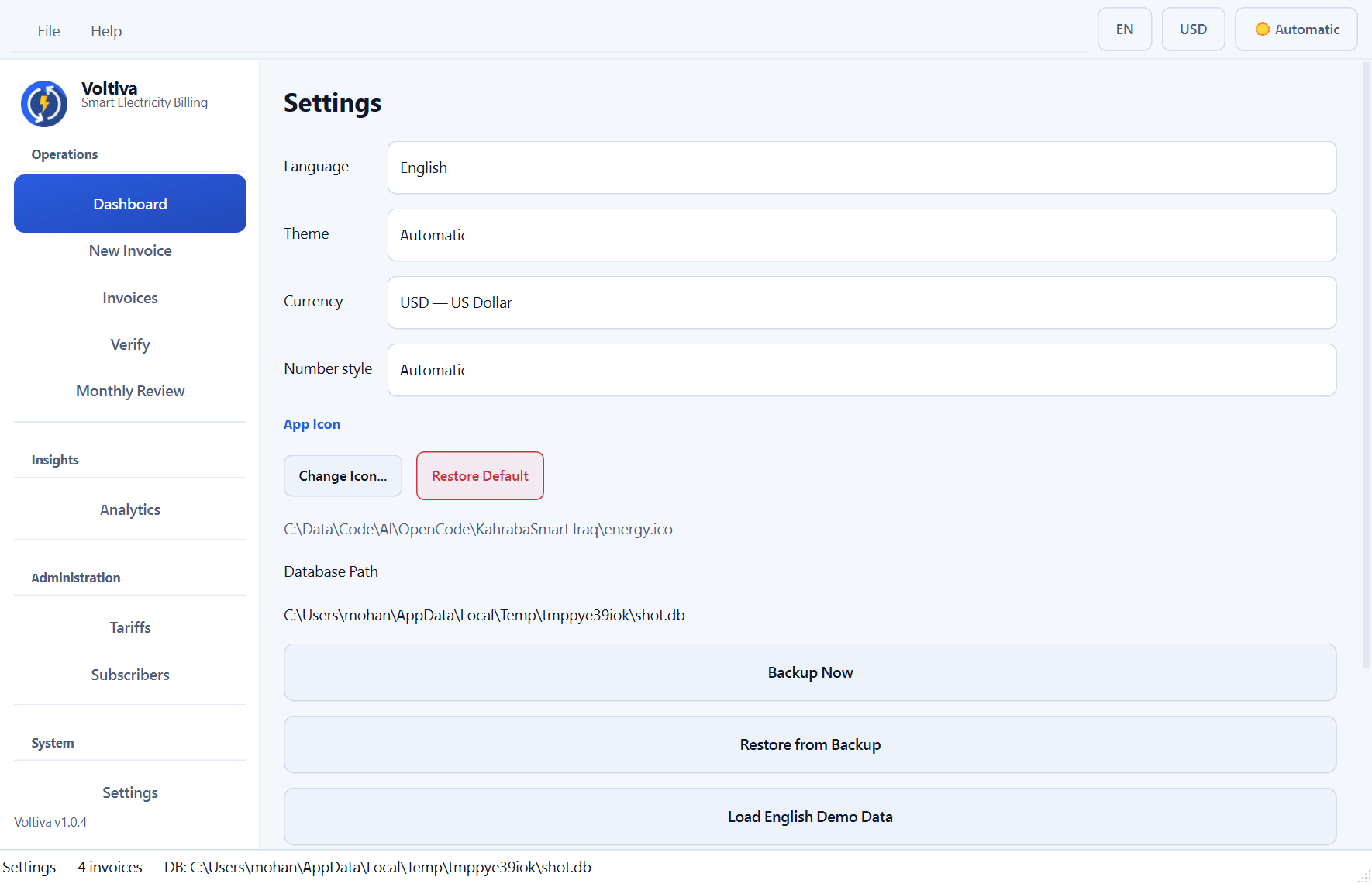
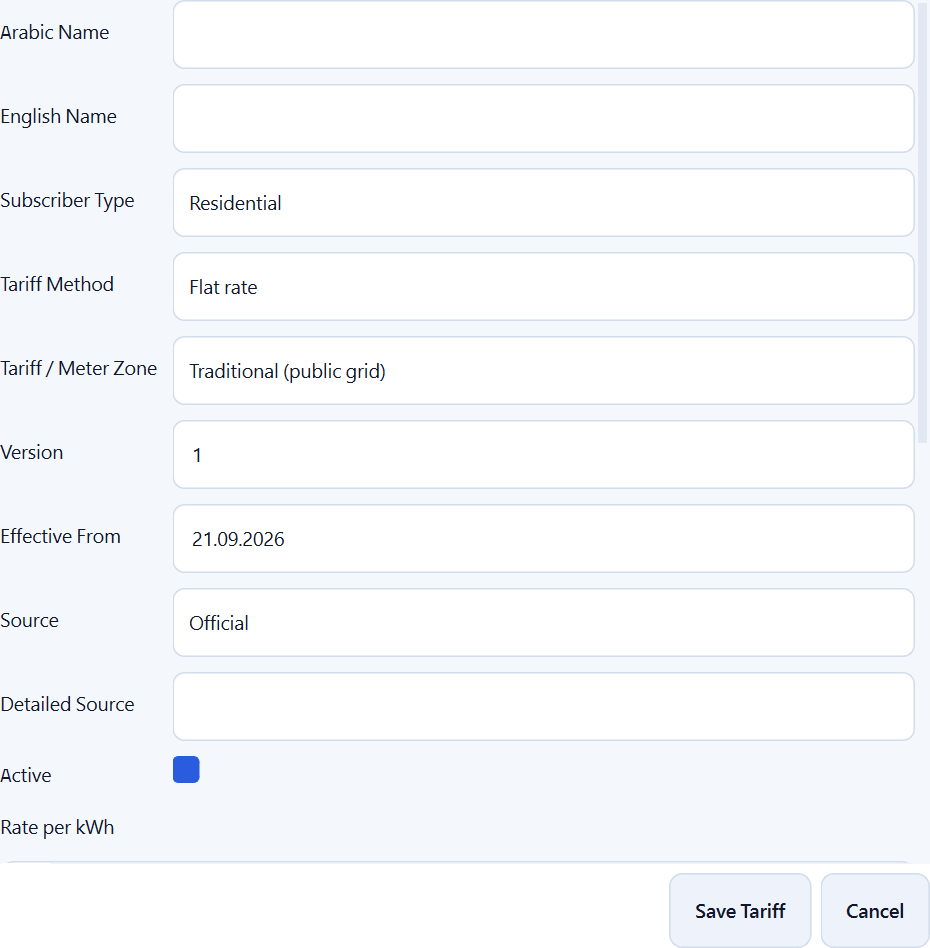
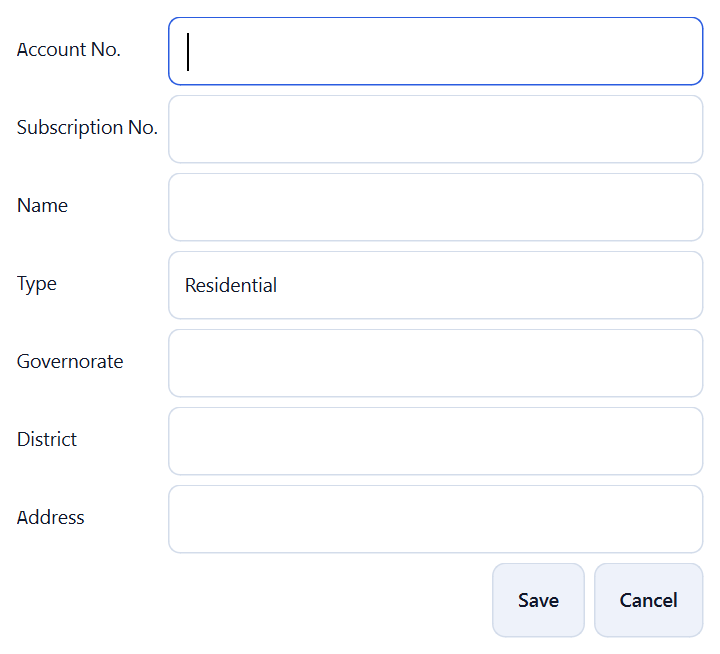
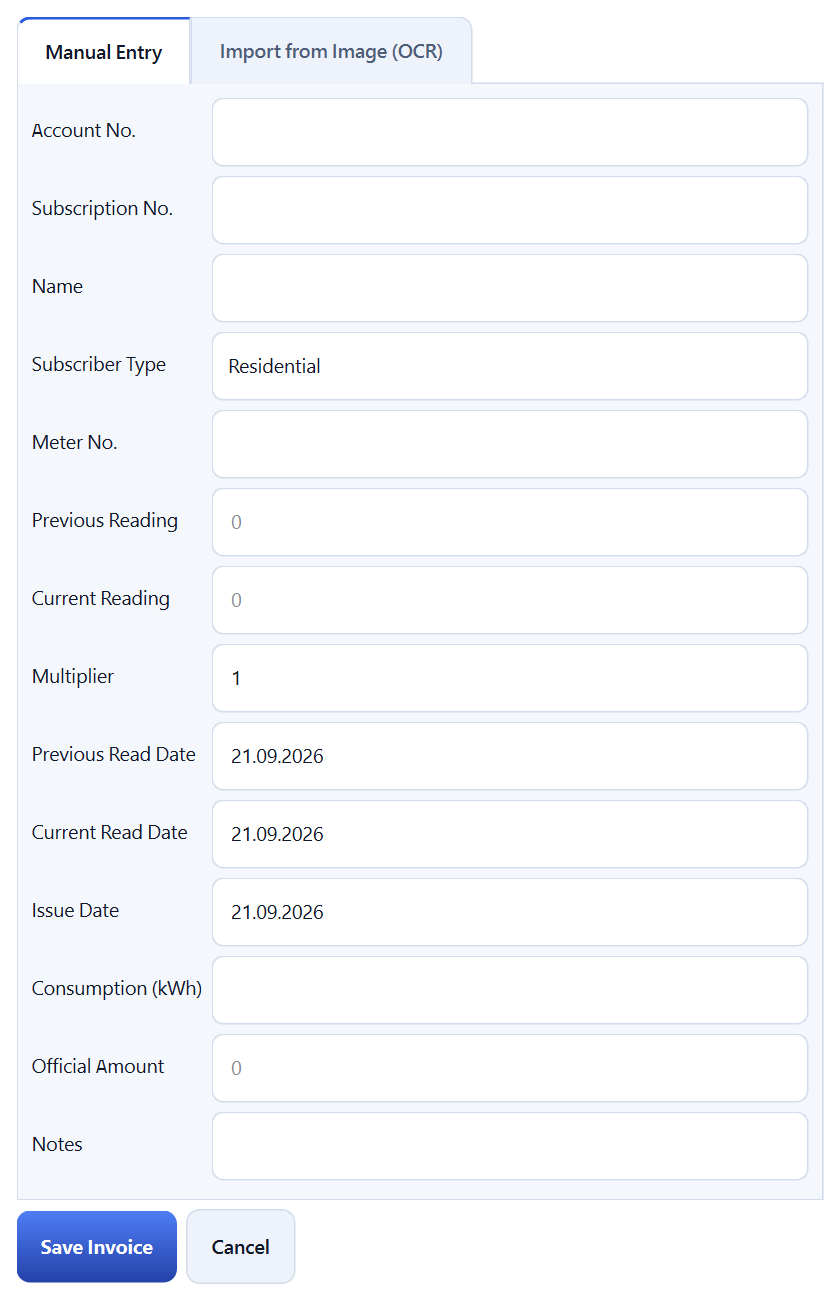
Dark palette:
Clean-architecture Python app: UI (PyQt6) → Application services → Domain
billing engine → Infrastructure (SQLite, OCR, AI reader, exporters). The billing
engine is 100% UI-independent, so the core rules can be reused or ported to
other frontends. See src/kse/ for domain/, application/,
infrastructure/ and presentation/.
python -m pip install -r requirements-dev.txt
python -m pytest -q                    # full suite (engine, OCR/AI, GUI tour, infra)
python scripts/gui_smoke.py            # headless UI smoke test
python scripts/lint_qss.py             # static check of the Qt style sheet
python scripts/check_contrast.py       # WCAG contrast audit of all six palettes
python scripts/make_screenshots.py     # regenerate ScreenShot/*.png (light + dark)
python scripts/make_icons.py # regenerate chevron/check icons after a palette change- Windows 10/11 (tested), Python 3.12 — install with
pip install -r requirements.txt - PyQt6, and optionally: pytesseract (+ Tesseract binary with
ara/eng), Pillow, numpy, openpyxl
Keyboard shortcuts: Ctrl+N new invoice, Ctrl+F invoices + search box, Ctrl+1 dashboard, Ctrl+2 analytics, Ctrl+R monthly review, Ctrl+Shift+V verify, Ctrl+T tariffs, Ctrl+U subscribers, Ctrl+, settings. Click a column header to sort invoices; click a bar in Analytics to open that month's invoices.
Billing figures produced by Voltiva are analytical estimates for record and review purposes — not official documents. Always keep the paper/PDF invoice issued by your electricity provider as the authoritative record.
AI scanning sends the selected bill image to the provider you configure; the API key is stored in the local program database. Use the offline Tesseract engine if a bill must never leave the machine.
MIT — see LICENSE.
Free and open source (MIT). If Voltiva saved you time or money, consider a small thank-you:
- GitHub Sponsors → https://github.com/sponsors/DigiSphereX
- PayPal → https://www.paypal.com/donate/?hosted_button_id=CFANQH892RPH2