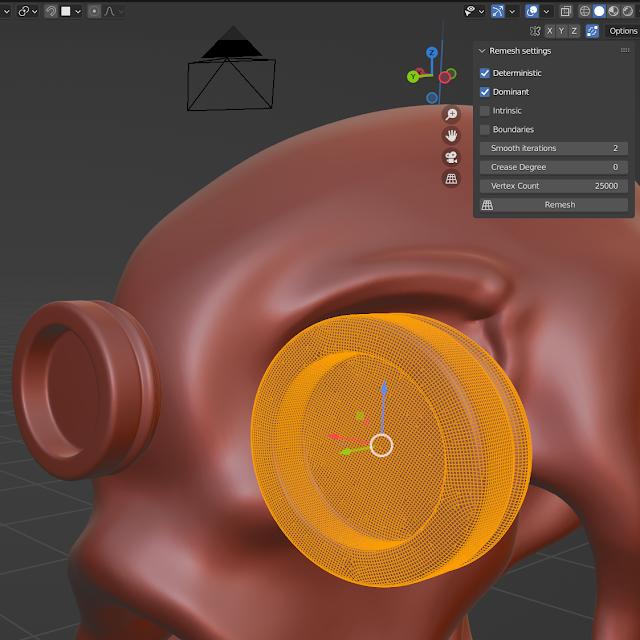
Blender 3.x-4.x addon for quad remeshing. Currently it is a wrapper for Instant Meshes.
- Download Instant Meshes: https://github.com/wjakob/instant-meshes
- Install the addon: Download zip-File, Open Blender preferences and press Install... Button. Select zip-File.
- Open the JRemesher preferences and add Instant Meshes executable to the property Instant Meshes Application.
After installing the Panel JRemesher is available in the sidebar (Open by pressing N key).
Here is a video about the addon: https://youtu.be/_HqngZdY1Ww