
.png)
.png)
.png)
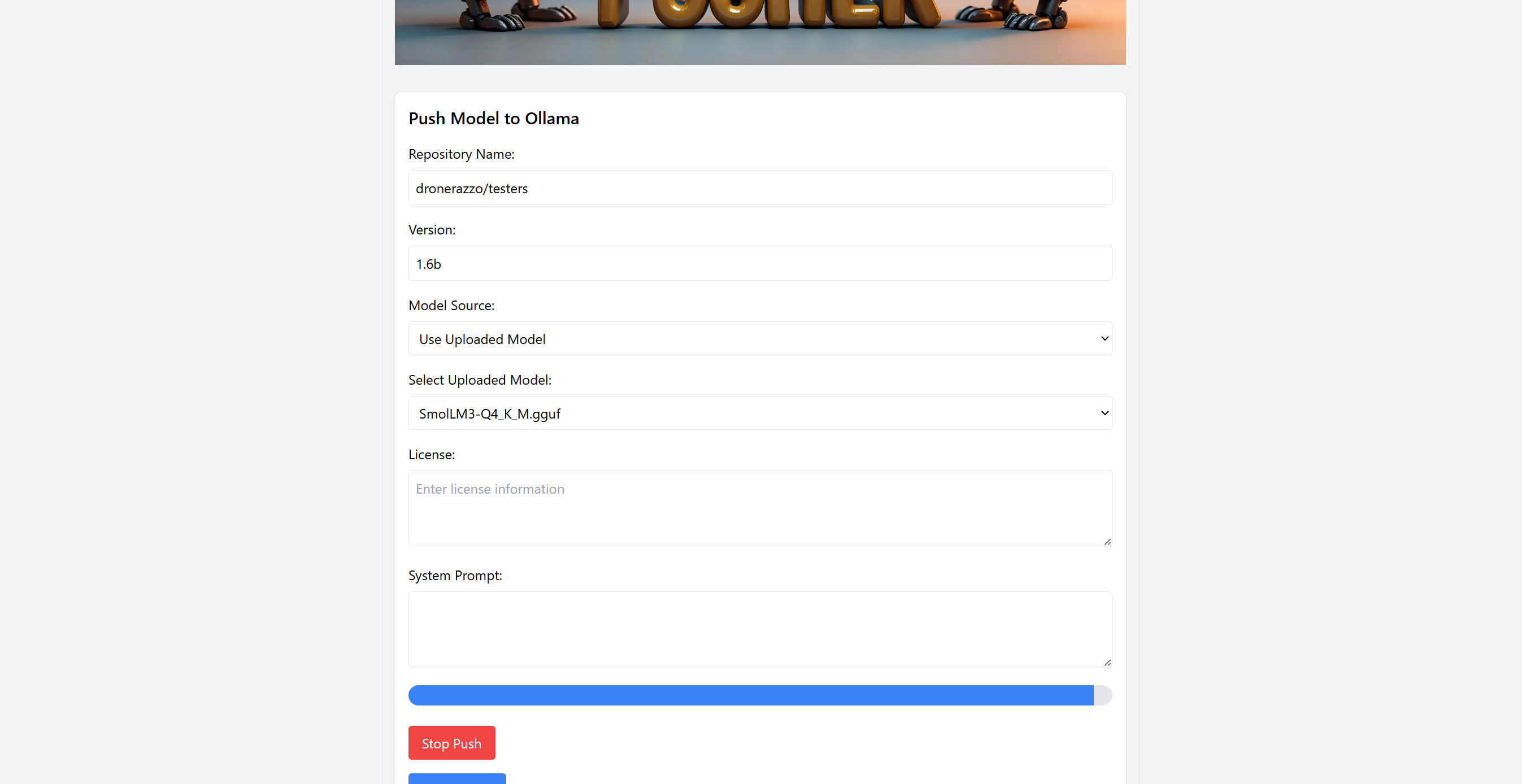
A modern web interface for pushing gguf llms to ollama public libary!

- 🖥️ Clean, modern interface for interacting with Ollama libary
- 💾 Local model storage
- 🚀 Fast and responsive
- 🔒 Privacy-focused: All proccess are being exectued locally
- ⏰ Ready to go in under 10 minutes
- ⚖️ Low resource consuming
- ADDING SUPPORT FOR SAFETENSOR MODELS
- FIXING QUALITY BUGS
- Ability to delete ollama models
- MACOS MONTEREY
- MACOS SONOMA
- MACOS VENTURA
- MACOS SEQUOIA
- ✅ WINDOWS 10
- WINDOWS 11
- UBUNTU 20
- ✅ UBUNTU 22
- UBUNTU 23
- UBUNTU 24
- DEBIAN
- LINUX MINT
What is this tool?
This tool lets you easily push a model to the ollama publi libary!
What needs to be installed already?:
python3
python3 flask
python3 psutil
python3 requests
python3 werkzeug
python3 pip
If not already installed run this:
sudo pip install flask psutil requests werkzeug
Ollama (Not Required will be installed automatically if not already installed!)
! It is important to run it as ROOT SUDO!!!!
To install python3:
MacOS:
brew install python
Ubuntu:
sudo apt install python3
Fedora/RHEL/CentOS-based distributions:
sudo dnf install python3
Arch Linux:
sudo pacman -S python
Windows:
Method 1: Using the official installer
Go to the official Python website:
https://www.python.org/downloads/
Download the installer:
Click on the "Download Python" button for the latest stable version (e.g., Python 3.x).
Run the installer:
Check the box that says "Add Python to PATH" (this is important).
Click on "Install Now" and follow the installation prompts.
Method 2: Using Windows Package Manager (Winget)
If you have Windows 10 or Windows 11 with Winget:
winget install Python.Python.3
Check if python3 is installd: python3 --version
1. Start with the Setup

2. Begin Installation

3. Complete Setup

4. Upload Files
