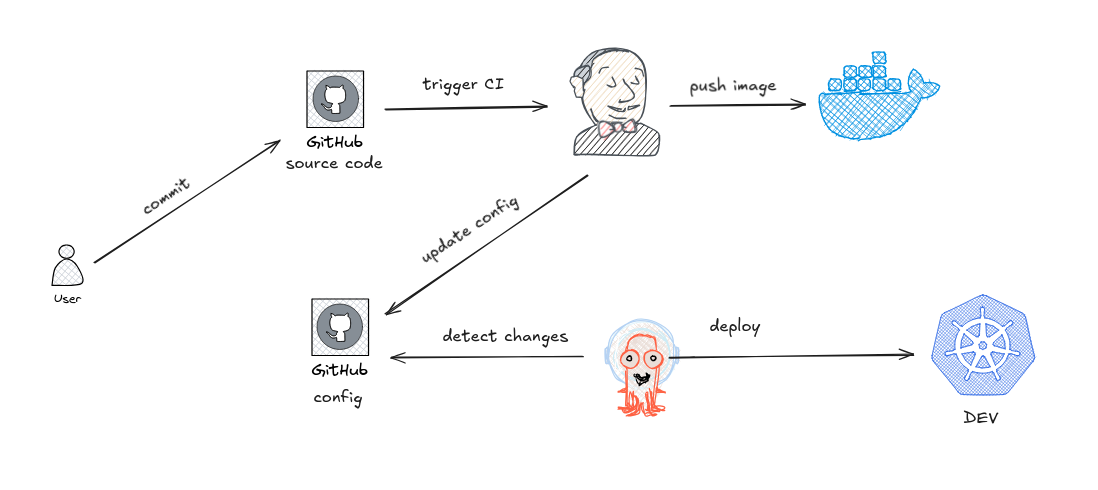
- 0. Diagram
- 1. Kubernetes Deployment
- 2. ArgoCD & Jenkins Setup
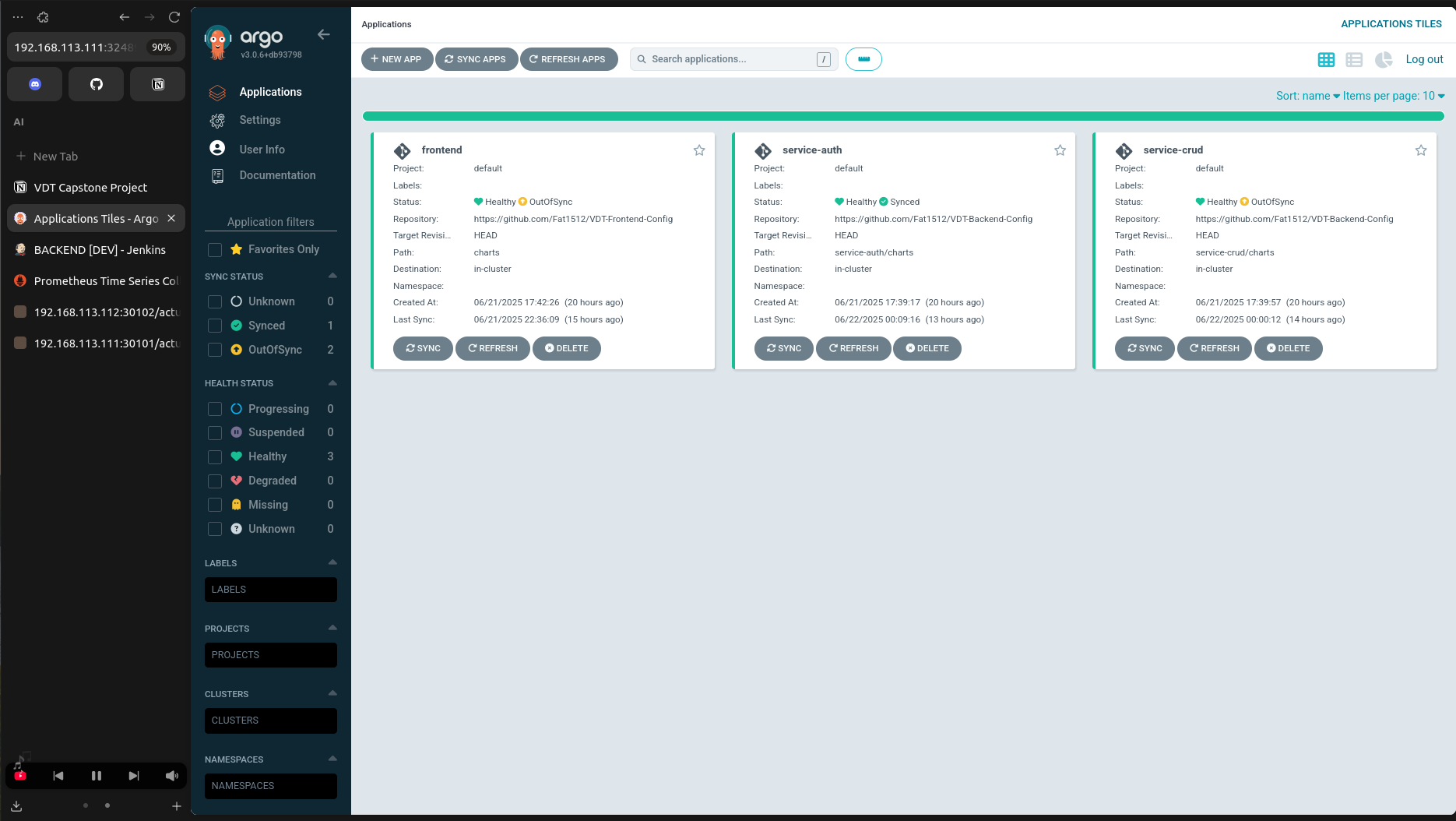
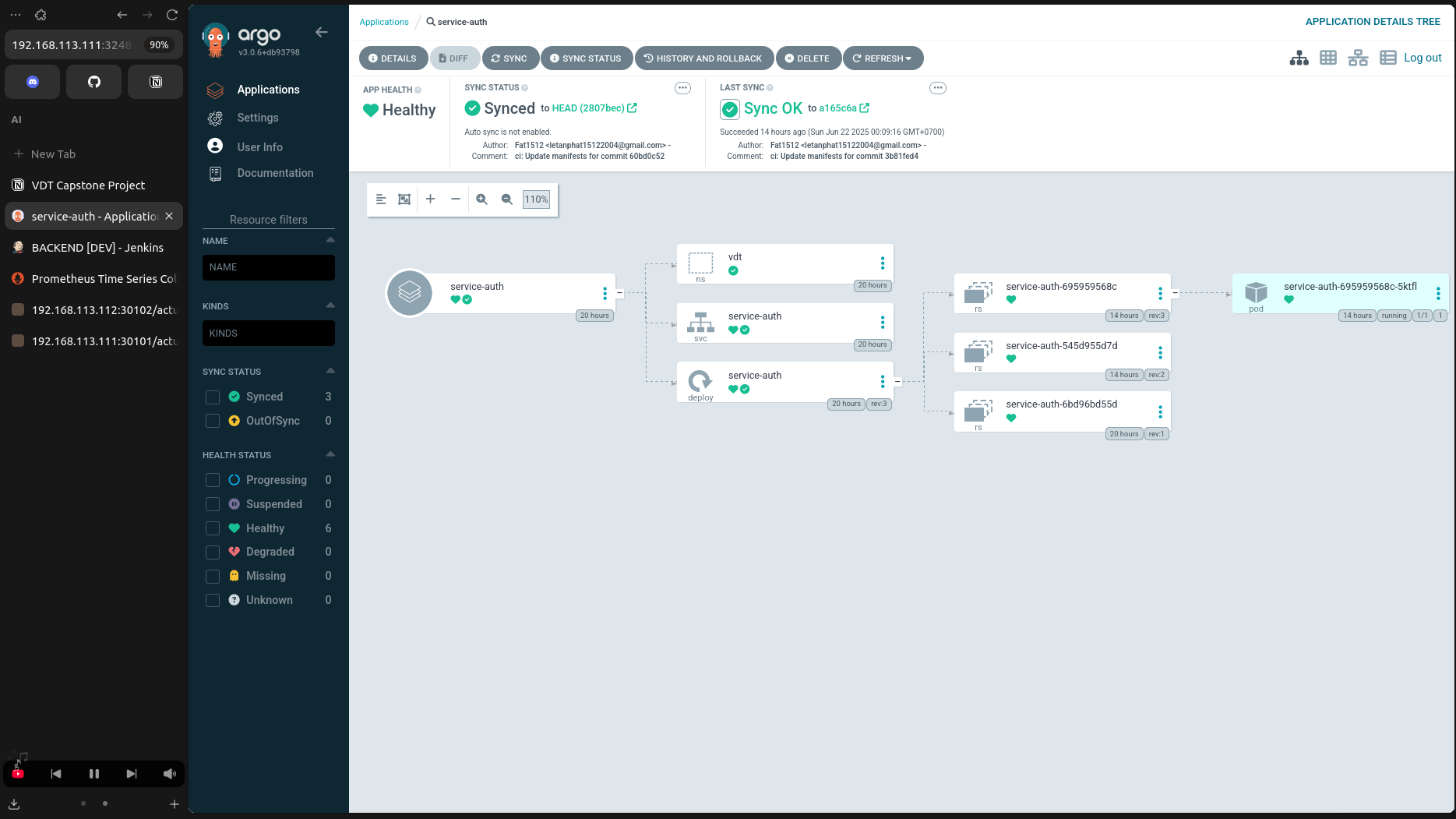
- 3. Application Deployment via ArgoCD
- 4. CI/CD
- 5. Monitoring
- 6. Logging
- 7. Security
Tool: kubeadm
Installation Steps & Configuration
- Please refer to the detailed kubeadm/README.md for comprehensive setup instructions.
Server Address:
- Master: 192.168.111.111
- Worker 1: 192.168.111.112
- Worker 2: 192.168.111.113
- Monitor: 192.168.111.114
Overview:
This repository demonstrates the deployment of a complete web application ecosystem within a Kubernetes cluster. It integrates various DevOps tools, including Kubernetes itself, Jenkins for CI/CD, ArgoCD for GitOps-based delivery, and Prometheus for monitoring. The aim is to provide an end-to-end platform for scalable and robust cloud-native applications.
-
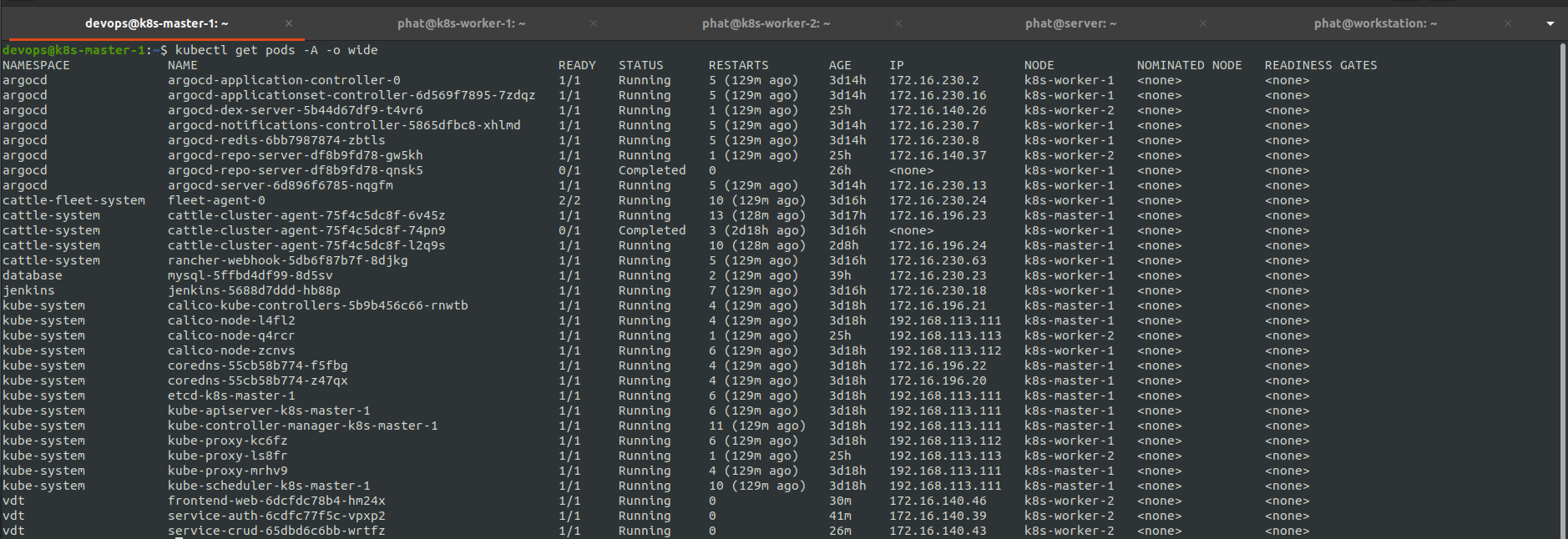
System Validation Logs:
kubectl get nodes -o wide
kubectl get pods -A -o wide
-
Screenshots:
-
-

- Manifest: ArgoCD Manifest
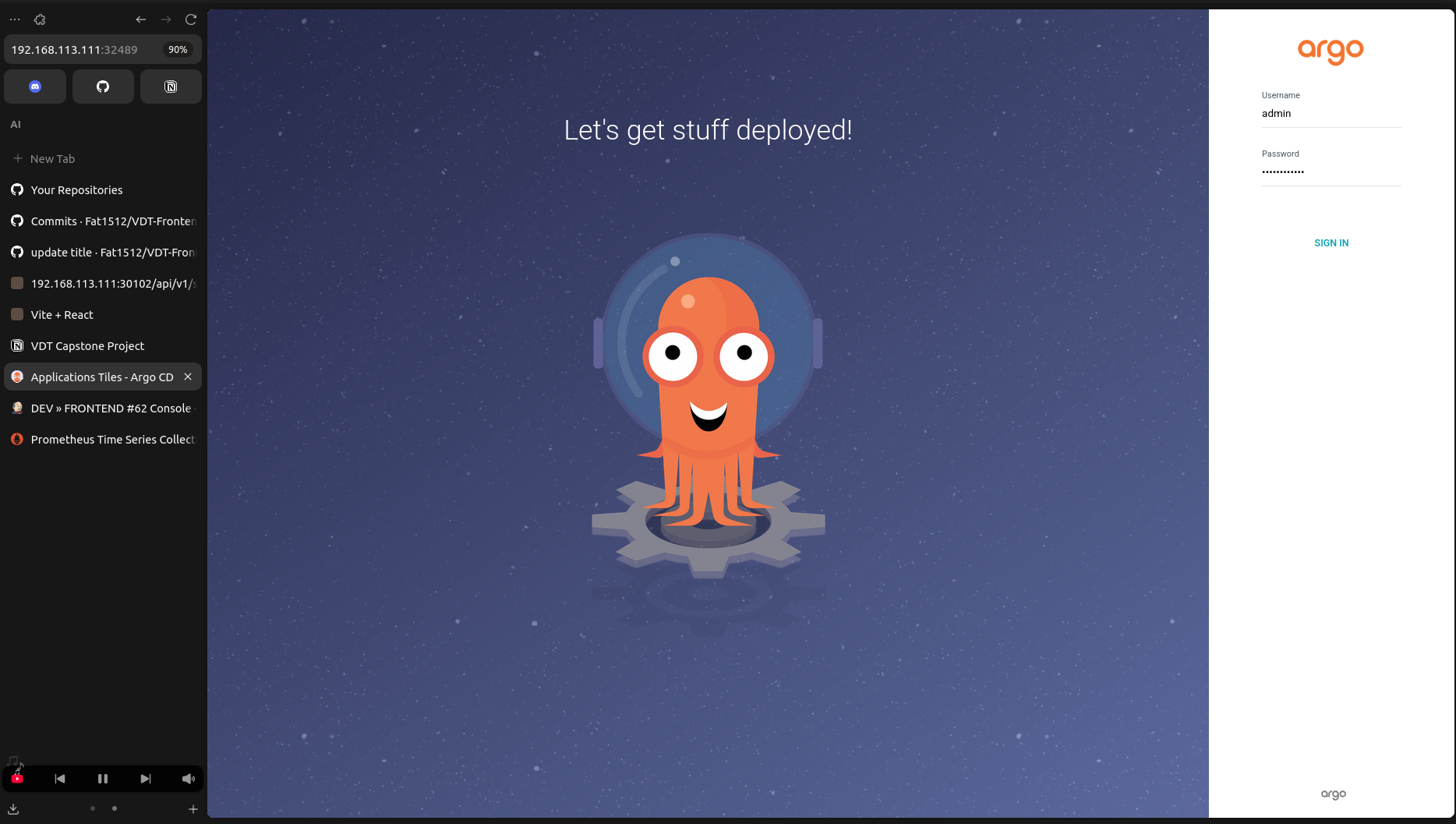
- ArgoCD Service Address: 192.168.113.111:32489
- Install ArgoCD:
kubectl create namespace argocd
kubectl apply -n argocd -f https://raw.githubusercontent.com/argoproj/argo-cd/stable/manifests/install.yaml- Check Deployment:
# Patch the argocd-server service to change its type from ClusterIP to NodePort.
kubectl patch svc argocd-server -n argocd -p '{"spec": {"type": "NodePort"}}'

# Retrieve password
kubectl -n argocd get secret argocd-initial-admin-secret -o jsonpath="{.data.password}" | base64 -d

kubectl get all -n argocd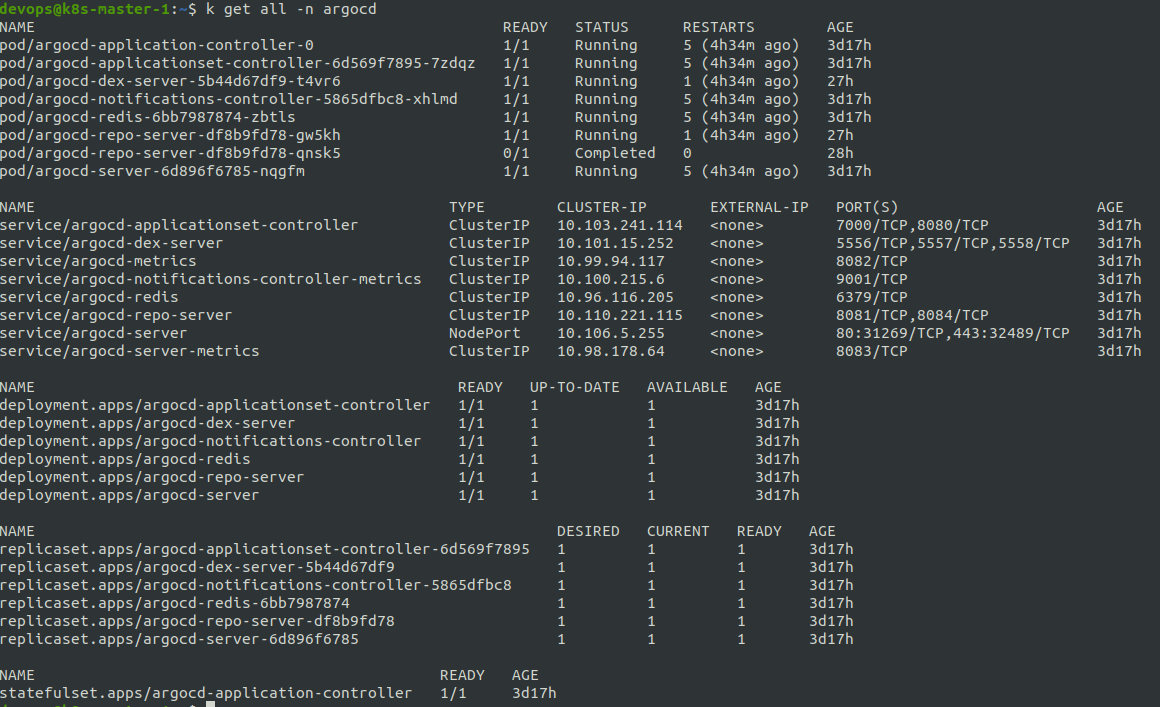
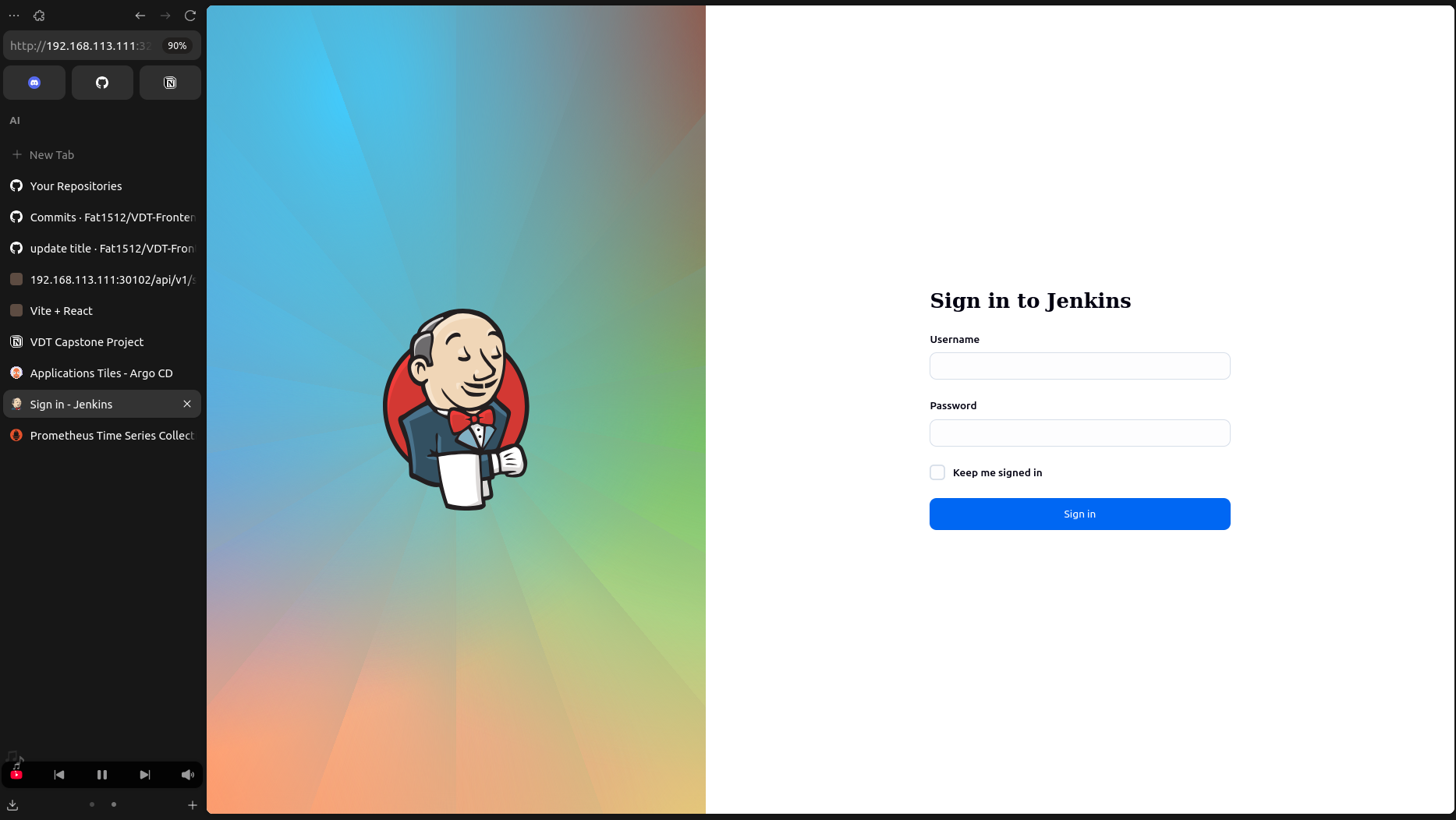
- Manifest: Jenkins Manifest
- Jenkins Service Address: 192.168.113.111:32474
- Install Jenkins:
cd jenkins
kubectl apply -f jenkins-ns.yaml
kubectl apply -f jenkins-pv.yaml
kubectl apply -f jenkins-sa.yaml
kubectl apply -f jenkins-deployment.yaml
kubectl apply -f jenkins-service.yaml- Check Deployment:
kubectl get all -n jenkins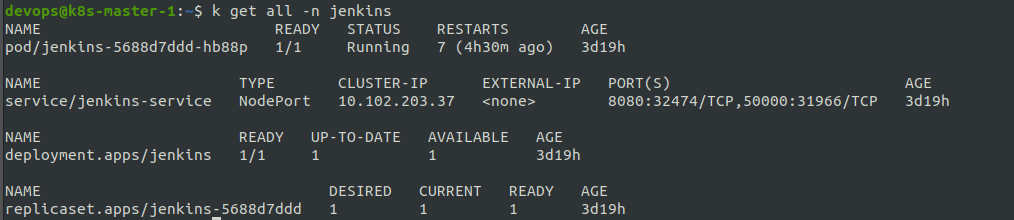
-
Backend Helm Chart and values file: Backend Config
-
Frontend Helm Chart and values file: Frontend Config
-
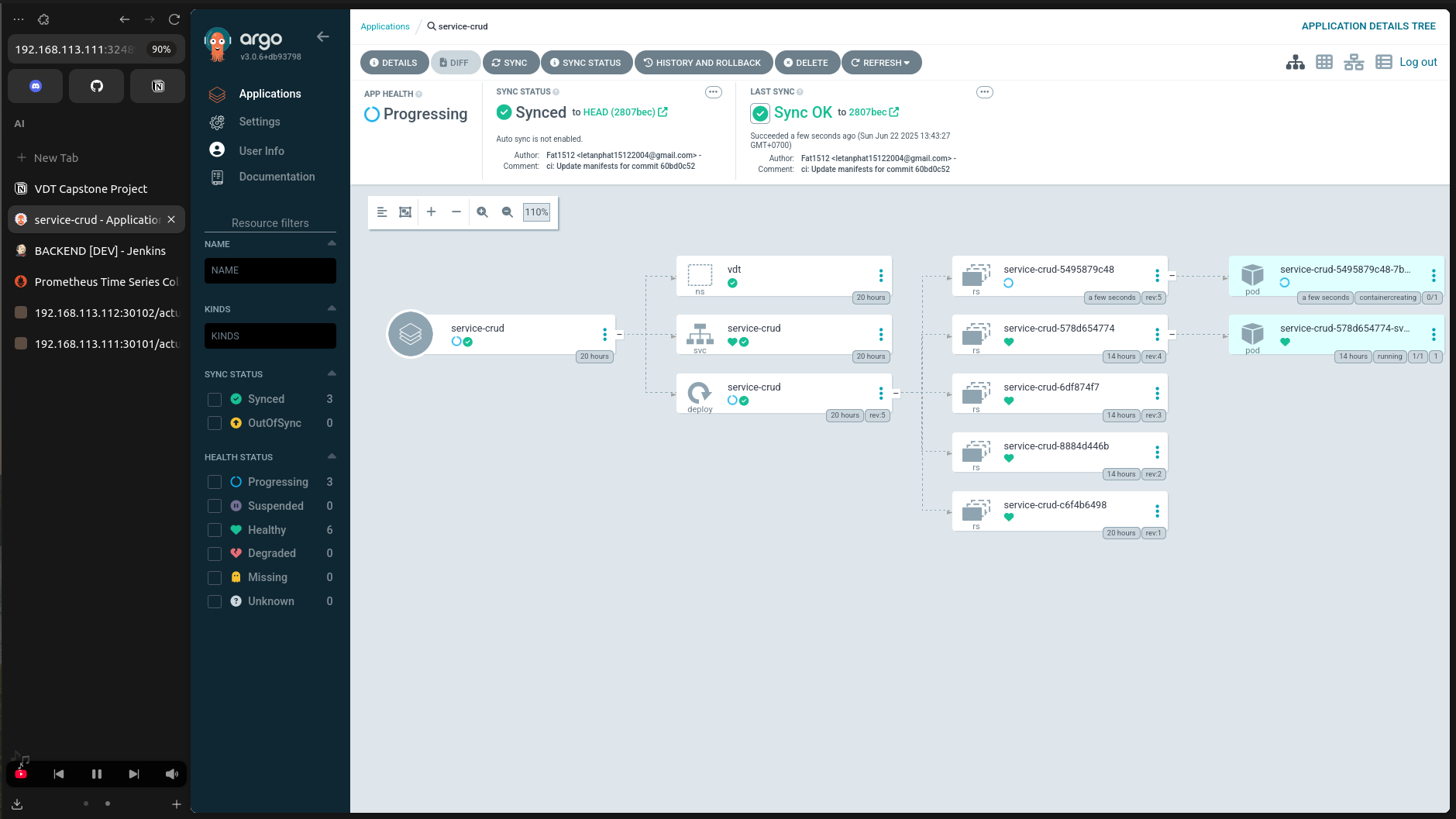
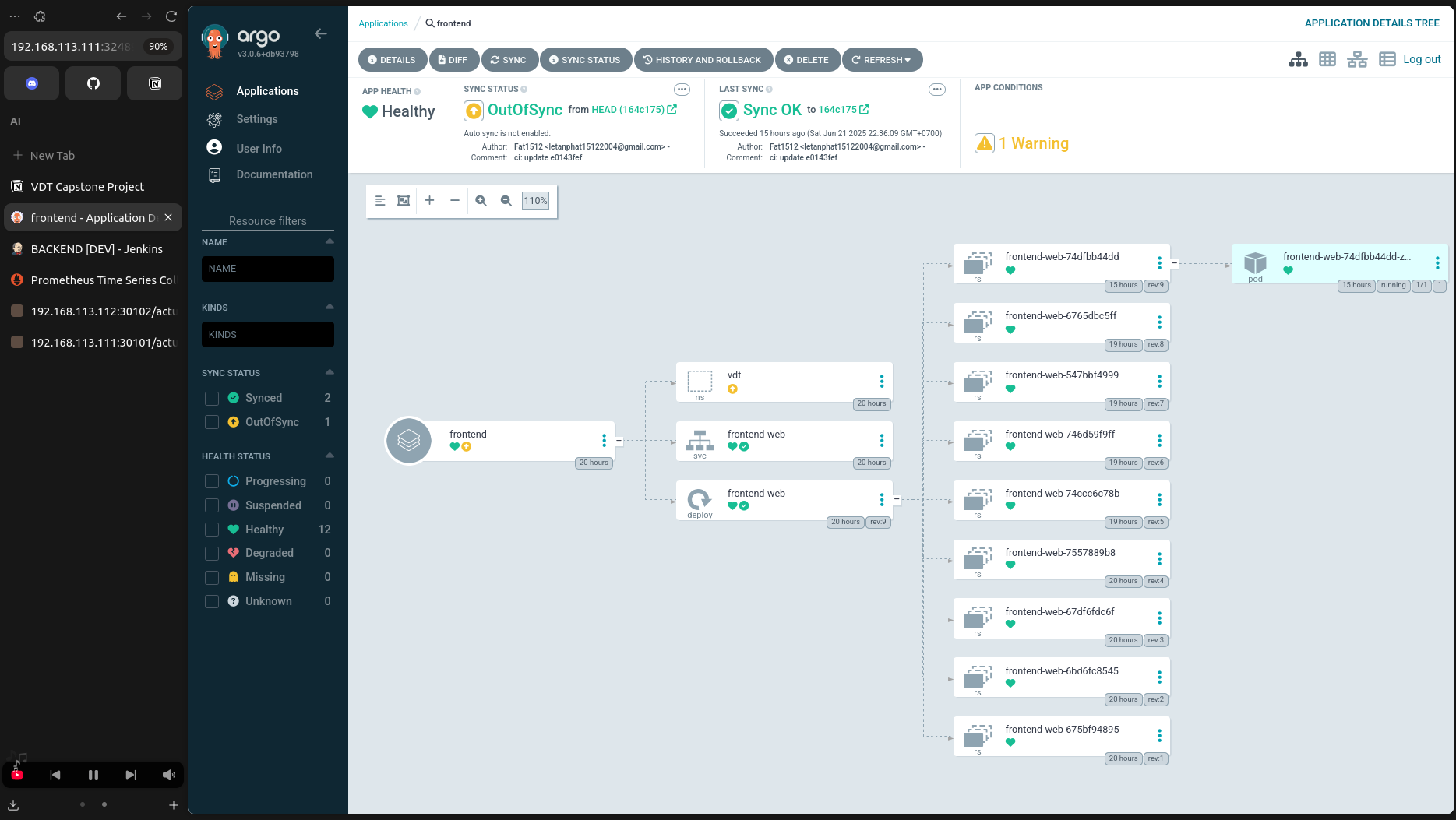
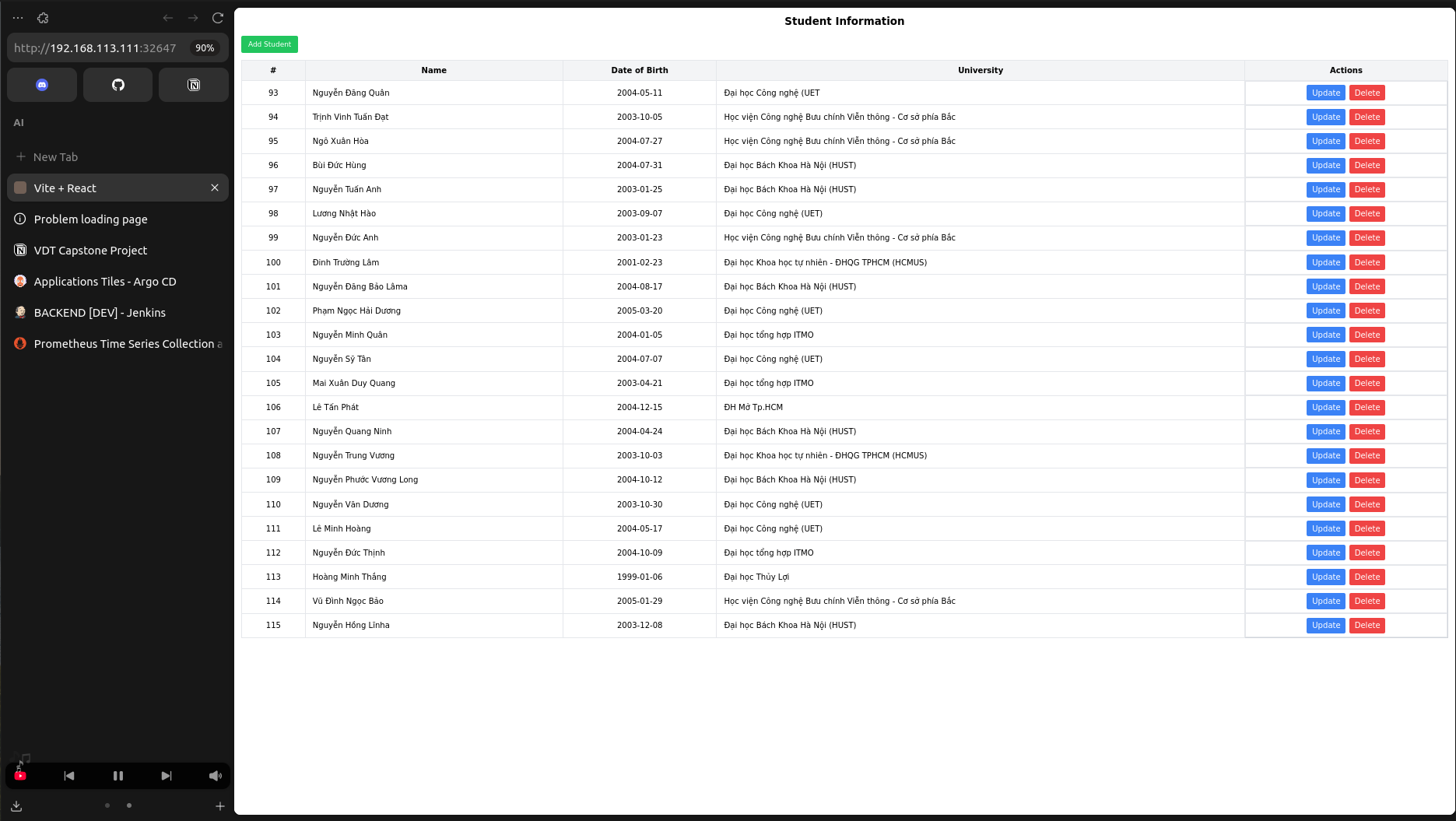
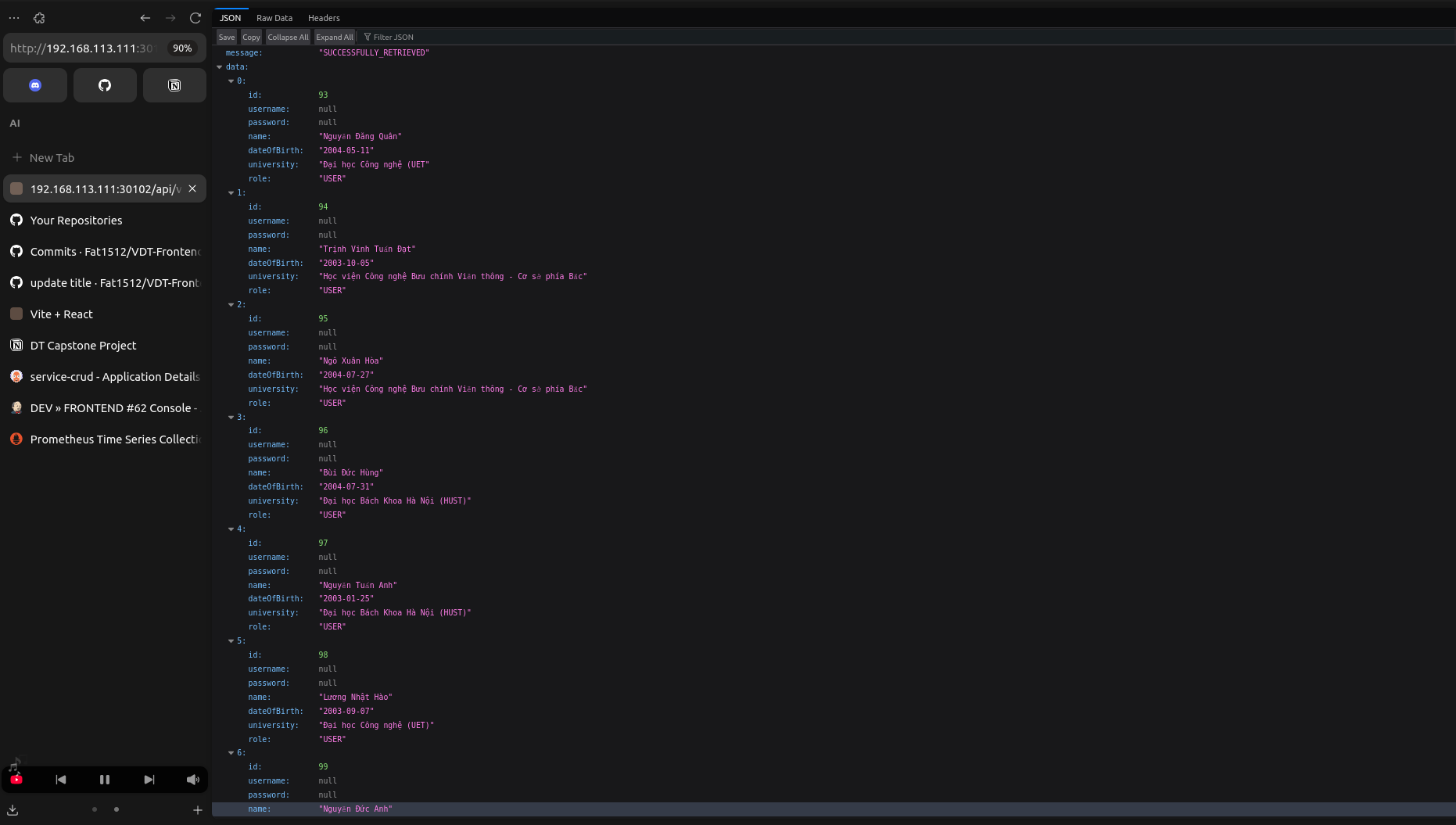
The application consists of one frontend service and two backend services.
kubectl get svc -n vdt
-
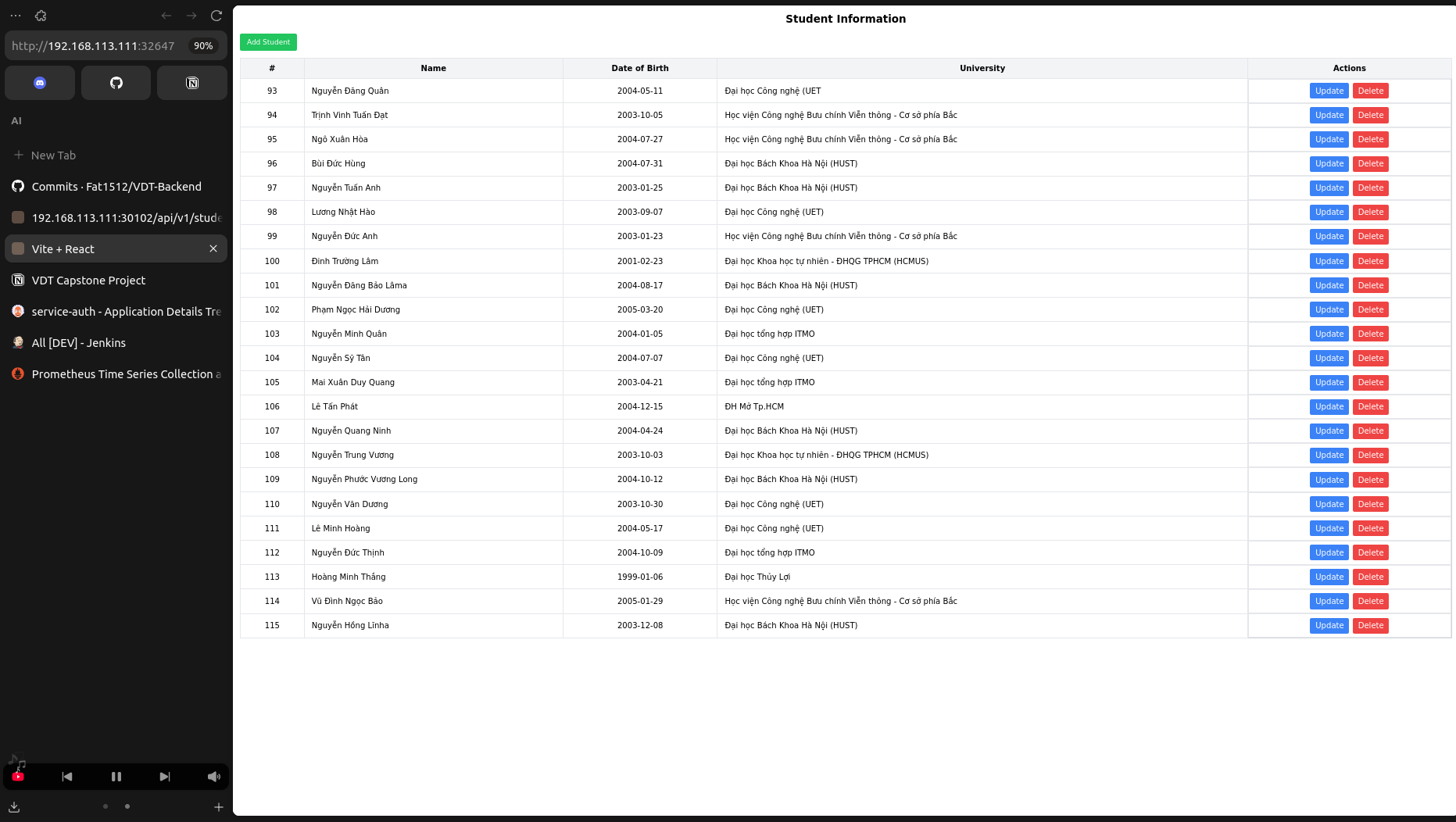
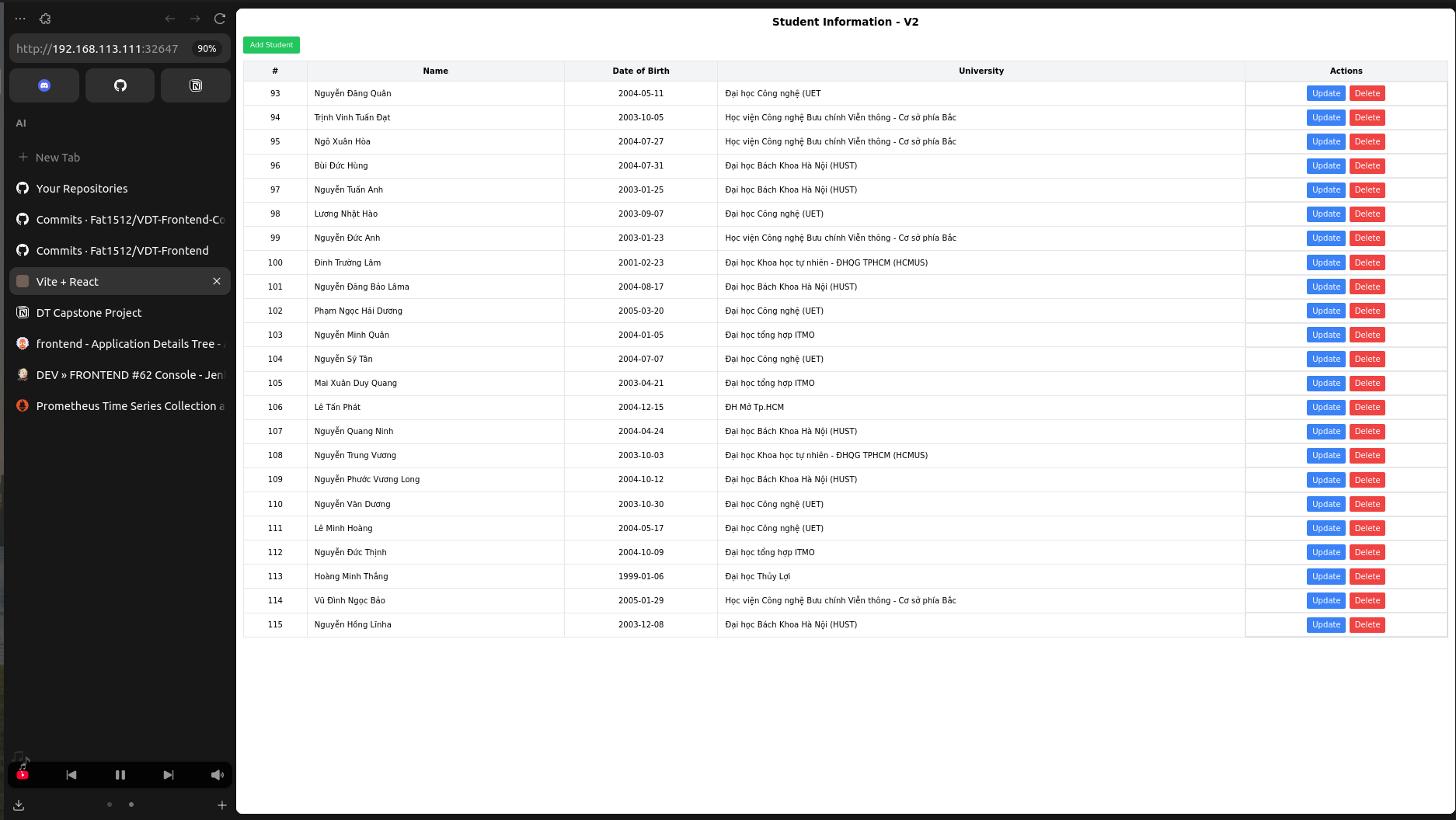
Frontend Service: 192.168.113.111:32647
-
Auth Service: 192.168.113.111:30101
-
Crud Service: 192.168.113.111:30102
- Backend Jenkinsfile: Backend Jenkinsfile
- Frontend Jenkinsfile: Frontend Jenkinsfile
- Reference: Log file
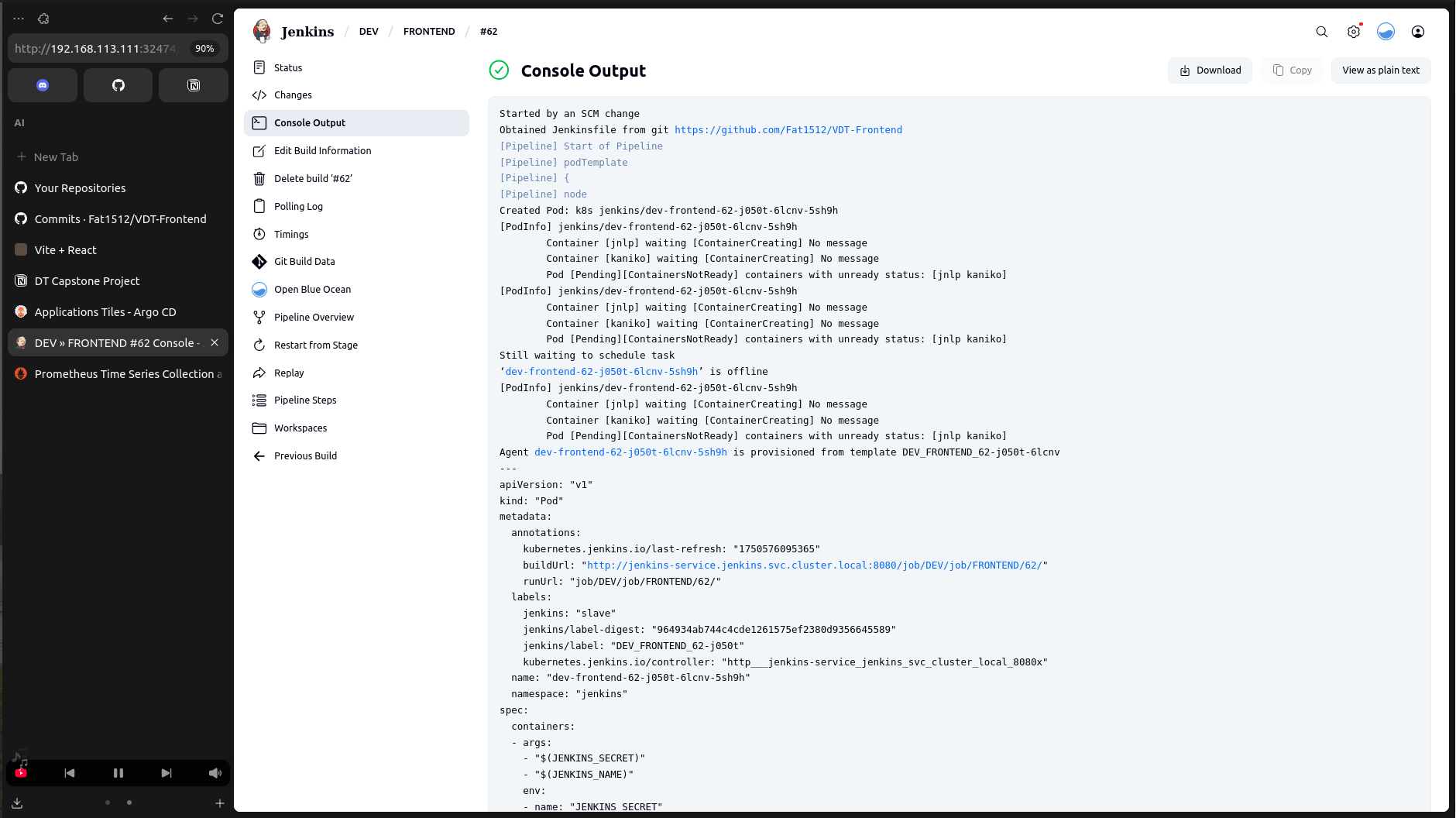
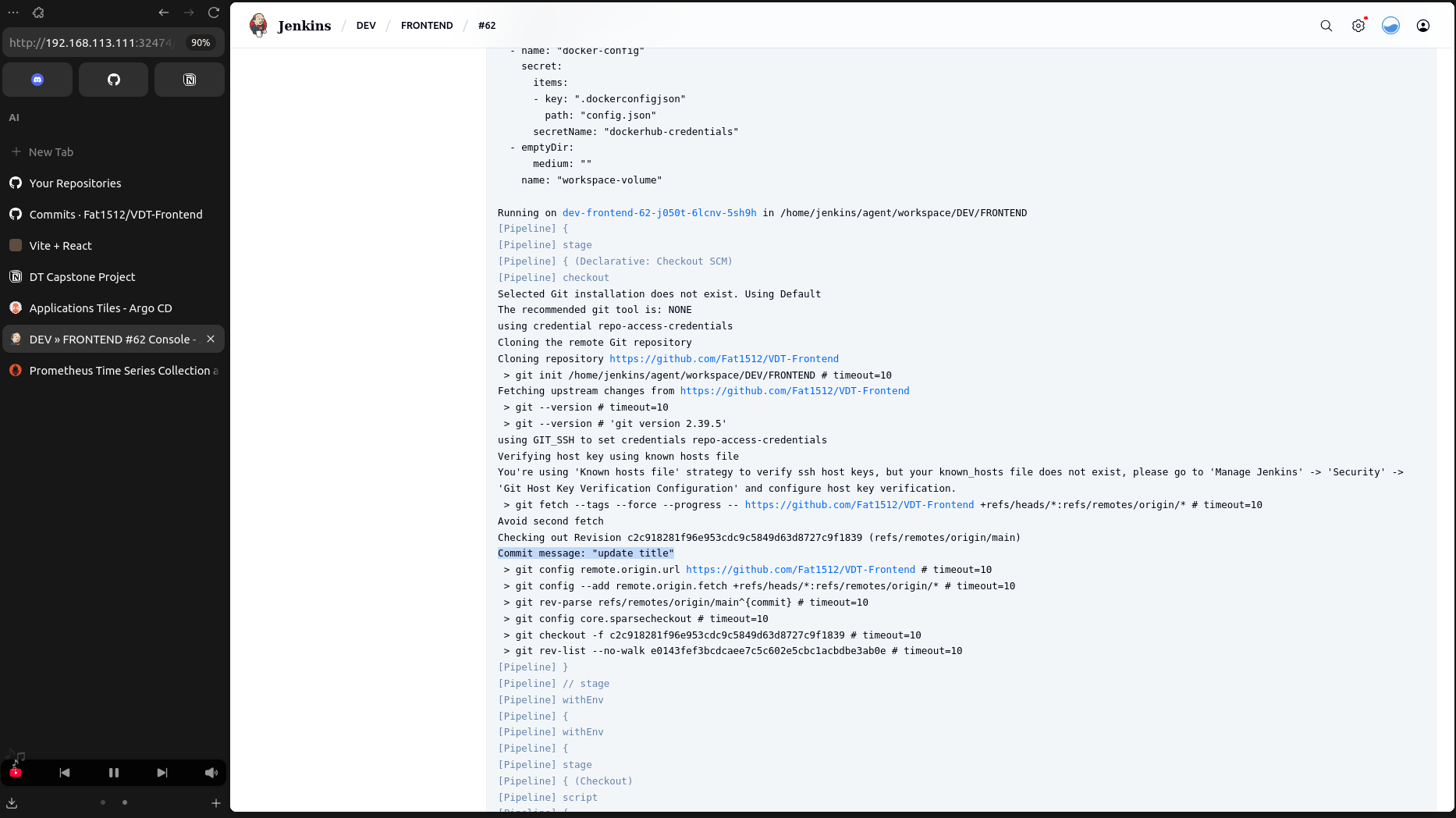
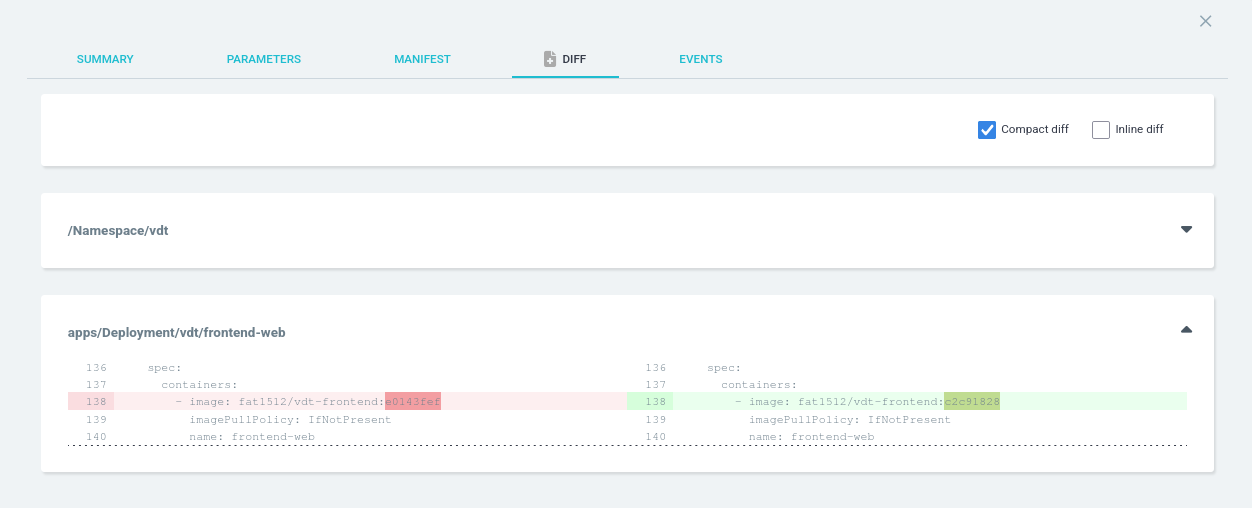
- Example: Update frontend title and observe pipeline triggers.
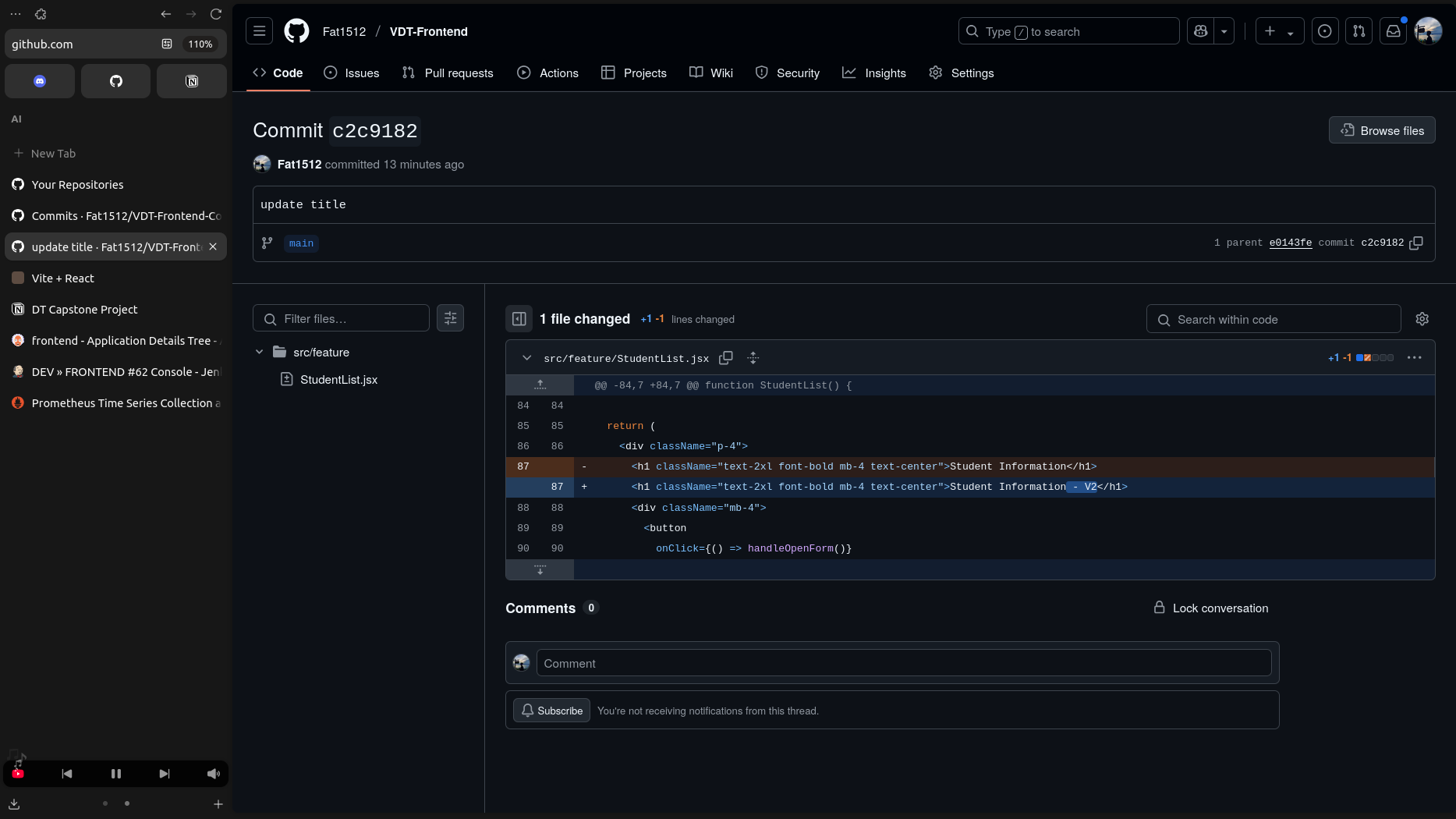
- Pipeline is automatically triggered on commit changes
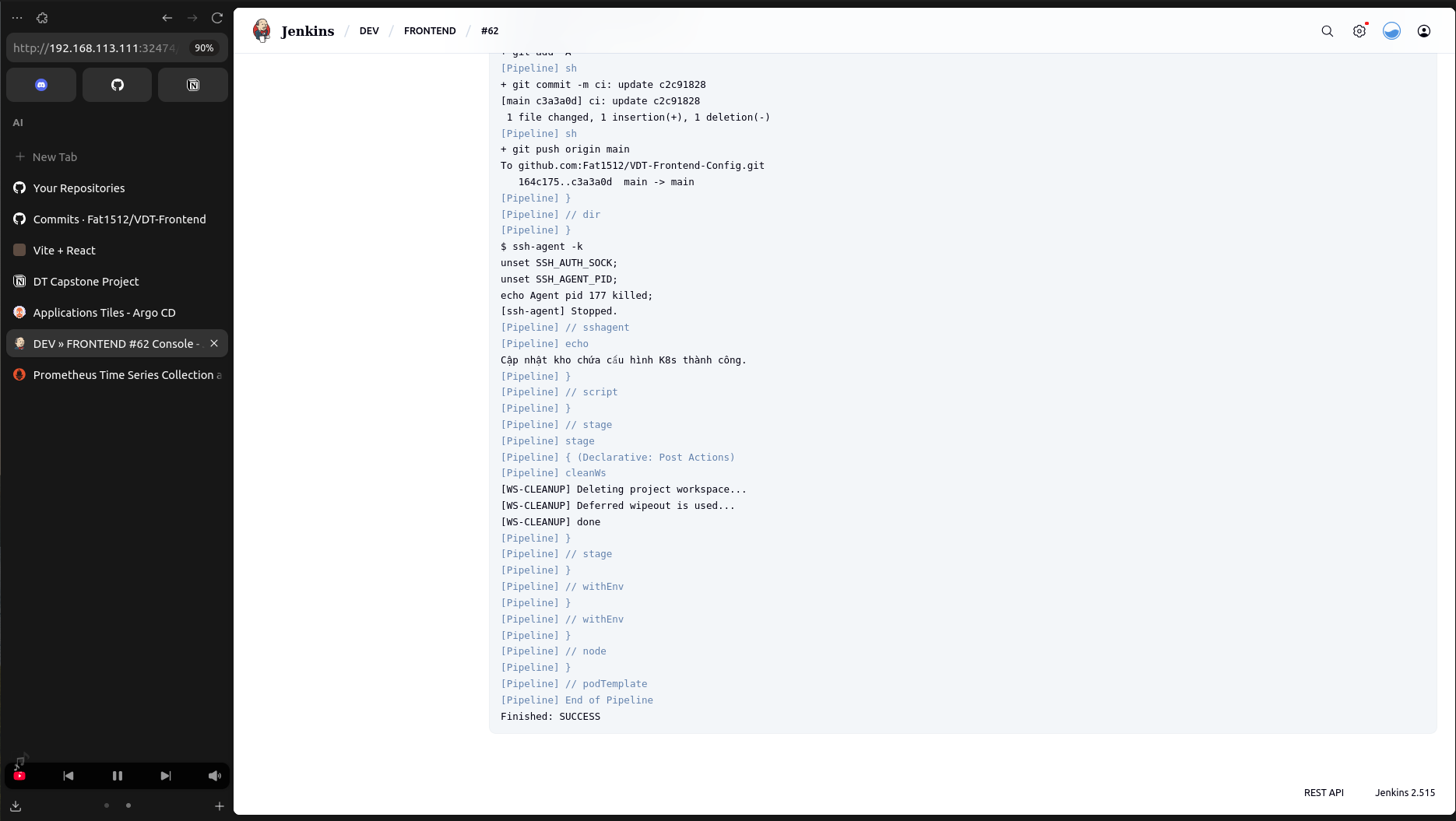
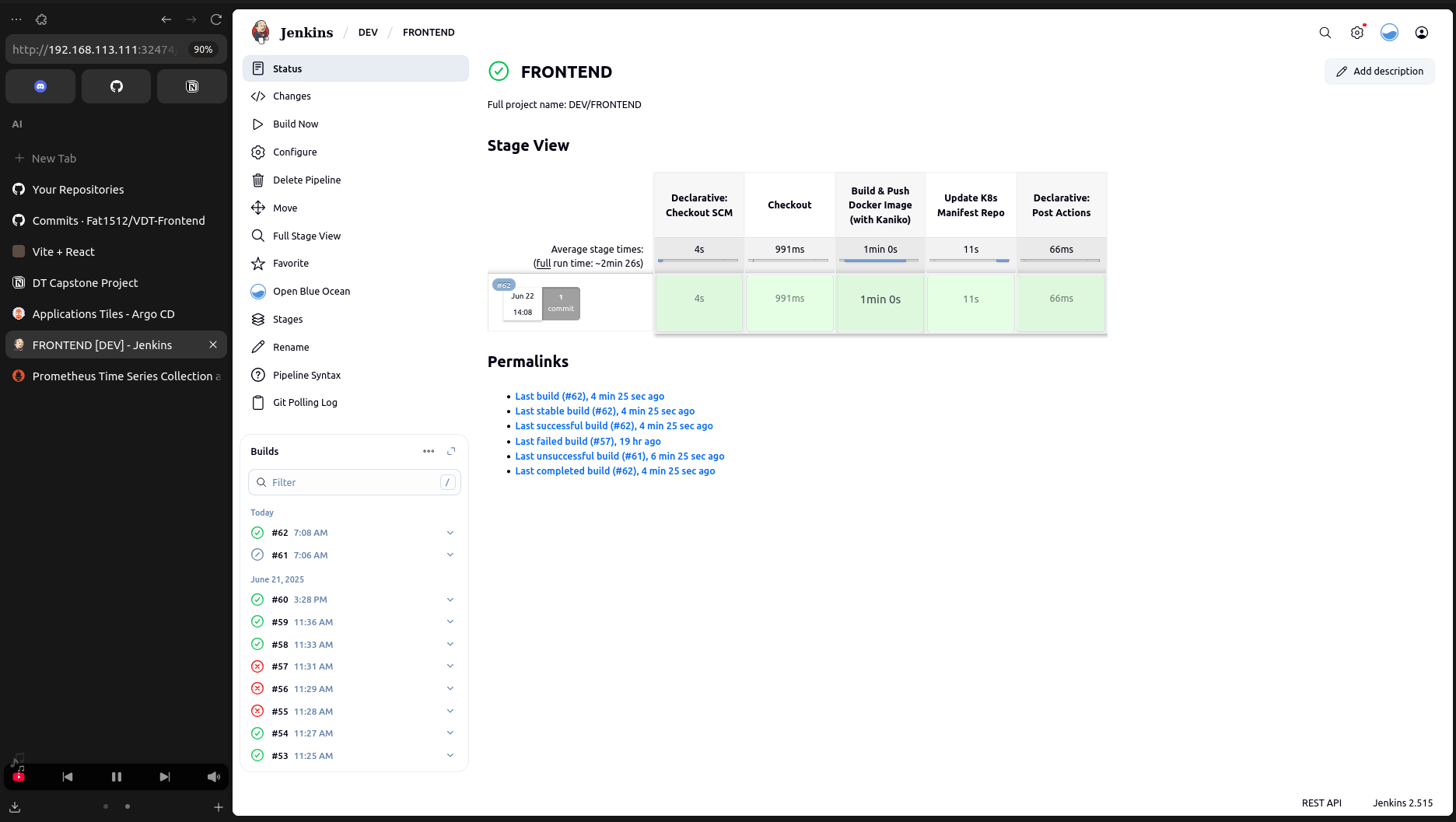
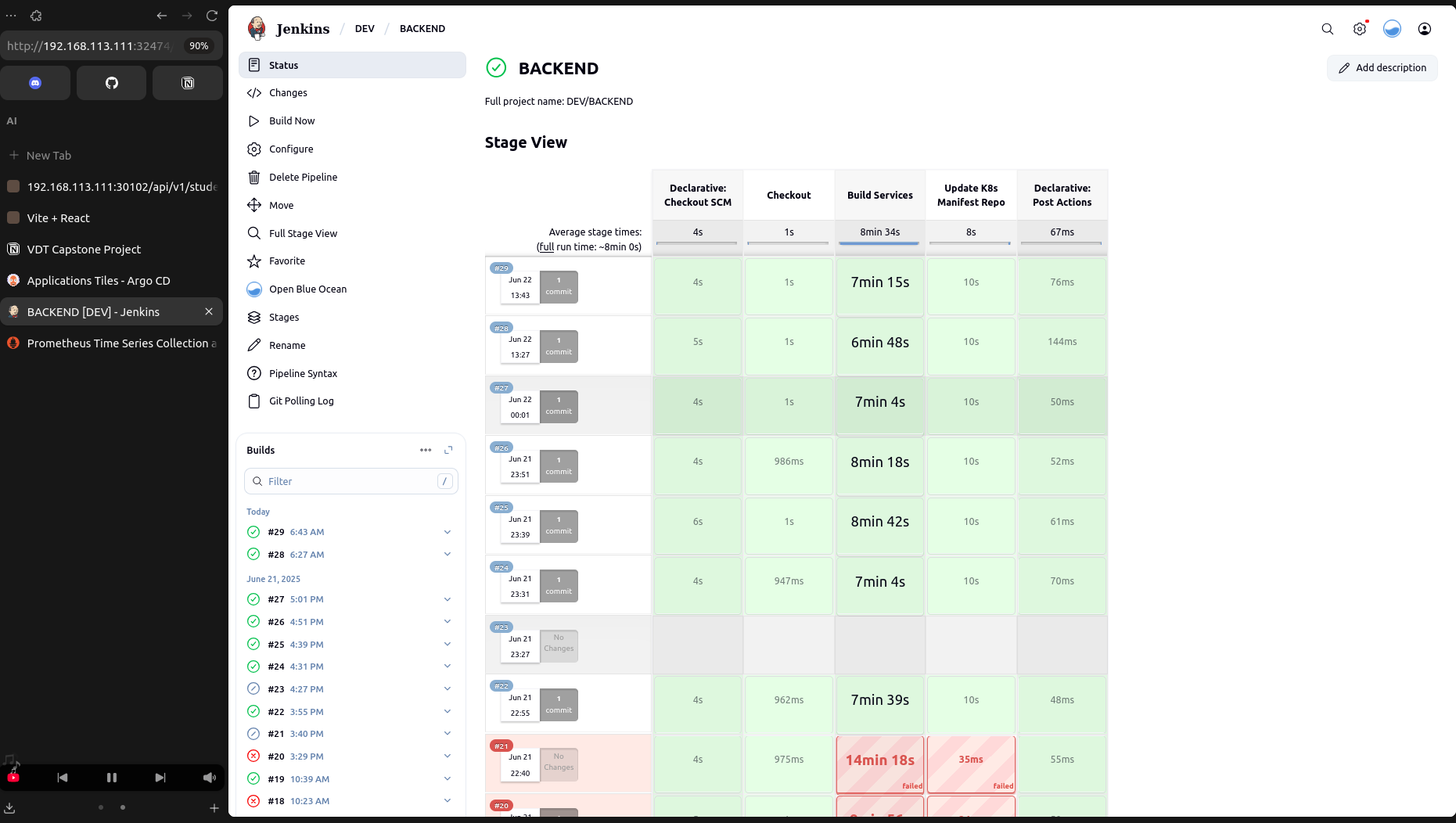
- CD repository and DockerHub images get updated automatically after successful builds.
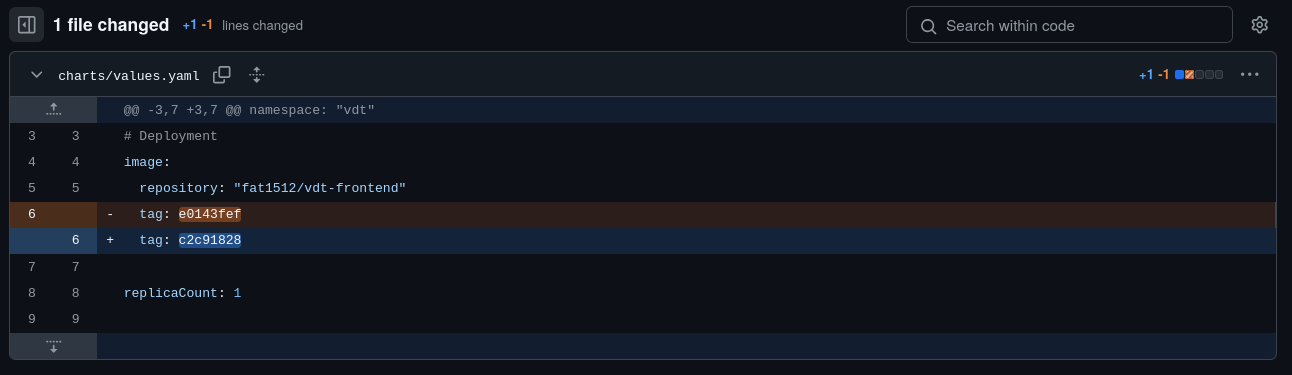
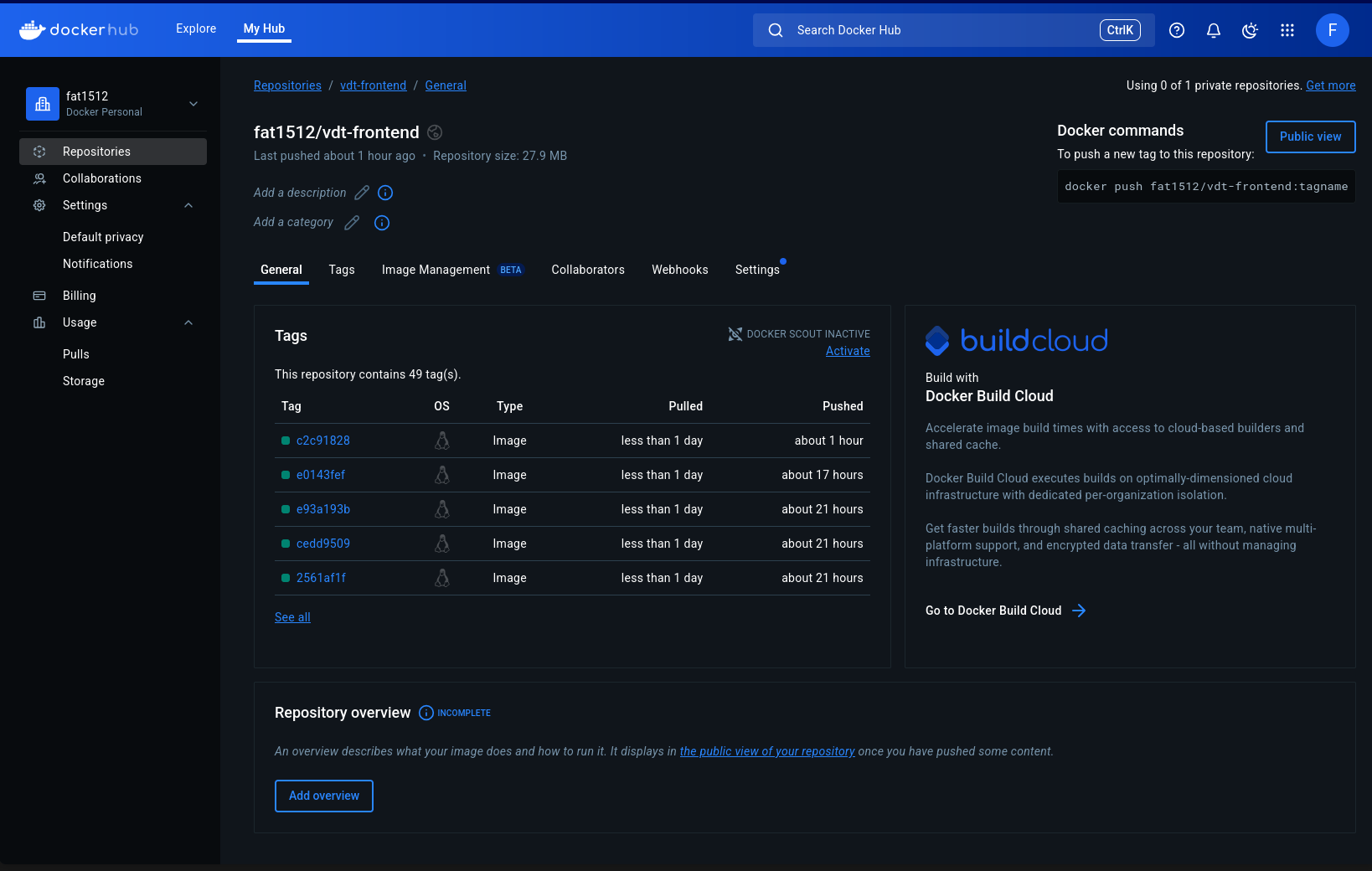
- ArgoCD automatically detects and synchronizes changes.
-
Ansible config: playbook
-
Deploy Prometheus using Ansible
ansible-playbook -i inventory.ini deploy-prometheus.yml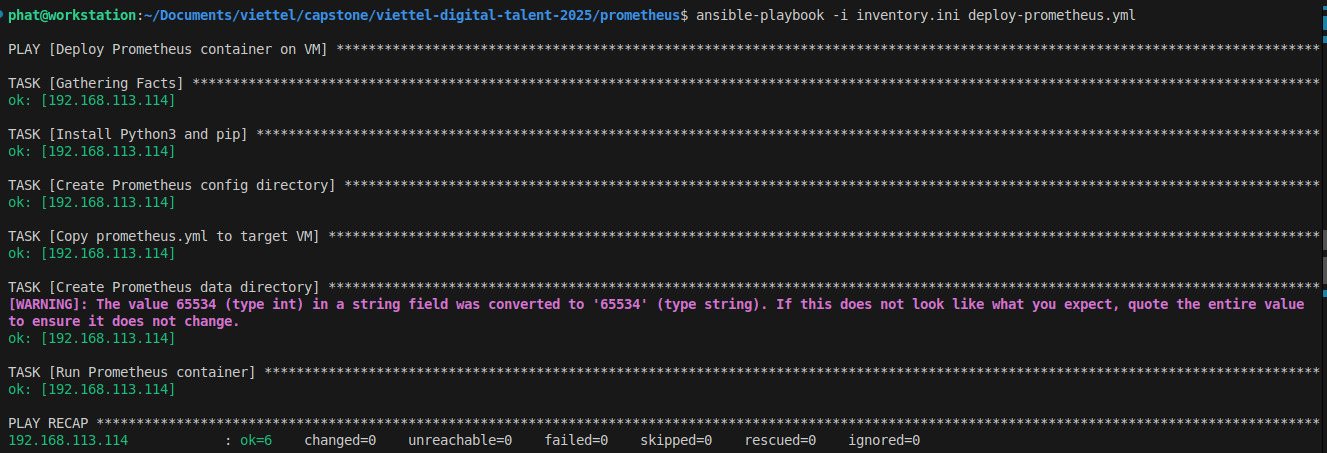
- SSH into monitoring server and check status to ensure that container is up:
docker ps
- API service monitoring:
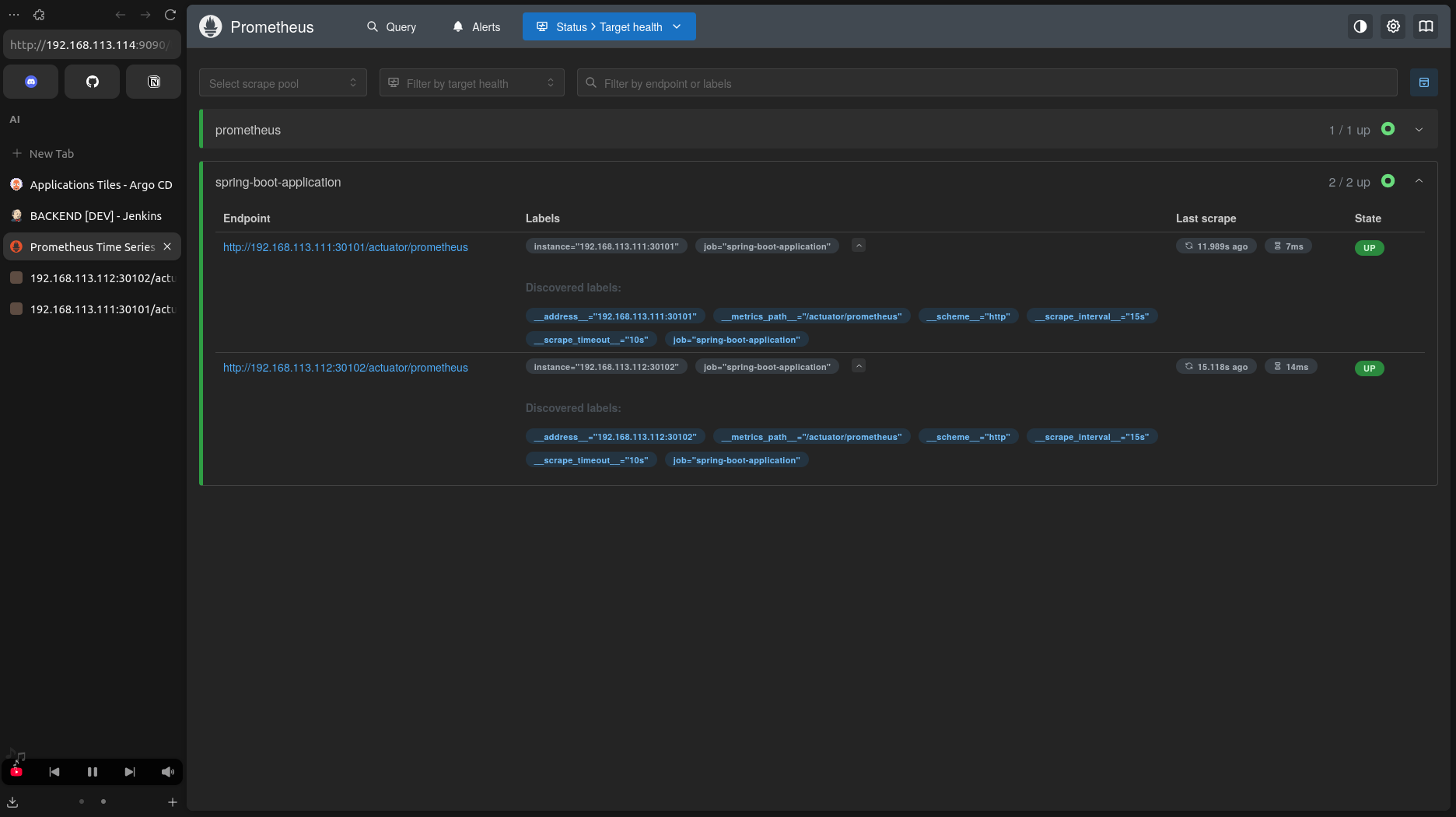
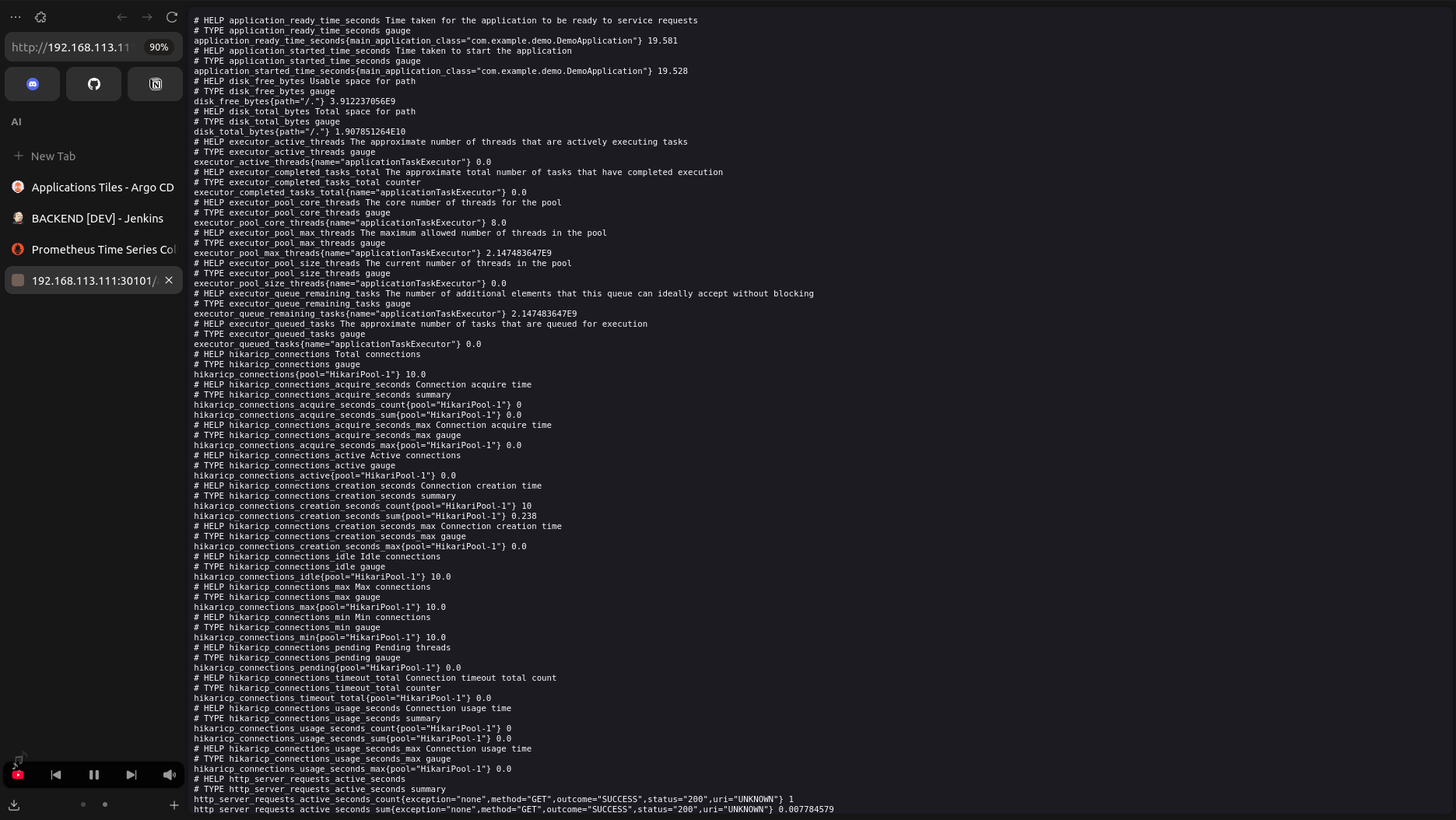
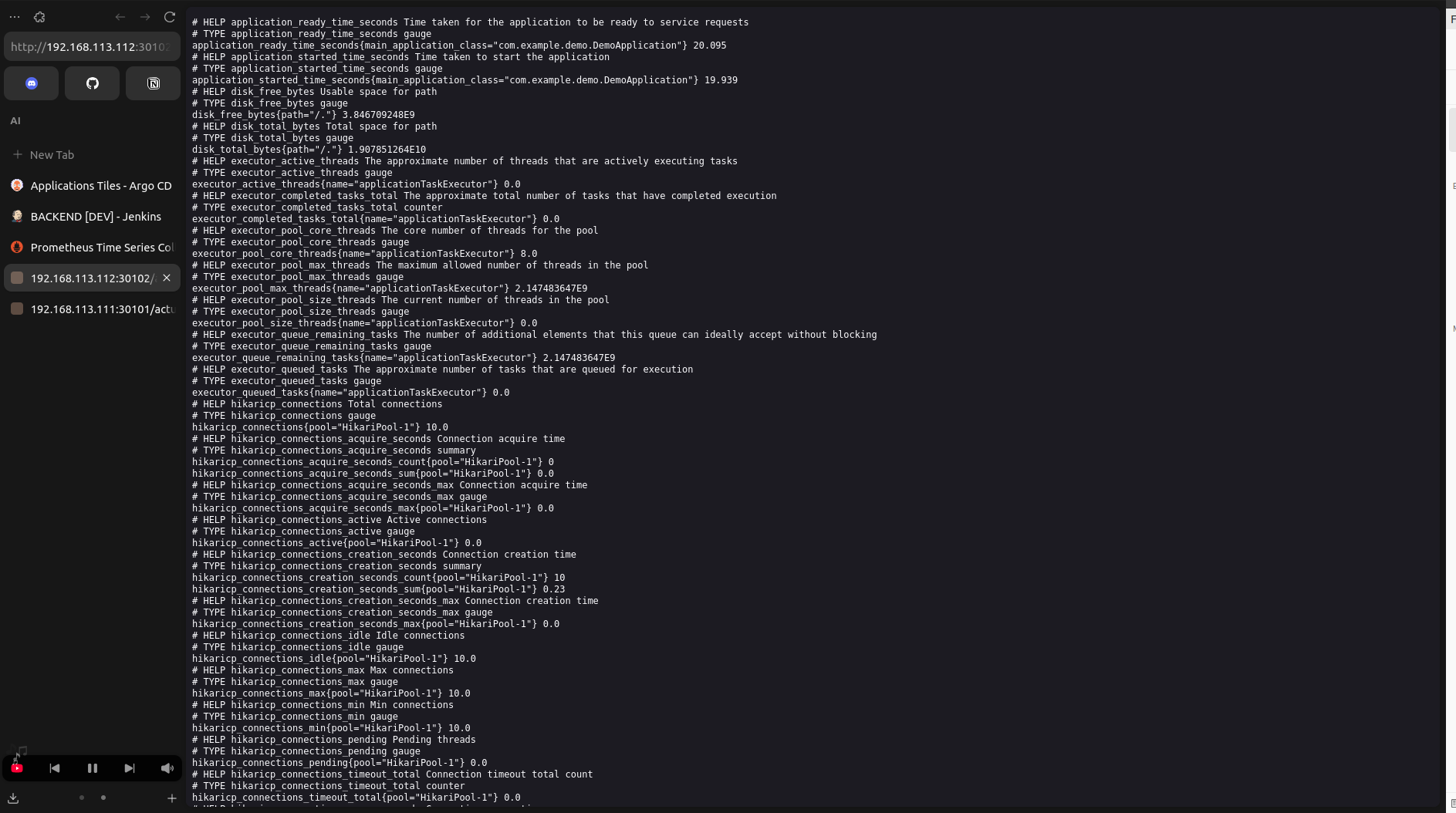
- To be continued
- To be continued
-
Authentication / Authorization docs: See author_authen.md
-
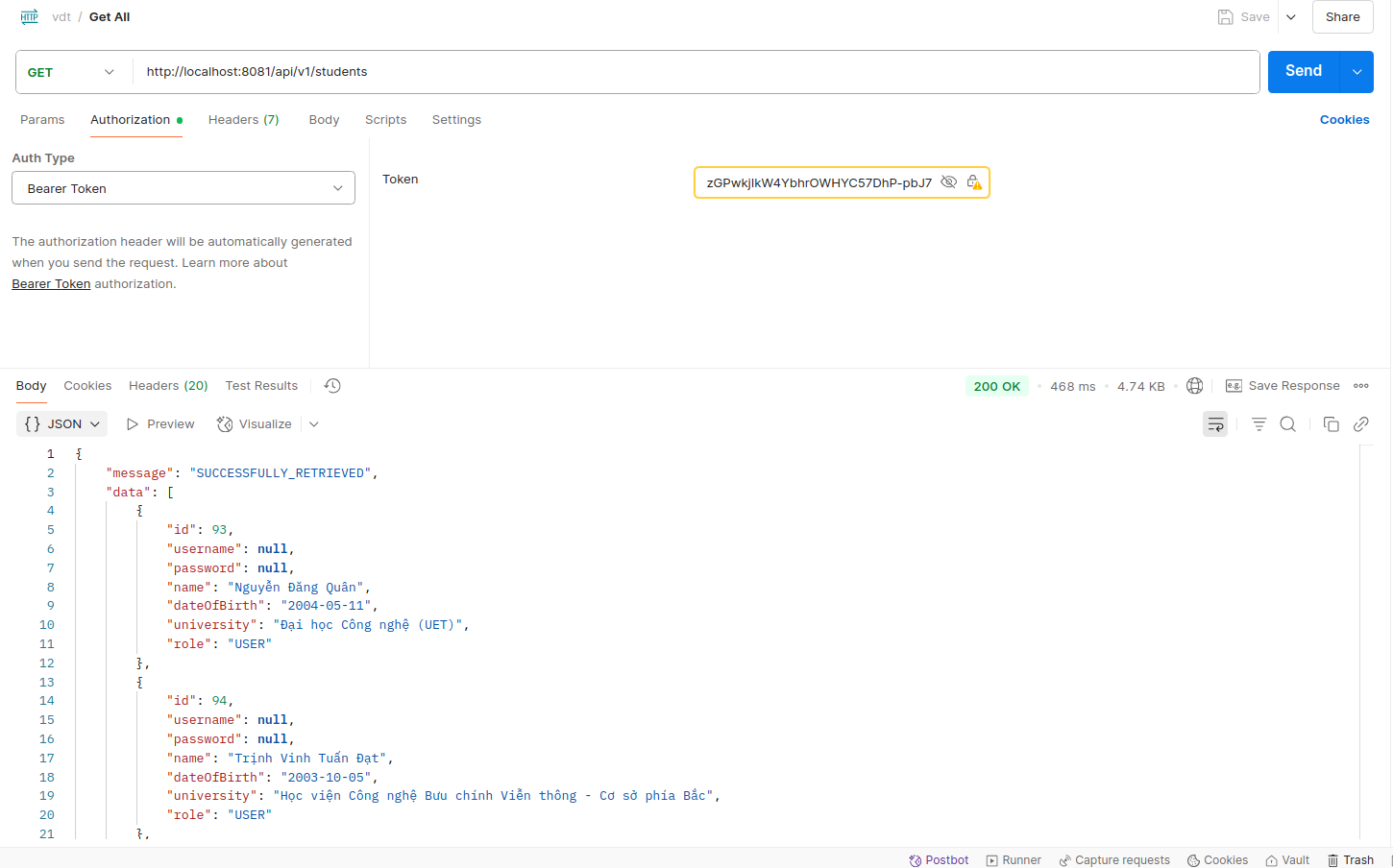
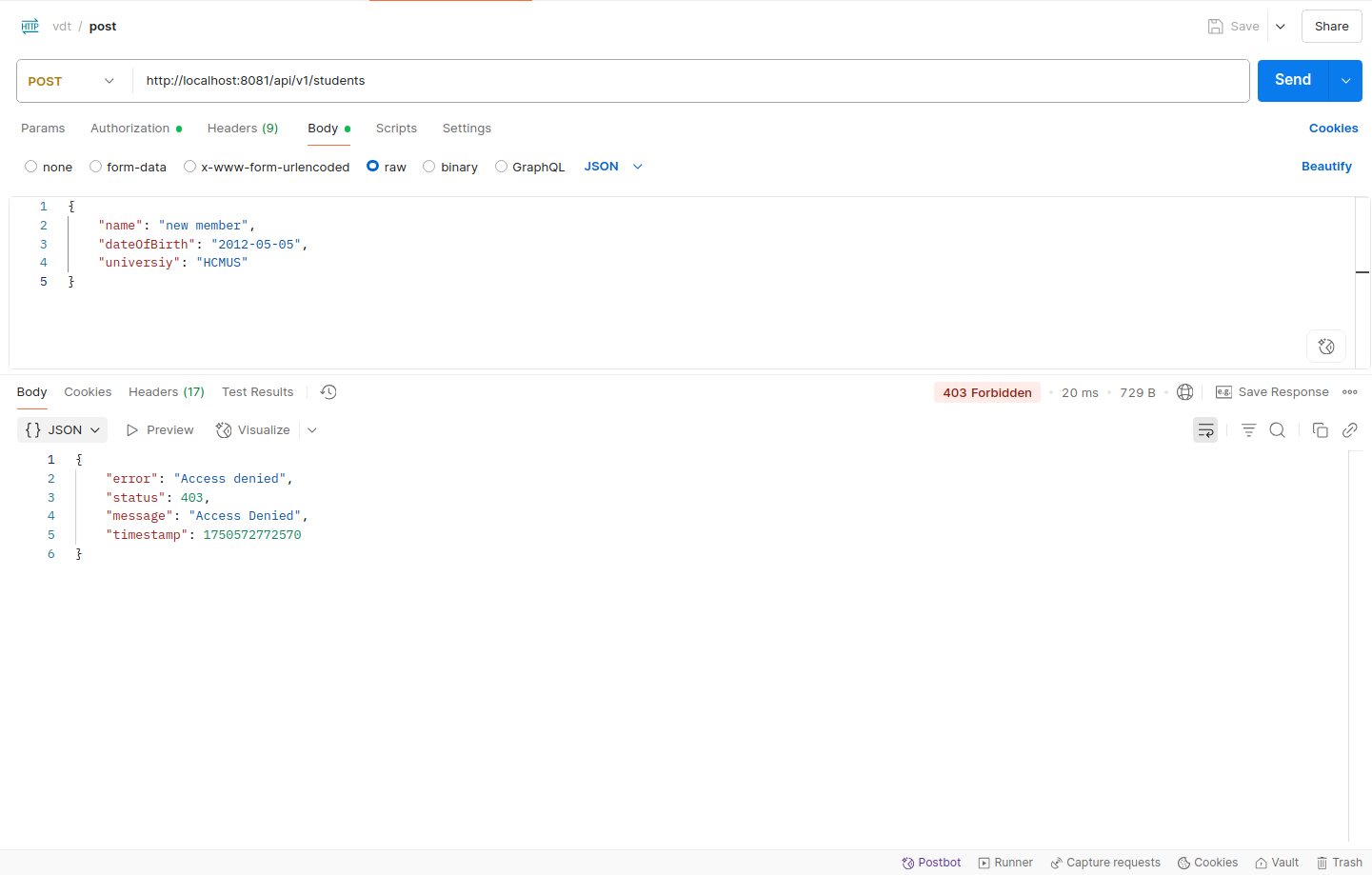
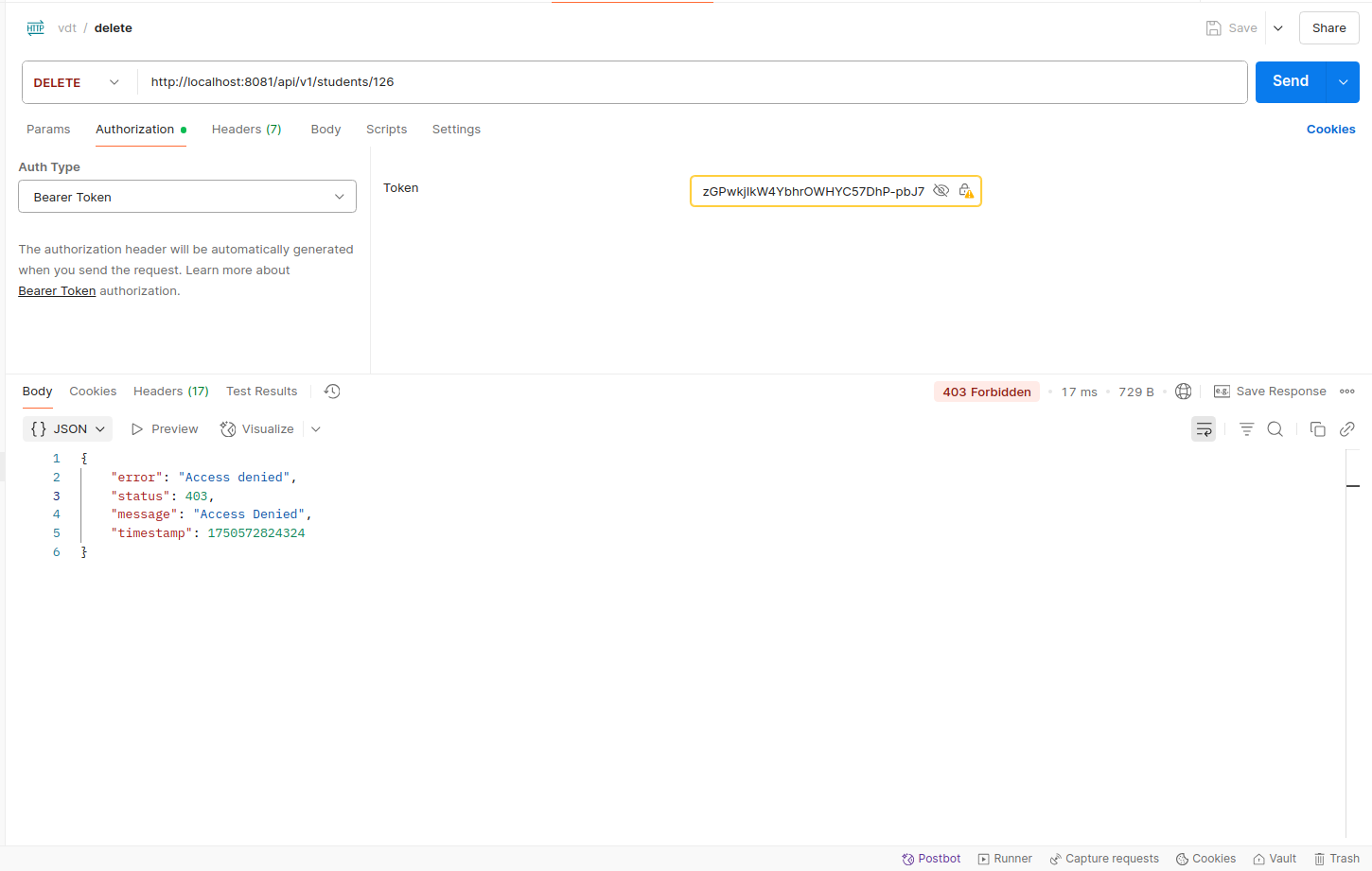
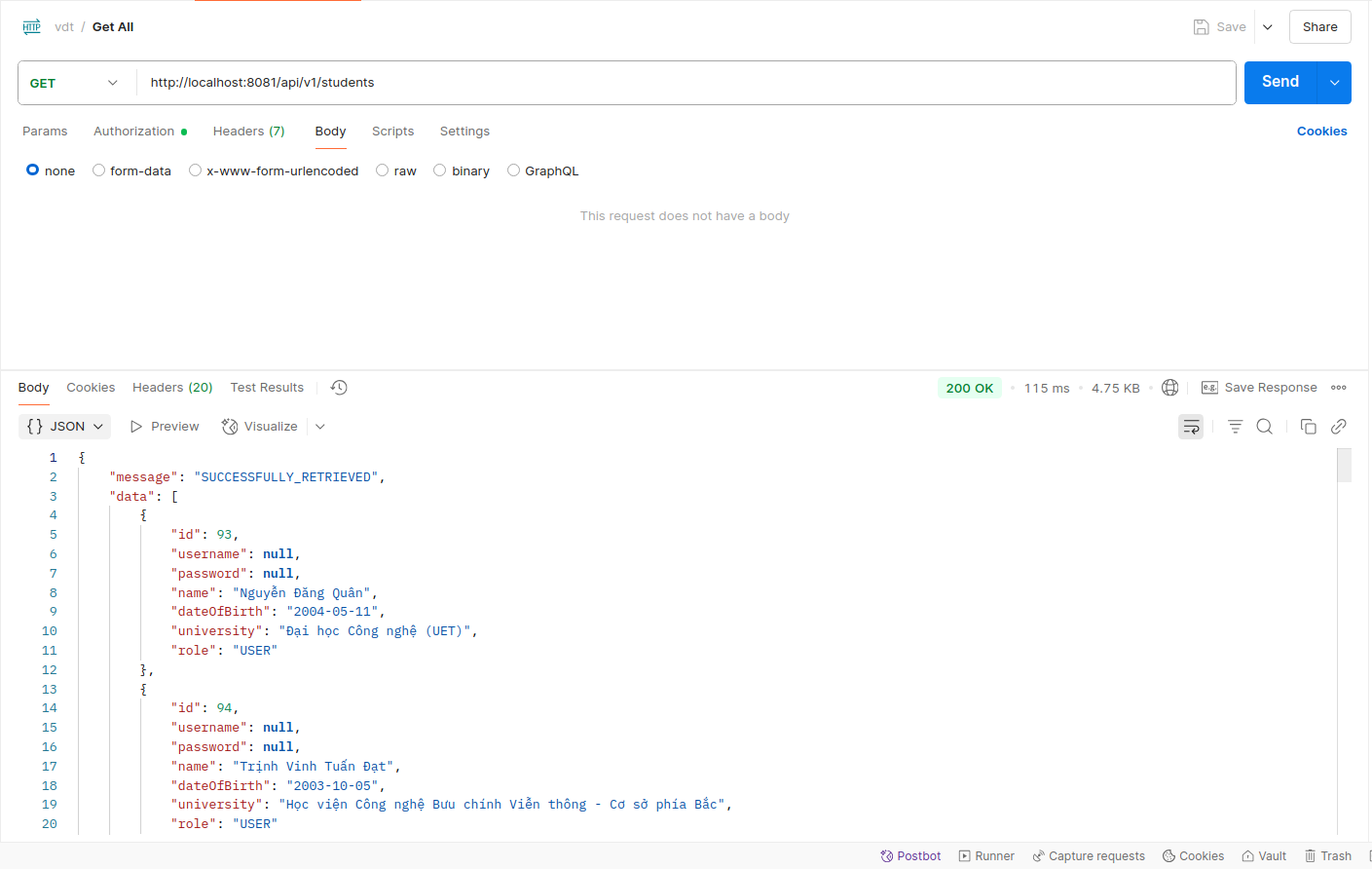
Security App Config:
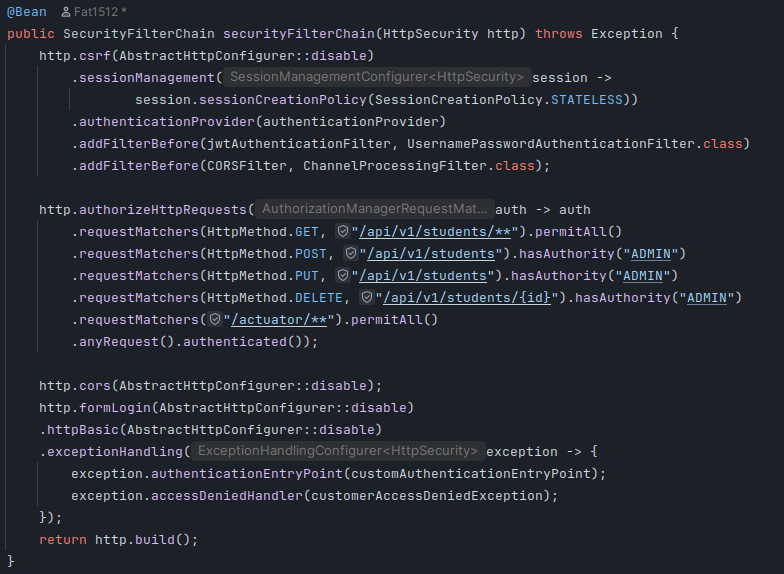
- User role is allowed to get
- User role is forbidden to perform post
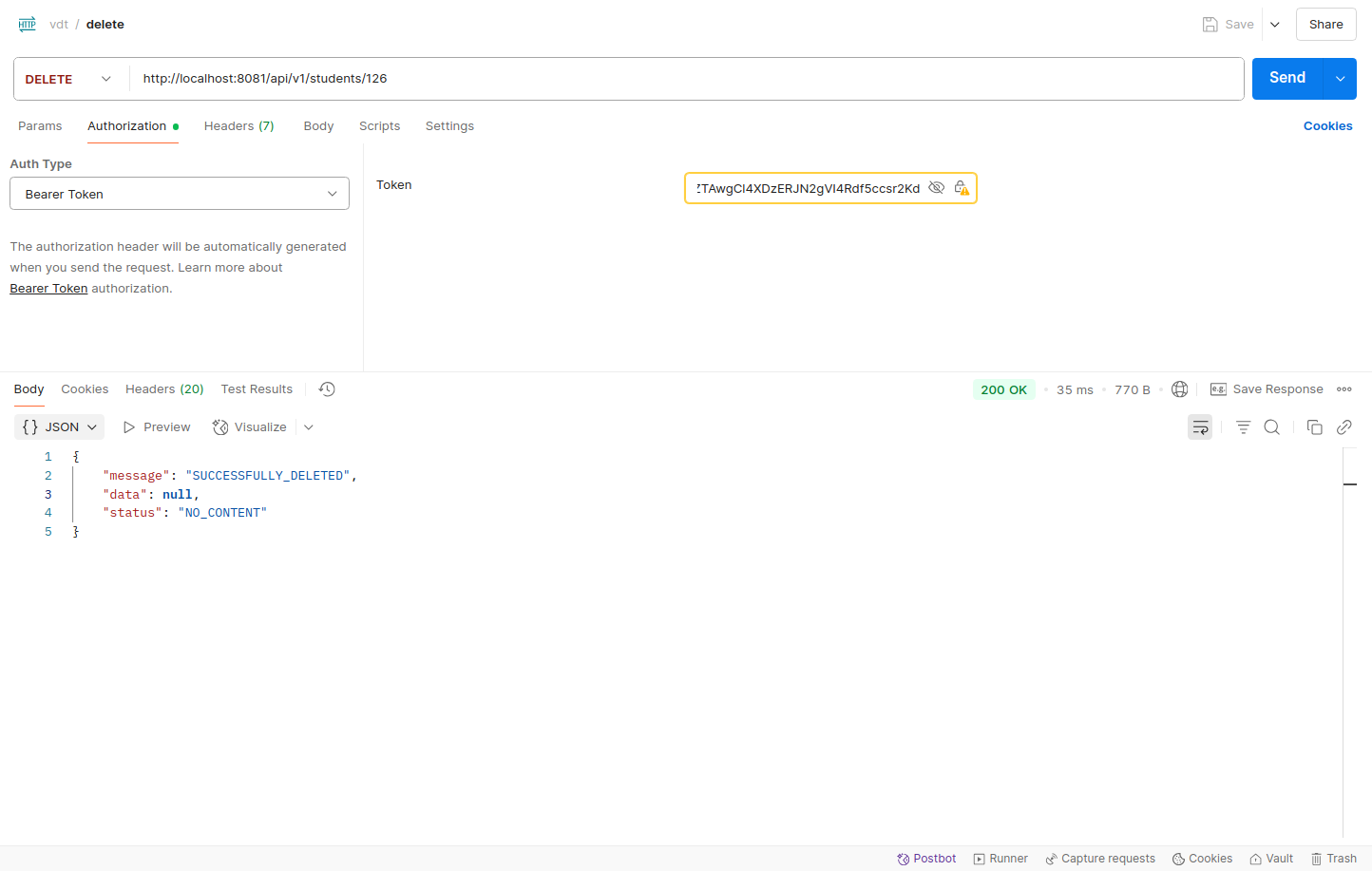
- User role is forbidden to perform delete
- Admin role is allowed to get
- Admin role is allowed to perform post
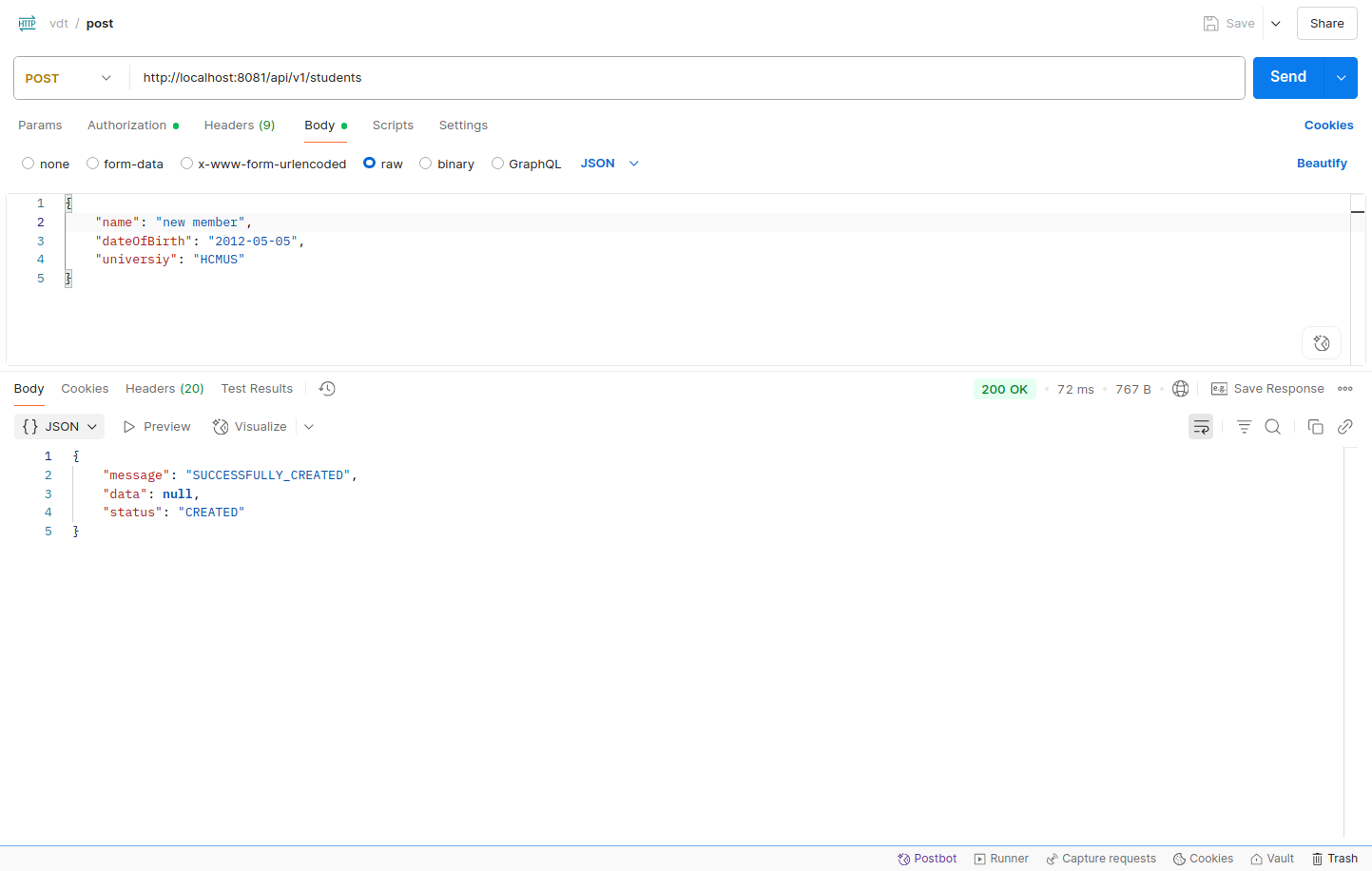
- Admin role is allowed to perform post
- Rate limiting docs: See rate_limitation.md
Overview:
The API endpoint /api/v1/students allows clients to retrieve student records. To prevent abuse and overuse, a token bucket algorithm is used to limit the number of requests.

-
Capacity: 10 tokens
-
Refill Rate: 10 tokens per minute
-
This means each client can send up to 10 requests per minute.
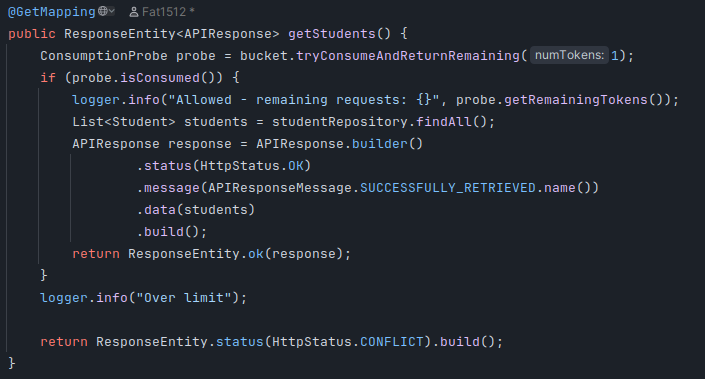
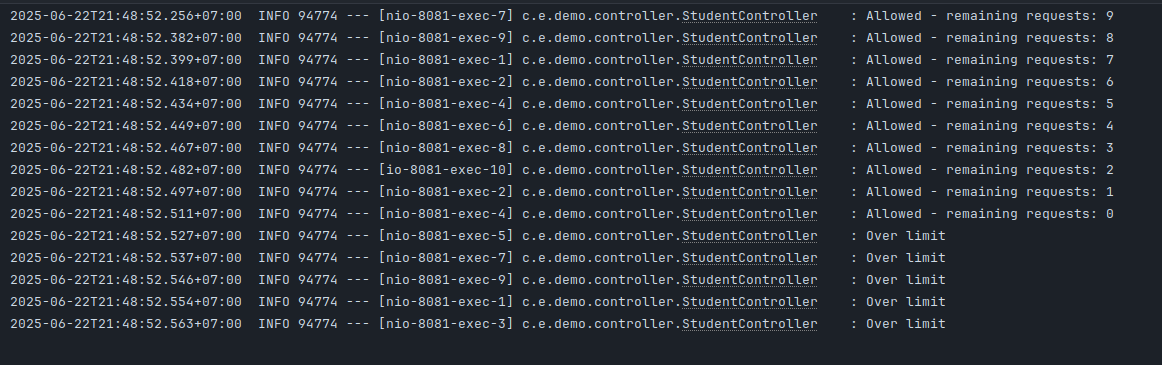
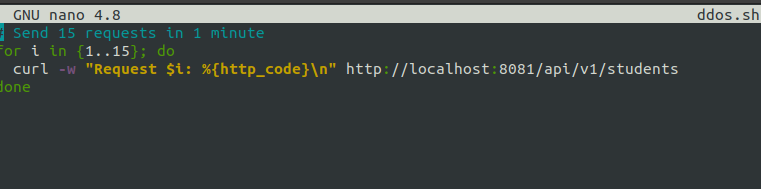
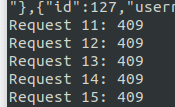
- Once all tokens are used, further requests are blocked until the bucket refills after 1 minute.