A first-person wave survival shooter built in Unity. Survive increasingly difficult zombie waves, manage ammo, switch weapons, and use throwables to stay alive.
This GitHub repository is intentionally code-only for portfolio clarity and review.
The full Unity project and playable builds are provided separately.
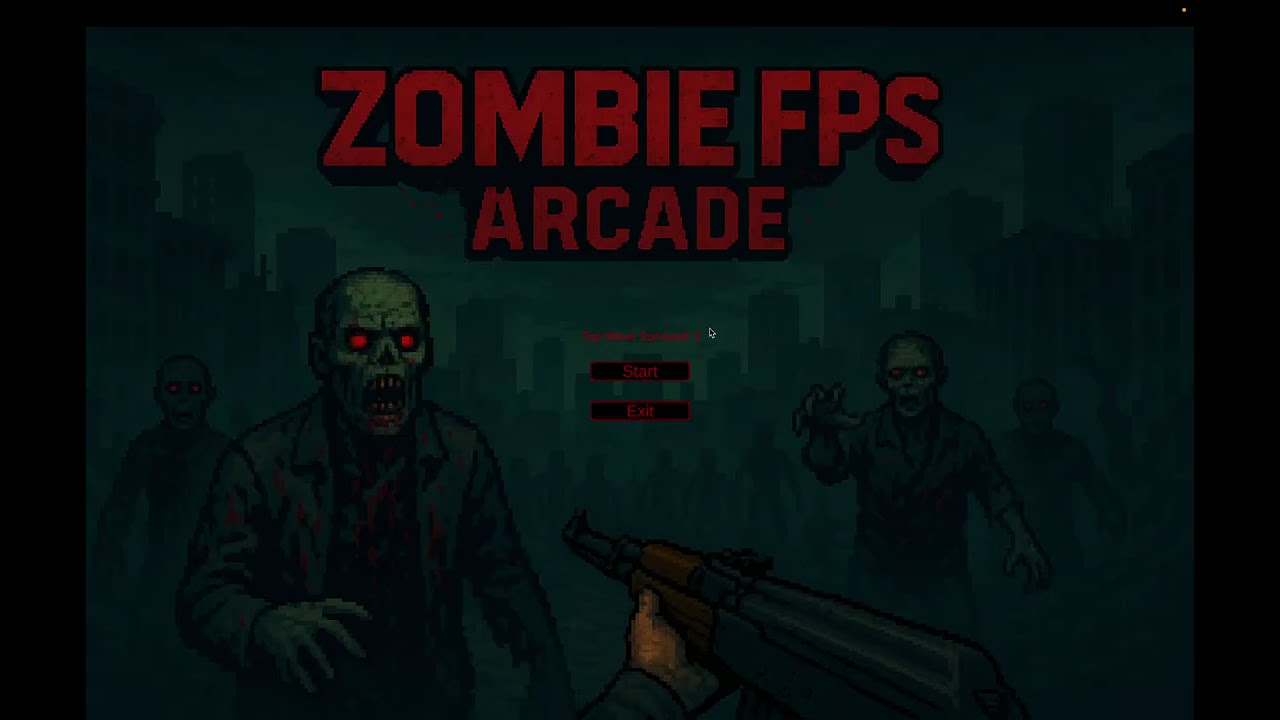
The complete Unity project and builds are available via Google Drive:
👉 Google Drive – Full Project + Builds
https://drive.google.com/drive/folders/1jLmjYHmckT5BUt_4YpOWRLvVHJTQA2gd?usp=sharing
Includes:
- Full Unity project files
- Windows build
- macOS build
-
Wave-based survival
- Each wave spawns more zombies
- Difficulty scales over time
-
Zombie AI
- NavMesh-based movement
- Damage reactions and death animations
-
Weapon system
- Weapon pickup and slot switching
- Shooting with spread and recoil
- Reload logic with shared ammo pool
- Aim Down Sights (ADS) affecting accuracy and UI
-
Ammo system
- Separate pistol and rifle ammo types
- Ammo pickups in the world
-
Throwables
- Lethal: grenade with explosion force and area damage
- Tactical: smoke grenade (visual effect, extensible behavior)
- Hold-to-throw mechanic with power scaling
-
HUD & UI
- Magazine ammo and total ammo
- Active and inactive weapon icons
- Throwable counts
- Wave counter and cooldown timer
-
Audio system
- Weapon firing, reload, and empty magazine sounds
- Zombie movement, attack, hurt, and death audio
- Player damage and game over music
-
Progress saving
- Saves highest wave survived
- Displays high score on the main menu
- WASD – Move
- Mouse – Look
- Left Click – Shoot
- Right Click – Aim Down Sights (ADS)
- R – Reload
- F – Interact / Pickup
- 1 / 2 – Switch weapon slots
- Hold G → Release – Throw grenade (lethal)
- Hold T → Release – Throw smoke grenade (tactical)
- Space – Jump
PlayerMovement– FPS movement and jumpingMouseMovement– Camera rotation with vertical clampingPlayer– Health, damage feedback, death flow, game over handling
Enemy– Zombie health, hit reactions, death logic, debug gizmosZombieSpawnController– Wave spawning, alive tracking, cooldowns, difficulty scaling
Weapon– Shooting logic, ADS, spread, reload, bullet spawningBullet– Collision handling, damage application, impact effectsWeaponManager– Inventory slots, weapon switching, ammo pool, throwables logicAmmoBox– Ammo type and amountThrowable– Grenade and smoke behavior with delayed explosion
HudManager– Ammo display, weapon icons, throwable UIMainMenu– Game start and high score displaySaveLoadManager– High score persistenceSoundManager– Centralized audio controlScreenFader– Fade-to-black on player deathGlobalRefrences– Shared prefabs and global game state
This repository focuses on:
- Clean, modular C# gameplay systems
- Component-based Unity architecture
- Practical implementations of FPS mechanics, AI, UI, and audio
To play the game, use the builds provided in the Google Drive link above.