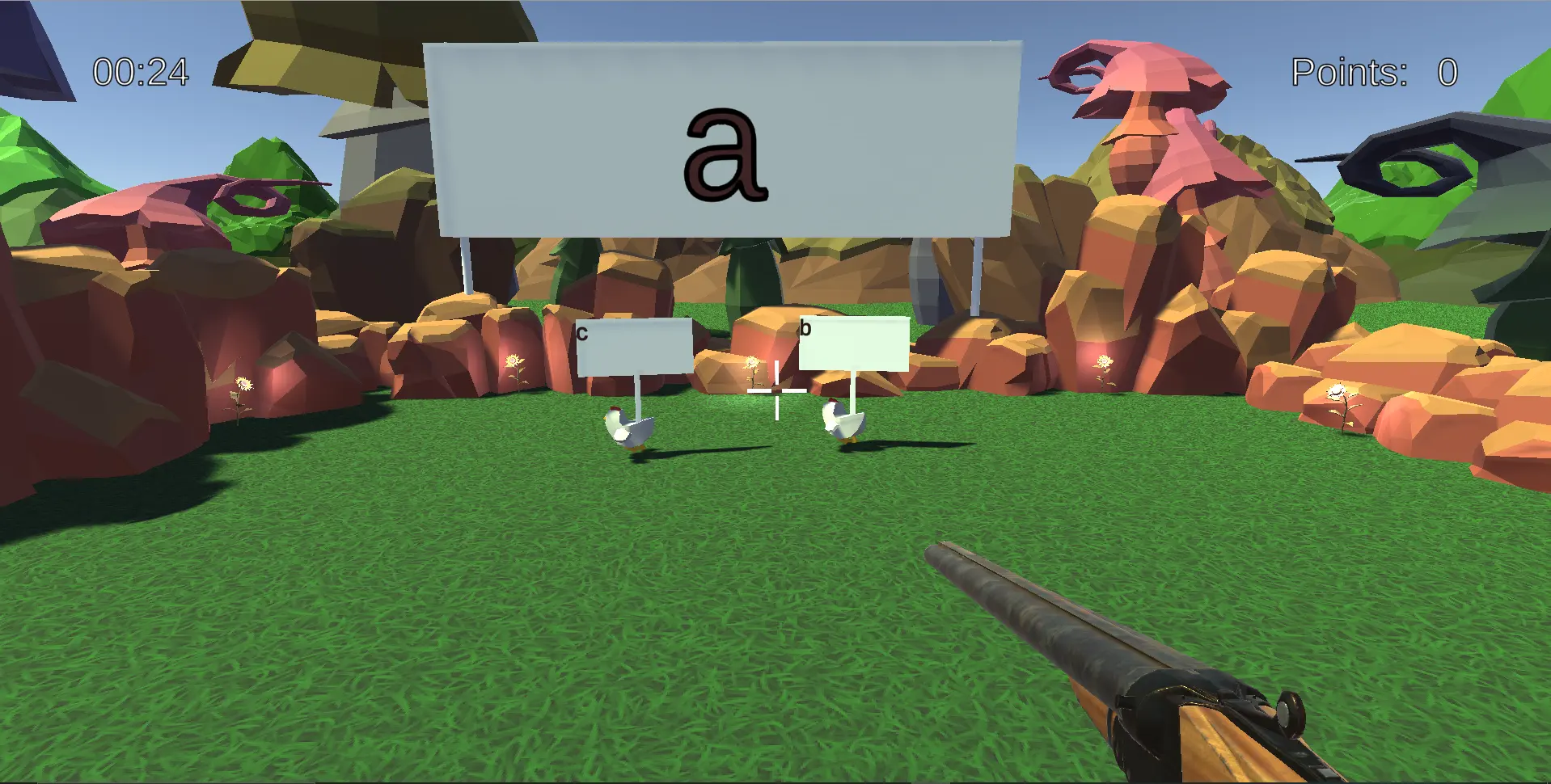
 This repository contains the frontend for the Chickenshock minigame.
This project is developed as part of a student project at Universität Stuttgart. It may contain bugs, and is not licensed for external use.
- User documentation for the minigame can be found here.
- For the backend, see the Gamify-IT/chickenshock-backend repository.
- The installation manual and setup instructions can be found here.
Unity Version: 2021.3.2f1 (LTS)
Install the Unity Version 2021.3.2f1 (LTS)
Clone the repository
git clone https://github.com/Gamify-IT/chickenshock.gitGame specific properties that are likely to be changed are stored in a .properties file located at Assets/Scripts/Properties/Chickenshock.properties
Start all dependencies with our docker-compose files. Check the manual for docker-compose.
To run the main branch with minimal dependencies use the docker-compose.yaml file.
To run the latest changes on any other branch than main use the docker-compose-dev.yaml file.
Build the project like described in this manual.
Build the Docker-Container
docker build -t chickenshock-devAnd run it at port 8000 with
docker run -d -p 8000:80 --name chickenshock-dev chickenshock-devTo monitor, stop and remove the container you can use the following commands:
docker ps -a -f name=chickenshock-devdocker stop chickenshock-devdocker rm chickenshock-dev-
Chicken sound https://pixabay.com/de/sound-effects/047876-chicken-clucking-68610/
-
Click https://pixabay.com/de/sound-effects/interface-button-154180/
-
Wrong answer https://pixabay.com/de/sound-effects/error-126627/
-
Shot sound https://pixabay.com/de/sound-effects/shotgun-firing-4-6746/
-
Correct answer https://pixabay.com/de/sound-effects/short-success-sound-glockenspiel-treasure-video-game-6346/
-
Trumpets end sound https://pixabay.com/sound-effects/success-fanfare-trumpets-6185/