Grottocenter is The Wiki database made by cavers for cavers!
This GitHub project is the backend application which provide the Grottocenter API to the grottocenter front app.
For the Front-End See the grottocenter-front project
Current production version is available here
API documentation is available here
Health endpoint documentation is available here






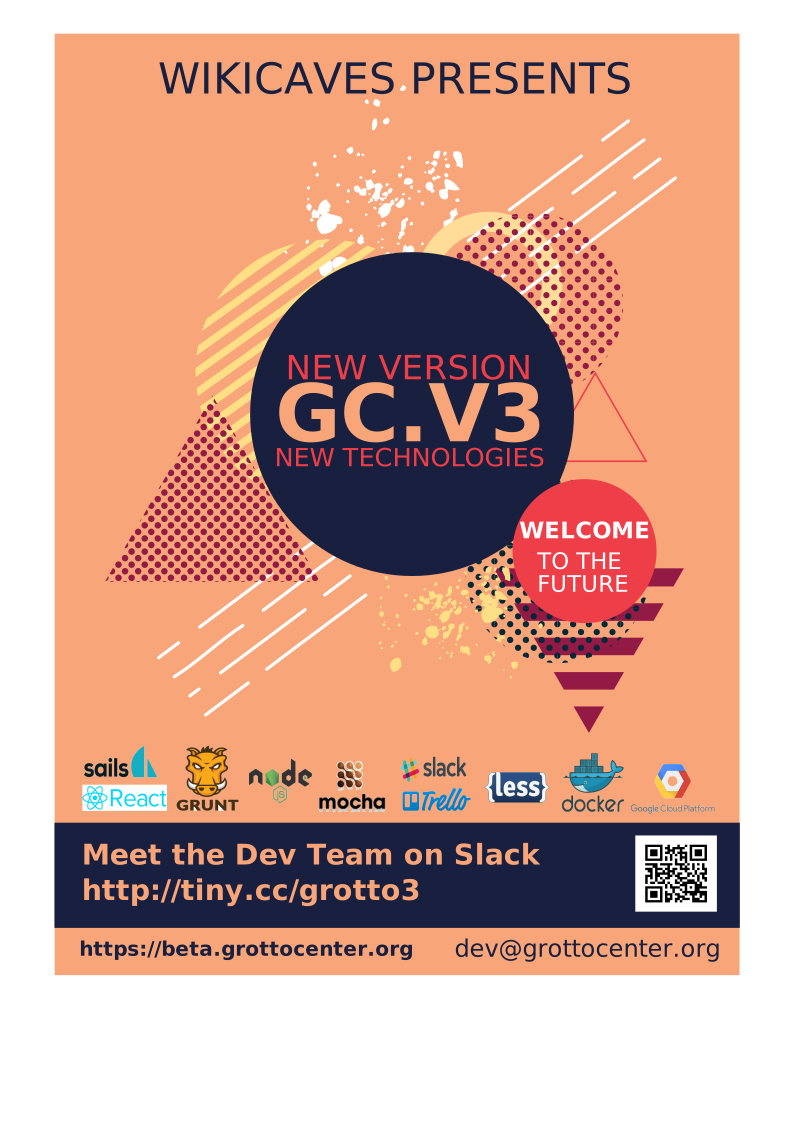
Thanks to their donations they made possible the developer of the V3 of Grottocenter:
Spéléo Club des Mémises, Frédéric Urien, Christophe Bes, Georges Messina, Philippe Henry, Bernard Thomachot, Nathan Bartas, Benjamin Soufflet, Ferdinando Didonna, Jean Marc Mattlet, Jean-Jacques Veux, Etienne Fabre, Sandy De Wilde, Sylvain Bélet, Félix Nilius, Didier Gignoux, Paul Guerin, Hervé Plaettner, Marius Carrière, Doc Carbur, Hard Gilles, Herman de Swart, Francesc Boix, Kai Getrost, Frederik Bauer, F K, Martin Andy, Suzanne Jiquel, Patrick Colinet, Association Wikicaves, Thierry Aubé, Jean Michel Faudrin, Michel Kaspruk, Yann Schneylin, Fabien Minana, Alain Gresse, Didier Borg, Ivan Herbots, Curtis Walter, Jan Matthesius, Stephane Jaillet, Thomas Cabotiau, Sylvain Pichot, Ayoub Nehili, CDS de l'Aude, Julio Serrano Banderas, Guillaume Cédille, Patrick Candéla, Léonard de Haro, Bruno Rouzeyre, Eric Madelaine, Christophe Alexandre, Pierre Mouriaux, Christophe Mergalet, Daniel Caron, Christian Feuvrier, Laurent Delbourg, Melanie Sanchez, Spéléo Club de Villeurbanne, Harold van Ingen, Jerome Fiquet, Joris Genisset, Gérald Huet AVENTURE VERTICALE, Alexandre Faucheux, Laval Subterra, Audrey Maingue, François Purson, Eric Gautier, Guillaume Cugno, Jean-François Foulche, Oskar Van Herreweghe, Guerard Marie, Christophe Evrard, Philippe Gerbier, Christopher Peeters, Speleo Club de Metz, Speleo Nederland, Erik De Groef, Christian Delaire, Flemish Caving Association, Denis Pailo, Timothée Chauviré, Claudie Serin, Eric de Valicourt, Christian Pauli, Eric Maljournal, Guilhem Navone, Laurent Blum, JM Dedieu, Estelle Grandsagne, Marie Merlin, Pierre-Antoine Mauro, Guillaume Pla, Groupe Spéléo du Club Alpin Nîmois, Sven Decharte, Dominique Lagrenee.
Software requirement:
- NodeJS + NPM (v20 minimum)
- Git client (see Git usage for configuration)
- Docker
- docker-compose
Clone the project on your computer and install dependencies:
$ git clone git@github.com:GrottoCenter/grottocenter-api.git
$ cd grottocenter-api
$ npm installThe development setup aims to launch locally all tools needed for the GrottoCenter API development:
- Postgresql database containers (main + test)
- A Typesense container (search)
All the definition for containers is located in the
docker/folder
To launch the development setup run:
$ npm run dev:upThen the Grottocenter API app can be launched using:
$ npm run devThe API should now be available at http://localhost:1337/
Each time you change a file in the source code, the server is restarted automatically.
To stop the development setup you can run :
$ npm run dev:stop # Stop all containers
$ npm run dev:down # Stop and destroy all containers
$ npm run dev:clean # Stop and destroy all containers, delete all volumes and restart freshCaver's community needs YOU!
Yon can also join us on Slack: https://grottocenter.slack.com.
For more details, read the development guide
Example:
docker exec grotto-postgres psql -U root -d grottoce -c "SELECT id, id_country, iso_3166_2 FROM t_entrance WHERE id_country = 'US' LIMIT 5;"The database uses materialized views for performance optimization. These views need to be refreshed periodically to reflect the latest data. In development, you can manually refresh them using the provided cron scripts:
# Copy and run the data quality refresh script (refreshes daily in production)
docker cp cron/refresh_data_quality_view_procedure.sh grotto-postgres:/tmp/
docker exec grotto-postgres chmod +x /tmp/refresh_data_quality_view_procedure.sh
docker exec grotto-postgres bash /tmp/refresh_data_quality_view_procedure.sh

# Copy and run the views refresh script (refreshes weekly in production)
docker cp cron/refresh_views_procedure.sh grotto-postgres:/tmp/
docker exec grotto-postgres chmod +x /tmp/refresh_views_procedure.sh
docker exec grotto-postgres bash /tmp/refresh_views_procedure.sh
These scripts refresh the following materialized views:
v_data_quality_compute_entrance- Data quality metrics for entrancesv_massif_info- Massif statistics and informationv_country_info- Country statistics and informationv_region_info- Region statistics and information
Run all tests:
$ npm run testRun (a) specific test(s) matching a String:
$ npm run test -- --grep "<your_partial_name_tests>"
# Example
$ npm run test -- --grep "Auth features"
Fail fast:
npm run test -- --bailYou can combine all these options:
$ npm run test -- --grep "Auth features" --bailCheck code coverage:
$ npm run coverageCheck files below a coverage threshold:
$ npm run check-coverage        # Default: files under 90% coverage
$ npm run check-coverage 80     # Files under 80% coverage
$ npm run check-coverage 95 # Files under 95% coverageSee the wiki article translation workflow
See the wiki article Automated data versioning
Build is run by GitHub Actions on every push. See build.yaml to see what is run during the build workflow.
If the build is triggered from a push on master then a deployment of the API to Azure App Service is automatically triggered.
Deployment is done with GitHub Actions on Azure App Service when a pull request is merged into the develop branch.
Additionally, periodic release of the API can be done.
You first need to merge your changes to master using if possible the git flow release start vXX.X.X command. Don't forget to update the version number on the swagger file and on the package.json file. When the merge on master is completed, you should create a release for the newly pushed tag.
For more information see the wiki page Production deployment
Grottocenter API implements a Role-Based Access Control (RBAC) system with 5 user roles: Visitor, User, Leader, Moderator, and Administrator. Each role has specific permissions for accessing and modifying content.
For detailed information about roles, permissions, and implementation, see here.
This project is using the Git Flow workflow.
More info here : https://danielkummer.github.io/git-flow-cheatsheet/index.html
You install the git-flow CLI to help you properly use the Git Flow Workflow.
When running the git flow init command you should keep all the default configuration.
You should use the proper type when creating a new branch with the workflow (feature, bugfix, hotfix, ...).
Before pushing your branch always do a git rebase -i to merge unnecessary commits together.
- Merging a simple feature / bugfix should always be done using a rebase fast-forward.
- Complex features requiring multiple commits should be merged with a regular merge commit.
This project follows the conventional commit specification. It uses commitlint to enforce conventional commit messages.
To prevent bad commits and push, we use the Git hooks Husky
Husky is used to:
- Verify if the commit name use the conventional commit specification
- Do a lint-staged
The commit linter accepts the following types:
- feat: Adds a new feature to the application
- tech: Adds a new technical feature to the application (ex: a new reusable component). Neither fixes a bug nor adds a feature
- refactor: Refactor a current implementation without adding a new feature or fixing a bug
- improvement: Improve a current implementation without adding a new feature or fixing a bug
- fix: A bug fix
- chore: Changes to the build process or auxiliary tools and libraries such as documentation generation
- docs: Documentation only changes
- style: Changes that do not affect the meaning of the code (white-space, formatting, missing semi-colons, etc)
- test: Adding missing or correcting existing tests
- revert: Reverts a previous work
GNU Affero General Public License v3.0