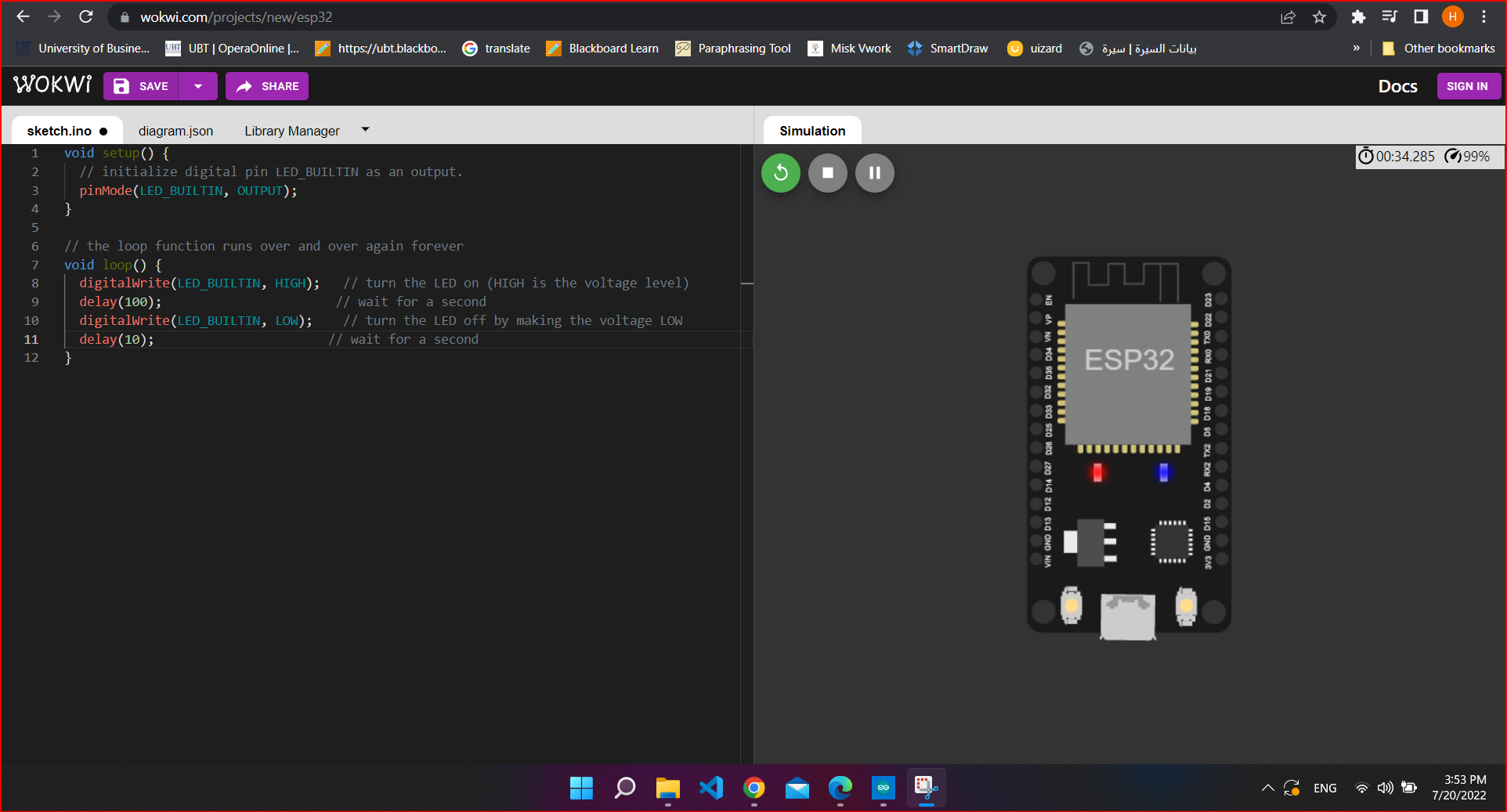
How to install Arduino IDE And Run the ESP32 .
step 1: First of all you should download " Arduino IDE software " from Arduino official website: https://www.arduino.cc/en/software
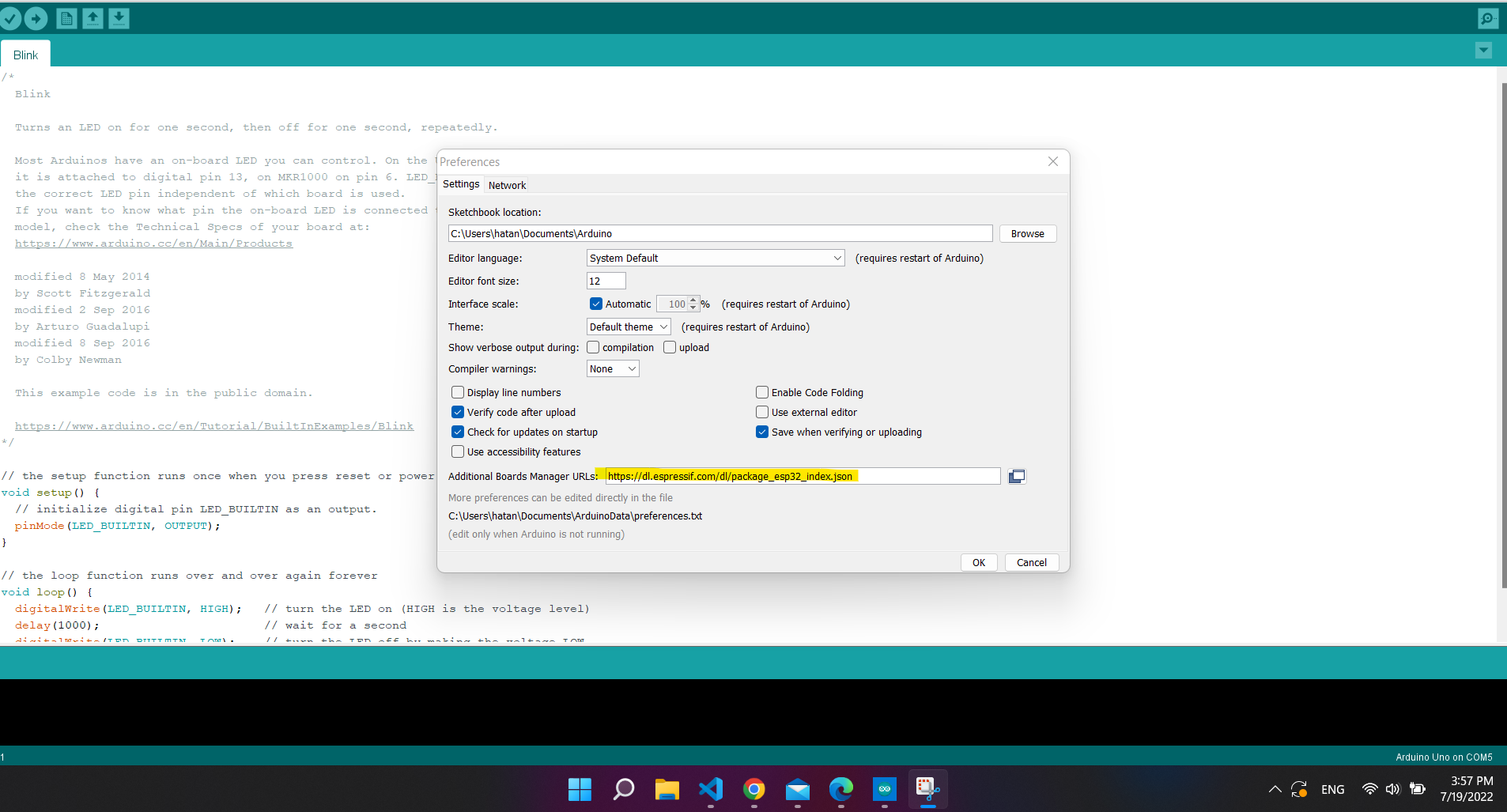
step 2: Click on file then prefrence.
step 3: Paste this link https://dl.espressif.com/dl/package_esp32_index.json to upload the board packge.
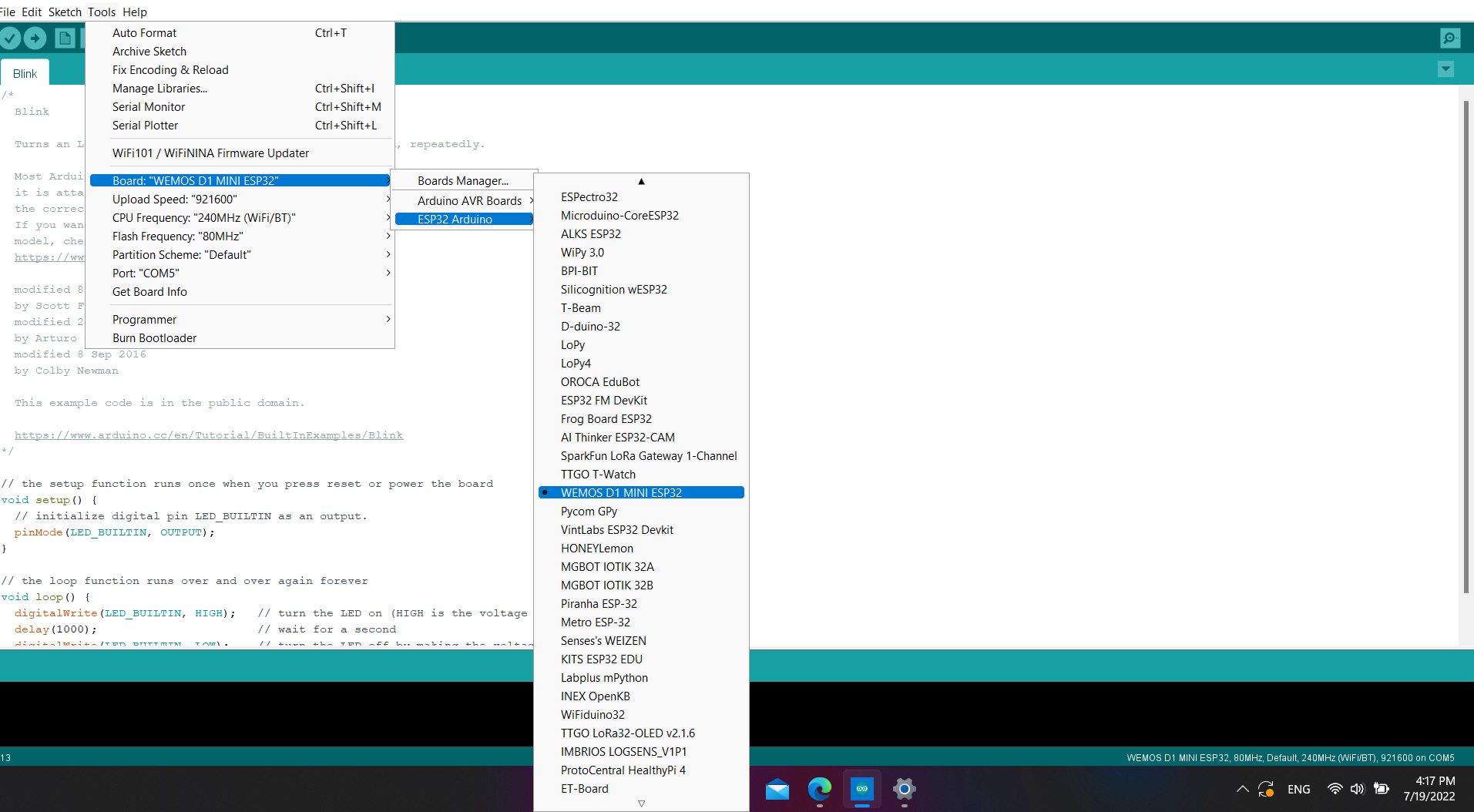
step 4: and now we will Install the board. so click on tools>Arduino board> board manger then write "esp32" to install it

step 5: Now click on tools>Arduino board>ESP32 Arduino and choose WEMOS D1 MINI ESP32.
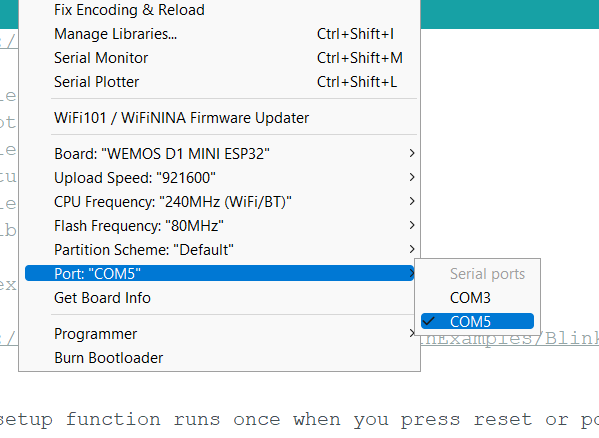
Step 6: Now we should select our port, COM3 , Note: Sometimes the PORT will not work to fix it just Download the file in the attachments
Step 7: Ready to run
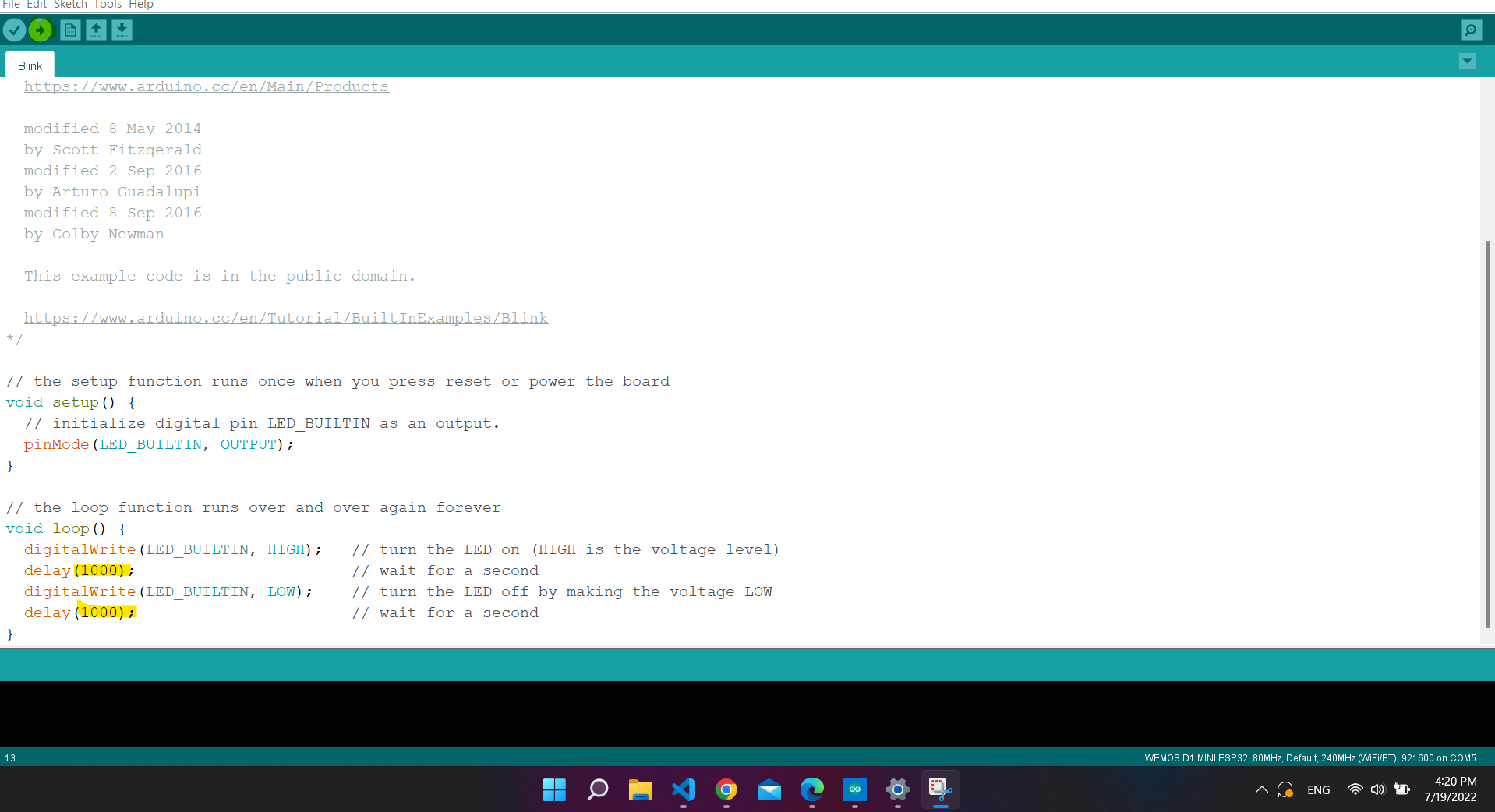
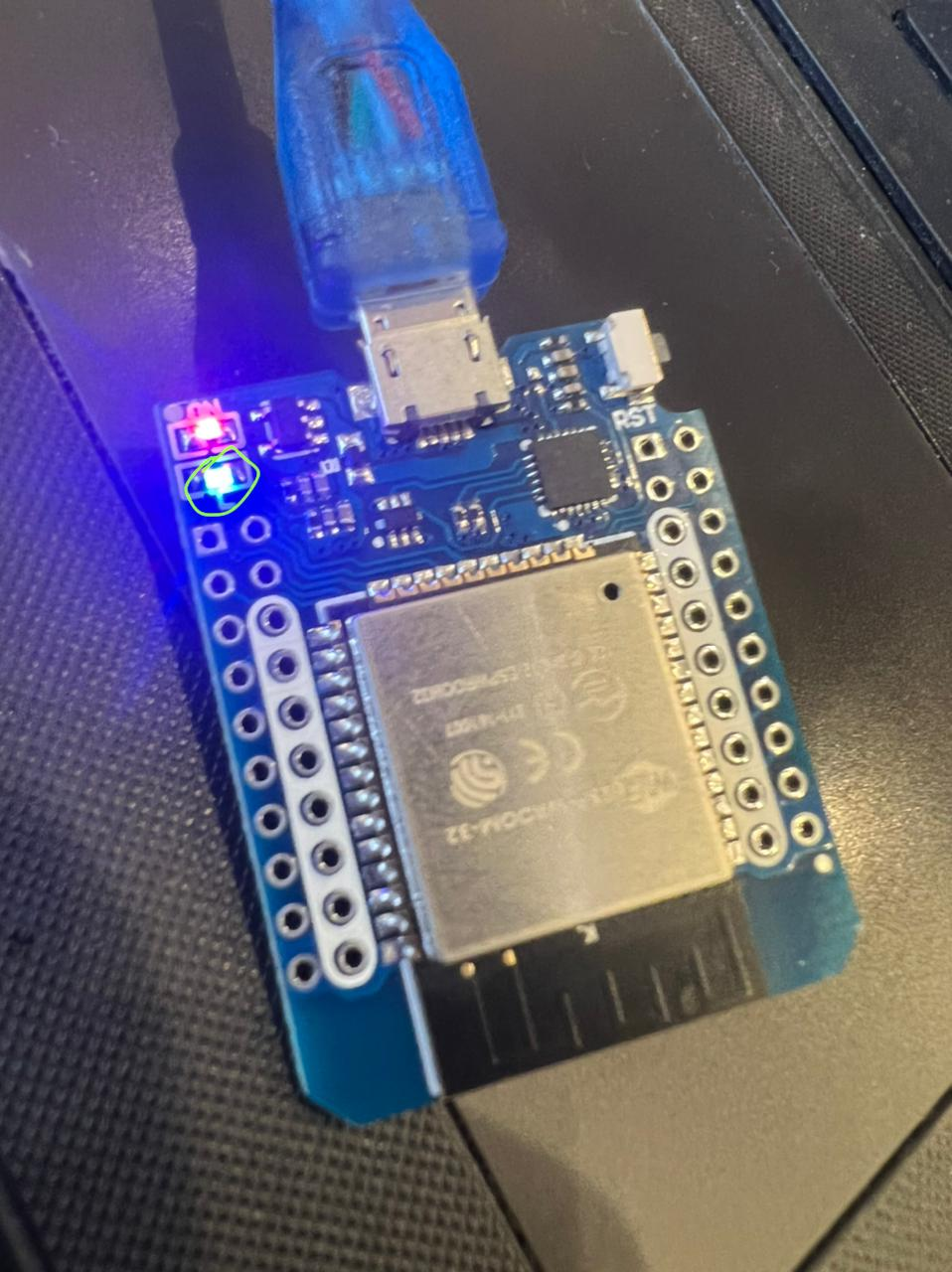
NOTE : I USE https://wokwi.com/projects/new/esp32 TO MAKE SURE THE CODE WORK