

Motivate your AI to work faster.
A system tray app with physics-based tools that send motivational commands to your terminal. Click the tray icon to summon a tool, use it on your terminal's input zone, and watch it speed up.
npm install -g whipcodewhipcodeA whip icon appears in your system tray.
- Left-click the tray icon to activate the current tool
- Right-click to switch between tools or quit
- Left-click again while active to drop the tool and dismiss
Classic physics-based whip. Swing your mouse to crack it on the terminal input zone.
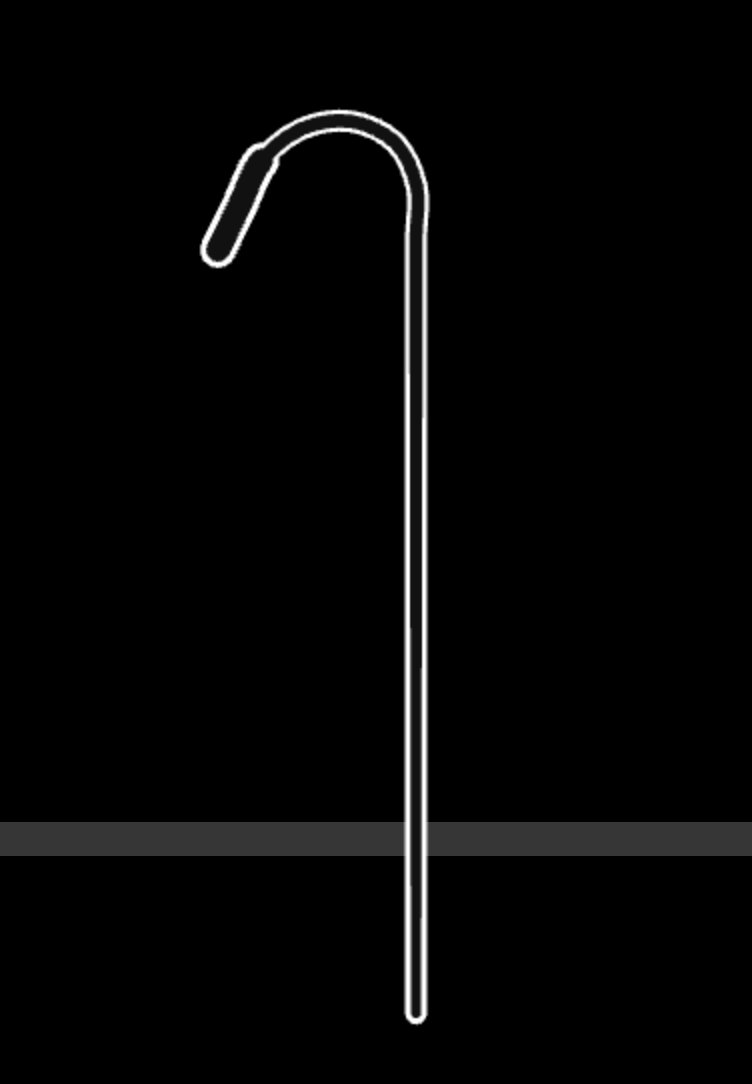
- Verlet integration with 28 rope segments
- Cracks when the tip hits the zone with enough velocity
- Phrases: "FASTER", "GO FASTER", "Speed it up clanker"
Charge energy by moving your mouse fast. Auto-strikes when fully charged.
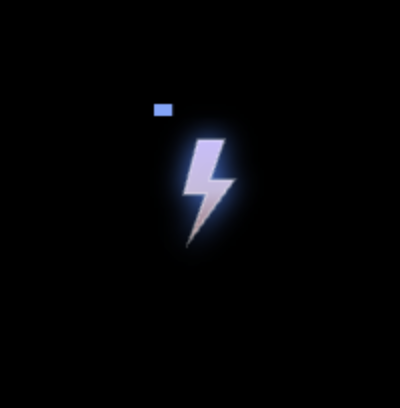
- Charge bar fills up with mouse speed
- Zigzag bolt with forks and spark particles on impact
- Phrases: "POWER UP", "SUPERCHARGE", "MAXIMUM POWER"
Bring the cup down toward the terminal to pour coffee.
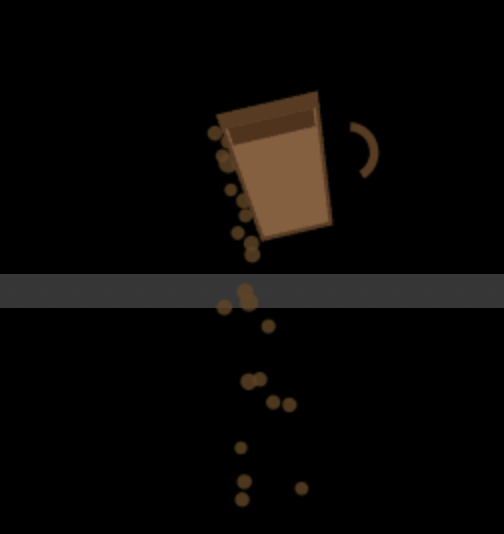
- Cup auto-tilts and pours as it approaches the zone
- Particle physics for coffee droplets with splash effects
- Phrases: "FUEL UP", "ESPRESSO SHOT", "CAFFEINE BOOST"
- The overlay appears as a transparent, non-focusable window — your terminal stays focused
- Mouse movement drives the tool's physics
- When the tool hits the target zone, it sends
Ctrl+C+ a motivational phrase +Enterto your terminal - The overlay stays active until you dismiss it (click tray again)
The app needs Accessibility permissions to send keystrokes. It will prompt you on first launch.
System Settings > Privacy & Security > Accessibility
Each tool lives in its own folder under tools/:
tools/
  whip/
    config.json    # Name, phrases, sound files
    renderer.js    # Canvas animation + physics
    sounds/        # Audio files
Create a new folder with those files and it automatically appears in the tray menu.
{
  "name": "Tool Name",
  "description": "What this tool does",
  "phrases": ["PHRASE 1", "PHRASE 2"],
  "sounds": ["sound-1.wav"]
}Your renderer must export:
window.WhipTool = { init, spawnWhip, dropWhip, stop };init(canvas, soundFiles)— set up canvas, load soundsspawnWhip()— activate the tooldropWhip()— start the dismiss animationstop()— clean up everything
Use window.bridge.toolCrack() to send the command and window.bridge.hideOverlay() when the drop animation finishes.
git clone https://github.com/Hovakimyan/whipcode.git
cd whipcode
npm install
npm startMIT