Fast, easy, free file transfer app for your devices.

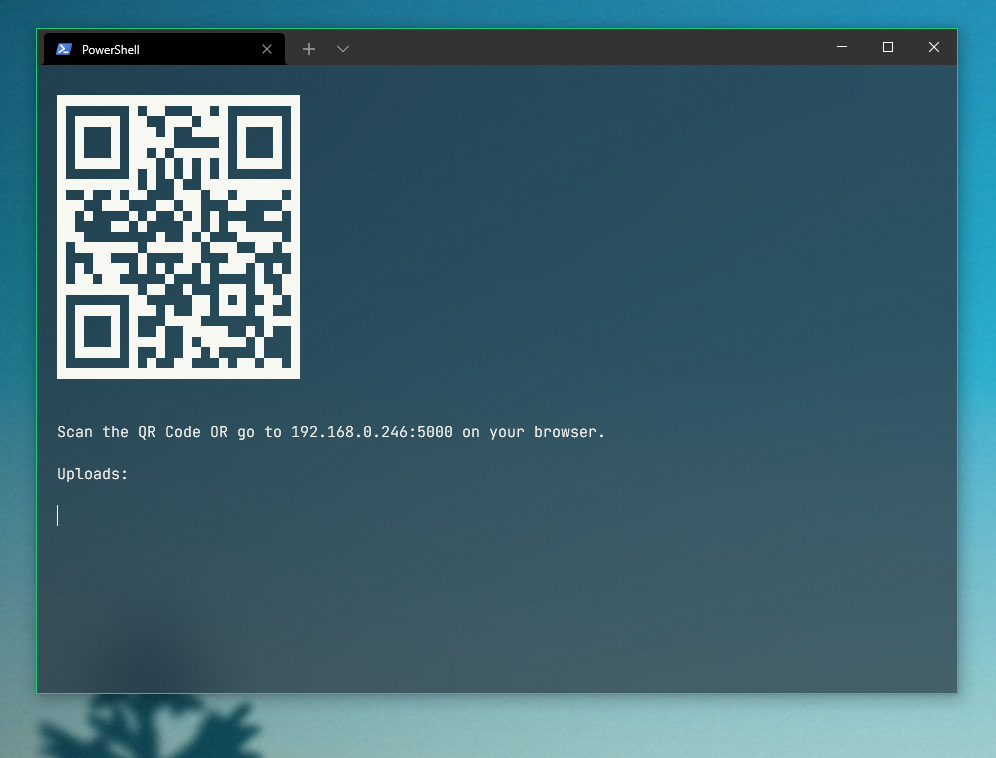
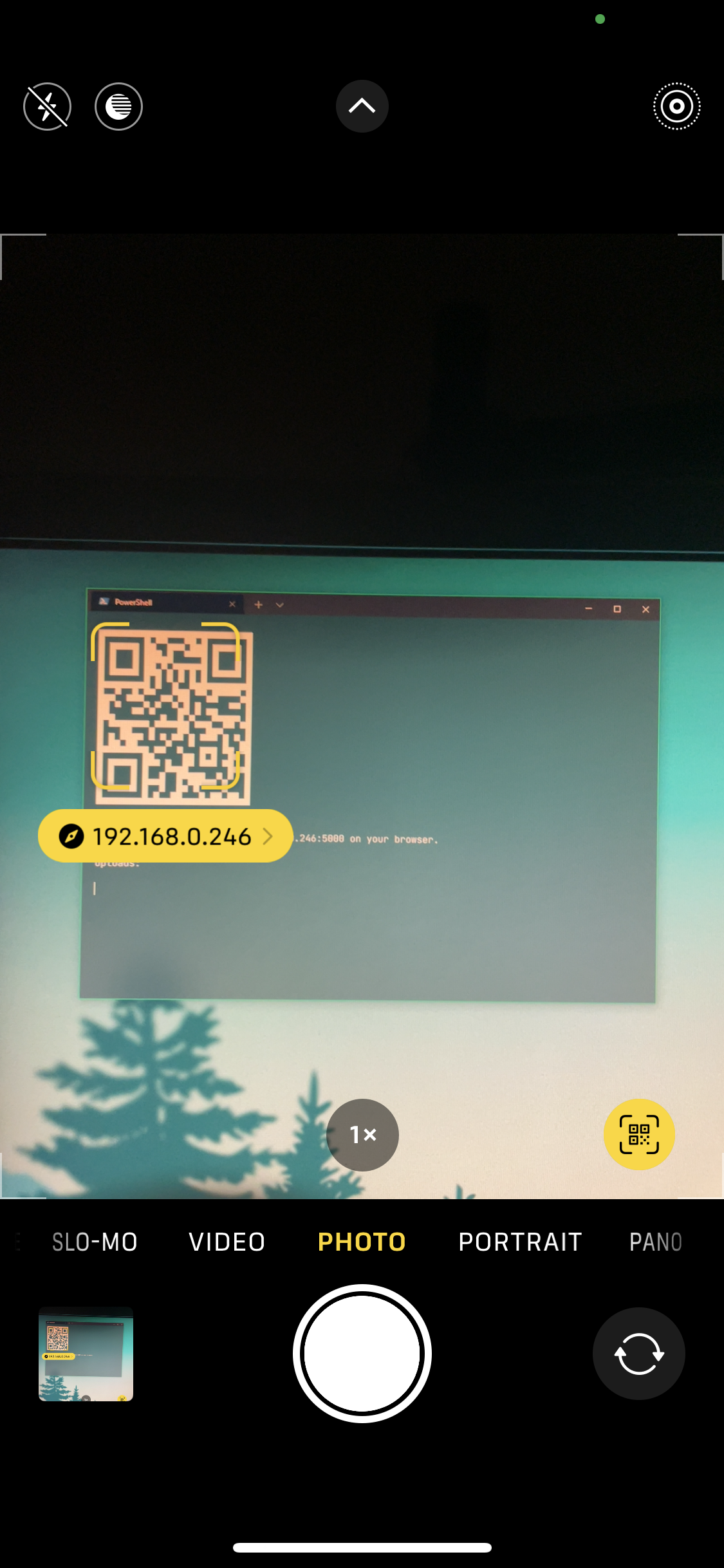
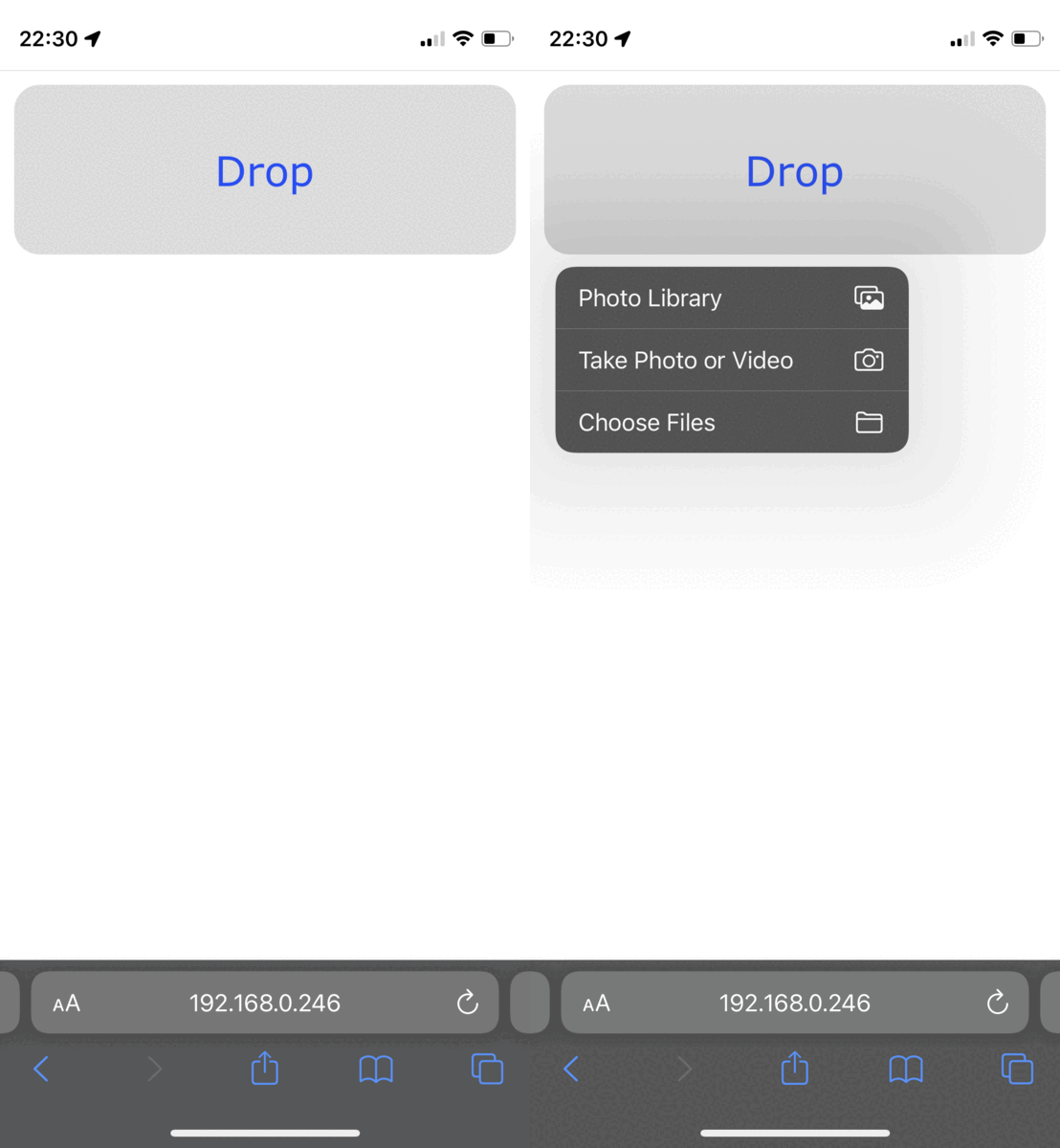
If you haven't already, first install Node.js and npm
Installers of current versions of node already comes with npm. I recommend downloading the LTS version.
Once you have node installed, open a terminal and download this app by typing this commnand:
git clone https://github.com/Hunkoys/filedrop.gitthis will download a folder named filedrop. Go (cd) in that folder and install the other dependencies:
cd filedrop
npm installcd into the app folder and run this command:
npm run startOn the terminal window, perform this keyboard shortcut:
- Mac: Cmd + C
- Windows: Ctrl + C
or just close the terminal window.