In this workshop, you will learn how to control an LED from an App.
-
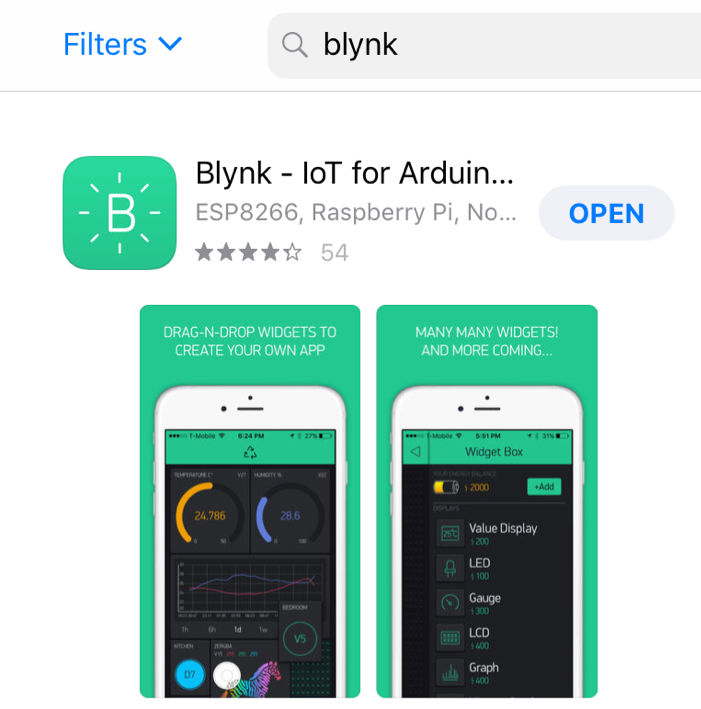
You will need to install "Blynk" app on your smart phone/iPad.
-
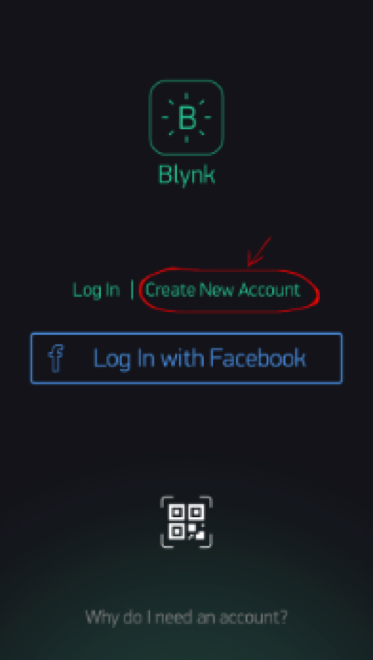
Create Blynk account.
-
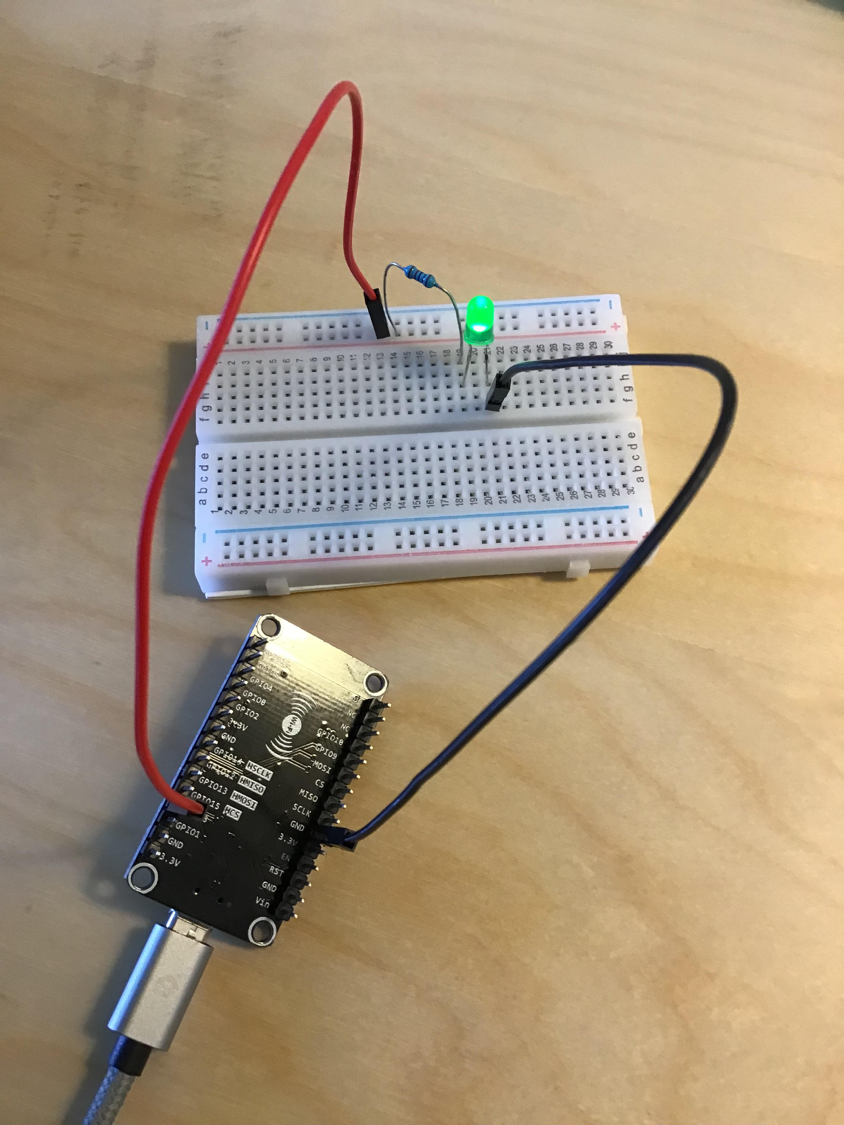
Connect an LED to NodeMCU (PIN GPIO3) with a resistor and connect ground
-
Upload the sketch (enter your Authorization token, WiFi SSID and WiFi password)
- You will need to obtain Authorization token from Blynk app by creating a new project
- Enter project name, choose device (ESP8266), connection type (GSM or WiFi), select light/dark theme
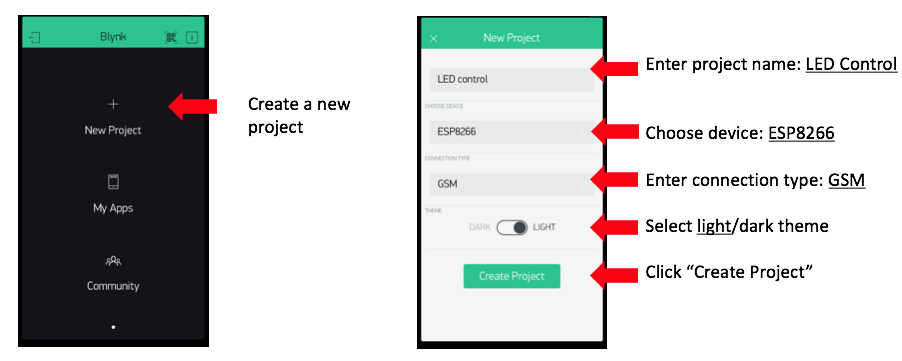
- Token is then sent to your registered email address
-
Add a widget "button"
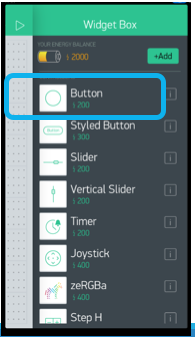
-
Configure the button, select "switch" and PIN "GPIO3"
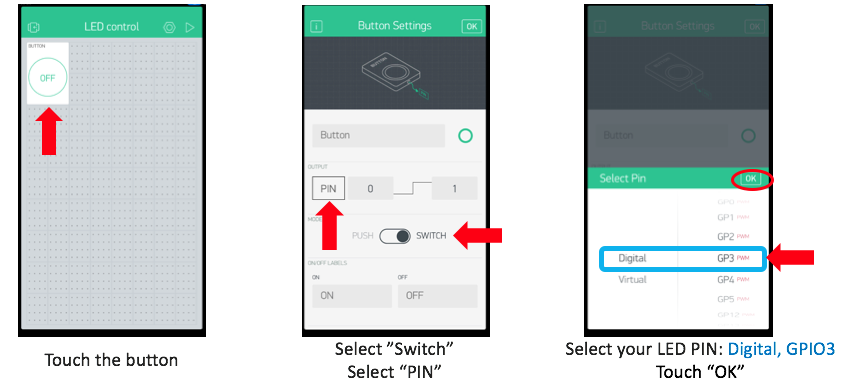
-
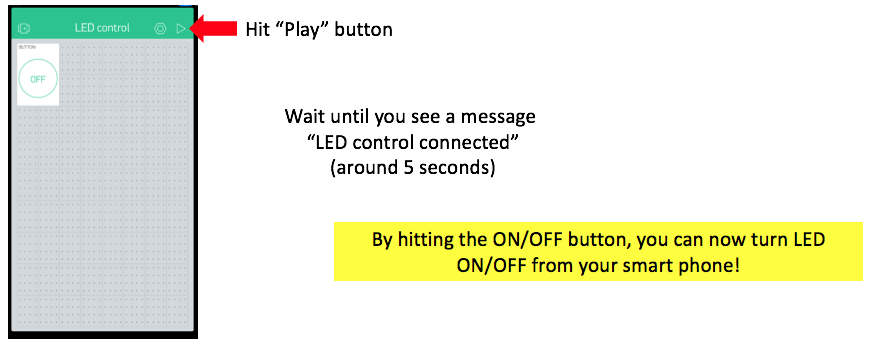
Hit "Play" button and now you can turn your LED ON/OFF from your smart phone.