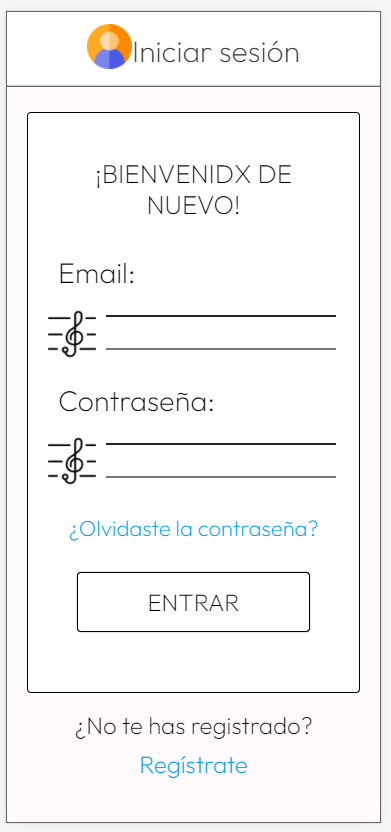
Musicians can check their projects, events and information inside OFGC in an organised way.

A list of technologies used within the project:
- Laravel: Version 8.68.1
- Angular: Version 12.1.4 with Ionic: Version 6.18.1, version Ionic Framework: @ionic/angular 5.9.1
Before you start you need:
- Git - https://git-scm.com/downloads.
- MySQL - https://www.mysql.com/downloads/.
- Node.js - https://nodejs.org/es/download/.
Clone the repository:
git clone https://github.com/IsaiahMartel/AuditorioIonicLaravel
Switch to the backend
cd AuditorioIonicLaravel/backend/
Install all the dependencies using composer
composer install
Copy the example env file and make the required configuration changes in the .env file
cp .env.example .env
Generate a new application key
php artisan key:generate
Run the database migrations (Set the database connection in .env before migrating)
php artisan migrate
Start the local development server
php artisan serve
You can now access the server at http://localhost:8000
TL;DR command list
git clone https://github.com/pablopuch/OFGC.git
cd OFGC/backend/
composer install
cp .env.example .env
php artisan key:generate
We also uploaded the database that was used to test the application, you can check it in "AuditorioIonicLaravel/database-example".
If you want to add your own information, the tables that have effect on the frontend are: Seasons, Projects, Rooms, Schedules, TypeSchedules, Directors, DirectorsProjects, Soloists, Soloists-projects, Composers, Works and Playlists.
Switch to frontend
cd OFGC/fronted/
Install all the dependencies using npm
npm install
Start the local development server
ionic serve -l
(http://localhost:8200/ is often bugged, switch to http://localhost:8100/ open developer tools and use select a mobile resolution in "Toggle device toolbar")
Now the app is running!!
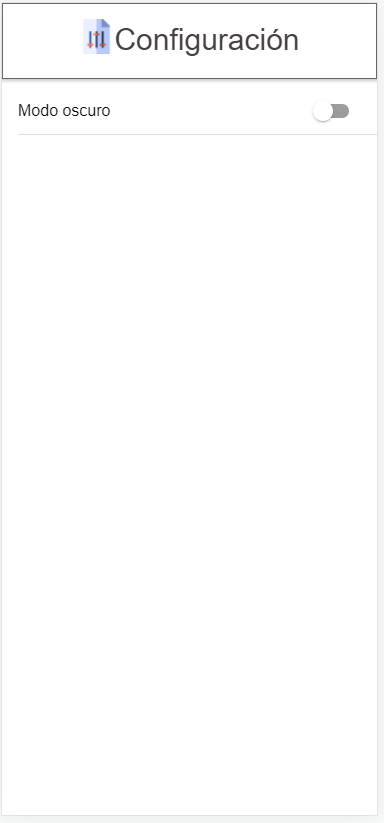
*some icons could change besides some aspect changes towards final version
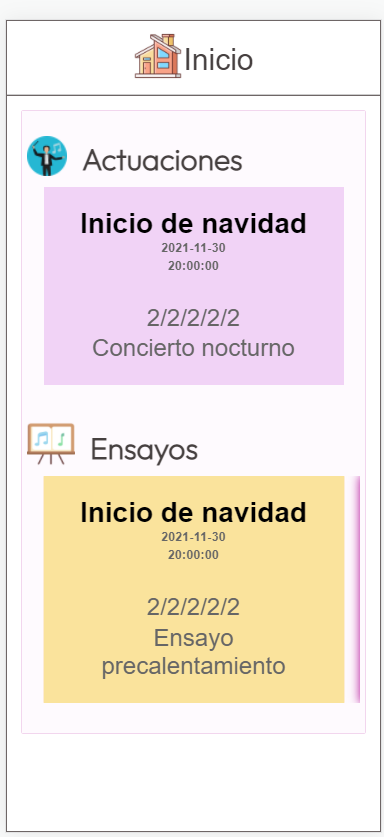
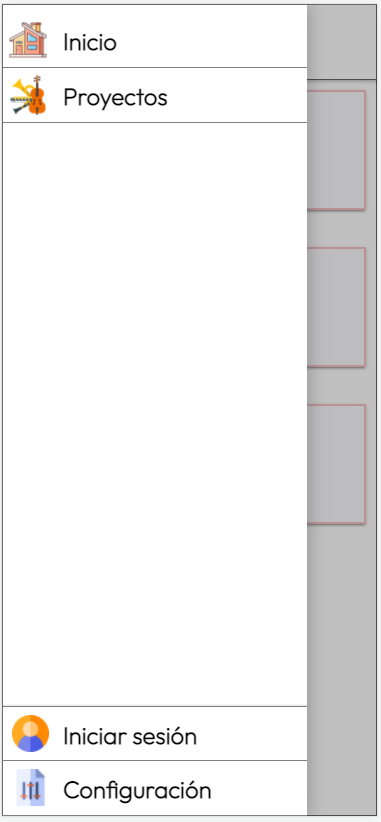
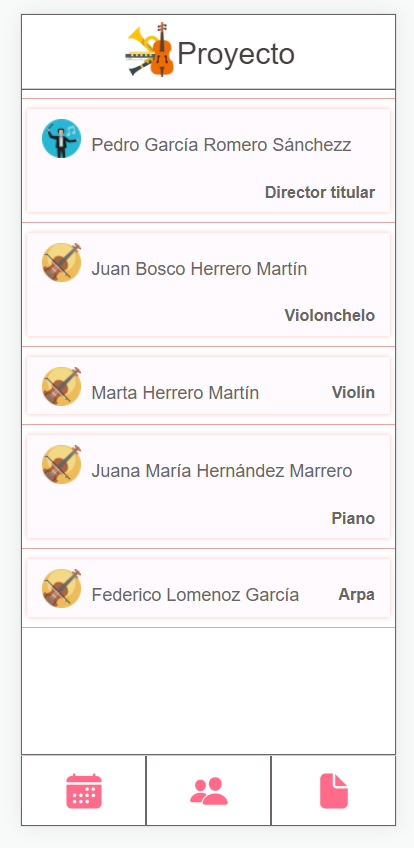
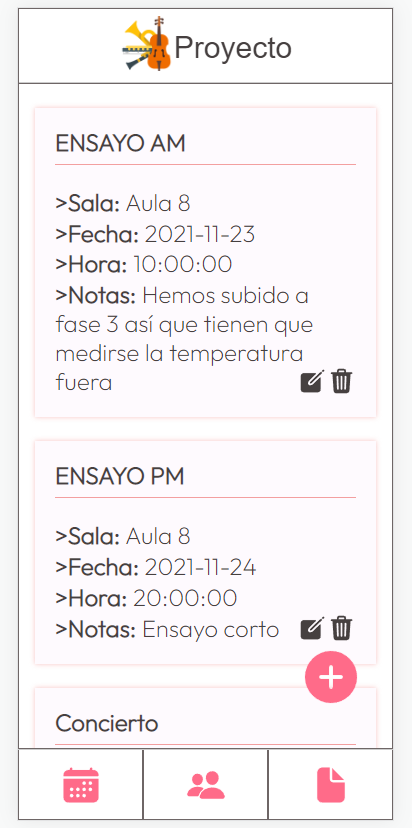
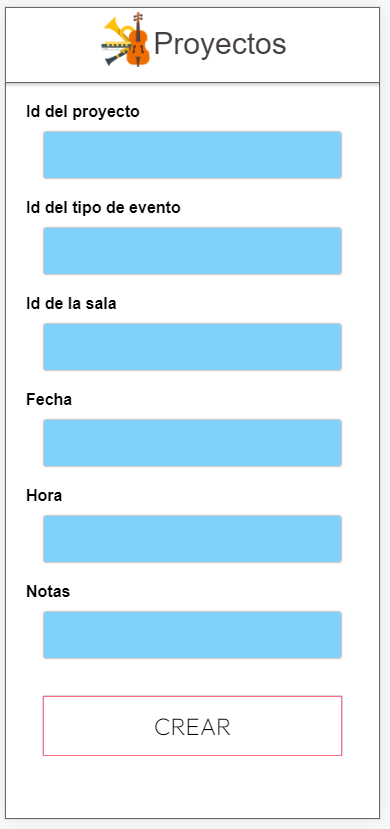
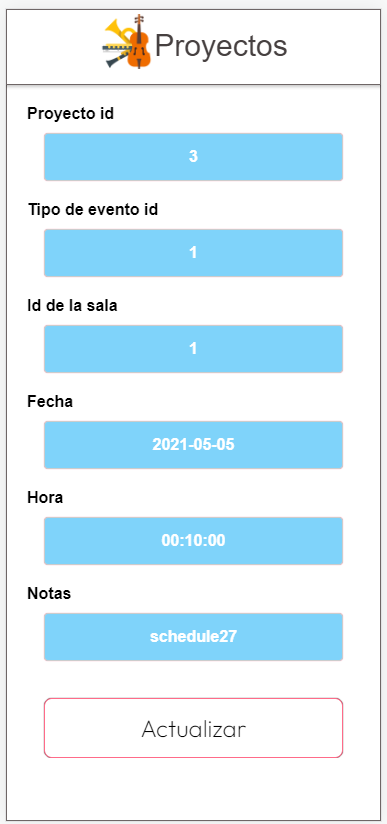
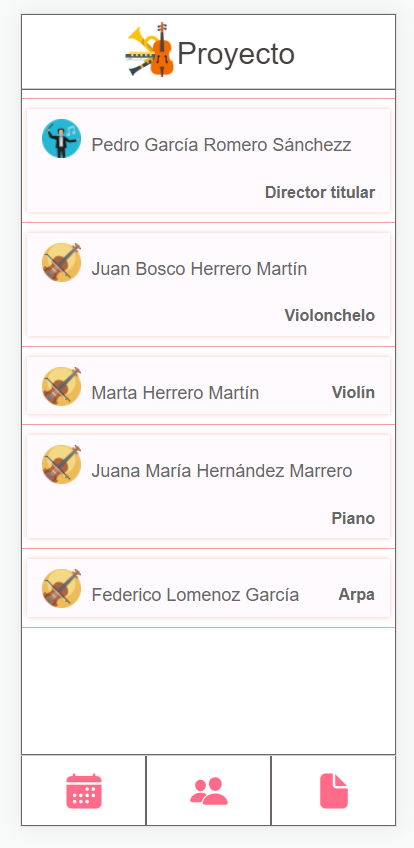
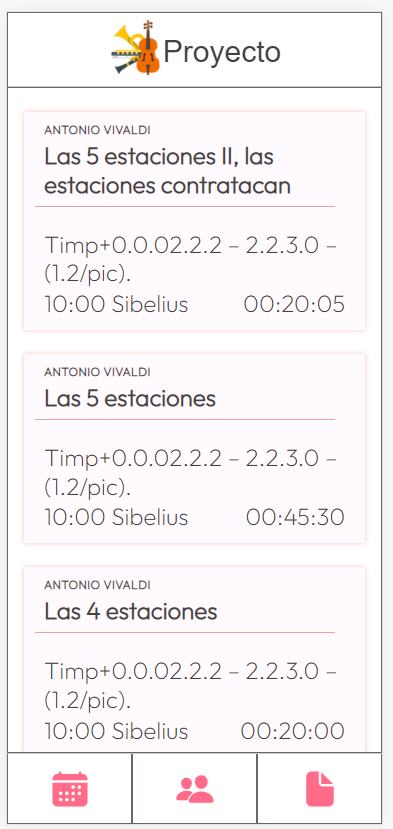
My class-mate in this project Pablo Punch, we helped a lot each other: https://github.com/pablopuch/ (here is his project: https://github.com/pablopuch/OFGC).
Our teacher Tiburcio over-helped everyone through the project: https://github.com/tcrurav, and his example of Ionic-Spring was very useful for my first CRUD (https://github.com/tcrurav/spring_ionic_21_22).
Many videos of Develoteca's channel helped me for understanding laravel and creating the backend. Like this, for example: https://www.youtube.com/watch?v=9DU7WLZeam8.
This tutorial on how to create a CRUD in Ionic: https://remotestack.io/ionic-http-requests-with-httpclient-get-post-put-delete-tutorial/.
To create this README and documentation I was colsuting the README of one class-mate, Ruben Banez: https://github.com/rubensantibanezacosta/Ocio_Open/blob/main/README.md and this guide: https://gist.github.com/vinkla/dca76249ba6b73c5dd66a4e986df4c8d.