This project uses Nest.js as the backend and React as the frontend to create a chat application powered by the OpenAI API. Users can engage in natural language conversations with the AI model.
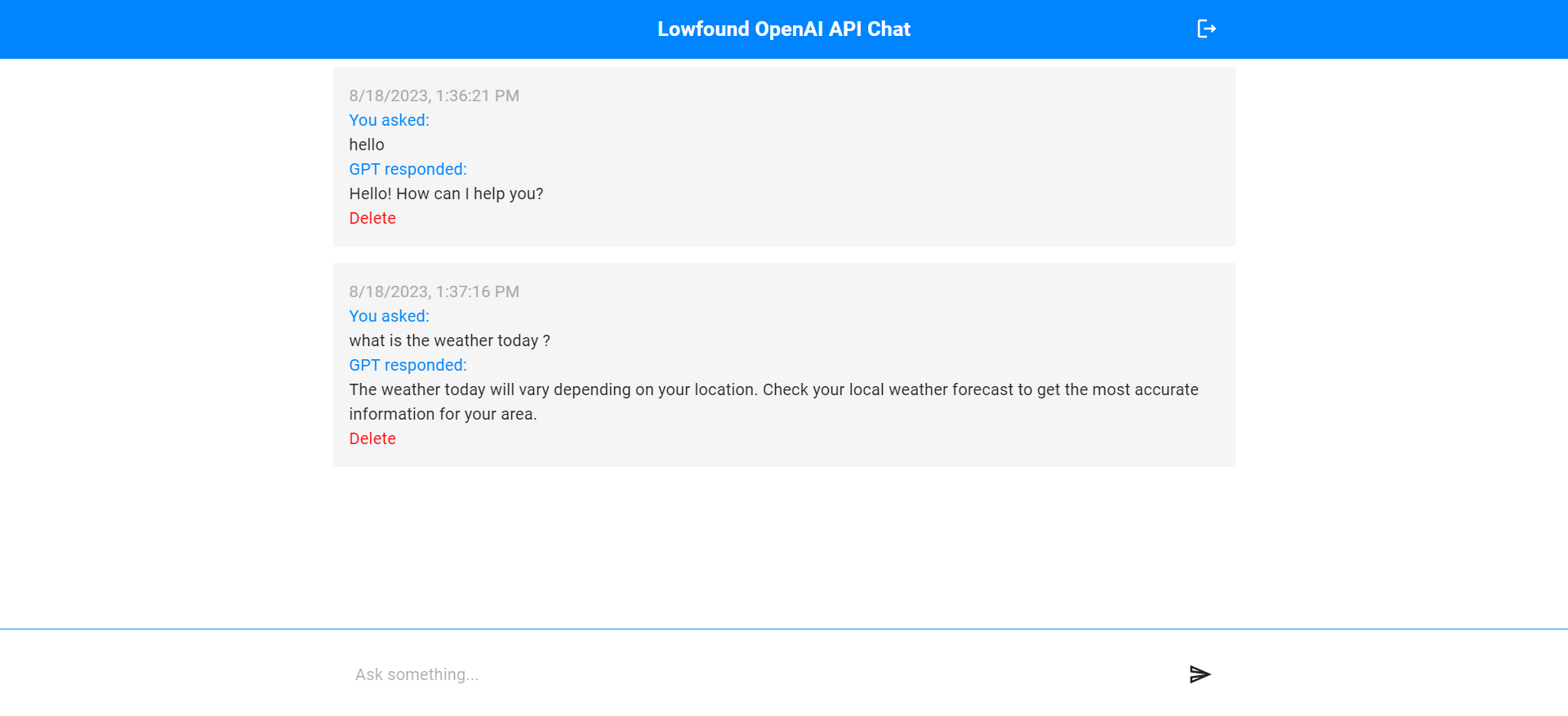
Chat Page
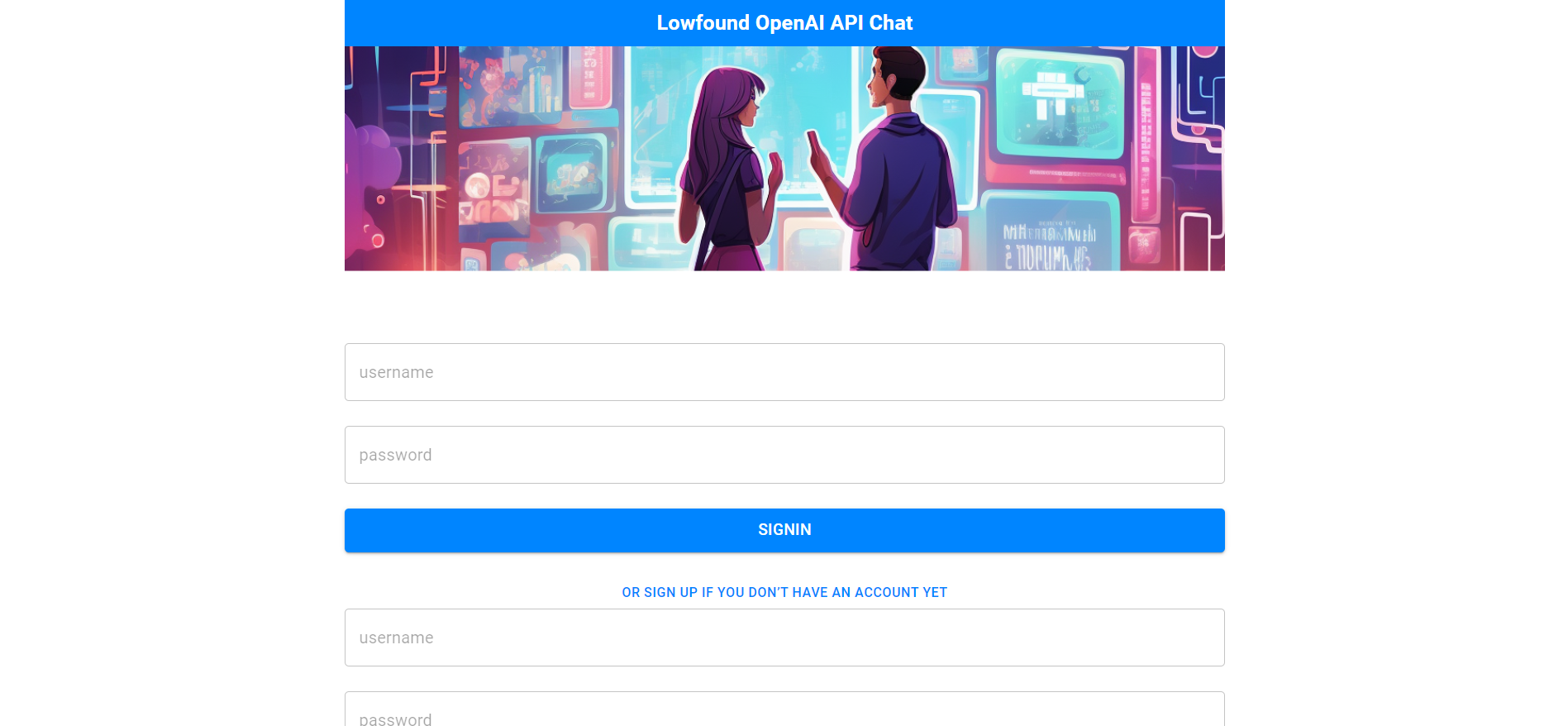
Sigin Page
Before you begin, make sure you have the following installed:
- Node.js (v14 or later)
- npm (Node Package Manager)
- Git
Follow the steps below to set up and run the project on your local machine.
- Clone the repository:
git clone https://github.com/your-username/Lowfound-OpenAI-API-Chat.git
cd Lowfound-OpenAI-API-Chat/server- Install dependencies:
npm install- Create a .env file in the backend directory and add the following environment variables:
DB_URI=your_database_connection_string
JWT_SECRET=your_jwt_secret_key
JWT_EXPIRES=token_expiration_time
PORT=backend_server_port
OPENAI_API_KEY=your_openai_api_key
Replace the placeholders with your actual values.
- Run the backend server:
npm run start:devThe backend server should now be running at the specified port.
- Open a new terminal window/tab and navigate to the frontend directory:
cd ../client- Install dependencies:
yarn
npm install- Run the frontend development server:
npm run dev The frontend should now be accessible at http://127.0.0.1:5173
Open your web browser and navigate to http://127.0.0.1:5173 to access the chat application. Engage in natural language conversations with the AI model using the provided interface.
Contributions are welcome! Feel free to fork the repository and submit pull requests.
This project is licensed under the MIT License - see the LICENSE file for details.