





By Jason Colapietro / Suede Labs AI — creator ownership infrastructure for the AI media era.
Free public skills and slash commands from Jason Colapietro and Suede for taking any website, web app, dashboard, marketplace, PWA, or content surface and turning it into an App Store-ready iOS app with AI coding agents.
This is the public-safe layer of the app factory stack Jason and Suede have relied on to move fast across real iOS products: site-to-app conversion, native SwiftUI scaffolding, App Store Optimization, screenshot production, release gates, App Store Connect upload prep, and repeatable quality checks.
Bring a URL. The skills help an agent audit the site, choose the right native or Capacitor path, add iOS-specific value, generate screenshots and store metadata, and run the release gate before anything goes to App Review.
These are not toy prompts. This is the free public version of the workflow behind Suede's app-store push and Jason's repeatable iOS shipping system.
It intentionally does not include secrets, signing material, private API keys, private repo paths, Apple account identifiers, or App Store Connect credentials. Bring your own Apple Developer account and environment variables.
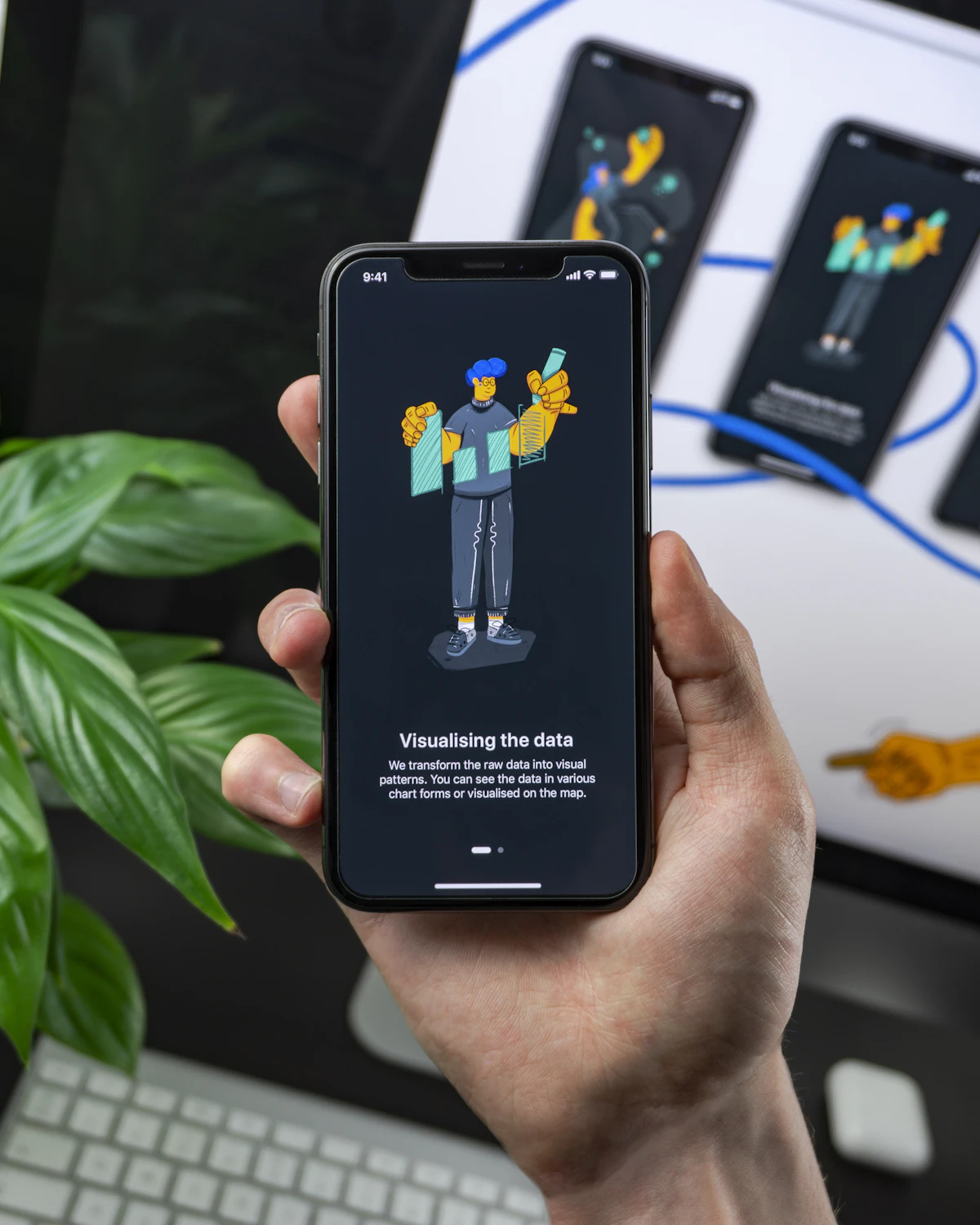

Stock photos from Unsplash: Daniel Korpai and Balazs Ketyi. Used under the Unsplash License.
Star it. Fork it. Clone it. Point it at your site. Turn the site into an app.
git clone https://github.com/JasonColapietro/ios-app-dev-skills.gitThen ask your agent:
/ios-site-app https://your-site.com as an App Store-ready iOS app
The fast path:
/ios-audit-site https://your-site.com
/ios-wrapper-risk https://your-site.com
/ios-capacitor-wrap https://your-site.com
/ios-store-assets https://your-site.com
/ios-submit-check ./YourApp
If you have a website, you have the start of an app. This repo is the free Suede/Jason toolbelt for turning that surface into a real iPhone product.
Need the short version for GitHub search? This is an AI agent skill pack for website to iOS app conversion, App Store-ready web-to-app workflows, SwiftUI app development, Capacitor iOS shells, App Store Optimization, iOS screenshots, App Review prep, and App Store Connect release gates.
Use this pack when you want to turn a site into a real iOS app instead of a thin bookmark wrapper:
- audit any URL for mobile, PWA, auth, payments, privacy, support, and App Store wrapper risk;
- choose Capacitor remote shell, bundled shell, native SwiftUI shell, or full native rebuild;
- add native value: onboarding, settings, support, privacy, account deletion, share, push, deep links, offline, errors, and iOS navigation;
- configure bundle ID, icons, launch screen, entitlements, associated domains, screenshots, metadata, and review notes;
- run the ship gate so the app is truthful, buildable, screenshot-ready, and safe to submit when explicitly delegated.
The headline use case is simple: point Claude or Codex at a website and use these free skills to turn it into an App Store-quality app path.
Primary search intent:
- turn website into iOS app
- website to app
- web to iOS app
- App Store-ready iOS app
- AI app development skills
GitHub topics and repo tags:
site-to-ios, website-to-app, ios-app-development, mobile-app-development,
app-store-optimization, app-review, app-development, capacitor, swiftui,
fastlane, pwa, ai-agents, claude-code, codex, aso, screenshots, app-store,
app-store-connect, skills, ios

This public-safe pack documents the reusable layer of a proprietary iOS App Factory method used across multiple submitted and approved apps by Jason Colapietro and Suede. See App Store submissions and approved apps for the current public catalog snapshot, and the public-safe proprietary method for the skill combination.
Suede uses this operating pattern to convert product surfaces, agent tools, creator workflows, AI music utilities, and web-first ideas into mobile releases without re-learning screenshots, ASO, signing, metadata, and App Review gates every time. This repo gives the community the free reusable layer.
ios-app-factory- one-prompt iOS app pipeline from keyword to ship gate.ios-swiftui-product- native SwiftUI product architecture and QA.ios-screenshot-taker- deterministic simulator capture for named app states.ios-aso-launch- App Store keyword, metadata, screenshots, and launch ops.ios-app-store-release- archive, upload, TestFlight, and review submission.ios-capacitor-shell- Capacitor shell inspection, sync, and release logic.site-to-ios-app- turn any site into an App Store-quality iOS app path.
Claude Code slash commands live in .claude/commands/:
Core app factory:
/ios-ship-app/ios-keyword/ios-new-app/ios-shot/ios-screens/ios-grade/ios-release/ios-capacitor/ios-site-app
Website-to-app tools:
/ios-audit-site/ios-wrapper-risk/ios-capacitor-wrap/ios-native-shell/ios-pwa-check/ios-deeplinks/ios-offline/ios-auth-check/ios-payments-check
Store and release tools:
/ios-icon/ios-privacy/ios-store-assets/ios-review-notes/ios-submit-check
templates/fastlane/- sanitized Fastlane App Store Connect templates.templates/xcodegen/- minimal XcodeGen project scaffold.templates/app-store-metadata/- deliver-compatible metadata files.templates/release/- export options and reviewer notes template.templates/site-to-ios/- reusable conversion plan.scripts/ios_preflight.sh- local Xcode/Fastlane/env preflight.scripts/take_ios_screenshots.sh- simulator build/install/launch screenshot capture.scripts/audit_site_for_ios.py- static site-to-iOS readiness audit.scripts/validate_app_store_metadata.py- App Store char-limit checks.scripts/validate_skill_pack.py- skill/slash-command sanity checks.scripts/install.sh- copy skills and commands into local agent folders.
git clone https://github.com/JasonColapietro/ios-app-dev-skills.git
cd ios-app-dev-skills

mkdir -p "${CODEX_HOME:-$HOME/.codex}/skills"
cp -R skills/* "${CODEX_HOME:-$HOME/.codex}/skills/"
Example prompts:
Use $site-to-ios-app to turn https://example.com into an App Store-ready iOS app path.
Use $ios-app-store-release to preflight this Xcode project for App Store upload.
Use $ios-screenshot-taker to capture home, detail, and paywall screenshots on iPhone 15 Pro Max.
Use $ios-app-factory to turn "AI agent rating" into a keyword-first iOS app plan.
Project-level install:
git clone https://github.com/JasonColapietro/ios-app-dev-skills.git
cd your-ios-project

mkdir -p .claude/skills .claude/commands
cp -R ../ios-app-dev-skills/skills/* .claude/skills/
cp -R ../ios-app-dev-skills/.claude/commands/* .claude/commands/
Then use:
/ios-ship-app ai habit tracker for guitar practice
/ios-site-app https://example.com as an App Store-ready iOS app
- Do not commit
.p8,.xcconfigsecrets,.env, certificates, provisioning profiles, API keys, or App Store Connect tokens. - Do not publish private App Store Connect app IDs, reviewer phone numbers, or private support credentials in generated reports.
- Do not submit to App Review unless the user explicitly delegates that release action and confirms the exact app, bundle ID, version, build, and account.
- Keep release templates generic. Use environment variables for credentials.
idea / seed keyword
  -> website audit or keyword and competitor scan
  -> site-to-iOS conversion, native SwiftUI scaffold, or Capacitor shell
  -> monetization and legal truth
  -> deterministic screenshot capture
  -> screenshots and ASO metadata
  -> scorecard gate
  -> archive, upload, TestFlight, submit
  -> launch measurement loop
The default ship gate is:
- build succeeds,
- App Store metadata passes limits and keyword rules,
- screenshots exist and are conversion-oriented,
- no secrets are committed,
- no metadata claims unbuilt features,
- explicit human confirmation before public submission.
python3 scripts/validate_skill_pack.py .
python3 scripts/validate_app_store_metadata.py templates/app-store-metadata
bash -n scripts/take_ios_screenshots.sh
bash scripts/ios_preflight.sh
python3 scripts/audit_site_for_ios.py https://example.comMIT.