-
Notifications
You must be signed in to change notification settings - Fork 29
Advanced Features
Ion maneuver or forced boost/barrel roll by being tractored can be performed with the corresponding tokens. If you drop then on a ship an keep them nearby, they will provide buttons (pic) if you hover over them with your mouse. If no buttons appear, just get a new token via dial or from the middle of the table. With the cloak token you can perform decloak movements just as easy.
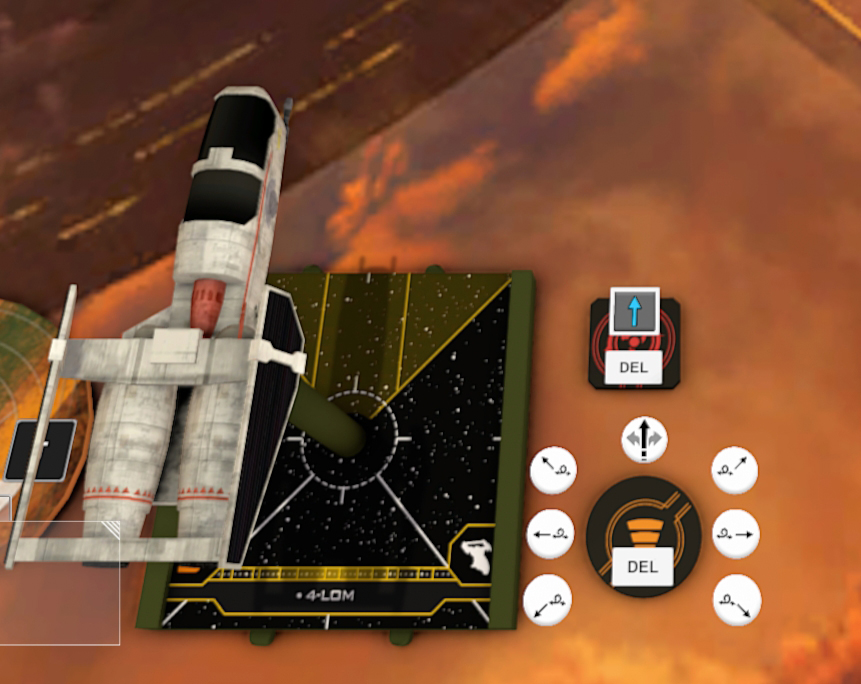
To rotate a ship by 90° after being tractored, right-click it, type tr4 or tl4 (for clock- and anti-clockwise) into the description and click anywhere on the table. Don't forget to assign stress then.
Some ships or upgrades spawn with a tool. To use it, assign it to a ship and use the buttons on it.
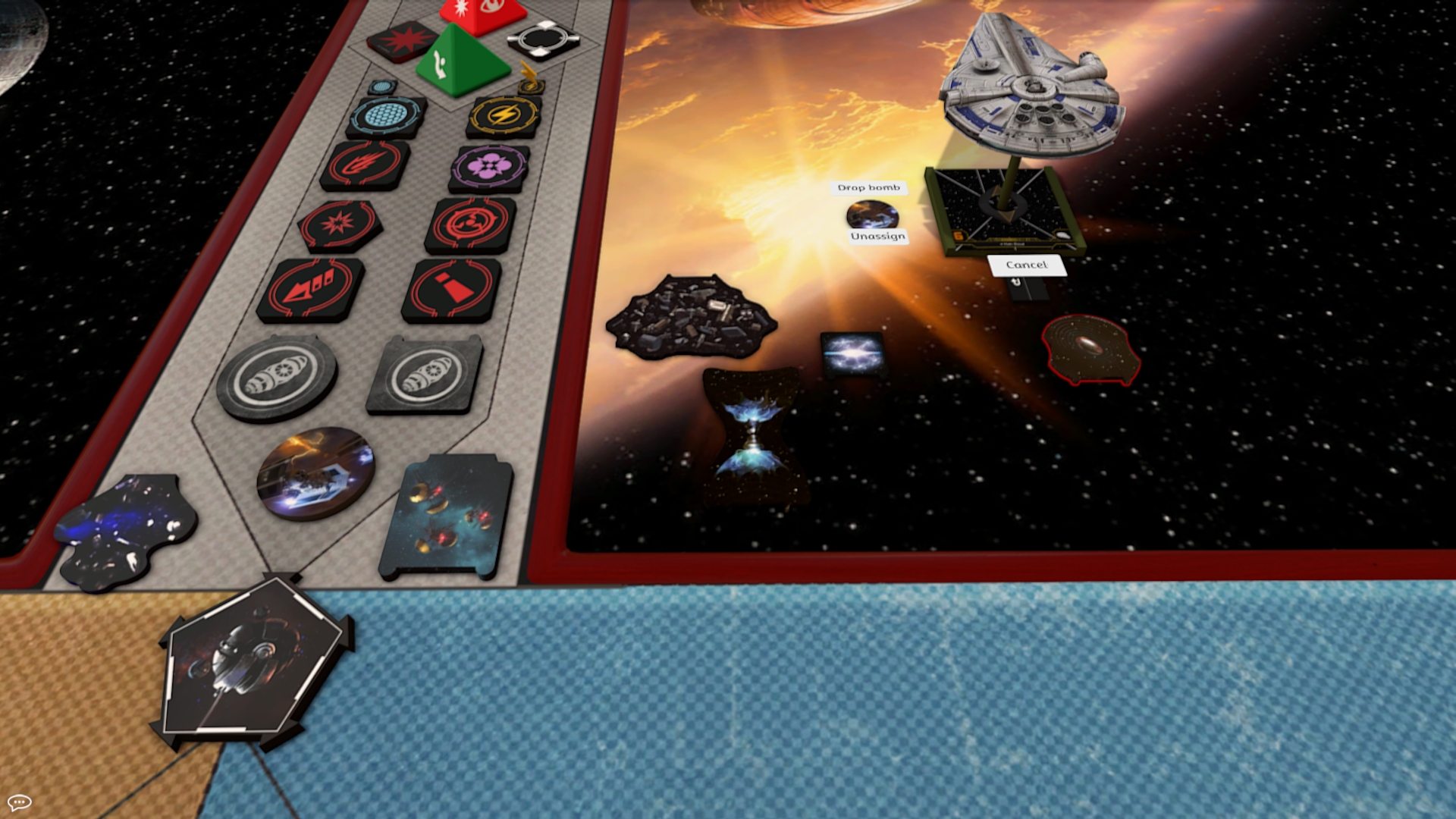
- Bomb dropper spawn with a ship and show only legal templates. If you lost the tool, get one form the middle of the table. These tools then also show illegal bearing and speed. Take a bomb/mine/debris token from the stock and toggle it to the right device. Spawn with the tool a template (pic), then drop this token on the maneuver template. Voilá
- Starviper's barrel rolls are special, using a 1-bank template. They are controled with the tool that spawns with the ship.
- Some large ships can carry shuttle or Z-95 Headhunter. To undock, assign the launcher tool mother ship, place it next to the ship that you want to undoc, click "sync shuttle" and select "launch shuttle" and then drop or launch shuttle. Click Set Shuttle to shut the tool. The ship will be placed into the mother ship (pic). Choose a maneuver on the Shuttle's dial and perform it.
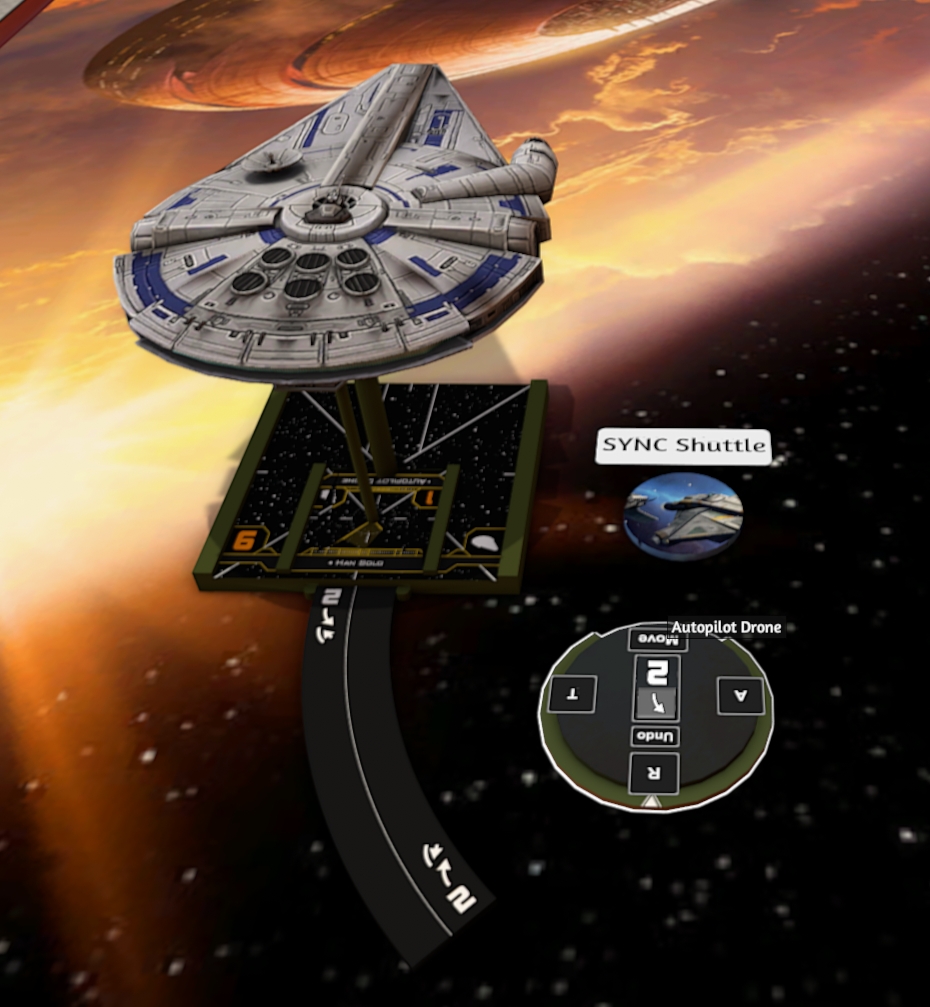
Any maneuver, boost or barrel roll can be executed without need of the dial. This might be faster if you want e.g. to coordinate a boost or change the bearing/speed of your set maneuver. Or if you want to use IG-88D's ability to perform a segnor's loop with a turn template.
Any models that are loaded into the map will have the script running.
To use "commands" there are 3 simple steps:
- Right click the model you intend to move
- Under ship name, there will be an empty text box (dim "Description" label visible), enter your command there
- Click anywhere on the map (closing the context menu)
Boom! Your ship will automatically move.
If your ship model is not standard (didn't came from the Collection or Squad Builder), to make it move like a large base ship you have to add 'LGS' anywhere in its name.
- first letter defines bearing (s = straight, b = bank, t = turn, k = Koiogran turn)
- second letter tells direction (l or e = left, r = right)
- number defines speed (0–5 for straight, 1–3 for curve, 4 with turn to rotate stationary by 90°)
- letter after number to do advanced maneuvers
- s = Segnor's loop (works also with turn template for IG-88D's pilot ability)
- ft, t and bt = Tallon roll aligned forward, centered and backward, respectively
- r = reverse maneuver
Examples
| command | effect |
|---|---|
| s2 | straight with speed 2 |
| k4 | Koiogran turn with speed 4 |
| br1 | right bank with speed 1 |
| tl3 | right turn with speed 3 |
| bl3s | left Segnor's Loop with speed 3 |
| tr2s | special segnor's loop using 2-turn template to the right |
| tl1ft | left Tallon roll with speed 1, adjusting forward |
| tl2t | left Tallon roll with speed 2, adjusting centered |
| s0 | stationary |
| k0 | stationary, turn by 180° |
| tr4 | stationary, turn 90° clockwise |
| tl4 | stationary, turn 90° counter-clockwise |
| bl1r | Reverse left bank with speed 1 |
| s2r | Reverse straight with speed 2 |
| command | effect |
|---|---|
| rl2 | Barrel Roll left |
| rr2 | Barrel Roll right |
| rl1 | Barrel Roll left forward |
| rr1 | Barrel Roll right forward |
| rl3 | Barrel Roll left back |
| rr3 | Barrel Roll right back |
| cs | decloak straight |
| cl1 | decloak left forward |
| cl2 | decloak left |
| cl3 | decloak left back |
| cr1 | decloak right forward |
| cr2 | decloak right |
| cr3 | decloak right back |
Echo decloaking available with the decloack token (drop the token on the ship and the appropriate buttons will appear)
r = range/arc ruler
r (on a bomb token) = range 1 template
q = Undo the ship position to last saved one. Positions are automatically saved before/after a move and can be saved manually (refer to 'keep')
z = Redo ship position if you undid ('q/undo') accidentally
keep = Save a ship's location. After using the keep command you can pick up and move the ship around then use 'q' to return the ship to the saved location.
For more advanced commands, check: https://github.com/tjakubo2/TTS_xwing/wiki/Doc%3A-Commands
Note: Ships automatically lock after auto movement. You can right click on the ship to manually enter moves (ie barrel roll after movement). You can also unlock the ship to move it for any reason.
This Wiki was recently created and is not yet complete. Please come back later