XTAL is a Rust creative coding framework for building real-time visual sketches
with WGSL shaders, with a strong emphasis on musically timed animation.
It includes declarative control scripting for defining parameters, mappings, and
performance behavior, plus a lightweight sketch runtime, a composable
render/compute graph, and live control via MIDI, OSC, and a web UI.
Built-in image/video capture supports recording output, and the overall goal is
fast iteration with minimal boilerplate while still giving direct access to
GPU-powered workflows when needed.
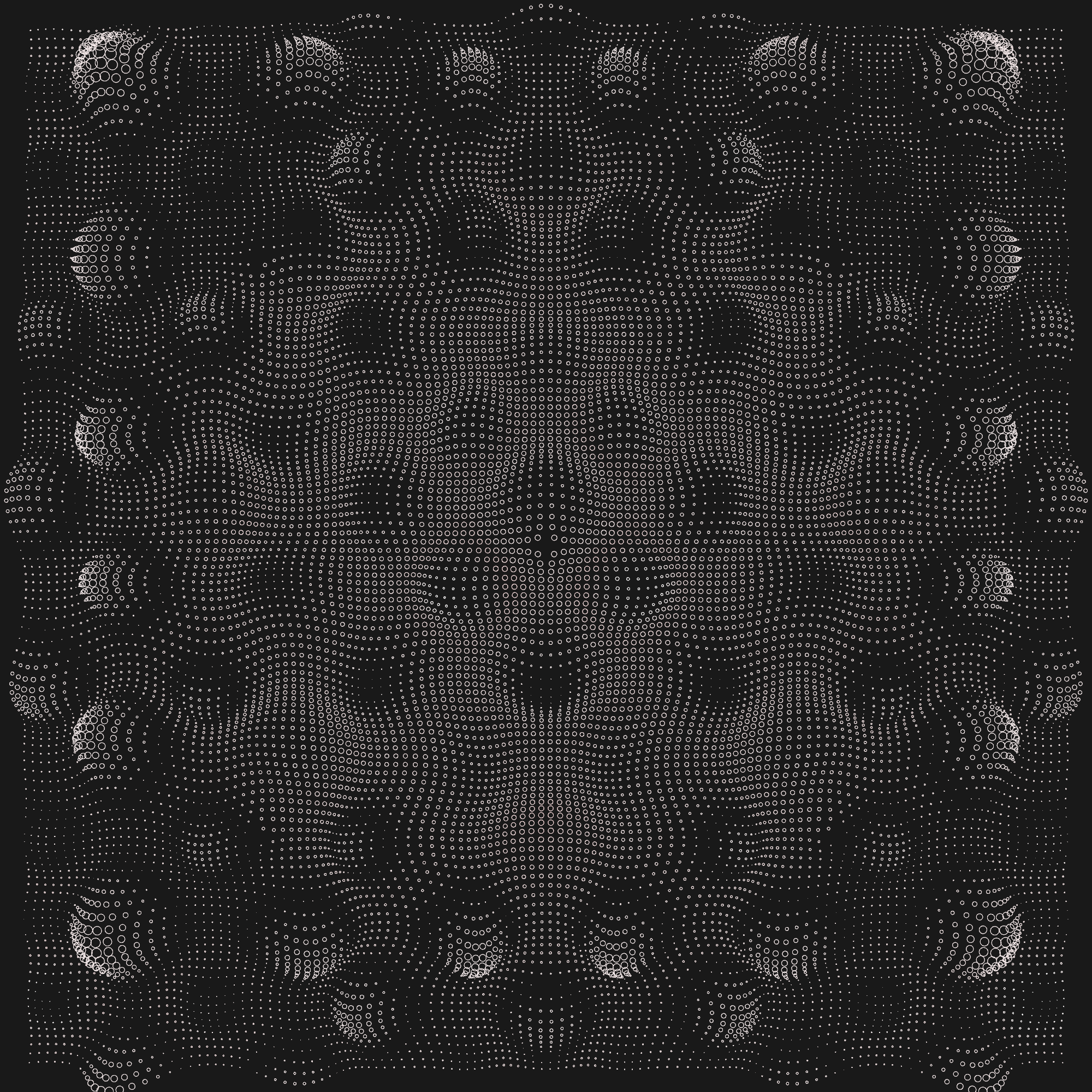
You can see screenshots of some sketches authored with Xtal here on github by looking at the auto generated image index or checkout audio-visual compositions on Instagram.
- Runtime switching of sketches
- Video recording with one button press (requires ffmpeg)
- Beat-based animation with musical timing
- Flexible synchronization - BPM, MIDI clock, MIDI Time Code, or Ableton
- Parameter automation via MIDI CC, OSC, and audio input
- Recording sync with MIDI Start for perfect post-production alignment
- Hot-reloadable controls via YAML files (see Control Scripting)
- Simple UI controls - Add sliders, checkboxes, and selects with minimal code
- Persistent parameters automatically saved per sketch
- Hot-reloadable WGSL shaders with starter templates
- Snapshots system - Store/recall settings with musical transitions
- Parameter randomization with configurable transition times
- Selective control exclusions from randomization
- MIDI Learn - Map hardware controllers to any UI parameter
- Tap Tempo for syncing with live music
- Adaptive theming for light/dark mode


Note: Xtal is pre-v1 and transitioning from an application to a reusable library. Currently developed on macOS and requires running in "dev mode." Cross-platform compatibility expected but not fully tested.
Requirements:
- Clone or fork this repo. Until Xtal has a proper release on crates.io, you must use the [sketches] app (alternatively you can create your own workspace folder and follow the same pattern – this will make it easier to merge in upstream changes without interfering with your own code).
- Start the UI server:
cd ./xtal-ui
bun install  # or npm install (first time only)
bun start    # or npm start
- In another terminal, run the main app:
cargo run --release # optionally add <sketch> to specify which loads
For full documentation, run cargo doc --package xtal --open in the project
root. There is also a dumping ground of documentation and tips in the
docs folder. If you need help or come across any issues please don't
hesitate to file an issue. Happy coding!