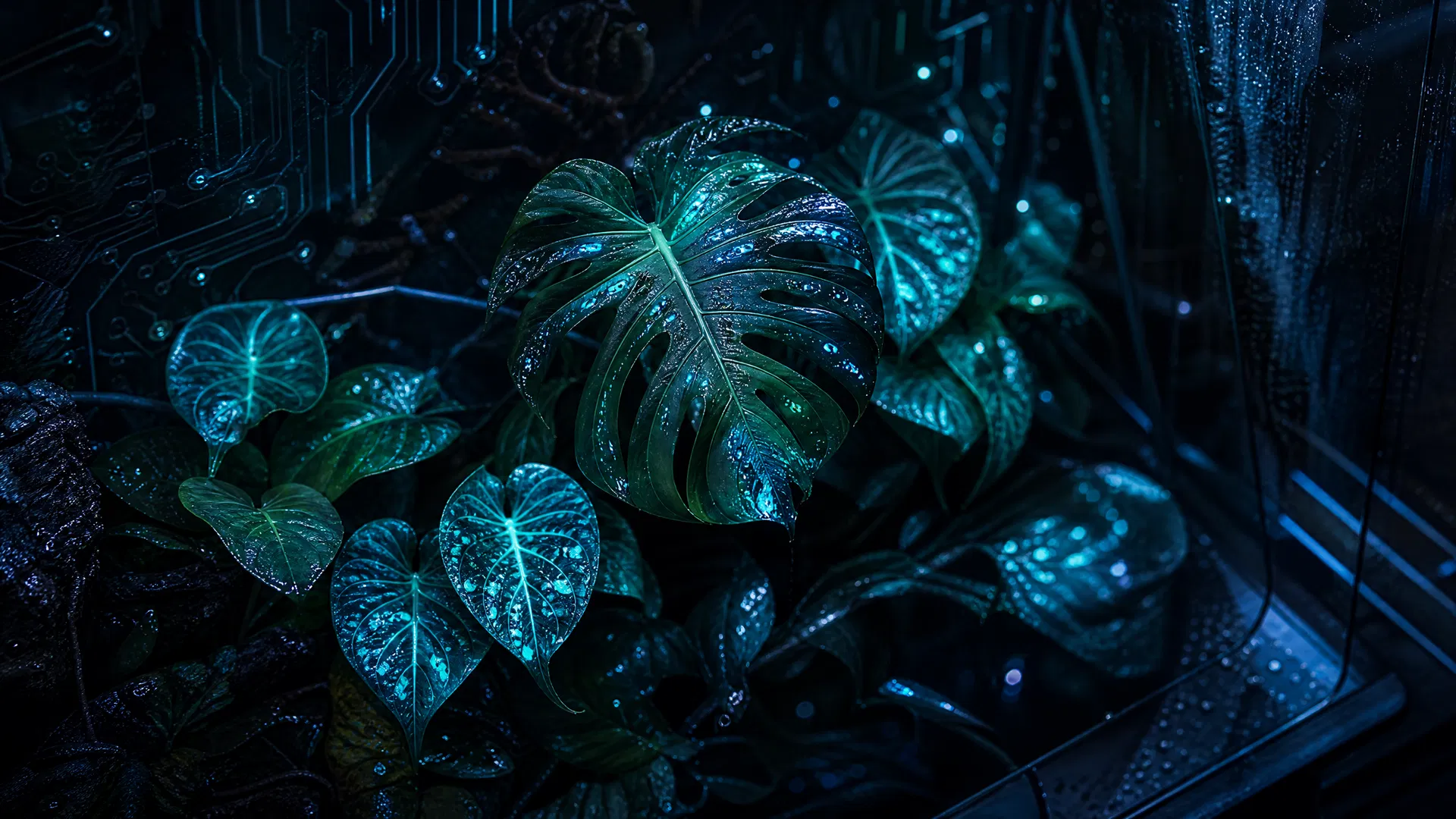
A real-time IoT dashboard for monitoring and automating plant moisture levels using Arduino sensors. Built with React 19, Tailwind CSS 4, and Recharts, featuring a cyberpunk biophilic design aesthetic.
- Moisture Level Tracking — Animated SVG gauge with status indicators (optimal/warning/critical/overwatered)
- Environmental Sensors — Air humidity, temperature, light level, soil pH, and raw ADC values
- Multi-Plant Support — Monitor up to 3+ plants simultaneously with individual thresholds
- Live Waveform Charts — Recharts AreaChart with 30-minute history and mode switching (moisture/humidity/temperature/all)
- Threshold-Based Alerts — Critical and warning severity levels with auto-generation when thresholds are breached
- Alert Feed — Real-time log with acknowledge/dismiss controls and time-ago timestamps
- Auto-Water Controls — Toggle auto-watering per plant or trigger manual watering with pump simulation
- Connection Status — Real-time connection indicator with simulated reconnection events
- Arduino Code Panel — Expandable
.inosketch with syntax highlighting, hardware specs, and copy button - Sensor Specifications — DHT22 humidity/temperature, capacitive soil moisture sensor, 5V relay pump
- Serial Communication — 9600 baud rate, 2-second polling interval
- Neon Terrarium Aesthetic — Cyberpunk biophilic design with electric teal accents, glassmorphic cards, and ambient glow effects
- Responsive Layout — Fixed sidebar plant roster + main content area with mobile hamburger menu
- Smooth Animations — Pulse rings, breathing gauges, slide-in alerts, and count-up value transitions
- Dark Theme — OKLCH color space with custom tokens for consistency
| Layer | Technology |
|---|---|
| Frontend | React 19, TypeScript, Wouter (client-side routing) |
| Styling | Tailwind CSS 4, OKLCH color space, custom animations |
| Components | shadcn/ui, Recharts (charting), Lucide React (icons) |
| State | React Hooks (useState, useEffect, useRef, useMemo) |
| Build | Vite 7, esbuild, pnpm |
| Package Manager | pnpm 10.4.1 |
smart-home-controller/
├── client/
│   ├── public/                    # Static assets (favicon, robots.txt)
│   ├── src/
│   │   ├── components/
│   │   │   ├── ui/               # shadcn/ui components
│   │   │   ├── MoistureRing.tsx   # Animated SVG gauge
│   │   │   ├── SensorCard.tsx     # Individual metric display
│   │   │   ├── SensorChart.tsx    # Recharts waveform
│   │   │   ├── AlertFeed.tsx      # Alert log panel
│   │   │   ├── PlantSidebar.tsx   # Plant roster sidebar
│   │   │   └── ArduinoPanel.tsx   # Hardware info & code
│   │   ├── hooks/
│   │   │   └── useSensorData.ts   # Sensor simulation & alert logic
│   │   ├── pages/
│   │   │   ├── Home.tsx           # Main dashboard
│   │   │   └── NotFound.tsx       # 404 page
│   │   ├── contexts/
│   │   │   └── ThemeContext.tsx   # Dark/light theme
│   │   ├── App.tsx                # Routes & layout
│   │   ├── main.tsx               # React entry point
│   │   └── index.css              # Global styles & tokens
│   └── index.html                 # HTML template
├── server/                        # Placeholder (static-only)
├── package.json
├── tsconfig.json
├── vite.config.ts
└── README.md
- Node.js 18+ (or use
nvm) - pnpm 10.4.1+ (or
npm,yarn)
-
Clone the repository
git clone https://github.com/MIKECHITI/smart-home-controller.git cd smart-home-controller -
Install dependencies
pnpm install
-
Start the development server
pnpm dev
The app will be available at
http://localhost:3000 -
Build for production
pnpm build
The app includes a realistic sensor simulation (useSensorData.ts) that:
- Generates fluctuating moisture, humidity, temperature, and light readings
- Drifts targets every 30 ticks to simulate natural environmental changes
- Maintains 30-minute history with 2-second polling intervals
- Auto-generates alerts when thresholds are breached
- Simulates occasional connection drops and reconnection
| Plant | Species | Location | Moisture Range | Humidity Range |
|---|---|---|---|---|
| Monstera | Monstera deliciosa | Living Room | 40–70% | 50–80% |
| Succulent | Echeveria elegans | Bedroom | 15–35% | 20–50% |
| Boston Fern | Nephrolepis exaltata | Bathroom | 55–80% | 60–90% |
- Primary Accent — Electric Teal
#00d4aa(moisture/life) - Warning — Warm Amber
#f59e0b(caution) - Critical — Vivid Coral
#ef4444(alerts) - Secondary — Sky Blue
#60a5fa(humidity) - Background — Deep Charcoal
oklch(0.13 0.015 240)(dark)
- Display Font — Syne (bold headers, geometric)
- Body Font — DM Sans (readable, modern)
- Data Font — Space Mono (monospaced, technical)
- Glassmorphic Cards — Frosted glass effect with backdrop blur and subtle borders
- Glow Borders — Status-aware colored glows (teal/amber/coral)
- Animated Gauges — SVG circles with breathing pulse rings
- Waveform Charts — Gradient-filled area charts with interactive tooltips
Manages all sensor state and alert logic:
const {
  plants,                  // Array of plant objects with readings
  alerts,                  // Alert feed
  selectedPlant,           // Currently selected plant
  isConnected,             // Connection status
  unacknowledgedCount,     // Unread alert count
  acknowledgeAlert,        // Mark alert as read
  dismissAlert,            // Remove alert
  triggerWater,            // Simulate watering
  toggleAutoWater,         // Toggle auto-water mode
} = useSensorData();Animated SVG gauge displaying soil moisture with status-aware coloring:
- Spans 270° arc (135° to 405°)
- Smooth value transitions with easing
- Breathing pulse ring for non-optimal states
- Center text shows percentage, status label, and threshold range
Recharts AreaChart with mode switching:
- Moisture — Teal gradient
- Humidity — Blue gradient
- Temperature — Amber gradient
- All — Combined view with legend
- Last 20 readings displayed with time labels
Real-time alert log with severity coloring:
- Critical alerts blink and show red glow
- Warning alerts show amber glow
- Acknowledge/dismiss buttons per alert
- "All systems nominal" empty state
- Mobile (< 640px) — Full-width layout, hamburger sidebar menu
- Tablet (640px–1024px) — 2-column sensor grid, collapsible sidebar
- Desktop (1024px+) — Fixed sidebar, 3-column hero section, full feature set
Arduino Uno R3
├── A0 ──────── Capacitive Moisture Sensor (analog)
├── Pin 2 ───── DHT22 Humidity/Temp Sensor (digital)
├── Pin 8 ───── 5V Relay Module (pump control)
├── Pin 13 ──── LED Status Indicator
├── 5V ──────── Power rail
└── GND ─────── Ground rail
The ArduinoPanel component includes the full .ino code with:
- DHT22 library integration
- Capacitive moisture sensor reading (0–1023 ADC)
- Auto-water pump logic
- Serial output at 9600 baud
- 2-second polling interval
- Select a plant from the left sidebar
- View sensor data in the hero section (moisture ring + sensor cards)
- Check history in the "Sensor History" tab (waveform chart)
- Review alerts in the "Alerts" tab if any thresholds are breached
- Manual Water — Click "Water Now" button to trigger pump (simulates 3-second watering)
- Auto-Water — Toggle the switch to enable automatic watering when moisture drops below threshold
- Last Watered — Displays time elapsed since last watering event
To modify plant thresholds, edit useSensorData.ts:
const INITIAL_PLANTS = [
  {
    id: "plant-1",
    name: "Monstera",
    thresholds: {
      moistureMin: 40,    // Adjust these values
      moistureMax: 70,
      humidityMin: 50,
      humidityMax: 80,
      tempMax: 30,
      lightMin: 20,
    },
    // ...
  },
];pnpm buildThis generates:
dist/— Optimized static files ready for hostingdist/index.html— Single-page app entry point
# Example: Vercel
vercel deploy

# Example: GitHub Pages (requires gh-pages package)
pnpm add -D gh-pages
pnpm build
npx gh-pages -d dist- Add entry to
INITIAL_PLANTSinuseSensorData.ts - Add initial readings to
INITIAL_READINGS - Add target values to
TARGETS - Component will auto-render in sidebar and overview
Edit alert generation logic in useSensorData.ts setPlants effect:
if (moisture < t.moistureMin - 15) {
  // Critical alert
} else if (moisture < t.moistureMin) {
  // Warning alert
}- Global tokens in
client/src/index.css(colors, fonts, animations) - Component-specific styles use inline
styleprops with OKLCH colors - Tailwind utilities for layout and spacing
- Custom animations:
pulse-ring,breathe,float-up,count-up,blink-led,slide-in-right,slide-in-bottom
- Sensor Simulation Only — No real Arduino hardware connection; all data is simulated
- Static Frontend — No backend API; all state is client-side
- localStorage Not Implemented — Plant settings and alerts reset on page reload
- No Real-time Sync — Designed for single-user local use
- Threshold Customization UI — Drag sliders to set custom moisture/humidity ranges per plant
- Watering Schedule — Weekly calendar for automated watering times
- Data Export — Download sensor history as CSV
- Email Alerts — Send notifications when thresholds are breached
- Real Arduino Integration — Connect to actual Arduino board via WebSerial API
- Backend API — Store sensor data in database for historical analysis
- Multi-User Support — User accounts and shared plant monitoring
- Mobile App — React Native version for iOS/Android
MIT License — See LICENSE file for details
MIKECHITI — GitHub Profile
- Design Inspiration — Cyberpunk aesthetic + biophilic design principles
- Libraries — React, Tailwind CSS, shadcn/ui, Recharts, Lucide React
- Arduino Community — DHT22 and capacitive sensor documentation
For issues, questions, or suggestions:
- Open an Issue on GitHub
- Include screenshots, error messages, and reproduction steps
- Tag with appropriate labels (
bug,feature,documentation)
Happy gardening! 🌿💧