A native Linux mod manager built with Python and PySide6 (Qt6).
Most mod managers only target Windows — Anvil fills the gap on Linux.

-green)





⚠️ Early Development — Anvil Organizer is under active development. Expect bugs and breaking changes. Feedback and bug reports are welcome!
- MO2-style virtual file system — symlink-based deployment for standard game plugins
- Multi-instance support — separate configurations per game
- Storage management — move individual components, game instances, or the complete Anvil data directory with verification and rollback
- Profile system — switch mod setups per game instance
- Drag & drop mod ordering — with collapsible separators and color coding
- Category system — primary + secondary categories, filter panel
- Framework detection — auto-detects and installs game frameworks
- Nexus Mods integration — SSO-Login, API Key, direct downloads, NXM link handler
- Conflict detection — shows file conflicts between mods with visual highlighting
- Savegame browser — view saves per game, open in file manager
- Open Plugin System — add new games via UI wizard (File → Create Game Plugin) or minimal Python code
- F4SE / SFSE / SKSE64 Proton Shims — enables script extenders under Linux/Proton (world first!)
- Auto-redeploy — mods redeployed automatically on toggle/reorder
- Game Running Lock — UI locked while a game is running to prevent accidental changes
- Nexus Info Tab — fetch mod info from Nexus with one click, view details in mod dialog
- Mod detail navigation — next/previous buttons to browse through your mod list
- BG3 Auto-Deploy — every change is immediately written to modsettings.lsx
- Ghost Recon Breakpoint — native Linux Forge archive deployment with verified backups and restore
- Framework Reverse-Sync — detects newer framework versions and preserves them
- Self-update — checks GitHub for updates, one-click git pull + restart
- 7 languages — DE, EN, FR, ES, IT, PT, RU
- Dark theme — multiple styles included
| Game | Notes |
|---|---|
| Cyberpunk 2077 | REDmod, CET, ASI frameworks |
| Red Dead Redemption 2 | ScriptHook, ASI Loader, LML |
| The Witcher 3: Wild Hunt | Multi-folder routing (mods/dlc/bin) |
| Baldur's Gate 3 | Unified mod list, auto-deploy, profiles, NativeModLoader, WASD |
| Skyrim Special Edition | SKSE64 Proton Shim, BA2 packing, plugins.txt, 7 frameworks |
| Fallout 4 | F4SE Proton Shim (auto-injection), BA2 packing, plugins.txt |
| Starfield | SFSE Proton Shim, Address Library detection |
Beta (28) — Feedback welcome!
| Game | Steam | GOG | Game | Steam | GOG |
|---|---|---|---|---|---|
| Bannerlord | ✅ | ✅ | Monster Hunter: World | ✅ | — |
| Blade & Sorcery | ✅ | — | Morrowind | ✅ | ✅ |
| Control | ✅ | ✅ | NieR: Automata | ✅ | — |
| Dark Souls | ✅ | — | No Man's Sky | ✅ | ✅ |
| Darkest Dungeon | ✅ | ✅ | Oblivion Remastered | ✅ | — |
| Divinity: Original Sin EE | ✅ | ✅ | Sekiro | ✅ | — |
| Dragon Age 2 | ✅ | — | Stardew Valley | ✅ | ✅ |
| Dragon Age: Origins | ✅ | ✅ | Stellar Blade | ✅ | — |
| Dragon's Dogma | ✅ | ✅ | Subnautica | ✅ | — |
| Elden Ring | ✅ | — | The Witcher | ✅ | ✅ |
| Fallout 3 | ✅ | ✅ | The Witcher 2 | ✅ | ✅ |
| Fallout: New Vegas | ✅ | ✅ | Valheim | ✅ | — |
| FF VII Remake | ✅ | — | |||
| Hogwarts Legacy | ✅ | ✅ | |||
| Kingdom Come: Deliverance | ✅ | ✅ | |||
| Ghost Recon Breakpoint | ✅ | — |
Works with Steam and Heroic Games Launcher (GOG/Epic via Proton/Wine).
💡 Missing your game? Use File → Create Game Plugin to add any game — no coding required!
| Feature | Anvil Organizer | MO2 (via Wine) | Vortex (via Wine) |
|---|---|---|---|
| Native Linux | Yes | No (Wine) | No (Wine) |
| Proton Script Extender Shims (SKSE64/F4SE/SFSE) | Yes | No | No |
| MO2-style virtual filesystem | Symlinks | VFS driver | Hardlinks |
| Drag & drop load order | Yes | Yes | Limited |
| Multi-instance / Multi-game | Yes | Yes | Yes |
| Profile system | Yes | Yes | Yes |
| Nexus Mods integration | Yes | Yes | Yes |
| Conflict detection | Yes | Yes | Yes |
| Plugin System (add games via UI) | Yes | No | No |
| LOOT integration | Planned | Yes | Yes |
| Nexus Collections | Planned | No | Yes |
| BA2/BSA packing | Yes | No | No |
| Framework auto-detection | Yes | No | No |
| Languages | 7 | 1 | 10+ |
| Steam Deck ready | Yes | Manual | Manual |
| Open Source | GPL-3.0 | GPL-3.0 | GPL-3.0 |
TL;DR — Anvil is the only mod manager built for Linux. No Wine, no workarounds, and the only tool with native Proton Script Extender support.
 |
 |
 |
 |
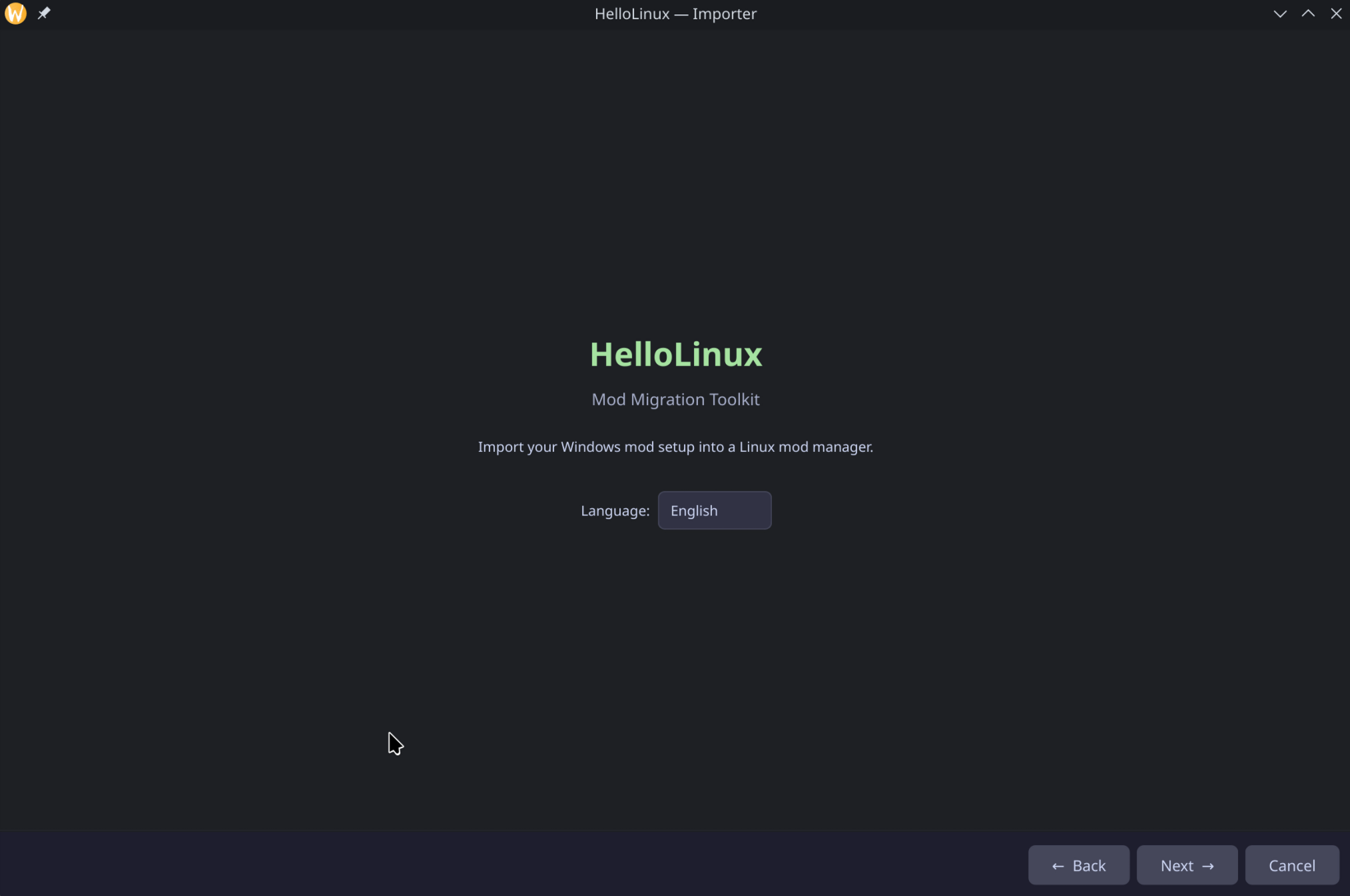
Use GoodbyeWindows to transfer your MO2 mod setup from Windows to Anvil Organizer on Linux — including load order, Nexus IDs, profiles, and mod files.
| Dependency | Check | Arch Linux | Debian / Ubuntu |
|---|---|---|---|
| Python 3.11+ | python3 --version |
sudo pacman -S python |
sudo apt install python3 |
| pip | python3 -m pip --version |
sudo pacman -S python-pip |
sudo apt install python3-pip python3-venv |
| Git | git --version |
sudo pacman -S git |
sudo apt install git |
| Qt6 libraries | python3 -c "from PySide6 import QtWidgets" |
sudo pacman -S qt6-base |
sudo apt install libgl1 libegl1 libxcb-cursor0 libxkbcommon0 |
One command to install Anvil with desktop entry and NXM handler:
curl -sSL https://raw.githubusercontent.com/Marc1326/Anvil-Organizer/main/Anvil-Organizer-installer.sh | bashThis downloads the latest AppImage to ~/Applications/, creates a desktop entry, and registers the NXM link handler.
Download from GitHub Releases, make executable, run:
chmod +x Anvil_Organizer-*-x86_64.AppImage
./Anvil_Organizer-*-x86_64.AppImage# Download from GitHub Releases, then:
sudo apt install ./anvil-organizer_*_amd64.debparu -S anvil-organizerOr the latest git version:
paru -S anvil-organizer-gitgit clone https://github.com/Marc1326/Anvil-Organizer.git
cd Anvil-Organizer
chmod +x install.sh
./install.shThis creates a virtual environment, installs dependencies, and adds a desktop entry to your app menu.
git clone https://github.com/Marc1326/Anvil-Organizer.git
cd Anvil-Organizer
python3 -m venv .venv
.venv/bin/pip install -r requirements.txt
.venv/bin/python main.pyAnvil checks for updates on startup. When updates are available, a notification appears — click to update and restart automatically.
Manual update:
cd Anvil-Organizer
git pull
.venv/bin/pip install -r requirements.txt # only if dependencies changedAnvil-Organizer/
├── main.py # Entry point
├── install.sh # Install script
├── requirements.txt # Python dependencies
├── pyproject.toml # Project metadata
├── anvil/
│ ├── mainwindow.py # Main window (MO2-style layout)
│ ├── core/ # Business logic
│ │ ├── mod_deployer.py # Symlink-based virtual deploy
│ │ ├── mod_installer.py # Archive extraction + installation
│ │ ├── instance_manager.py # Multi-game instance management
│ │ ├── update_checker.py # Git-based self-update
│ │ └── ...
│ ├── plugins/games/ # Per-game plugins
│ │ ├── game_cyberpunk2077.py
│ │ ├── game_reddeadredemption2.py
│ │ ├── game_witcher3.py
│ │ ├── game_skyrimse.py
│ │ └── ...
│ ├── widgets/ # UI components
│ ├── styles/ # Dark themes (QSS)
│ ├── locales/ # Translations (7 languages)
│ └── assets/icons/ # Game icons and covers
For most games, Anvil uses a symlink-based virtual file system:
- Mods are stored in
.mods/inside each instance directory - On game launch, Anvil creates symlinks from the game directory to your mods
- On game close (or app exit), symlinks are removed
- Purging removes the links and restores the undeployed state
This approach works natively on Linux without the need for a virtual filesystem driver.
Ghost Recon Breakpoint is the exception: its mods are deployed natively into Forge archives. Anvil creates verified pristine backups before the first change and rebuilds or restores the archives from those backups when the active mod set changes.
Your game is not listed? Add it yourself — no coding required:
- Click the puzzle icon in the toolbar (or File → Game Plugin → Create)
- Fill in: Game Name, Game Binary (.exe), Steam ID, and Data Path
- Click Create — done!
The plugin is saved to ~/.anvil-organizer/plugins/games/ and loaded automatically on next startup.
You can also edit existing plugins via File → Game Plugin → Edit to change paths, add frameworks, or update cover images.
Full guide with examples: Wiki — Create Game Plugin
Contributions welcome! Please open an issue first to discuss what you'd like to change.
If Anvil Organizer is useful to you, consider supporting its development:
☕ Ko-fi: ko-fi.com/marc1326
Crypto:
- Bitcoin:
bc1q6ghal7tewh38gdggt8z8qeqr99u3y5ehmruwk9 - Monero:
4AGPyk5G4NwZboyQJcWQKwMFLTjs3fmoG9CFVBrkE3UFcpCaQyEmC93PgaeW1uuL65aLW1qKa8sd4Wo6NSu4HkvF117n5km
- Built with PySide6 (Qt for Python)
- Migration from Windows: GoodbyeWindows