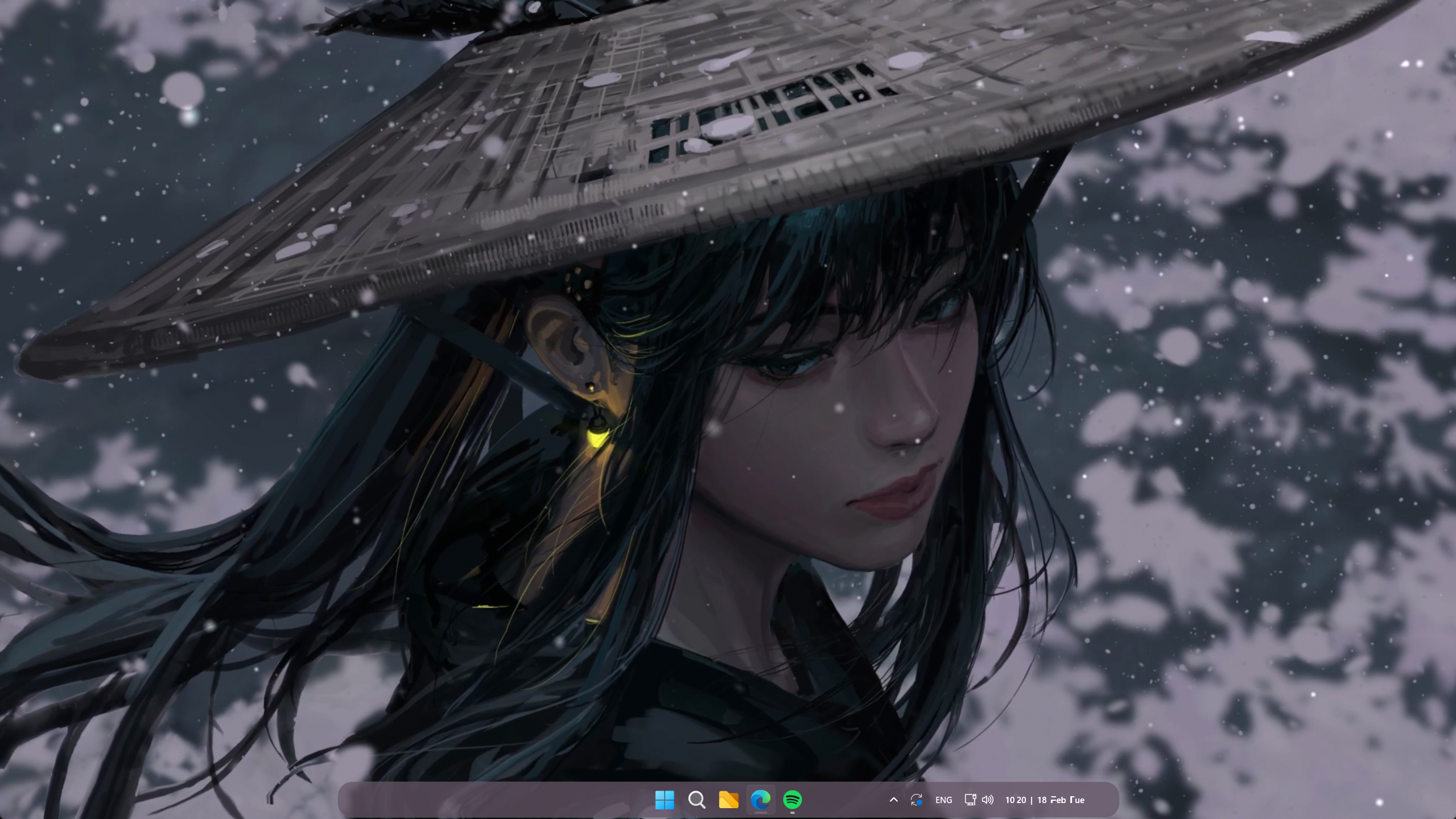
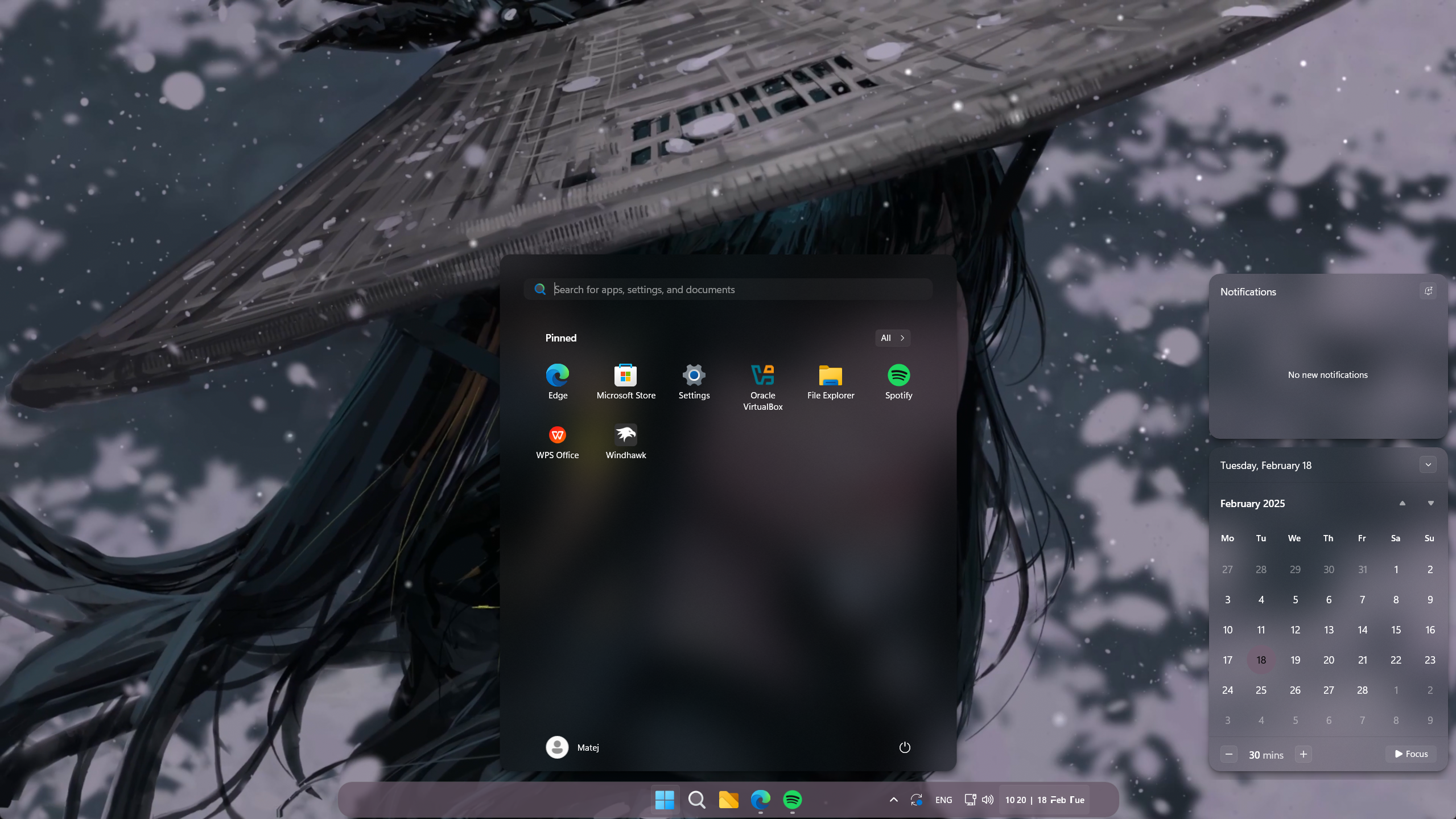
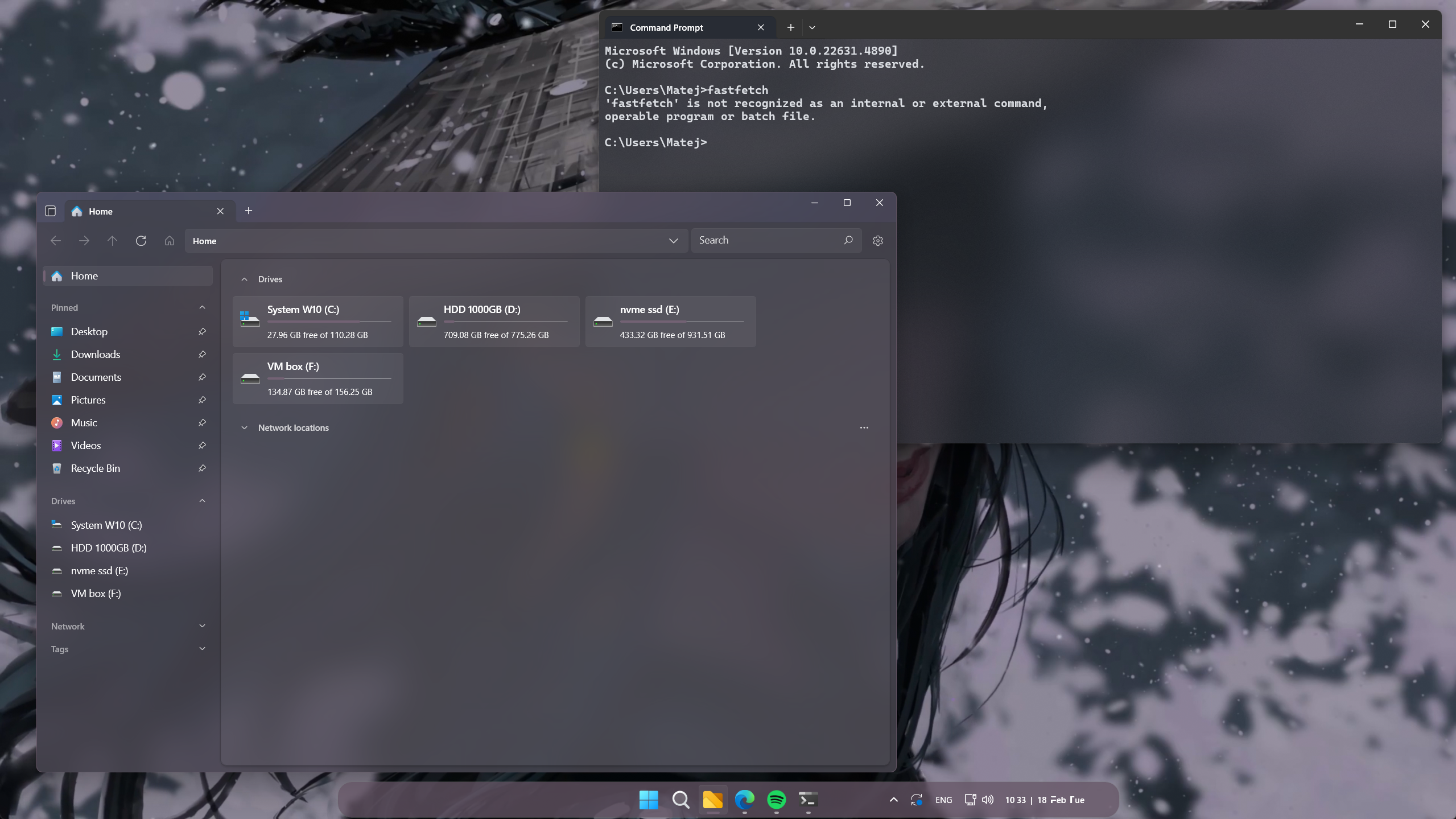
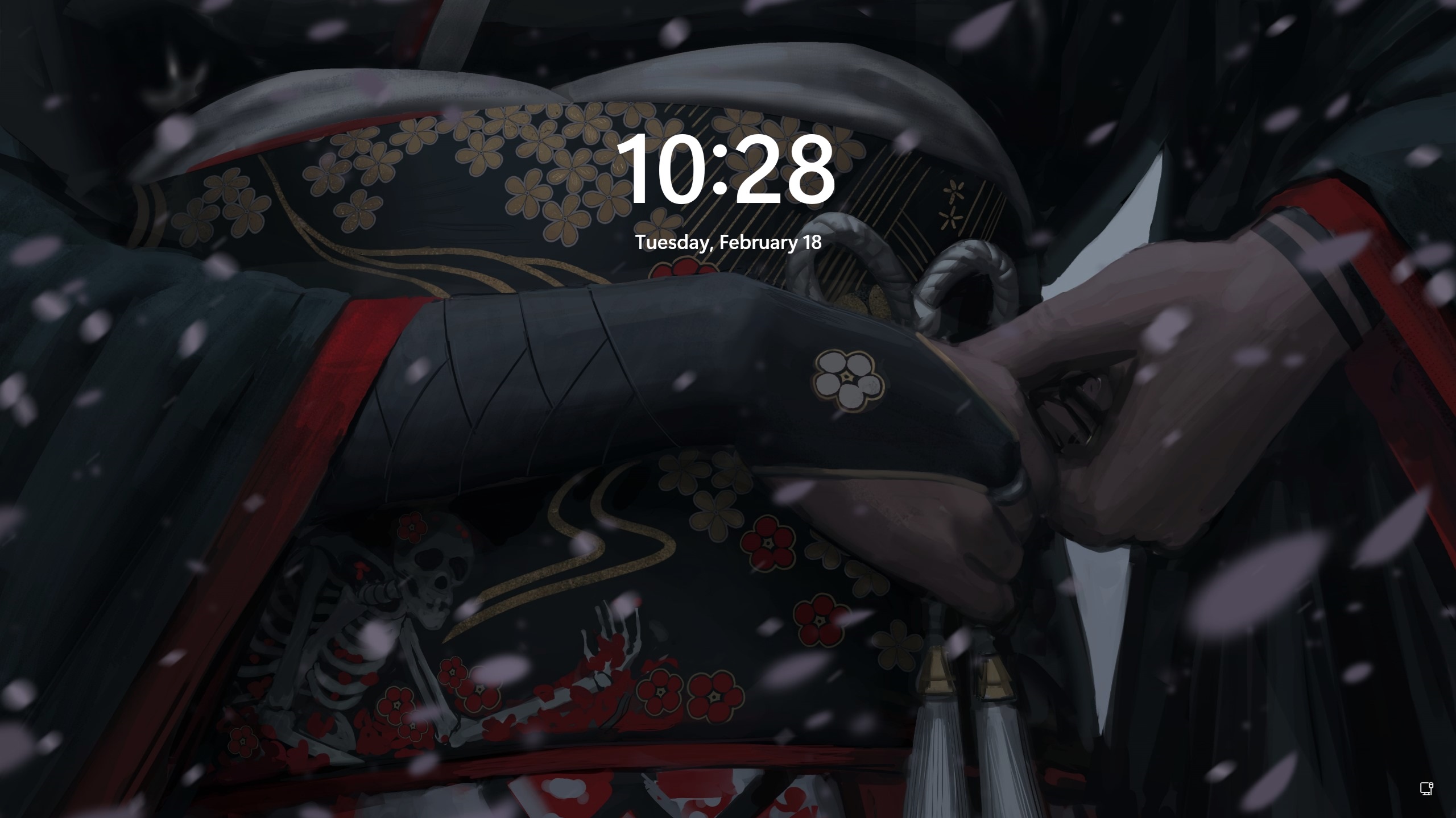
apps |
|
rice |
|
go inside it -> choose size (I use large) -> find install file -> right click -> install -> (yes to any prompts)
then mouse properties should open and the font is automatically choosen
❗IF NOT go settings -> bluetooth & devices -> mouse -> scroll down -> additional mouse settings -> pointers -> and choose it❗
there, change setting into this || ps you dont really need to follow 100%
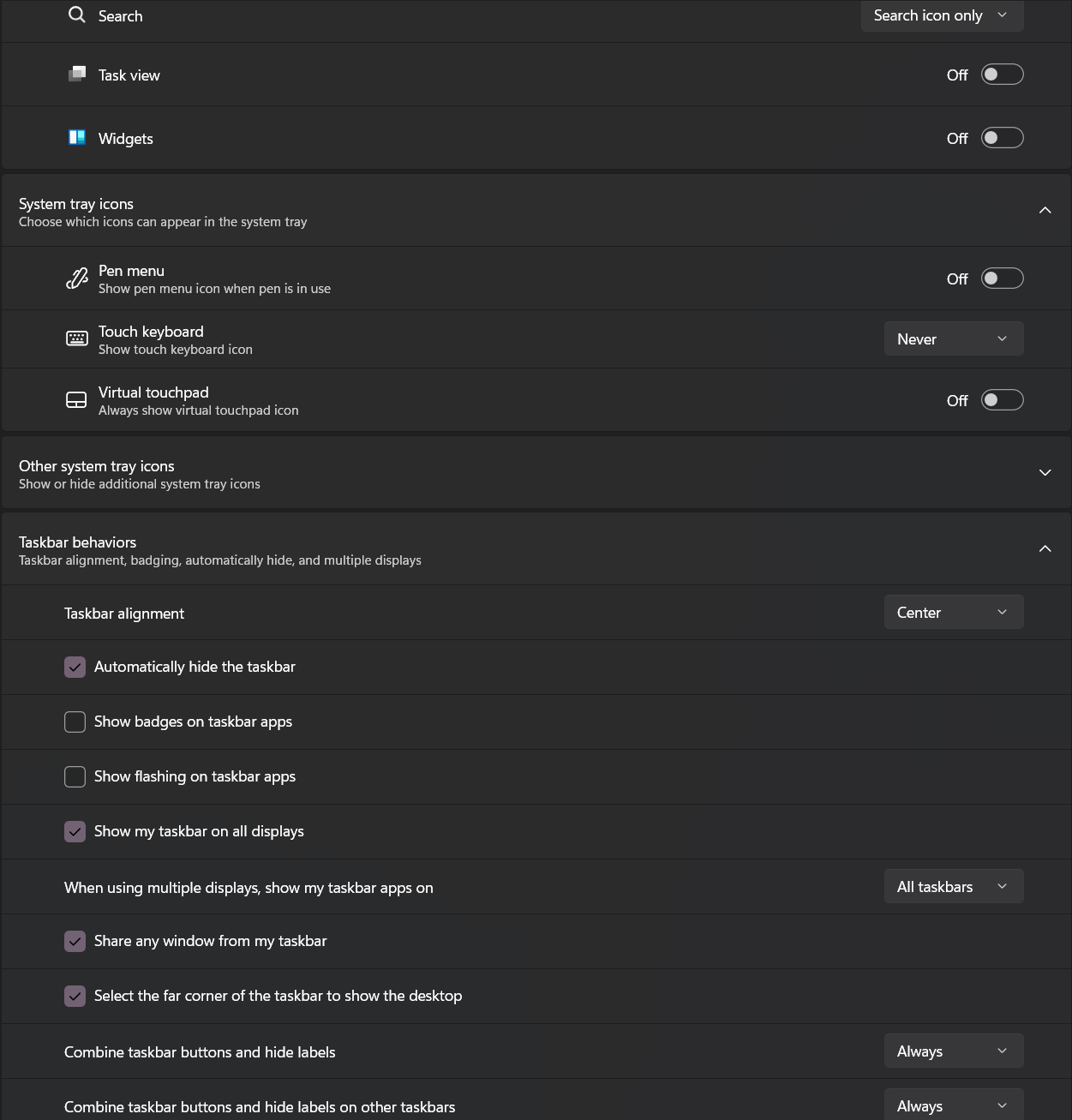
go more down ->
- "show accent color on start and taskbar" -> on
- "show accent color on title bars and window borders" -> on
... I'm trying to make this really eazy but i believe i dont need to go into such a detail ...
ps i need a recomendation to upload the live wallpaper please do send recomendation as to where to uploade it. :3
settings -> personalization -> lockscreen

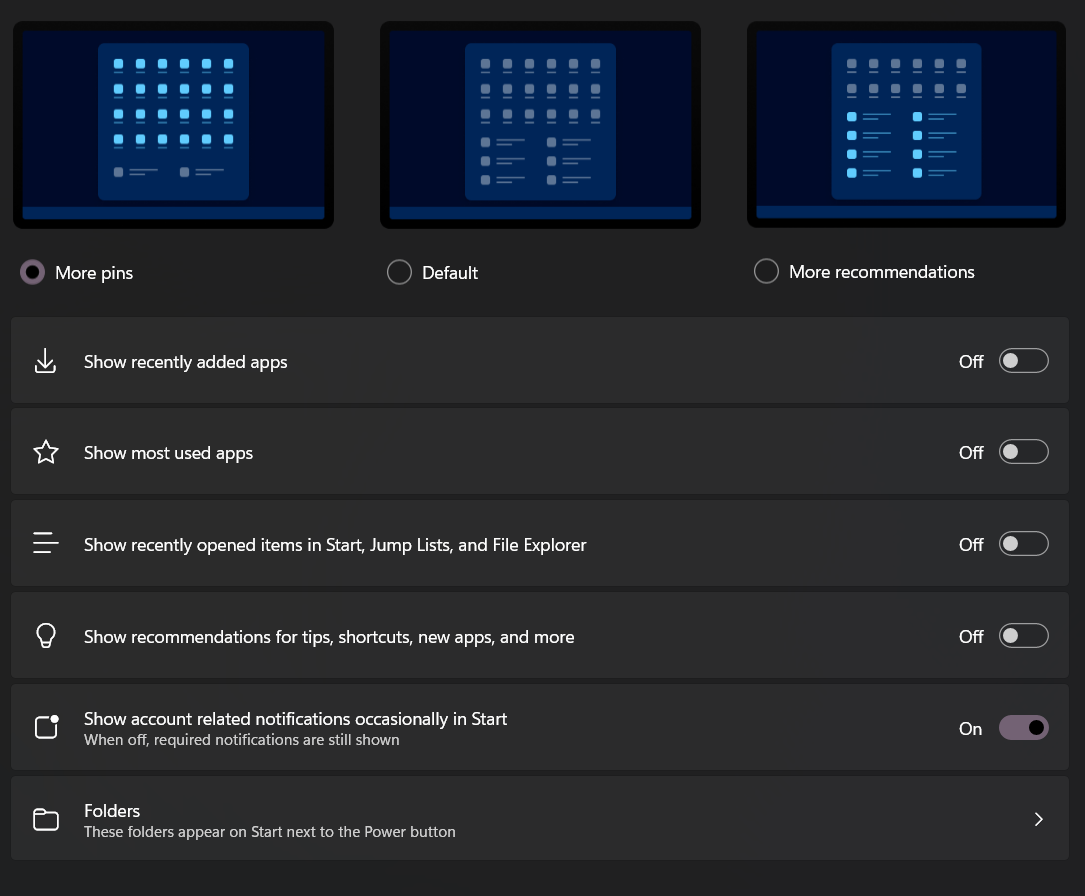
again go to setting -> personalization -> start
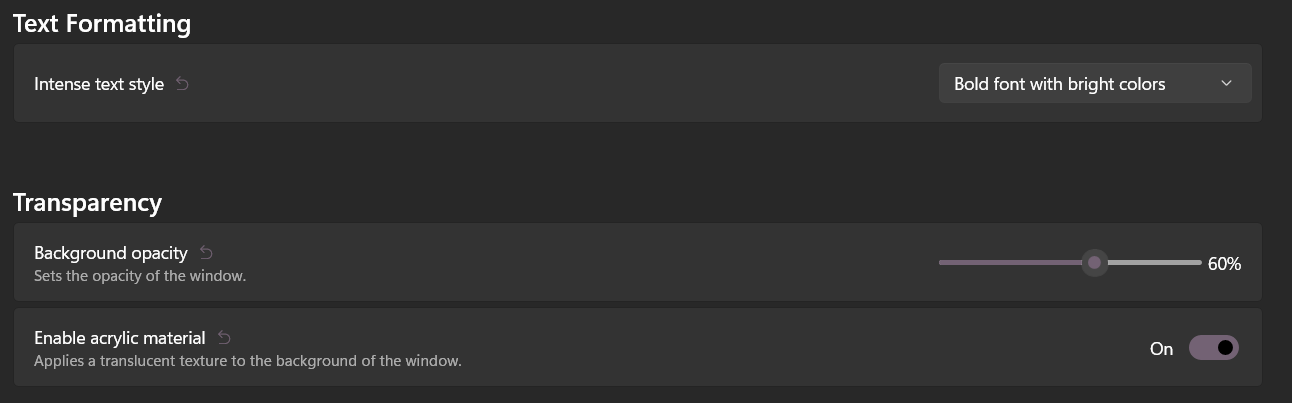
open cmd -> right click top bar -> settings -> Defaults
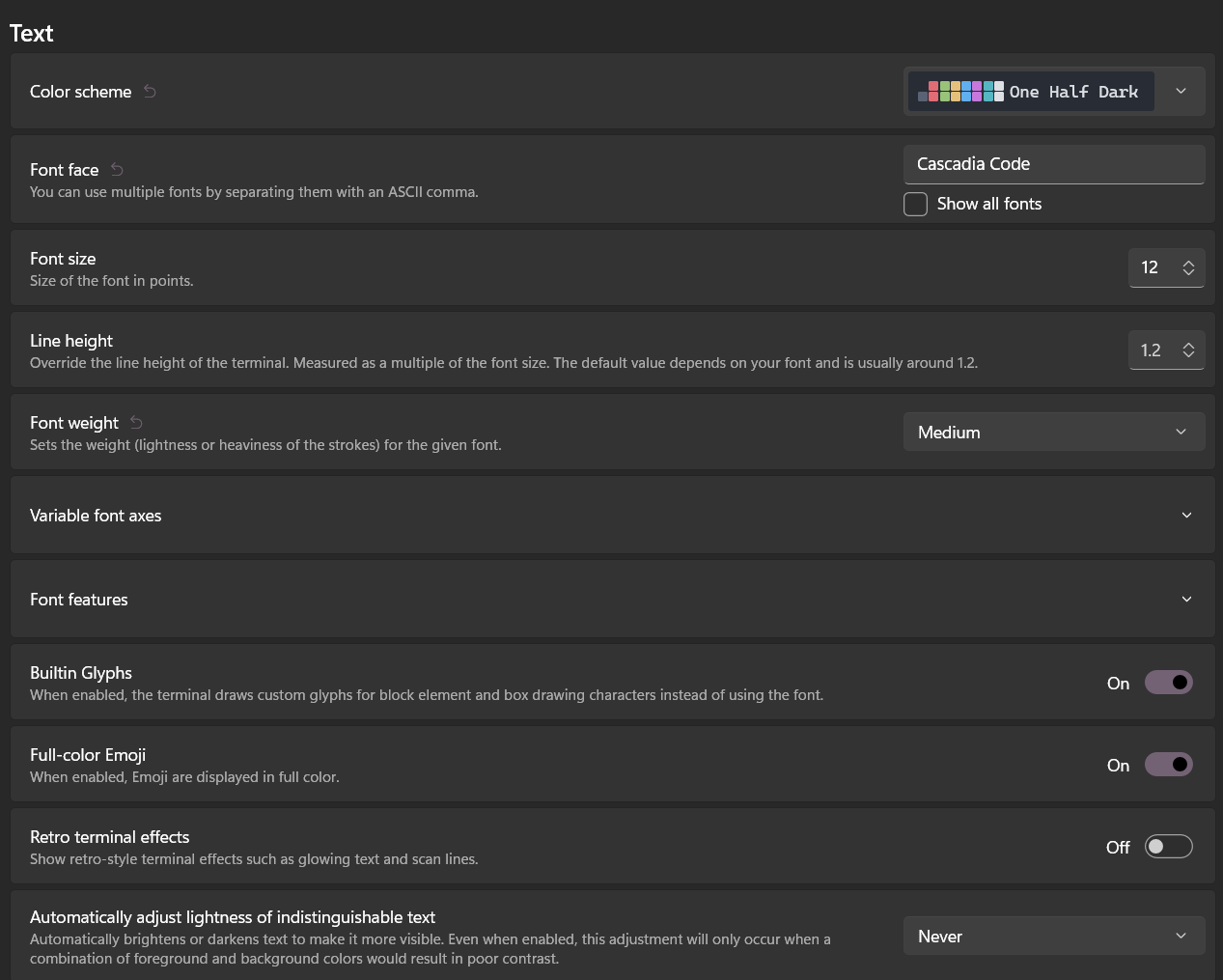
T E X T F O R M A T || T R A N S P A R E N C Y
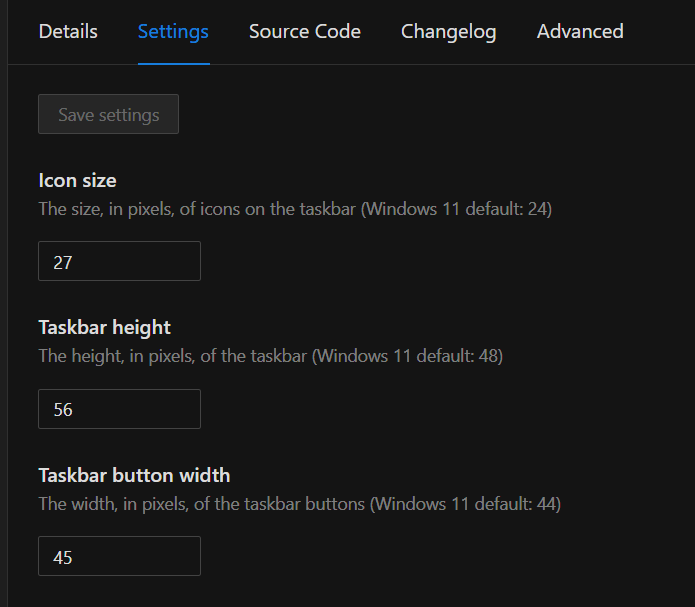
Taskbar height and icon size
Taskbar Clock Customization
Windows 11 Notification Center Styler
Windows 11 Start Menu Styler
Windows 11 Taskbar Styler
install the app here
in the app install
- Taskbar height and icon size
- Taskbar Clock Customization
- Windows 11 Notification Center Styler
- Windows 11 Start Menu Styler
- Windows 11 Taskbar Styler
go to setting and insert
- extract the "anurati-free-font.zip"
- go into "ANURATI Free Font" -> right click the "Anurati-Regular.otf" -> show more options -> install for all users
- then go to windhawk -> taskbar clock customization -> Advanced -> Mod settings
There input text from codes/taskbar clock customization.txt
go to setting -> Advanced -> Mod settings
There input text from codes/taskbar customization.txt
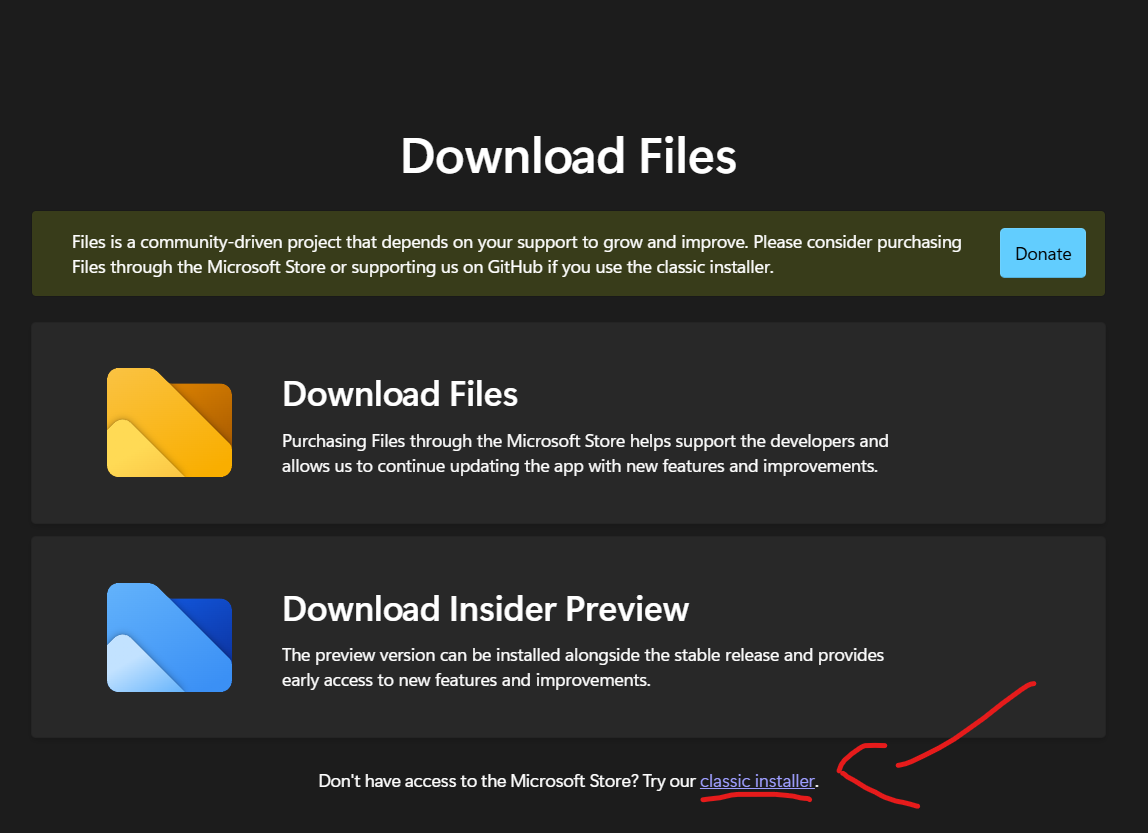
go here -> press Download -> Classic installer
once installed open the app
top right settings -> appearance
THEME - DARK
BACKDROP - THIN ACRYLIC
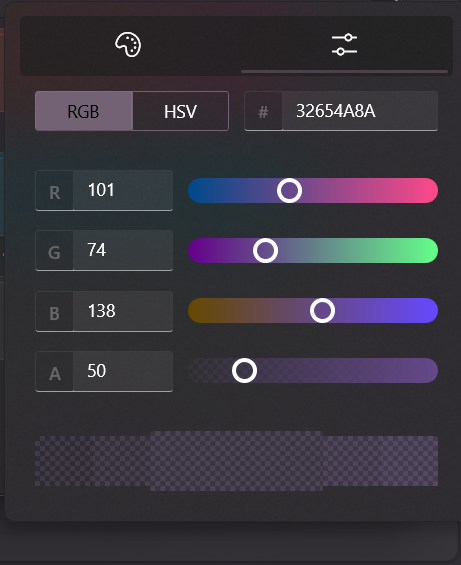
BACKGROUND COLOR - custom
I'd recomend to install quality of life stuff
that would be:
- Taskbar auto-hide when maximized | can be bit buggy at beginning |
reasoning is this:

this is how full screen looks like