DeepTrace goes beyond "AI or real" - it identifies which AI system generated an image: Stable Diffusion, Midjourney, DALL·E 3, Flux or a real photograph. Each prediction returns calibrated probabilities, a Grad-CAM attention map and an optional natural-language explanation powered by Claude.
Multi-Generator AI Image Provenance Detection


🌐 Live Demo · 📖 API Docs · ❤️ Health Check
Note: Live demo runs on Render free tier - first request after inactivity may take ~30s to wake up. Full model training code and real evaluation results are in this repository.
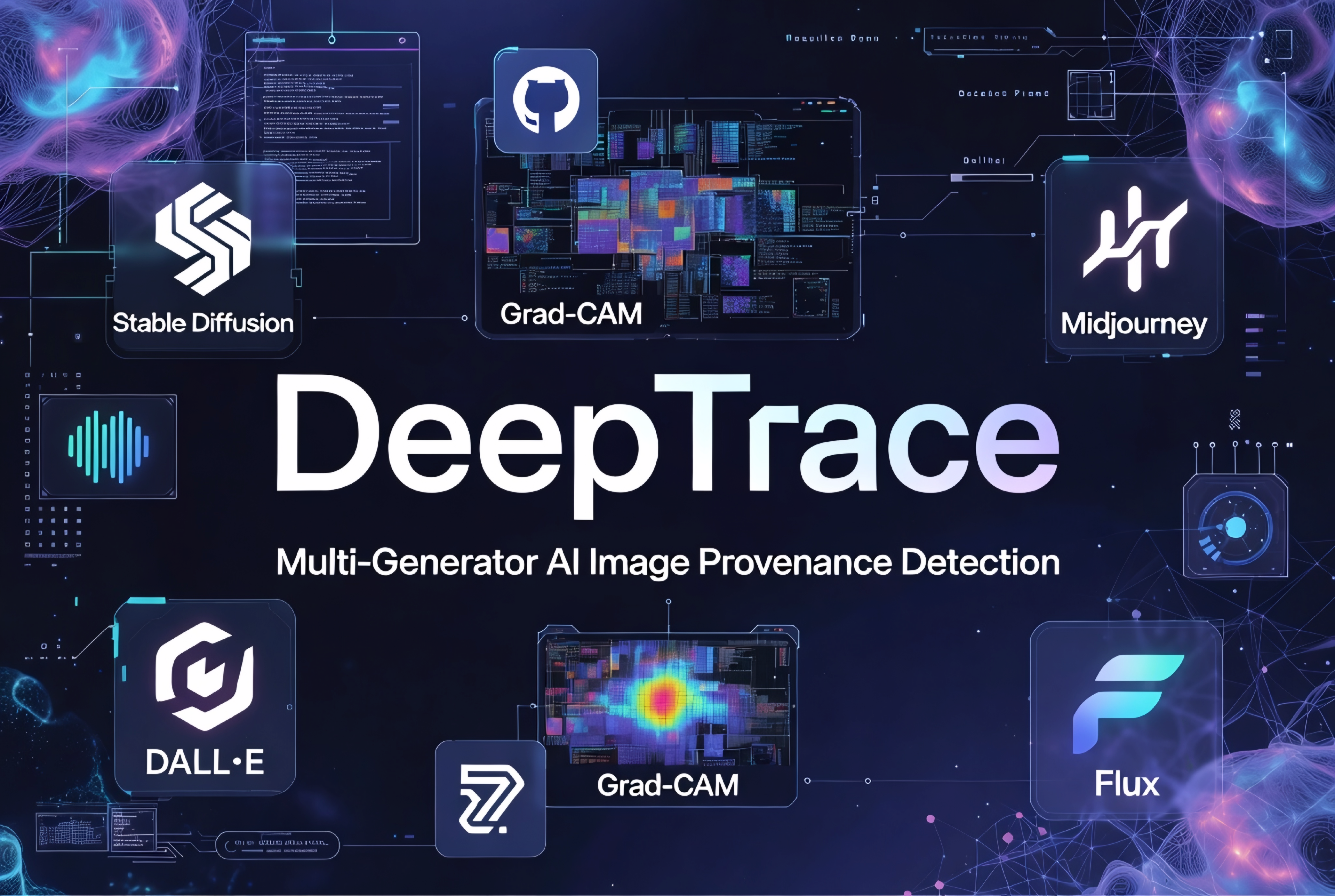
Know exactly who made the image - not just "AI or Real"
| URL | |
|---|---|
| 🌐 React Dashboard | https://deeptrace-image.vercel.app |
| 📡 REST API | https://deeptrace-api-y39b.onrender.com |
| 📖 API Docs (Swagger) | https://deeptrace-api-y39b.onrender.com/docs |
| ❤️ Health Check | https://deeptrace-api-y39b.onrender.com/health |
Try it instantly - no sign-up needed:
curl -X POST https://deeptrace-api-y39b.onrender.com/api/v1/predict \
  -H "X-API-Key: deeptrace-demo-key" \
-F "file=@your_image.jpg"- What it does
- Live Deployment
- Architecture
- Project Structure
- Quick Start
- Training
- Model Architecture
- API Reference
- Python SDK
- Browser Extension
- Monitoring
- CI/CD
- Environment Variables
- Extending DeepTrace
- License
DeepTrace classifies images across five source classes:
| Source | Description |
|---|---|
stable_diffusion |
Stable Diffusion 1.5, 2.1, XL |
midjourney |
Midjourney v5 / v6 |
dalle3 |
OpenAI DALL·E 3 |
flux |
Flux.1 dev / schnell |
real |
Real photographs |
Every prediction includes:
- Calibrated class probabilities - temperature-scaled so confidence actually reflects accuracy
- Grad-CAM overlay - heatmap showing which image regions drove the decision
- LIME explanation - superpixel attribution map (optional, ~2s)
- Natural-language explanation - Claude-generated description of why the model decided what it did (optional)
┌──────────────────────────────────────────────────────────────┐
│  Data ingestion & versioning  (DVC + S3)                     │
│  SD · MJ · DALL·E · Flux · Real  →  manifest.csv             │
└─────────────────────────┬────────────────────────────────────┘
                          ↓
┌──────────────────────────────────────────────────────────────┐
│  Training pipeline  (MLflow + Optuna)                        │
│  EfficientNet-B0 + ViT-Small + FFT head  →  ensemble         │
│  Temperature calibration  →  Model registry                  │
└─────────────────────────┬────────────────────────────────────┘
                          ↓
┌──────────────────────────────────────────────────────────────┐
│  Production serving  (FastAPI + Celery + Redis)              │
│  /predict  →  single sync   |   /predict/batch  →  async     │
│  Prometheus metrics         |   Evidently drift detection    │
└─────────────────────────┬────────────────────────────────────┘
                          ↓
┌──────────────────────────────────────────────────────────────┐
│  Clients                                                     │
│  React dashboard  ·  REST API  ·  Browser extension (MV3)    │
└──────────────────────────────────────────────────────────────┘
deeptrace/
├── api/                         # FastAPI application
│   ├── main.py                  # App factory, middleware, lifespan
│   ├── config.py                # Pydantic settings (reads from .env)
│   ├── routers/
│   │   ├── predict.py           # /predict and /predict/batch endpoints
│   │   └── health.py            # /health endpoint
│   ├── models/                  # Pydantic request / response schemas
│   ├── services/
│   │   └── inference.py         # Singleton model loader + prediction logic
│   └── middleware/
│       └── auth.py              # X-API-Key validation
│
├── model/                       # ML code
│   ├── architecture.py          # EfficientNet-B0 + ViT-Small + FFT ensemble
│   ├── train.py                 # Three-phase training loop + Optuna HPO
│   ├── calibrate.py             # Temperature scaling post-training
│   └── xai_pipeline.py          # Grad-CAM, LIME, FFT visualisation
│
├── data/                        # Data pipeline
│   ├── dataset.py               # DeepTraceDataset, DataLoaders, manifest builder
│   ├── download.py              # HuggingFace dataset downloader + dummy mode
│   └── transforms.py            # Train / val / inference augmentations
│
├── workers/                     # Celery async processing
│   ├── celery_app.py
│   └── tasks.py                 # process_batch_job task
│
├── monitoring/                  # Observability
│   ├── drift_report.py          # Evidently + KL divergence + Slack alert
│   ├── prometheus.yml
│   └── grafana/
│       └── dashboard.json       # Pre-built Grafana dashboard
│
├── frontend/                    # React + TypeScript + Tailwind
│   └── src/
│       ├── pages/
│       │   ├── Upload.tsx
│       │   ├── Analytics.tsx
│       │   └── History.tsx
│       └── api/client.ts        # Typed API wrapper
│
├── extension/                   # Chrome / Firefox browser extension (MV3)
│
├── scripts/
│   ├── evaluate_model.py        # Full evaluation on test set
│   ├── check_metrics.py         # CI gate: assert F1 ≥ threshold
│   └── setup_mlflow.py          # Bootstrap MLflow experiment
│
├── tests/                       # pytest suite (no torch required in CI)
│
├── dvc.yaml                     # DVC pipeline stages
├── params.yaml                  # Training hyperparameters (DVC-tracked)
├── docker-compose.yml           # Full local stack
├── Dockerfile.api               # API production image
├── Dockerfile.worker            # Worker production image
├── Dockerfile.render            # CPU-only image for Render free tier
├── render.yaml                  # Render deployment config
└── .github/workflows/ci.yml     # GitHub Actions CI/CD
- Python 3.11+
- Docker + Docker Compose
- Git
git clone https://github.com/MusaIslamFahad/deeptrace.git
cd deeptrace

python -m venv .venv && source .venv/bin/activate   # Windows: .venv\Scripts\activate
pip install -r requirements/dev.txt

cp .env.example .env # edit with your keyspython data/download.py --dummy
python -c "from data.dataset import build_manifest; build_manifest()"docker compose up --build| Service | URL |
|---|---|
| FastAPI | http://localhost:8000 |
| API Docs (Swagger) | http://localhost:8000/docs |
| React Dashboard | http://localhost:3000 |
| MLflow UI | http://localhost:5000 |
| Grafana | http://localhost:3001 (admin / deeptrace) |
| Prometheus | http://localhost:9090 |
curl -X POST http://localhost:8000/api/v1/predict \
  -H "X-API-Key: dev-key-123" \
  -F "file=@your_image.jpg"
Response:
{
  "image_id": "img_abc12345ef01",
  "predicted_source": "stable_diffusion",
  "confidence": 0.924,
  "is_ai_generated": true,
  "per_class_probs": {
    "stable_diffusion": 0.924,
    "midjourney": 0.041,
    "dalle3": 0.019,
    "flux": 0.009,
    "real": 0.007
  },
  "processing_ms": 143,
  "model_version": "1.0.0"
}# Pull data from remote (S3)
dvc pull
# Run all stages: download → manifest → train → calibrate → evaluate
dvc repro
# Compare runs in MLflow
# Open http://localhost:5000# Hyperparameter search (30 Optuna trials)
python -m model.train --hpo --n-trials 30
# Full training with best params
python -m model.train
# Temperature calibration
python -m model.calibrate| Phase | Layers unfrozen | Epochs | Learning rate |
|---|---|---|---|
| 1 | Classifier head only | 10 | 1e-3 |
| 2 | Head + top 2 backbone blocks | 10 | 2e-4 |
| 3 | All layers | 20 | 5e-5 |
Image (3 × 224 × 224)
  ├── EfficientNet-B0   →  1280-dim   (texture, local patterns)
  ├── ViT-Small/16      →   384-dim   (global structure)
  └── FFT Head          →    64-dim   (frequency-domain artifacts)
           │
           └── concat  [1728-dim]
                    │
               LayerNorm → Linear(512) → GELU → Dropout(0.3)
                    │
               Linear(256) → GELU → Linear(5)
                    │
            Temperature scaling  (calibration)
                    │
            Calibrated probabilities  (5 classes)
Why an FFT head? Exploratory analysis revealed that AI-generated images carry unnatural high-frequency patterns in the FFT magnitude spectrum. Stable Diffusion images show characteristic ring artifacts; Midjourney produces unusually smooth frequency roll-off. The FFT head converts this observation into a learned 64-dimensional feature that the ensemble head uses alongside spatial features.
Full interactive docs at https://deeptrace-api-y39b.onrender.com/docs
All prediction endpoints require an API key header:
X-API-Key: deeptrace-demo-key
| Method | Path | Description |
|---|---|---|
POST |
/api/v1/predict |
Single image, synchronous result |
POST |
/api/v1/predict/batch |
Multiple images, returns job_id |
GET |
/api/v1/jobs/{job_id} |
Poll batch job status + results |
GET |
/health |
Liveness + readiness check |
GET |
/metrics |
Prometheus metrics |
| Parameter | Type | Default | Description |
|---|---|---|---|
gradcam |
bool | false |
Include Grad-CAM heatmap |
lime |
bool | false |
Include LIME superpixel map (~2s extra) |
explain |
bool | false |
Include natural-language explanation via Claude |
import time
import requests

BASE = "https://deeptrace-api-y39b.onrender.com/api/v1"
HEADERS = {"X-API-Key": "deeptrace-demo-key"}

# ── Single prediction ─────────────────────────────────────────
with open("image.jpg", "rb") as f:
    response = requests.post(
        f"{BASE}/predict",
        headers=HEADERS,
        files={"file": f},
        params={"explain": True},
    )

result = response.json()
print(result["predicted_source"], result["confidence"])

# ── Batch prediction ──────────────────────────────────────────
files = [("files", open(p, "rb")) for p in ["img1.jpg", "img2.jpg"]]
response = requests.post(f"{BASE}/predict/batch", headers=HEADERS, files=files)
job_id = response.json()["job_id"]

while True:
    status = requests.get(f"{BASE}/jobs/{job_id}", headers=HEADERS).json()
    if status["status"] == "completed":
        for pred in status["results"]:
            print(pred["filename"], pred["predicted_source"], pred["confidence"])
        break
time.sleep(1)The extension/ directory contains a Manifest V3 extension for Chrome and Firefox.
- Open
chrome://extensions/ - Enable Developer mode
- Click Load unpacked → select the
extension/folder - Right-click any image on any webpage → "Check with DeepTrace"
Metrics exposed at /metrics. Docker Compose auto-provisions Prometheus (:9090) and Grafana (:3001) with a pre-built dashboard.
python -m monitoring.drift_report --threshold 0.25Compares current prediction distribution against the reference baseline using KL divergence. Sends a Slack alert if exceeded — typically indicating a new AI generator outside the training distribution.
push → main
    ├── lint        ruff + black
    ├── test        pytest + coverage (torch mocked, no GPU needed)
    ├── model-eval  F1 ≥ 0.82 gate
    └── docker      build & push to ghcr.io

schedule (Monday 08:00 UTC)
    └── drift-check  →  Slack alert if KL divergence > 0.25
Images published to GitHub Container Registry:
ghcr.io/musaislamfahad/deeptrace-api:latest
ghcr.io/musaislamfahad/deeptrace-worker:latest
| Variable | Description | Default |
|---|---|---|
API_KEYS |
Comma-separated valid API keys | dev-key-123 |
MODEL_URI |
Checkpoint path or MLflow URI | checkpoints/calibrated_model.pt |
MODEL_DEVICE |
cpu or cuda |
cpu |
MODEL_DEMO_MODE |
Return mock predictions (free tier) | false |
REDIS_URL |
Redis connection string | redis://localhost:6379/0 |
MLFLOW_TRACKING_URI |
MLflow server URL | http://localhost:5000 |
ANTHROPIC_API_KEY |
Required for ?explain=true |
- |
SLACK_WEBHOOK_URL |
Drift alert destination | - |
- Collect images into
data/raw/<new_source>/<category>/ - Add the class to
CLASS_TO_IDXindata/dataset.py - Update
NUM_CLASSES = 6inmodel/architecture.py - Run
dvc reproto retrain - Bump model version in MLflow registry
# model/architecture.py
self.effnet = timm.create_model("convnext_small", pretrained=True, num_classes=0)- Fork the repository
- Create a feature branch (
git checkout -b feature/your-feature) - Commit your changes
- Push and open a Pull Request
Before opening a PR:
ruff check api/ model/ data/ workers/ tests/
black --check api/ model/ data/ workers/ tests/
pytest tests/ -xMIT © 2024 Md. Musa Islam Fahad. Free to use, adapt, and share with attribution.
- PyTorch - deep learning framework
- timm - EfficientNet and ViT backbones
- FastAPI - async API framework
- Celery - distributed task queue
- MLflow - experiment tracking and model registry
- DVC - data and pipeline versioning
- Evidently - model monitoring and drift detection
- Anthropic Claude - natural-language XAI explanations
- AI vs Real Image Classification - base dataset
Md. Musa Islam Fahad
- GitHub: @MusaIslamFahad
⭐ If DeepTrace helped you understand AI image detection or MLOps deployment, a star goes a long way. Thank you!