Training and Evaluation Pipeline for "PointWorld: Scaling 3D World Models for In-The-Wild Robotic Manipulation".






Wenlong Huang1,†,
Yu-Wei Chao2,
Arsalan Mousavian2,
Ming-Yu Liu2,
Dieter Fox2,
Kaichun Mo2,*,
Li Fei-Fei1,*
1Stanford University, 2NVIDIA
*Equal advising | †Work done partly at NVIDIA
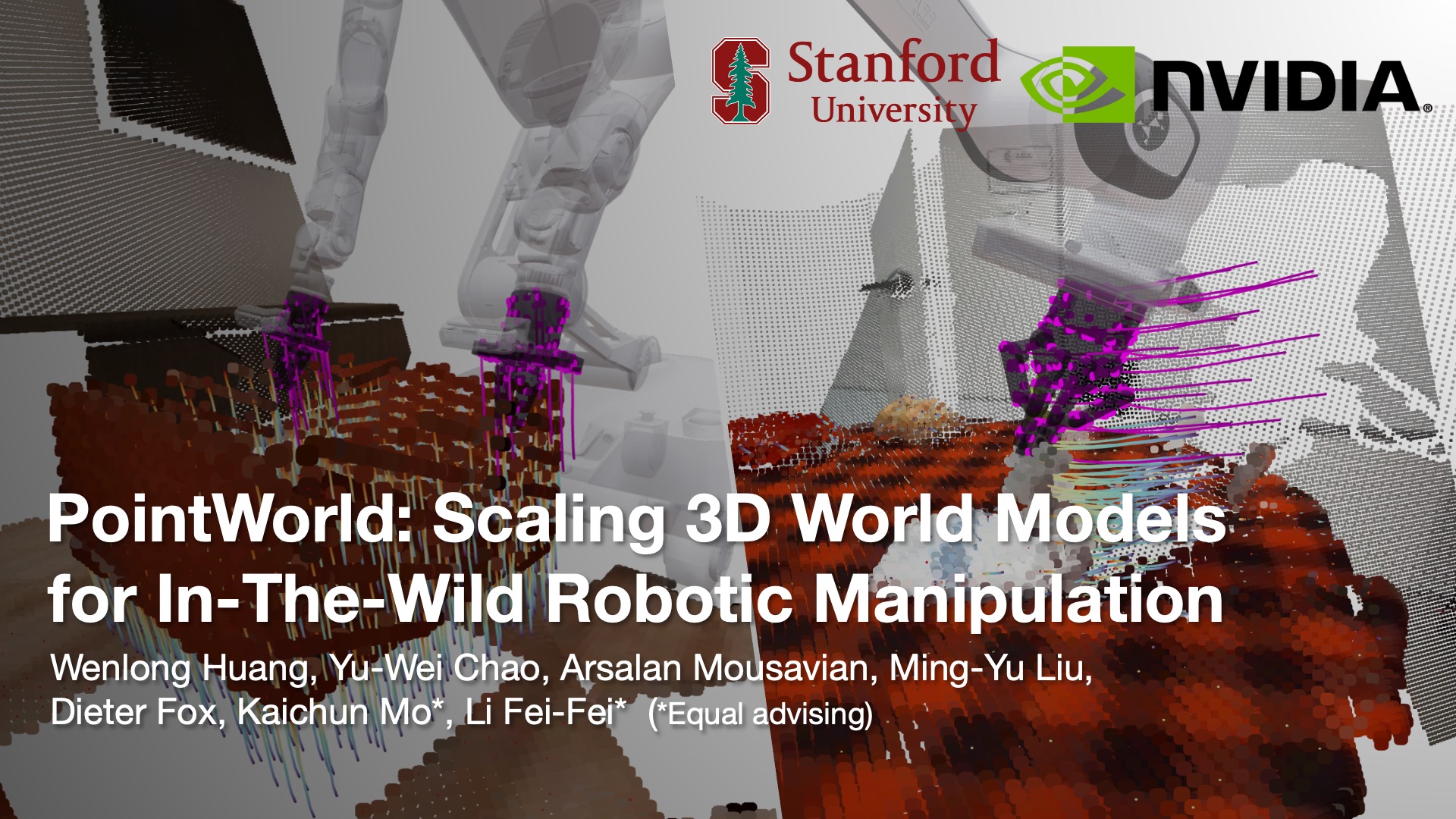
PointWorld is a large pre-trained 3D world model that predicts full-scene 3D point flows from partially observable RGB-D captures and robot actions, also represented as 3D point flows.
If you find this work useful in your research, please cite using the following BibTeX:
@article{huang2026pointworld,
  title={PointWorld: Scaling 3D World Models for In-The-Wild Robotic Manipulation},
  author={Huang, Wenlong and Chao, Yu-Wei and Mousavian, Arsalan and Liu, Ming-Yu and Fox, Dieter and Mo, Kaichun and Li, Fei-Fei},
  journal={arXiv preprint arXiv:2601.03782},
  year={2026}
}- Important Notes
- Setup
- Datasets And Checkpoints
- Training
- Evaluation
- Visualization
- Known Limitations
- Acknowledgements
- Contributing
- Released datasets and pretrained checkpoints are hosted on Hugging Face:
- DROID generated H5 package: https://huggingface.co/datasets/nvidia/PointWorld-DROID
- BEHAVIOR generated H5 package: https://huggingface.co/datasets/nvidia/PointWorld-BEHAVIOR
- pretrained PointWorld checkpoints: https://huggingface.co/nvidia/PointWorld_models
mainis the training/evaluation code branch for release.datais the dataset preparation pipeline branch.- Please first prepare the data using the
databranch. Then return tomainfor training and evaluation.
The main branch provides a self-contained conda setup with no local editable dependencies.
Recommended baseline for reproducibility in main:
- Linux
x86_64 - Python
3.10 - NVIDIA driver compatible with CUDA 12.4 wheels
Recommended setup:
# from repo root
conda env create -n pointworld-env -f environments/train_eval.yml
conda activate pointworld-env
# used by the dataset/checkpoint download commands below
python -m pip install huggingface_hub==0.26.2
# timm is used for PTv3 DropPath; install without pulling extra transitive deps
python -m pip install timm==1.0.19 --no-deps
# flash-attn imports torch at build time, so install it after the base env exists
python -m pip install flash-attn==2.7.4.post1 --no-build-isolation
# keep urdfpy-compatible graph deps on a Python 3.10-safe networkx release
python -m pip install networkx==3.4.2 --no-deps
If you also need visualization extras:
conda env update -n pointworld-env -f environments/train_eval_viz.yml --prune
# used by the dataset/checkpoint download commands below
python -m pip install huggingface_hub==0.26.2
# timm is used for PTv3 DropPath; install without pulling extra transitive deps
python -m pip install timm==1.0.19 --no-deps
# flash-attn imports torch at build time, so install it after the base env exists
python -m pip install flash-attn==2.7.4.post1 --no-build-isolation
# keep urdfpy-compatible graph deps on a Python 3.10-safe networkx release
python -m pip install networkx==3.4.2 --no-deps
Dependency layout:
environments/requirements.txt: canonical base dependency list for train/eval.environments/train_eval_viz.yml: optional visualization extras (matplotlib,open3d,viser).
Request access via the official DINOv3 release page first, then use the provided download URL.
git submodule update --init --recursive
mkdir -p third_party/dinov3/checkpoints
wget -O third_party/dinov3/checkpoints/<dinov3_vitl16_pretrain_*.pth> \
"<URL_FROM_DINOV3_ACCESS_EMAIL>"Use this directory layout for generated datasets consumed by main:
- DROID WDS:
/path/to/droid/wds - BEHAVIOR WDS:
/path/to/behavior/wds
The arguments.py defaults now follow this convention under LOCAL_DATASET_DIR:
droid->${LOCAL_DATASET_DIR}/droid/wdsbehavior->${LOCAL_DATASET_DIR}/behavior/wds
This branch consumes local WebDataset (WDS) shards and model checkpoints. It does not consume the packaged Hugging Face archives directly.
The generated H5/JSON datasets are distributed as packaged archives:
- DROID: https://huggingface.co/datasets/nvidia/PointWorld-DROID
- BEHAVIOR: https://huggingface.co/datasets/nvidia/PointWorld-BEHAVIOR
Each dataset repo includes recover_dataset_from_parts.sh. After downloading a
dataset package from Hugging Face, restore it with that script, then use the
data branch to run data_integrity_check.py and convert_wds.py.
DROID full-dataset restoration is multi-terabyte scale, but the DROID flow
package is split into independent shards. You can restore a small subset of
DROID flow shards or BEHAVIOR task packages for development and smoke tests,
then generate a local WDS manifest from that subset. Use the full package when
you need full-dataset evaluation. For DROID filtered metrics on a subset, make
sure the subset test clips are covered by the released confidence file described
below; arbitrary DROID flow shards are still useful for restore, conversion, and
unfiltered evaluation smoke tests.
Expected restored roots:
/path/to/pointworld_droid_restored/droid
/path/to/pointworld_behavior_restored/behavior
Expected WDS roots consumed by this branch:
/path/to/droid/wds
/path/to/behavior/wds
For DROID filtered metrics, the released DROID package includes an expert-confidence artifact:
droid/confidence/expert_confidence-seed=42.h5
After converting DROID H5 to WDS, copy that file into the generated WDS test split as:
/path/to/droid/wds/test/expert_confidence-seed=42.h5
Use the data branch README for the full restore, integrity-check, and H5-to-WDS
conversion commands, including subset restore examples.
Pretrained checkpoints are hosted at:
https://huggingface.co/nvidia/PointWorld_models
Download them into pretrained_checkpoints/ while preserving the repo directory
layout.
Example:
huggingface-cli download nvidia/PointWorld_models \
  --local-dir pretrained_checkpoints \
  --include "small-droid/model-best.pt" \
  --include "large-droid/model-best.pt" \
  --include "large-droid+behavior/model-best.pt" \
  --include "filter_droid_test_split/model-last.pt"
The released scene-flow checkpoints are:
small-droid/model-best.pt: DROID-only.large-droid/model-best.pt: DROID-only.large-droid+behavior/model-best.pt: DROID + BEHAVIOR.
The filter_droid_test_split/model-last.pt checkpoint is included for the
DROID confidence/filtering workflow; it is not one of the scene-flow checkpoints
used in the evaluation examples below.
PointWorld release now supports three PTv3 variants:
smallbase(default)large
Set the variant explicitly with --ptv3_size=<small|base|large> in training/evaluation commands when needed.
python train.py \
  --domains=droid \
  --data_dirs=/path/to/droid/wds \
  --norm_stats_path=stats/droid \
  --batch_size=<BATCH_SIZE> \
  --num_workers=<NUM_WORKERS> \
  --eval_num_workers=<EVAL_NUM_WORKERS> \
  --eval_freq=-1
Replace /path/to/droid/wds and worker/batch settings with values that match your machine.
python train.py \
  --domains=behavior \
  --data_dirs=/path/to/behavior/wds \
  --norm_stats_path=stats/droid_behavior \
  --batch_size=<BATCH_SIZE> \
  --num_workers=<NUM_WORKERS> \
  --eval_num_workers=<EVAL_NUM_WORKERS> \
--eval_freq=-1python train.py \
--domains=droid,behavior \
--data_dirs=/path/to/droid/wds,/path/to/behavior/wds \
--norm_stats_path=stats/droid_behavior \
--batch_size=<BATCH_SIZE> \
--num_workers=<NUM_WORKERS> \
--eval_num_workers=<EVAL_NUM_WORKERS> \
--eval_freq=-1torchrun \
--standalone \
--nproc_per_node=<NUM_GPUS> \
train.py \
--distributed=true \
<your_train_args>By default, release evaluation targets the test split.
Small WDS subsets are useful for validating that download, recovery, conversion, checkpoint loading, and evaluation all work end-to-end. Treat subset metrics as smoke-test outputs, not benchmark numbers.
For DROID filtered metrics, use the released expert-confidence artifact from the DROID dataset package:
droid/confidence/expert_confidence-seed=42.h5
After converting DROID H5 to WDS in the data branch, copy it to:
/path/to/droid/wds/test/expert_confidence-seed=42.h5
Regenerating confidence annotations from scratch is optional. Use the released artifact when reproducing the results in the paper. The released confidence file covers the DROID evaluation split, not every arbitrary flow shard. If you are testing on a DROID subset, build the subset's WDS manifest from clips present in that confidence file before running filtered metrics, or use the subset for unfiltered pipeline smoke testing.
The main DROID metric we focus on is:
full_eval/test/filtered_l2_moved/mean
This metric uses the expert-confidence artifact to focus evaluation on reliable moving-point regions and reduce noise from ambiguous/static parts of the scene.
To evaluate a released DROID checkpoint, set MODEL_PATH to any released
DROID-capable scene-flow checkpoint:
MODEL_PATH=pretrained_checkpoints/large-droid/model-best.pt
# or:
# MODEL_PATH=pretrained_checkpoints/small-droid/model-best.pt
# MODEL_PATH=pretrained_checkpoints/large-droid+behavior/model-best.pt
python eval.py \
--model_path "${MODEL_PATH}" \
--domains=droid \
--data_dirs=/path/to/droid/wds \
--confidence_thres=0.8 \
--batch_size=1 \
--eval_num_batches=-1For quicker iteration, you can set --eval_num_batches=<N> (for example 100) instead of full-dataset evaluation.
BEHAVIOR evaluation does not require the expert-confidence annotation because the data is noiseless. Use the DROID+BEHAVIOR checkpoint for BEHAVIOR evaluation:
MODEL_PATH=pretrained_checkpoints/large-droid+behavior/model-best.ptpython eval.py \
--model_path "${MODEL_PATH}" \
--domains=behavior \
--data_dirs=/path/to/behavior/wds \
--norm_stats_path=stats/droid_behavior \
--batch_size=1 \
--eval_num_batches=-1PointWorld visualization is built on top of viser, which provides the live 3D viewer and GUI controls.
Use evaluation-time visualization by setting --eval_viz_num > 0:
python eval.py \
  --model_path "${MODEL_PATH}" \
  --domains=droid \
  --data_dirs=/path/to/droid/wds \
  --batch_size=1 \
  --eval_num_batches=100 \
  --eval_viz_num=8 \
  --viewer_port=8080
When running, open http://localhost:8080 in your browser.
Visualization includes these controls:
Frame: step through temporal evolution (frame-by-frame) across the sequence.Ground-truth: switch between model prediction and GT trajectories.Upsample: toggle between coarse and upsampled point rendering.Scene flow densityandRobot flow density: reduce/increase the number of rendered flow vectors.Scene Flow ThicknessandRobot Flow Thickness: adjust vector thickness for readability.Point size: adjust rendered point cloud size.Full overlay opacity: control overlay transparency.
Runtime behavior:
- After each visualized sample, the CLI prompts
Press ENTER to continue ...(typeqto stop). - This prompt requires an interactive TTY (a real terminal stdin). If stdin is redirected/captured, the prompt may fail.
- In headless setups, SSH with a terminal attached and forward the viewer port if needed.
If you want to run evaluation without visualization, set --eval_skip_viz=true (or leave --eval_viz_num=-1).
- Eval outputs are not deterministic on GPU; small run-to-run variation is expected even with fixed seeds.
- Partial-batch comparisons (
eval_num_batches < full dataset) are sensitive tonum_workersandeval_num_workers; match these settings when comparing runs.
We gratefully acknowledge the authors and maintainers of third-party projects that this repository depends on or adapts. Modifications have been made where noted, and the original license terms remain in effect.
Third-party OSS attribution and license references for distributed or adapted code are documented in THIRD_PARTY_LICENSES.md.
| Repository / Project | Usage in this repo | License |
|---|---|---|
| facebookresearch/dinov3 | Scene encoder backbone submodule (third_party/dinov3/) |
DINOv3 License |
| Pointcept/PointTransformerV3 | Vendored/adapted PTv3 components (ptv3/) |
MIT |
| facebookresearch/sonata | PTv3 lineage reference for adapted components | Apache-2.0 |
| StanfordVL/OmniGibson | Adapted transform utilities (transform_utils.py) |
MIT |
| UT-Austin-RPL/deoxys_control | Additional adapted transform routines noted in transform_utils.py |
Apache-2.0 |
All external contributions must follow CONTRIBUTING.md in this repository.
In particular, commits must be signed off (git commit -s) to satisfy DCO requirements.