This was the first project from the Software Engineering Immersive course with GA, also my first ever coding project. Our task was to re-create one of the games from our childhood within one week. I chose to go with Frogger, since it was one of my first ever games I have ever played.
Junior Start is a game based on the game Frogger. You must dribble the ball across the pitch, in between the defenders, and score goals to help your team win the match. The player must score all goals in under 15 seconds in order to win the game. After each goal, the defenders will pay much more attention to you and try to block you faster.
Timeframe:
- 7 days
- Grid with Cells including 9 rows and 10 columns in a total of 90 cells.
- Intro, game over and Win overlays with 'start' buttons.
- Audio element to update the src for in-game sound effects.
- Grid using flex-box.
- CSS transitions for the overlay.
- Start and restart buttons and text for result.
position: fixedthe overlay with a transparent background.
- keyUp event to move the characters.
setIntervalto move obstacles.- Play and pause sounds.
- Hide and show overlays.
- Click events to start the game.
My plan was to get the functionalities done first, make sure I have a perfectly running app and style it after.
I allocated myself ¾ of the time to make sure all the functionalities are done and the rest of ¼ I was styling.
I started by building the grid using flex-box and implementing the keyUp function to move the player on the pitch.
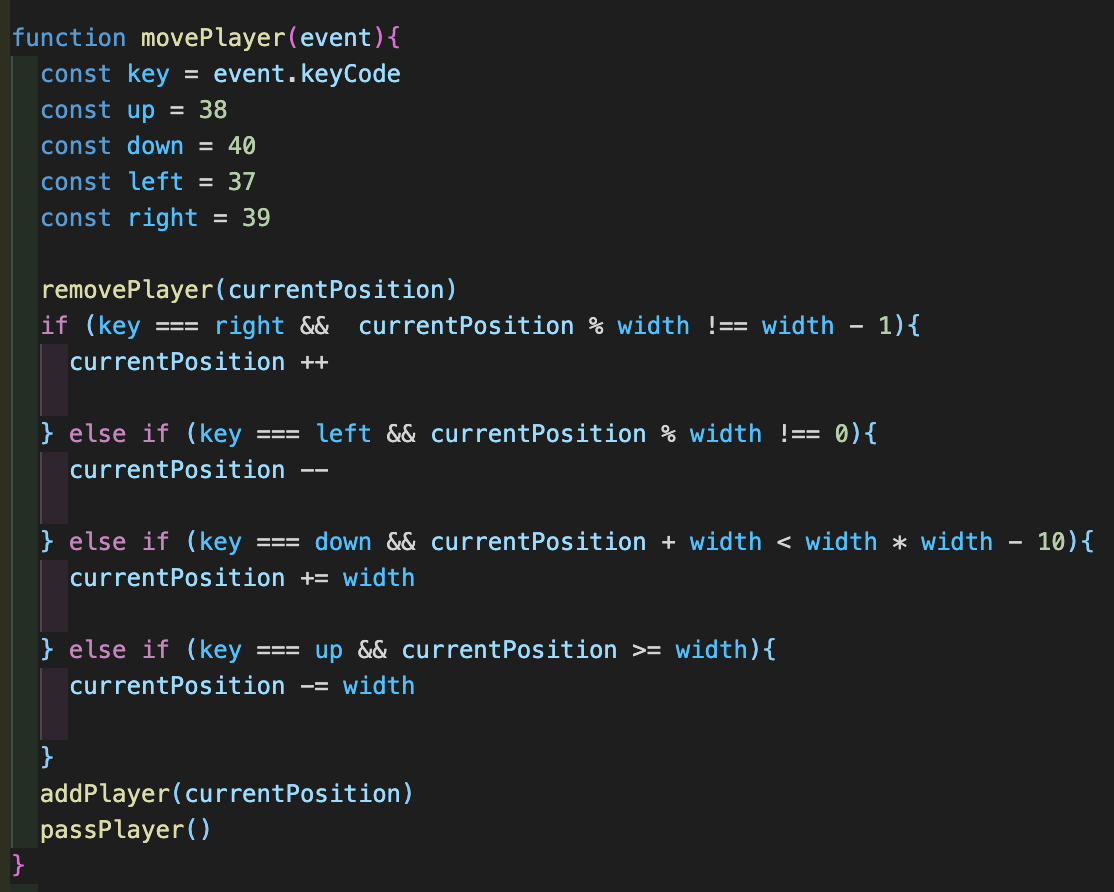
The obstacles (defenders) are moving at a specific speed using setInterval.
Every line of defenders gets tighter, being more difficult to dribble past them. That's when it is the time to be a team player and pass the ball to one of your team mates. I created a function that takes the player position and changes it to the position of a team mate. This simulates the ball being passed from one side of the pitch to another.
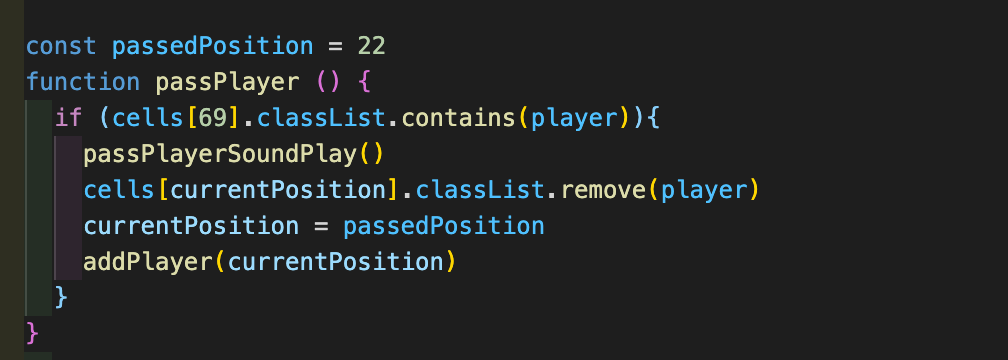
I also added sound effects to make the game more dynamic. Everytime the player moves across the pitch, collides with a defender, shoots wide or scores, the sound effects are triggered. There are also sound effects for every outcome of the game.
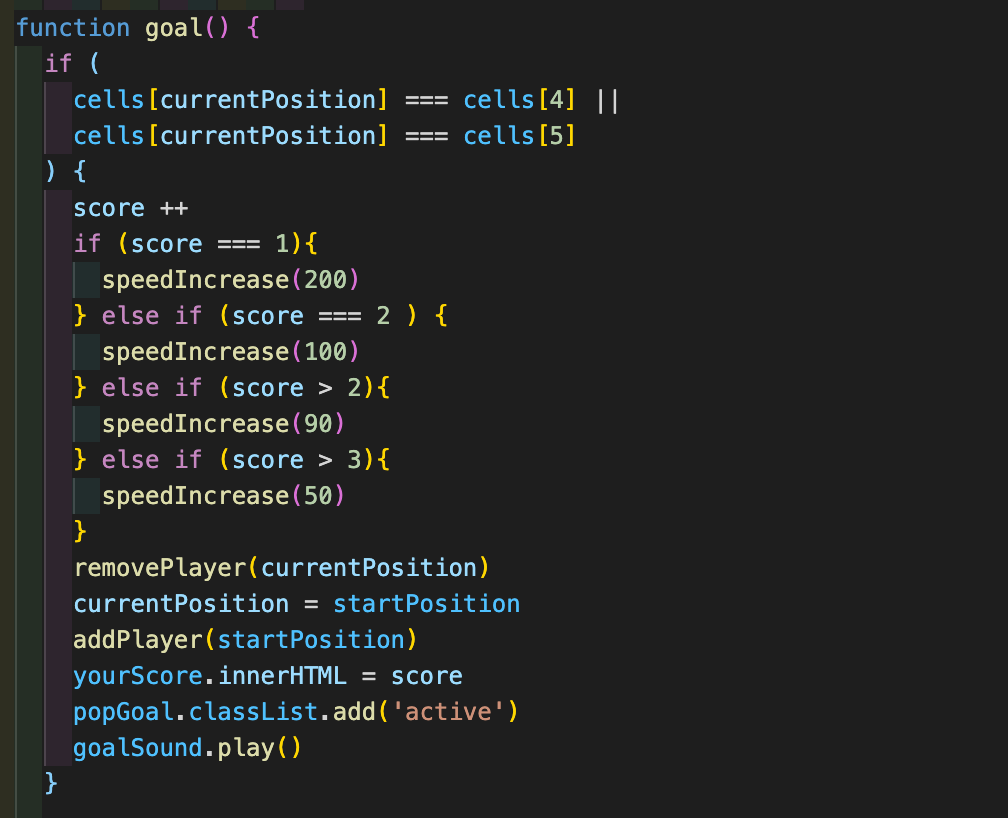
In order to score, the player has to pass the goalkeeper. The scoring positions are cells 4 & 5. Everytime the player manages to score, the game speed will increase.
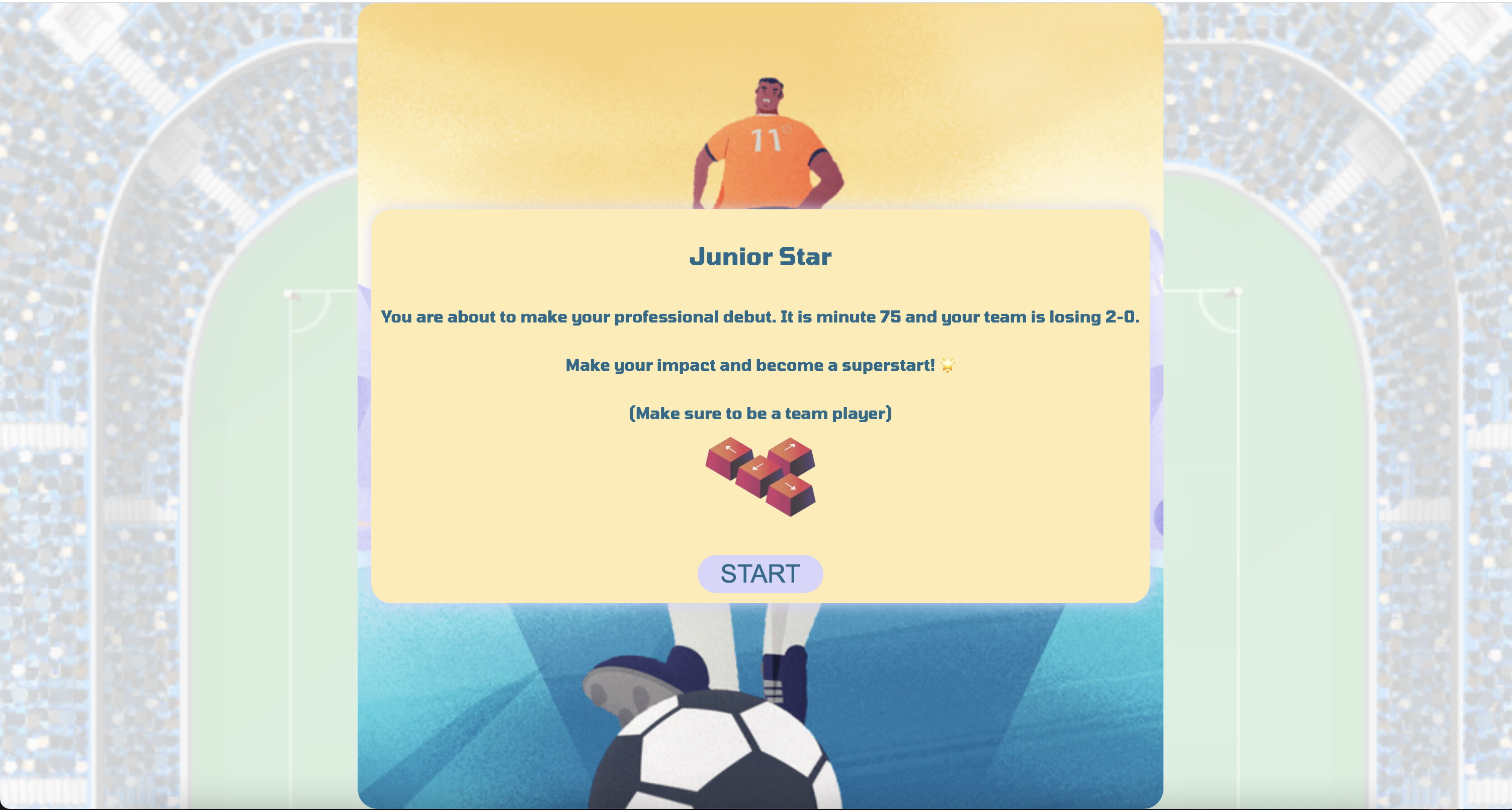
- The player will get to the instruction page, overlaying the game.
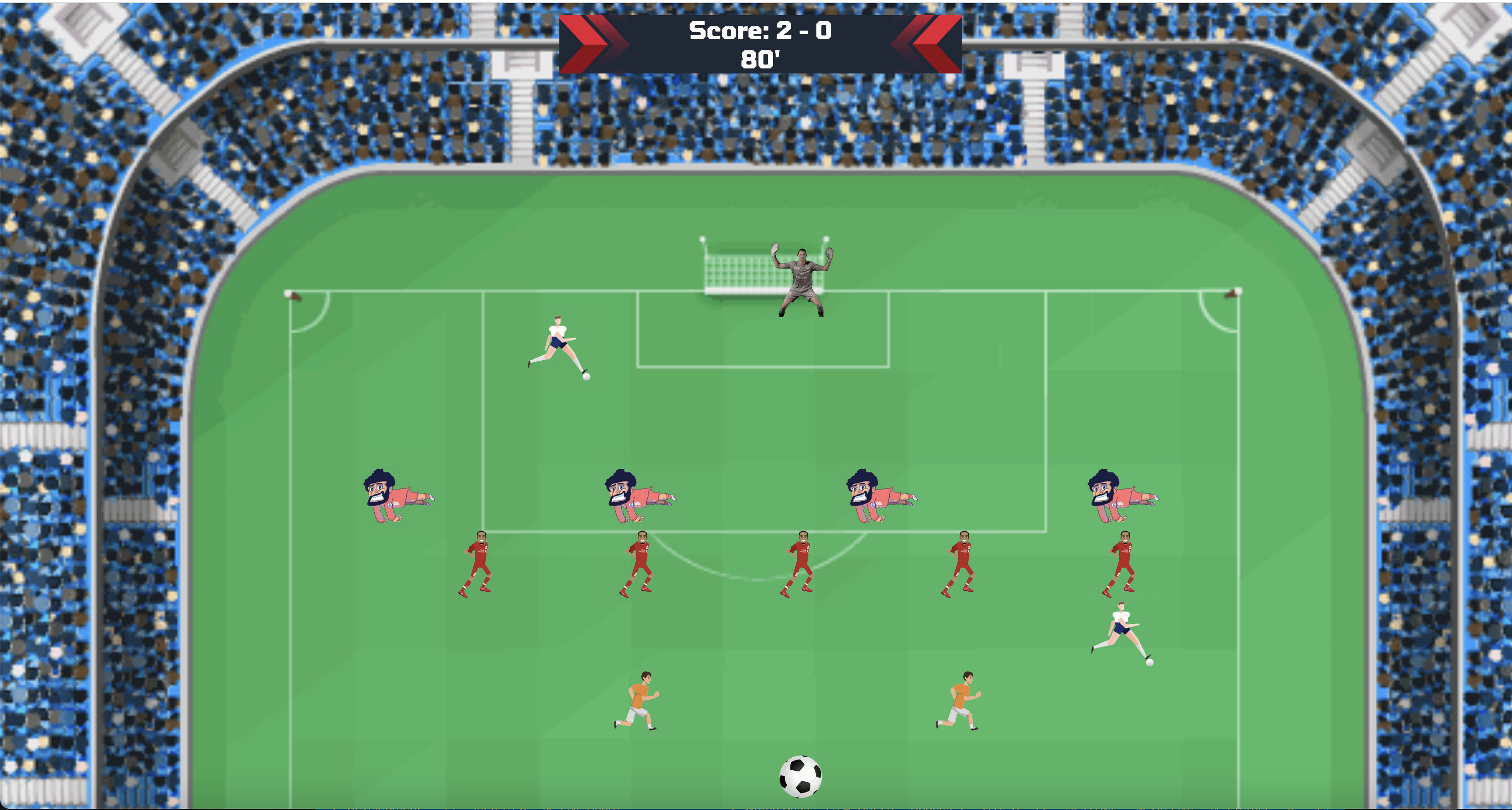
- The crowd noise starts.
- The defenders start running at a slow speed.
- Counter starts, the player has 15 seconds to win the game.
- As the defenders move, they compare with the character position to check if they have been hit.
- The keyUp event is used to move the character up, down, left and right.
- It checks which direction the player is going and doesn't let them go out of the grid.
- Once the player scores a goal, it will start from the bottom again.
- The defender's speed increases after each goal.
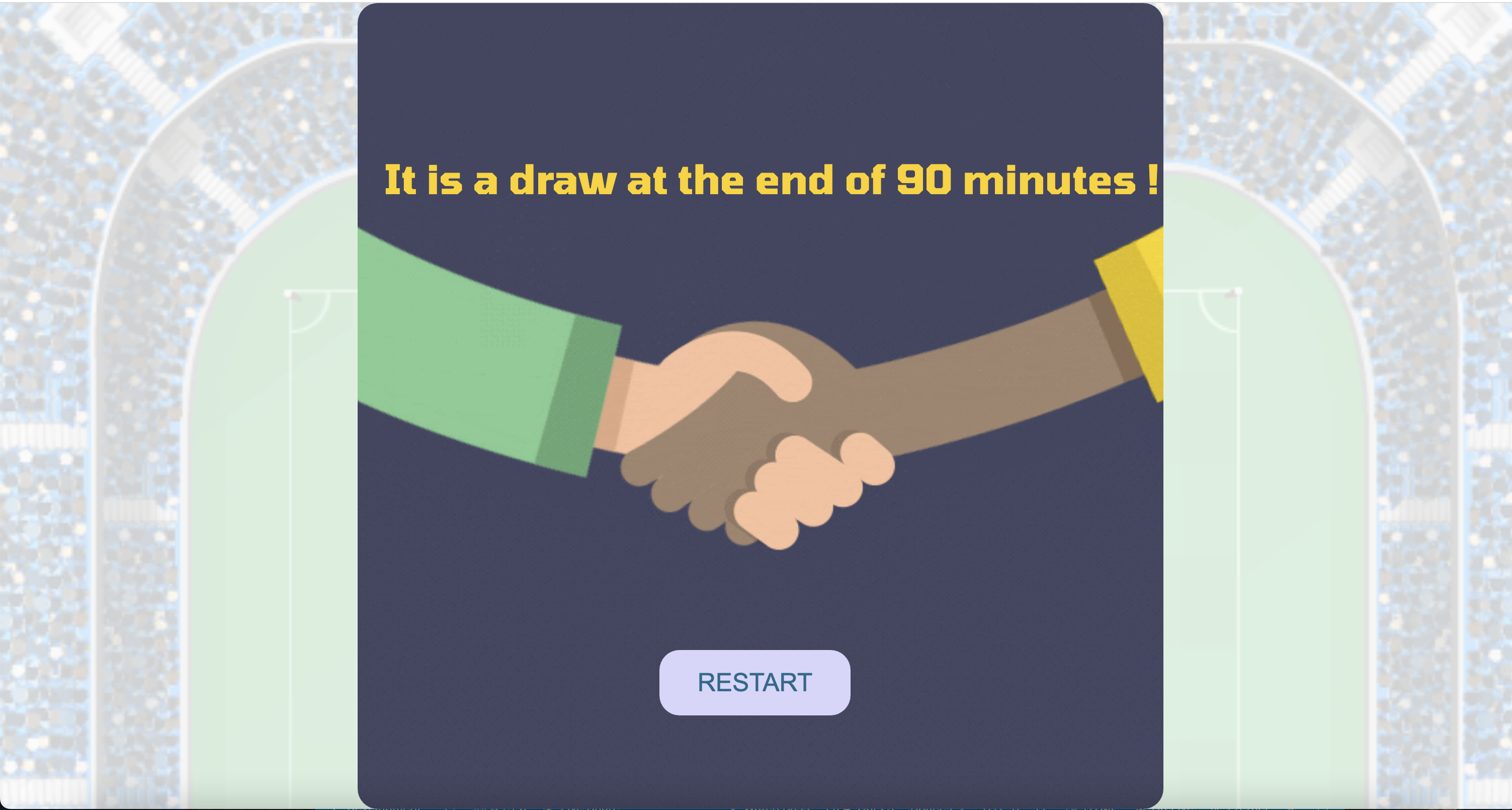
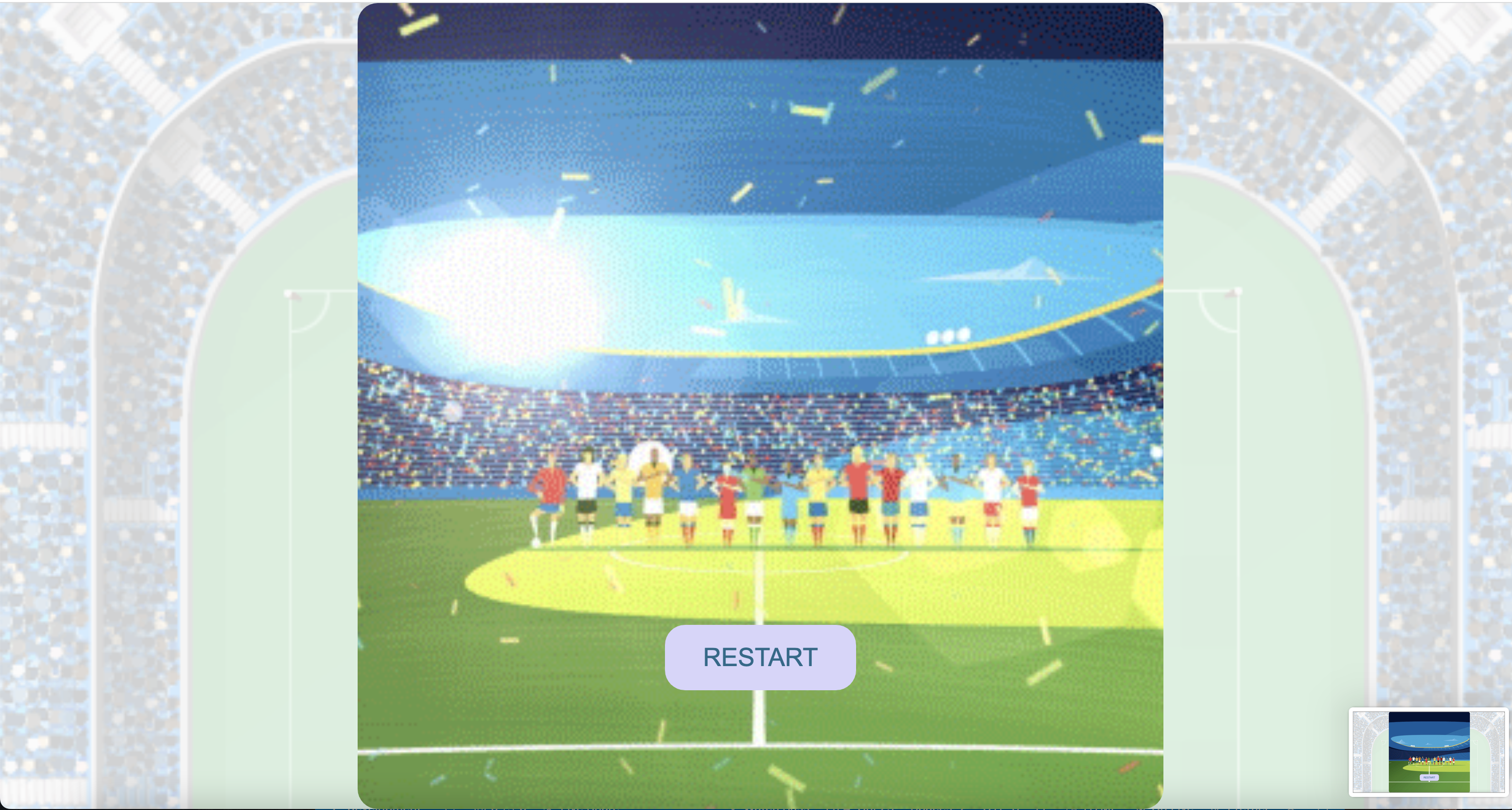
- At the end of the time the game decides the outcome.
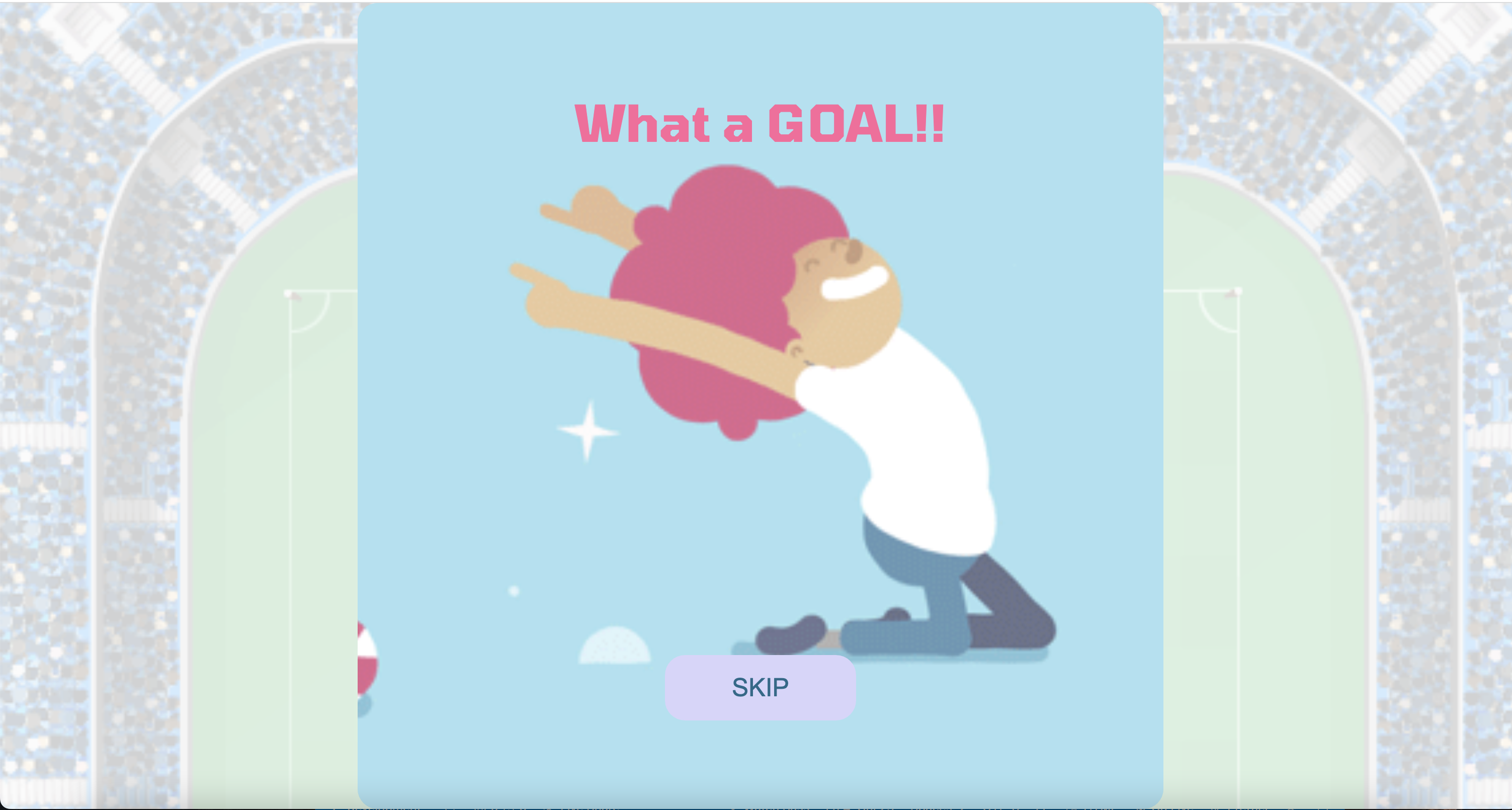
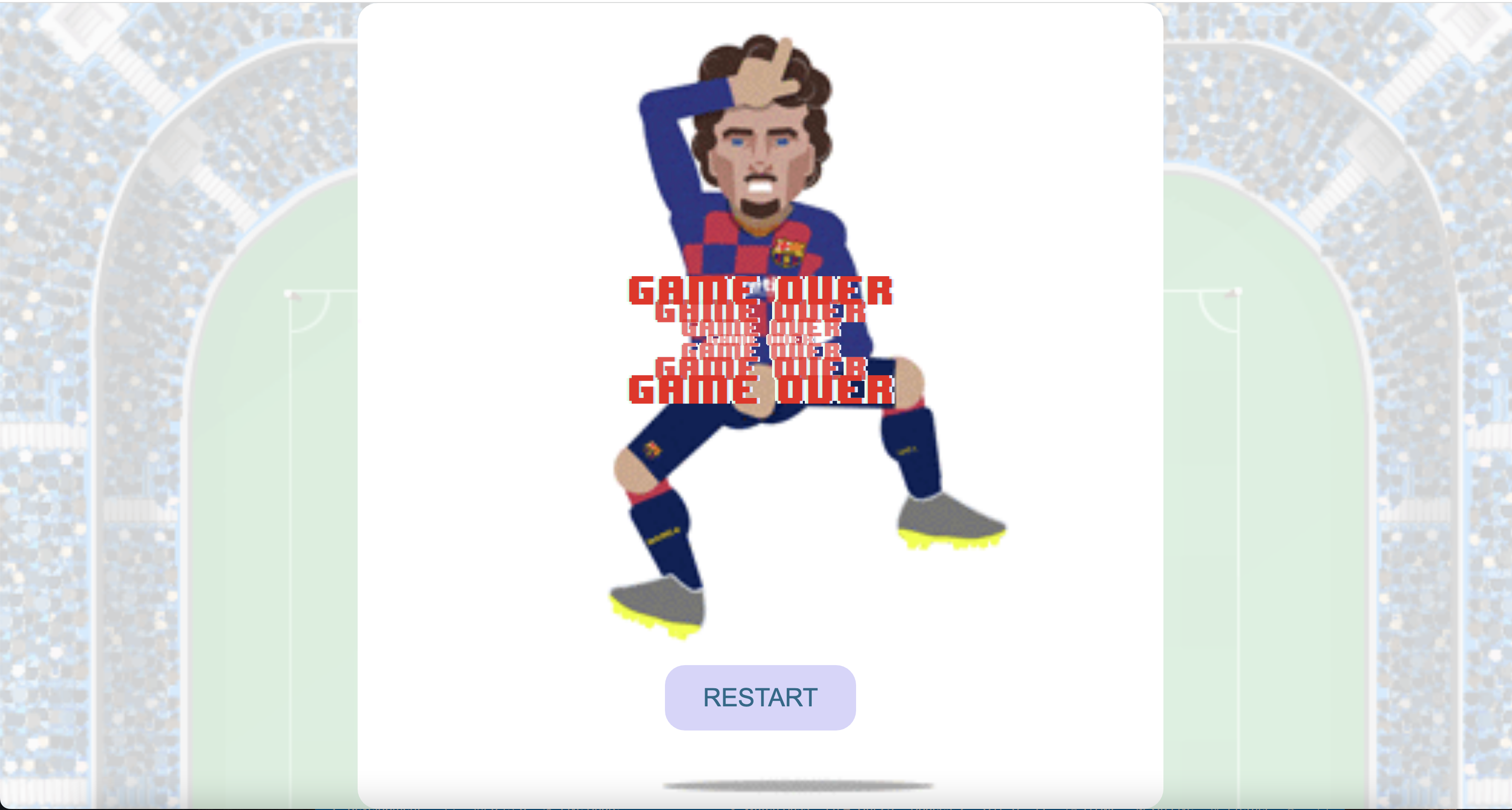
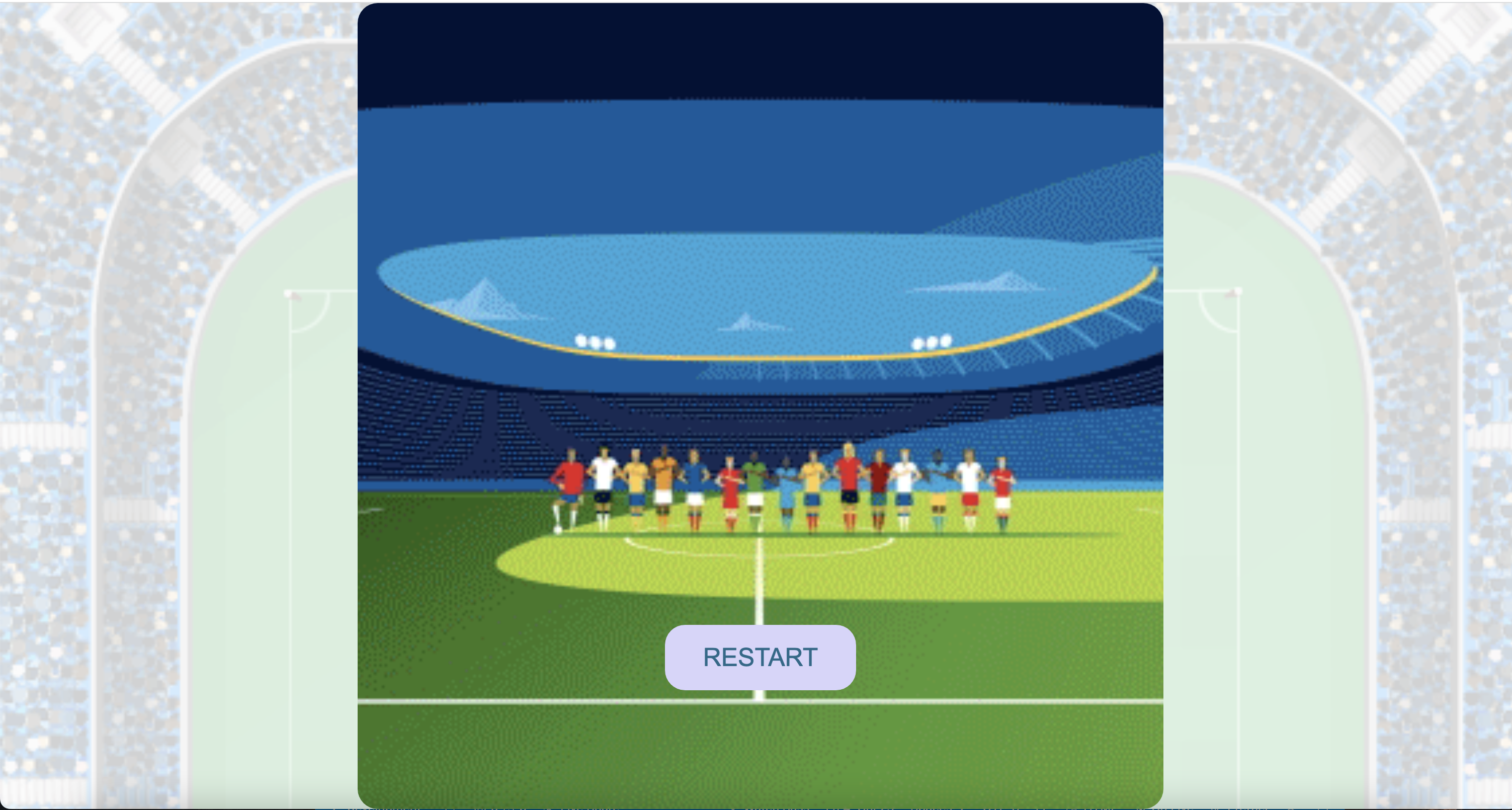
- My biggest win was creating my first ever project. At the beginning I was overwhelmed about the idea of creating a game from scratch, but it turns out even after just one month of studying something like this is possible and doable.
- Learned how to use Flex-box.
- Learned how to create a pop-up using JavaScript, HTML and CSS.
- Learned how to use play() and pause() functions to control the audio.
- Implementing the passing function to change the current position of the player.
- Increasing the speed of the defenders after each goal.
- There is a bug with the final whistle after the game is over.