Nostr Chat - LNbits extension
For more about LNBits extension check this tutorial.
This extension uses the LNbits nostrclient extension, an extension that makes nostrfying other extensions easy.
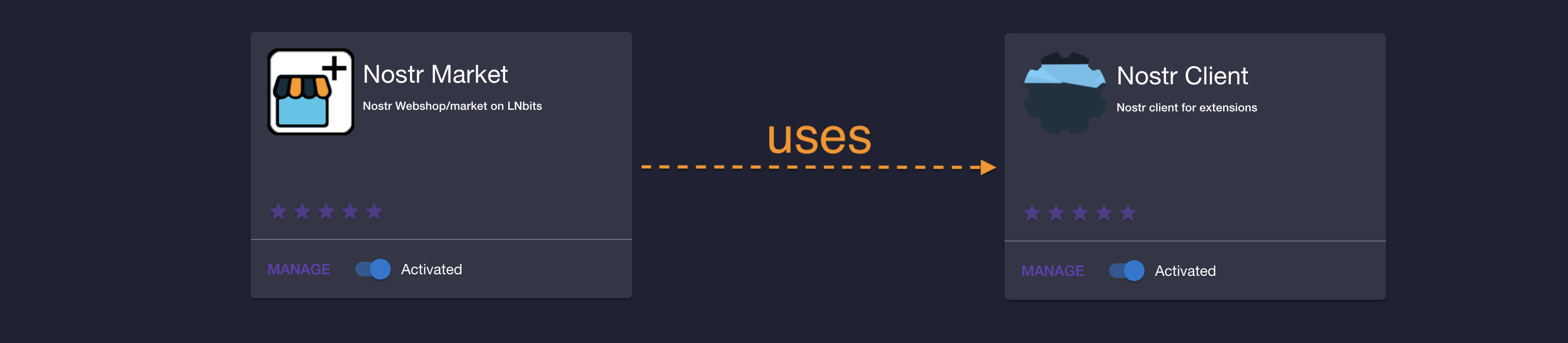
- before you continue, please make sure that nostrclient extension is installed, activated and correctly configured.
- nostrclient is usually installed as admin-only extension, so if you do not have admin access please ask an admin to confirm that nostrclient is OK.
- see the Troubleshoot section for more details on how to check the health of
nostrclientextension
For a nostr account you need to provide a Nostr key pair, or the extension can generate one for you.
[!TODO] replace image link

Once you have a nostr account, you can view the details on the nostr account dropdown
[!TODO] replace image link


[!TODO] verify/update
- make quasar client
[!TODO] verify/update LNbits also provides a Nostr Chat client app. You can visit the client from the nostr account dashboard by clicking on the "Nostrchat client" link

or by visiting https://<LNbits instance URL>/nostrchat/chat
[!TODO] update Make sure to add your
nostracctpublic key to the list:
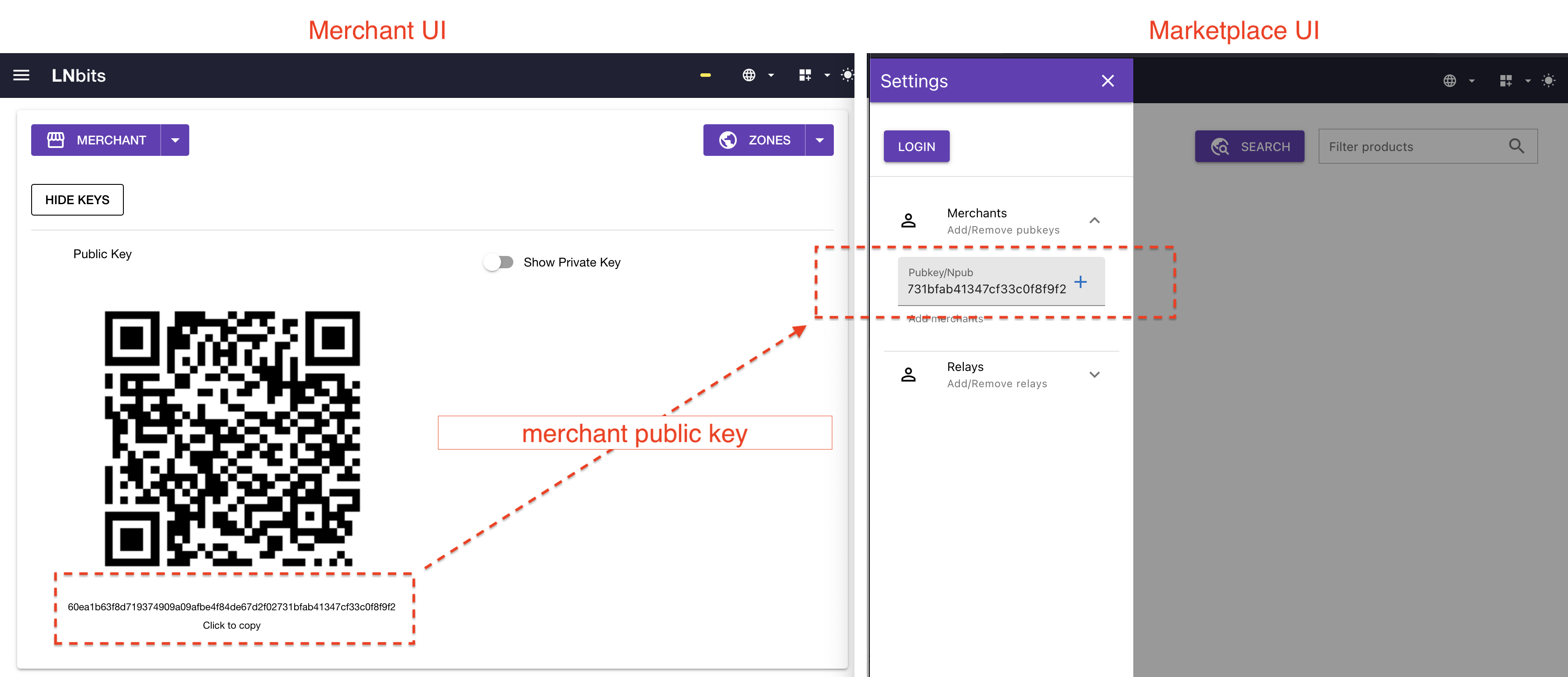
In order to test that the integration with Nostr is working fine, one can add an npub to the chat box and check that DMs are working as expected:
nostrmarket_chat_test.mov
If the communication with Nostr is not working then an admin user can Restart the Nostr connection.
nostrmarket-restart-and-republish.mp4
- see the Troubleshoot section for more details on how to check the health of
nostrclientextension
Peer support is handled over whatever communication method was specified. If communicationg via nostr, NIP-04 is used.