A basic touch typing trainer (for python3). Created for those moments in which ratatype is down or you are offline.
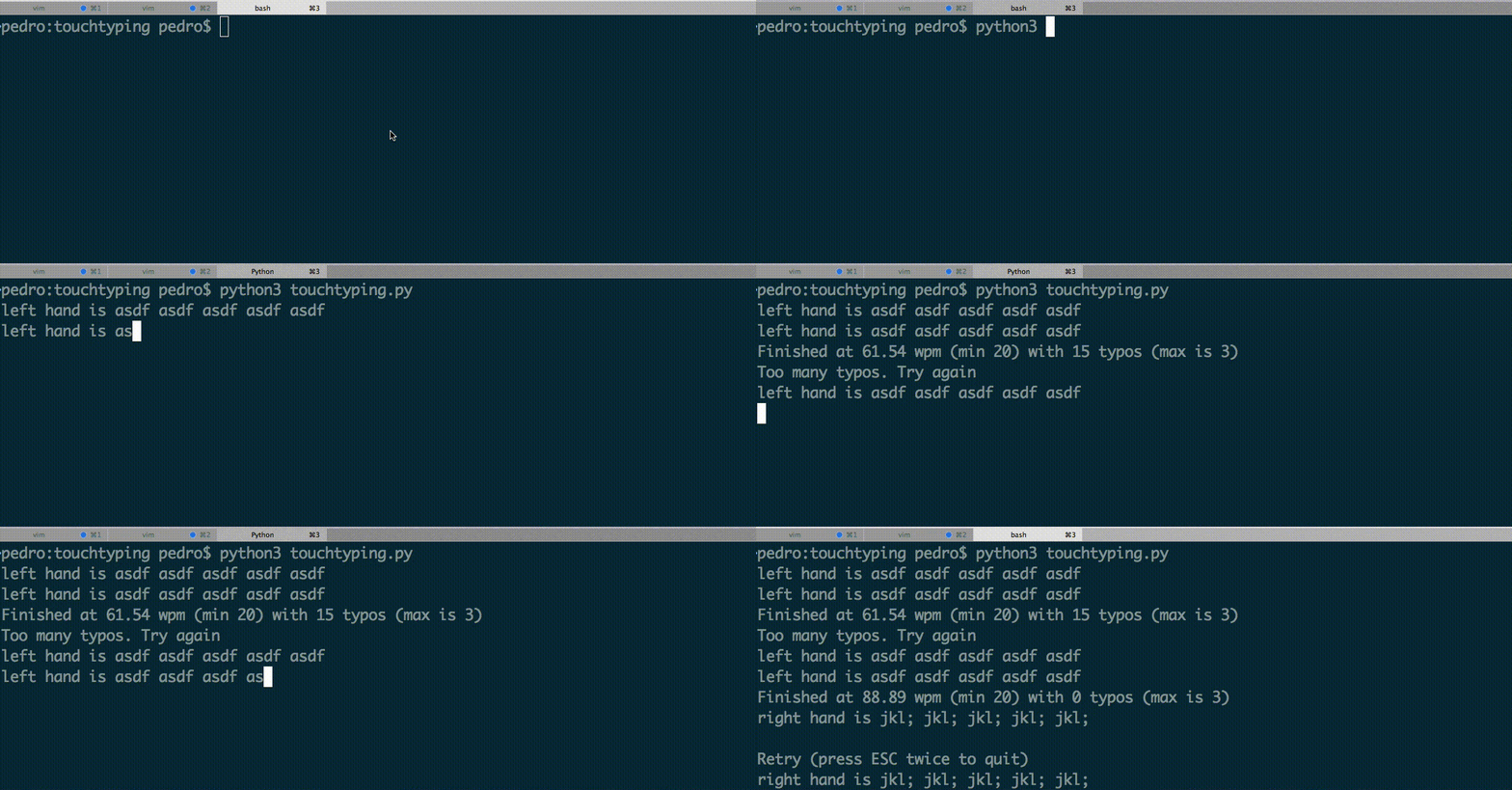
I realized later that this was loosely inspired after ratatype (any similarity is purely coincidental, but the default values for minimum wpm and maximum typos offer great learning potential).
python3 touchtyping.py: loads the welcome exercise.python3 touchtyping.py -u name: loads the last exercise ``name``` was working on (saves sessions automatically when you advance)python3 touchtyping.py -e 1: jumps to exercise number1
Nothing special here. The only things to keep in mind are:
- ESC: restarts the current exercise (clearing typos and wpm)
- ESC twice (in less than 1 second): quits the application
If you start the program with python3 touchtyping.py -u name you start as user name. This will:
- automatically save your progress when you advance lessons
- save your last exercise
- display your score upon request:
touchtyping.py -u name --score
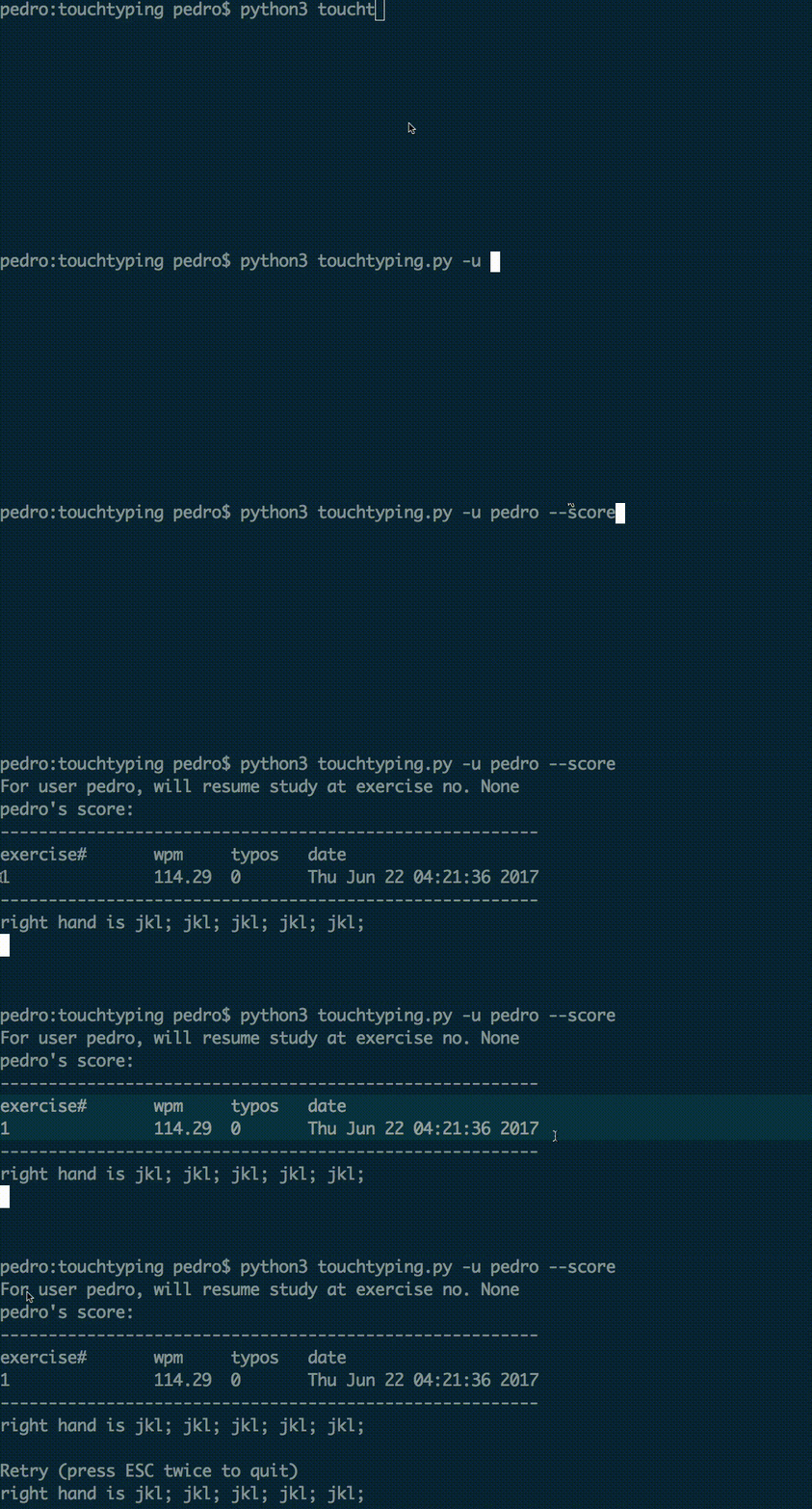
python3 touchtyping.py --filename othername.txt": loads "othername.txt" as the save file for usernames and their exercisespython3 touchtyping.py --typos 5: changes the maximum allowed typos to5for advancing to next lesson (default is 3)python3 touchtyping.py --wpm 10: changes the minimum allowed wpm to10for advancing to next lesson (default is 20)
- To create new exercises: simple save them as a numbered .txt file (e.g., 1.txt). Exercise files should only contain the string of characters that you wish to display.
- Example of a
1.txtfile contents:this is a file for the touchtyping trainner - Put exercise files in the
exercisesfolder (default) or in yourown-folder, to read files from a custom folder usepython3 touchtyping.py --exercise-folder own-folderinstead.
- There is a directory named
saved_statewhich saves the progress of ver user. - Each user is a file, e.g., the progress of a user called
pedrois insaved_state/pedro.txt - To change this directory you can invoke it as such:
python3 touchtyping.py --save-dir new_dir"
- alias as command
- pip install
- Give hints, use a special symbol on exercise file to mark what is a hint. Then when hint modes are enabled or after the first failure, the user is presented with hint text.
- colorful mode
- refresh shell mode (after every exercise or attempt)
- scores from all users?
- allow mode to redo exercises