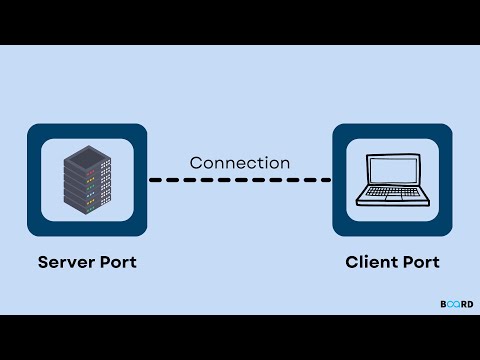
This project contains a simple server and client implementation written in C# using TCP/IP sockets. The server allows the client to send simple commands, to which it responds according to the data implemented in the code. The server and client exchange information using JSON.
- Clone this project to your local environment.
- Open the project in any C# compatible IDE.
- Run the server application and then run the client application.
- The client should establish a connection with the server, and the client will be able to send commands to the server.
Currently, the project has the following features:
- Command handling:
help- list of available commands,info- server version & creation date,uptime- server's lifetime,stop- stops server and the client,login- login user,register- register user
- Additional commands for a normal user:
logout- logout user,message- send a message,mailbox- check your mailbox
- Additional commands for the admin user:
delete- delete a user.
- Sending simple server responses to client requests.
- Basic error and exception handling.
- Data exchange between client and server using JSON.
Currently, there are 3 services implementing the IMessageService, IUserManagementService, ICommunicationService interfaces, which have been implemented in the main server class.
Thanks to the use of dependency inversion in my solution, the code is easy to test.
There are almost 21 tests (XUnit) , including all the main modules of the application.

Some potential functionalities to add to this project include:
- Handling multiple clients concurrently through multi-threading or asynchronous I/O.
- Implementing asynchronous reading/writing methods.
- Database implementation instead of json files.
- Adding event and error logging to a file for better debugging and application monitoring.
- Implementing a graphical user interface (GUI) for the client and/or server to facilitate user interaction with the application.