


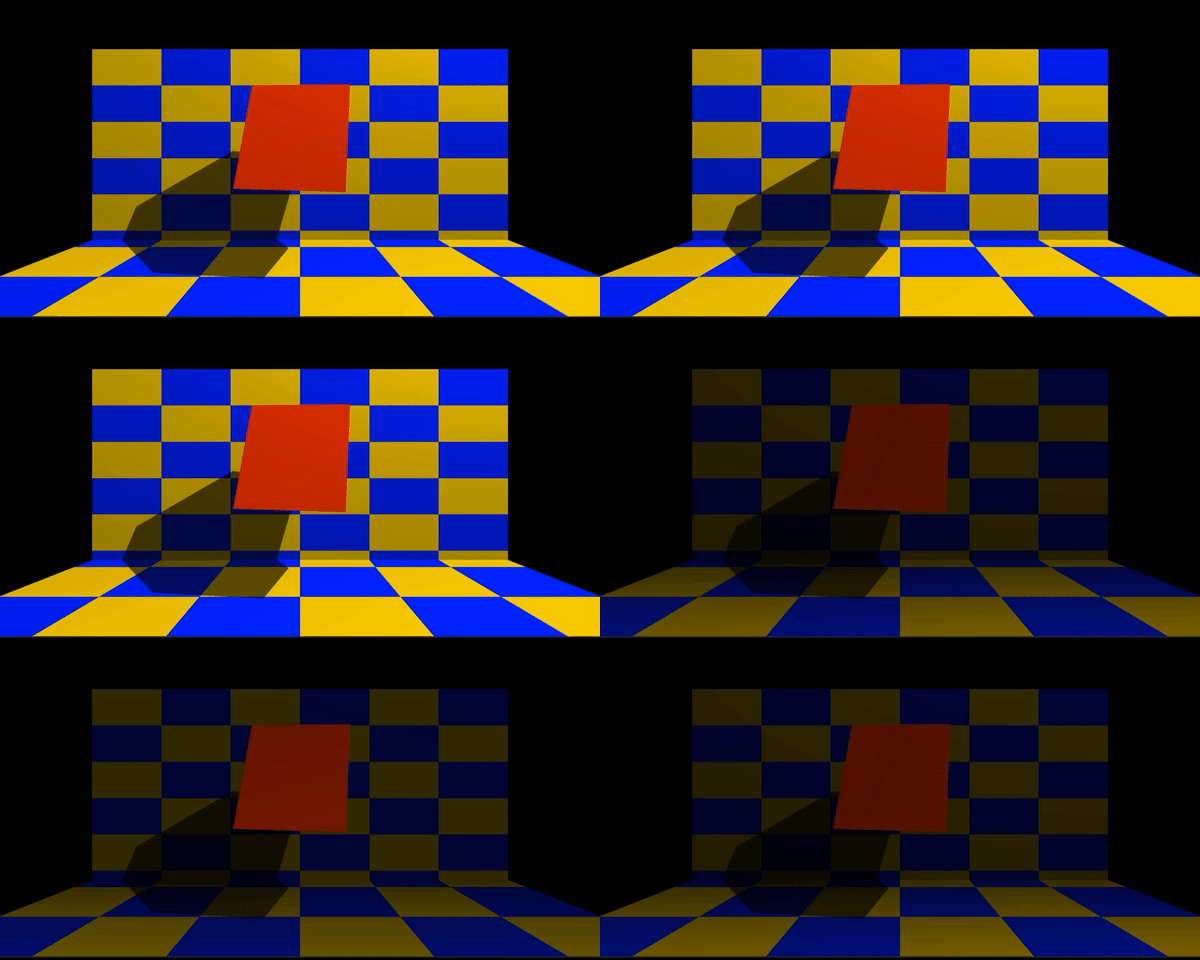
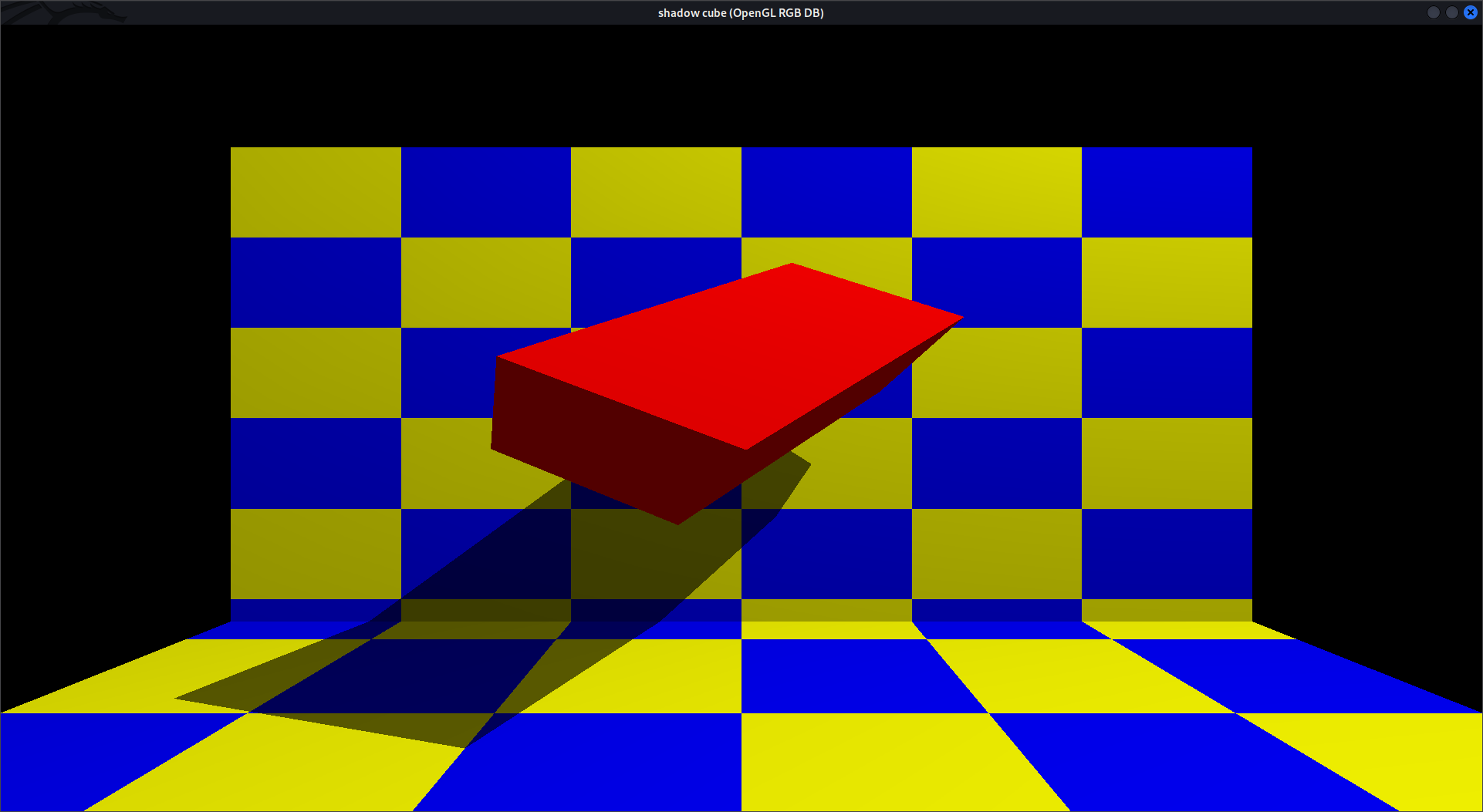
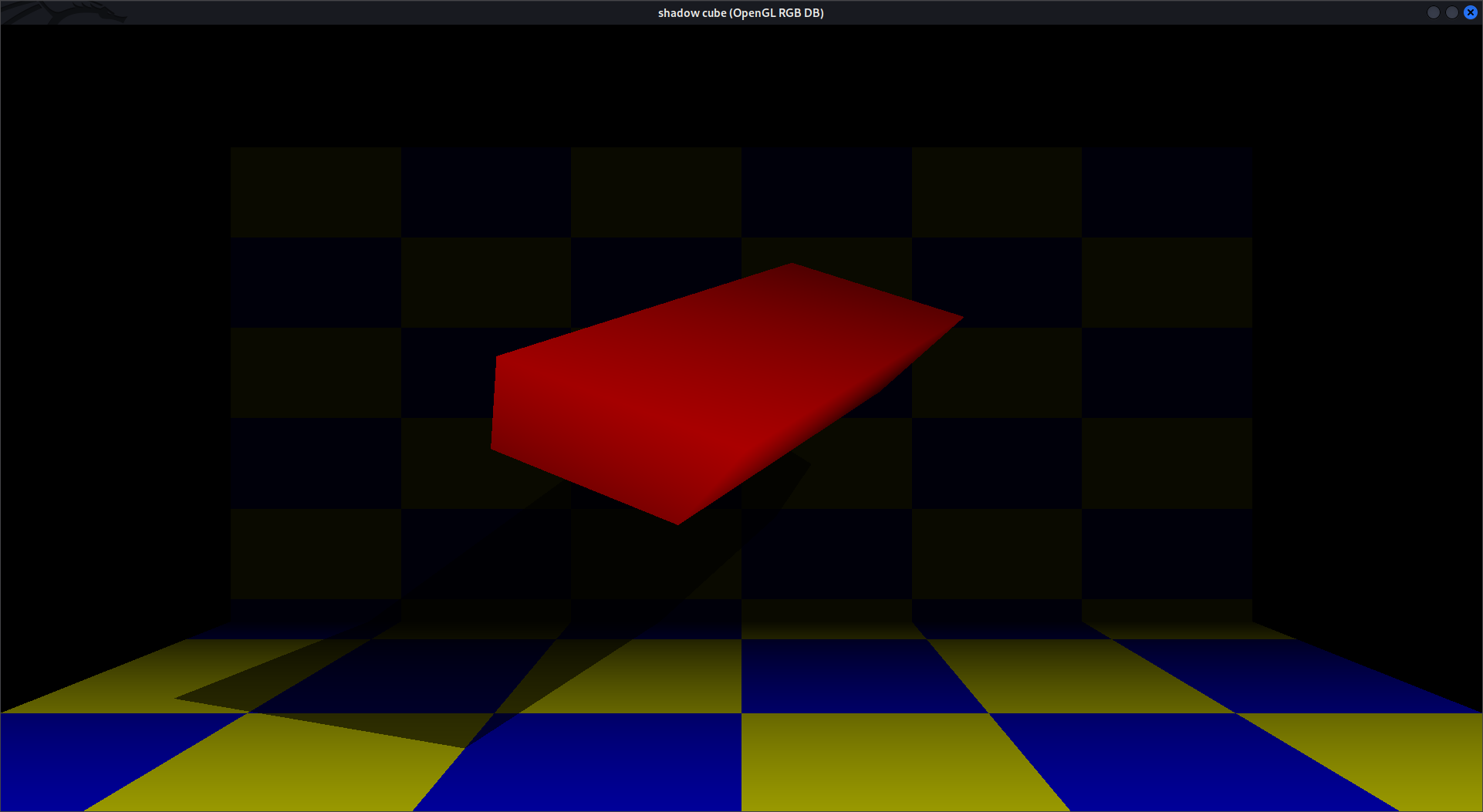
A “SHADOW CUBE” Graphics application has been developed using OpenGL. The illustration of graphical principles and OpenGL features are included and application program is efficiently developed. The aim in developing this program was to design a simple program using OpenGL Application software by applying the skills we acquired in class, and in doing so, to understand the algorithms and the techniques underlying interactive graphics in a better way. The designed program will incorporate all the basic properties that a simple program must possess. The program is extremely user friendly as the only skill required in executing this program is the knowledge of graphics. It mainly gives us an idea about graphics, rotation, coloring, polygons, solids, menu, keyboard and mouse interfaces.
In Ubuntu, Kali-linux, ParrotOs open terminal and run this command's
-sudo apt-get update
-sudo apt-get install freeglut3
-sudo apt-get install freeglut3-dev
-sudo apt-get install binutils-gold
-sudo apt-get install g++ cmake
-sudo apt-get install libglew-dev
-sudo apt-get install g++
-sudo apt-get install mesa-common-dev
-sudo apt-get install build-essential
-sudo apt-get install libglew1.5-dev libglm-dev
gedit file.c
gcc file_name.c -lGL -lGLU -lglut -lm
./a.out
C/C++