rsltn (pronounced resolution) is a fast, beautiful, and functional development environment for writing math built on Neovim.
rsltn stands for Roshan's System for LaTeX in Neovim, but the name also refers to the goal of the project, the resolution of the two main steps in the process of creating math: experimentation and exposition.
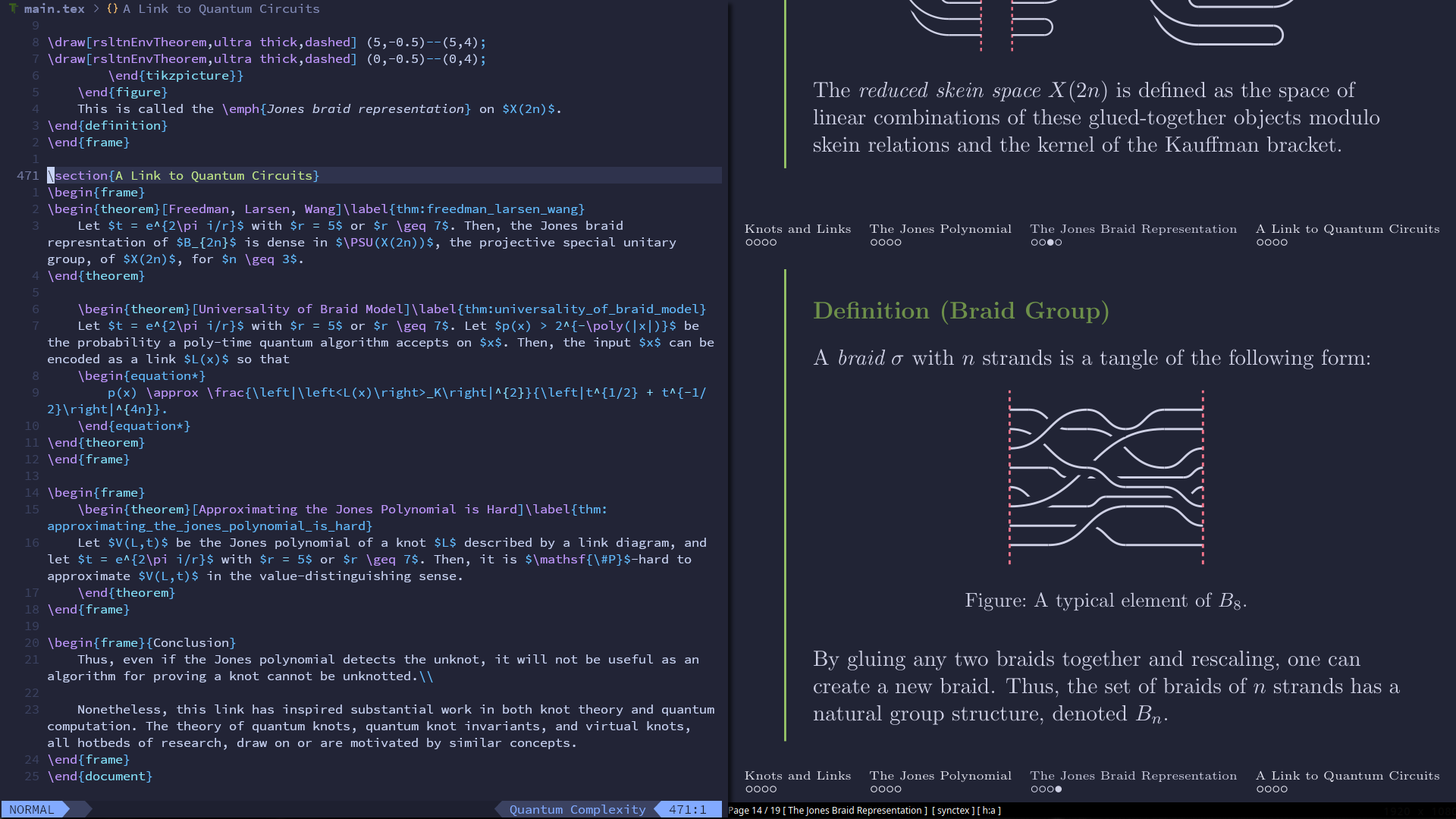
rsltn being used to edit a Beamer presentation in the tokyonight theme.
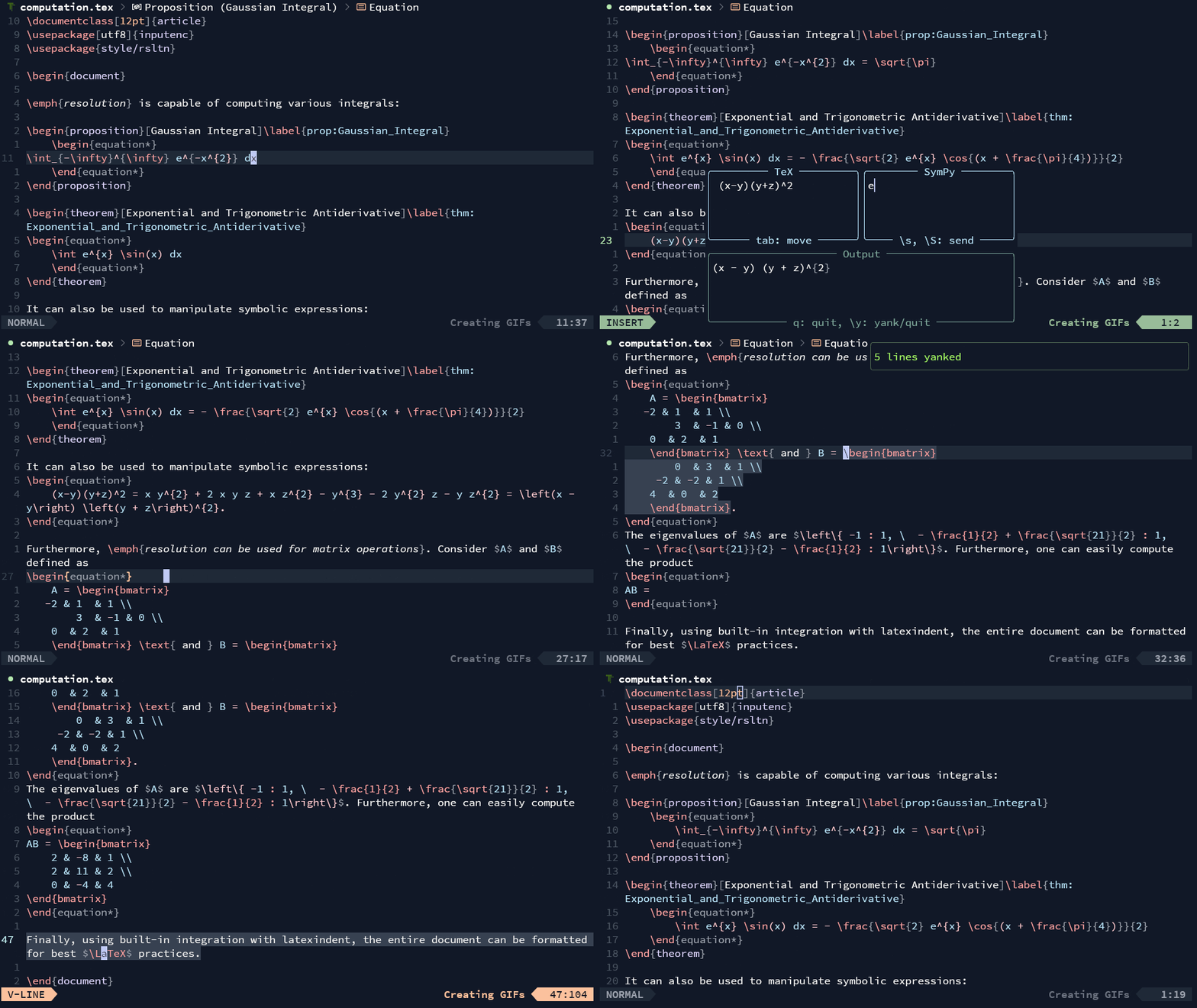
Indeed, rsltn both improves the experience of quickly writing beautiful math with LaTeX and provides tools for experimenting and computing in two interactive spaces (the Napkin and the Notebook). However, the most unique functionality of rsltn is the seamless integration between the two processes.
In this section, we give some demonstrations of rsltn's functionality:
Computations
This video shows the Napkin, a tool for performing symbolic computations and manipulations in <space>c. It coexists with the Notebook, a larger interactive computational environment for experimentation.
Snippets
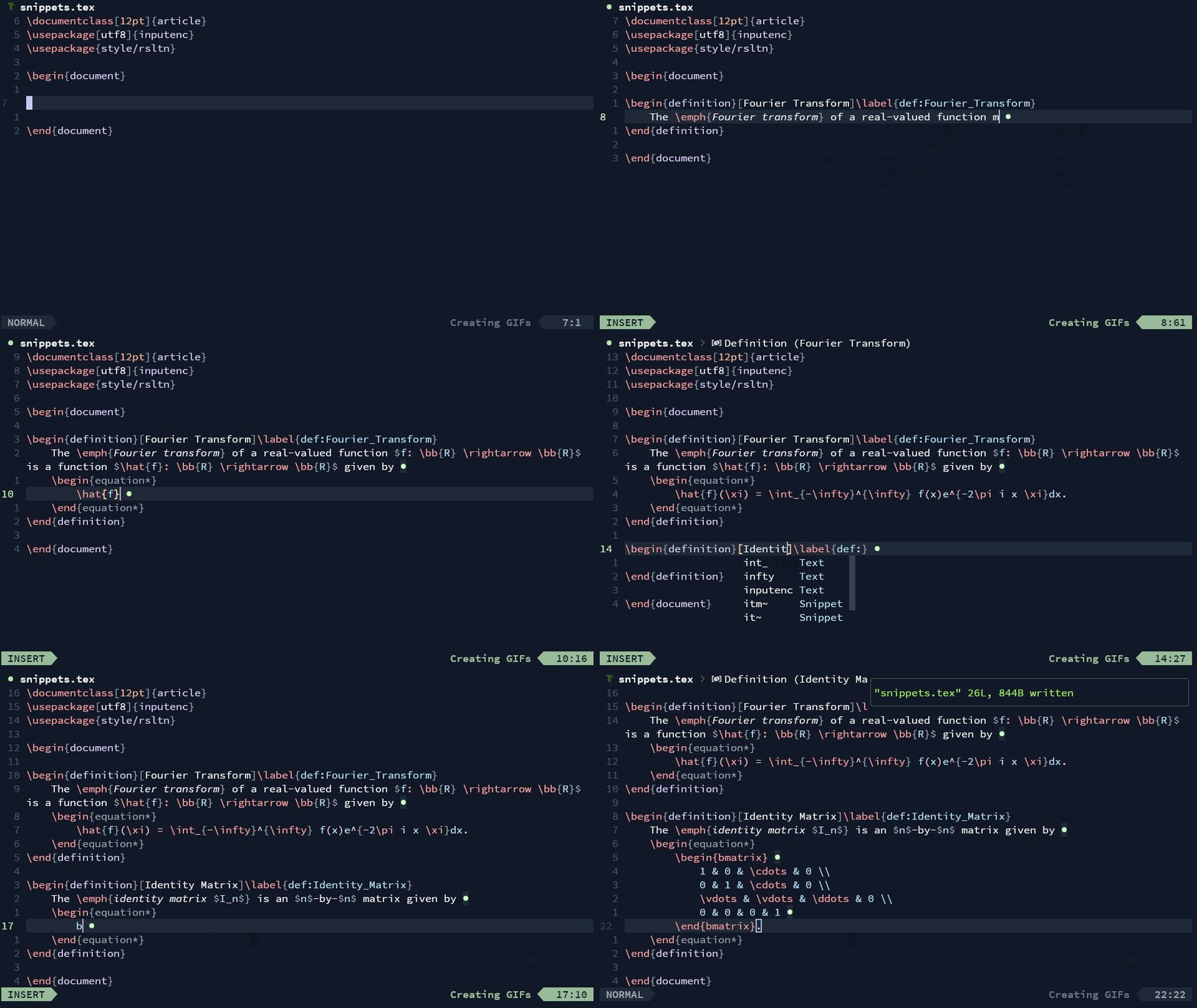
One way rsltn improves rsltn speeds up LaTeX-writing, automates repetitive tasks, improves keyboard ergonomics, and helps users remember common snippets of code.
Fuzzy Completion
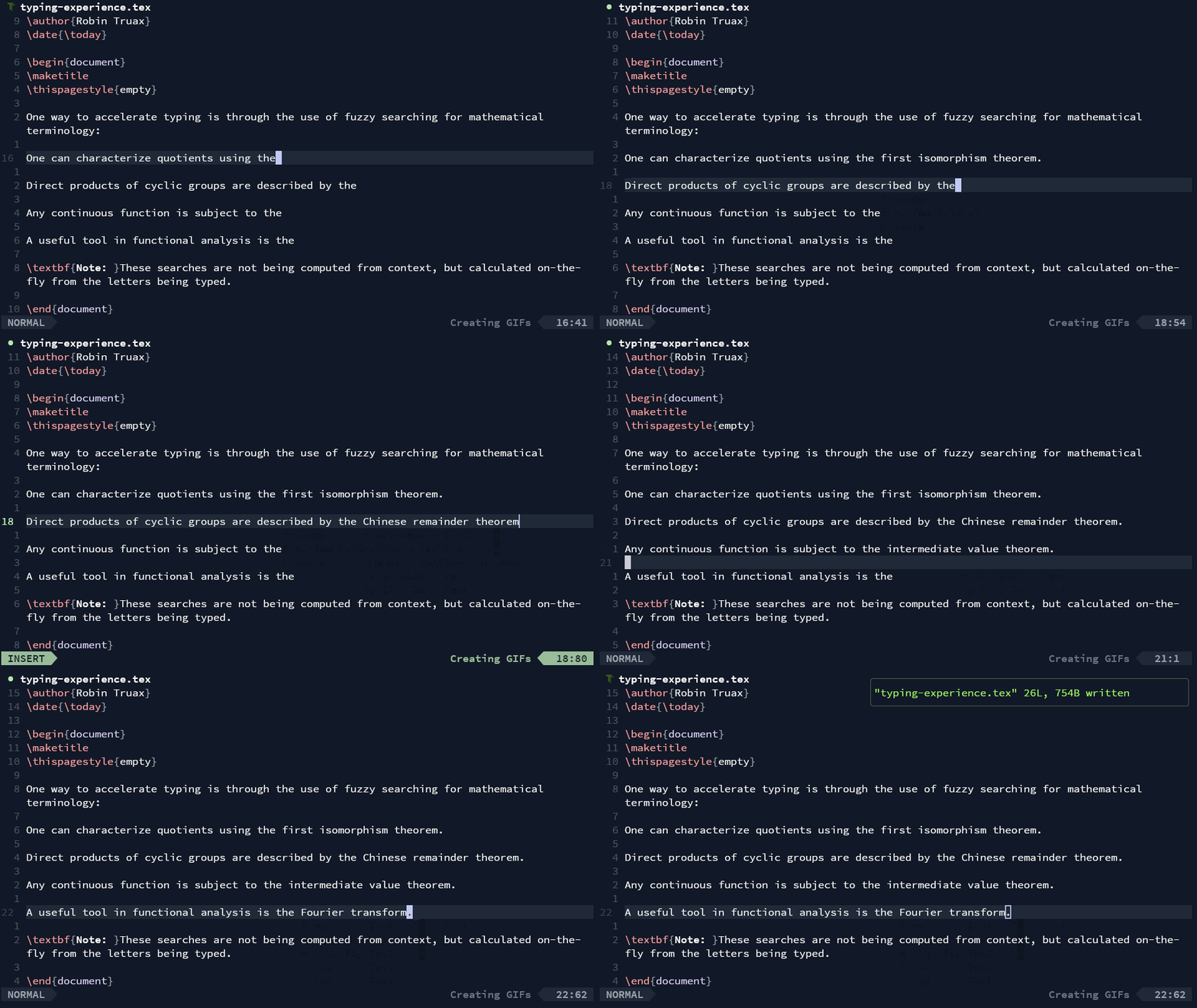
Another tool rsltn implements is an extensible dictionary which is used as a fuzzy-search completion engine when someone is typing. In simple terms, when one is typing a word, rsltn will search over the dictionary of over 10,000 words or phrases to guess what you're typing to type.
Navigation
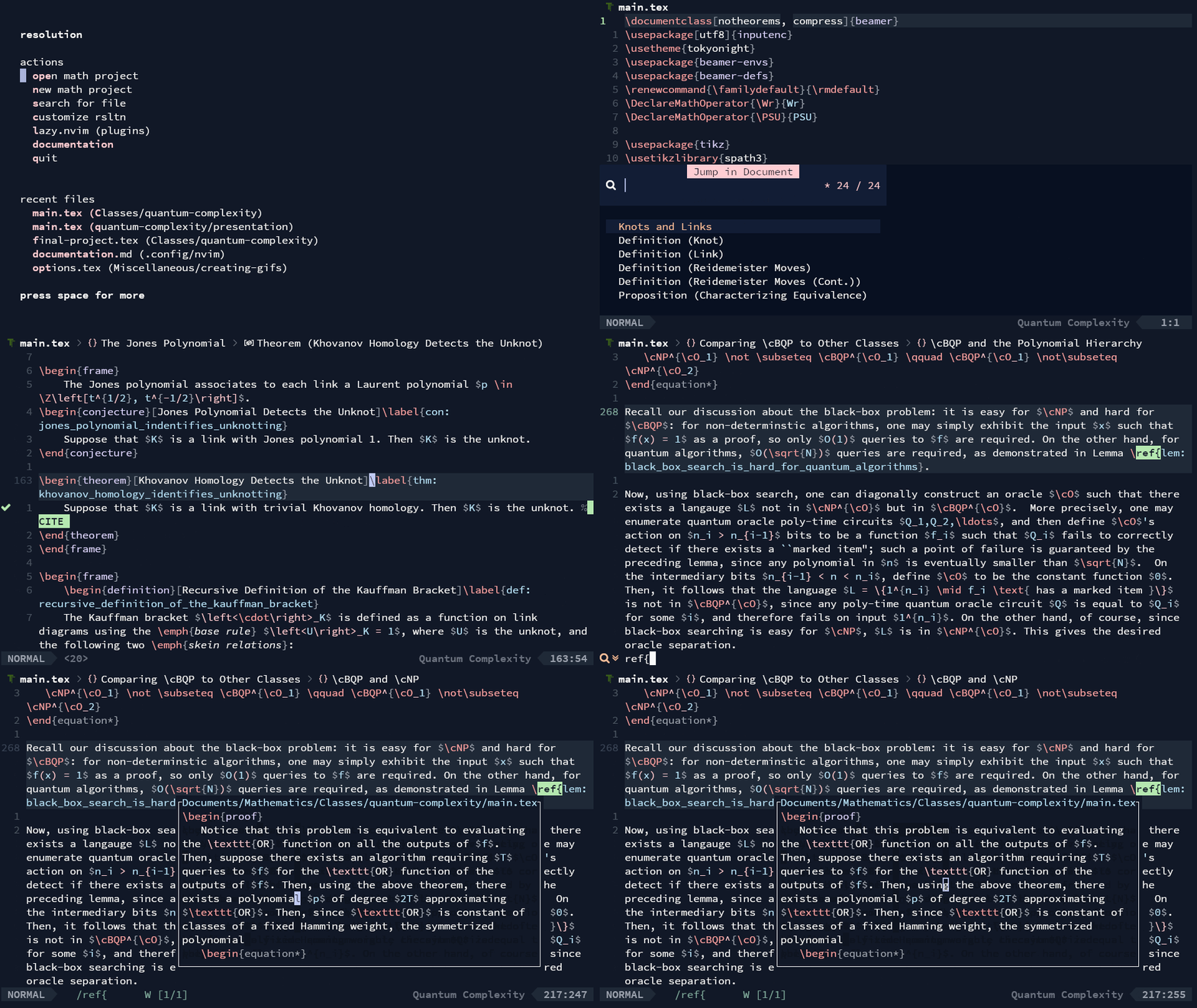
rsltn gives various navigation tools: project and file previews, pop-ups for jumping to definitions, theorems, or sections in the document or the project, and the powerful "peek" functionality which allows one to check (or edit) the source for any reference while staying in place.
File System
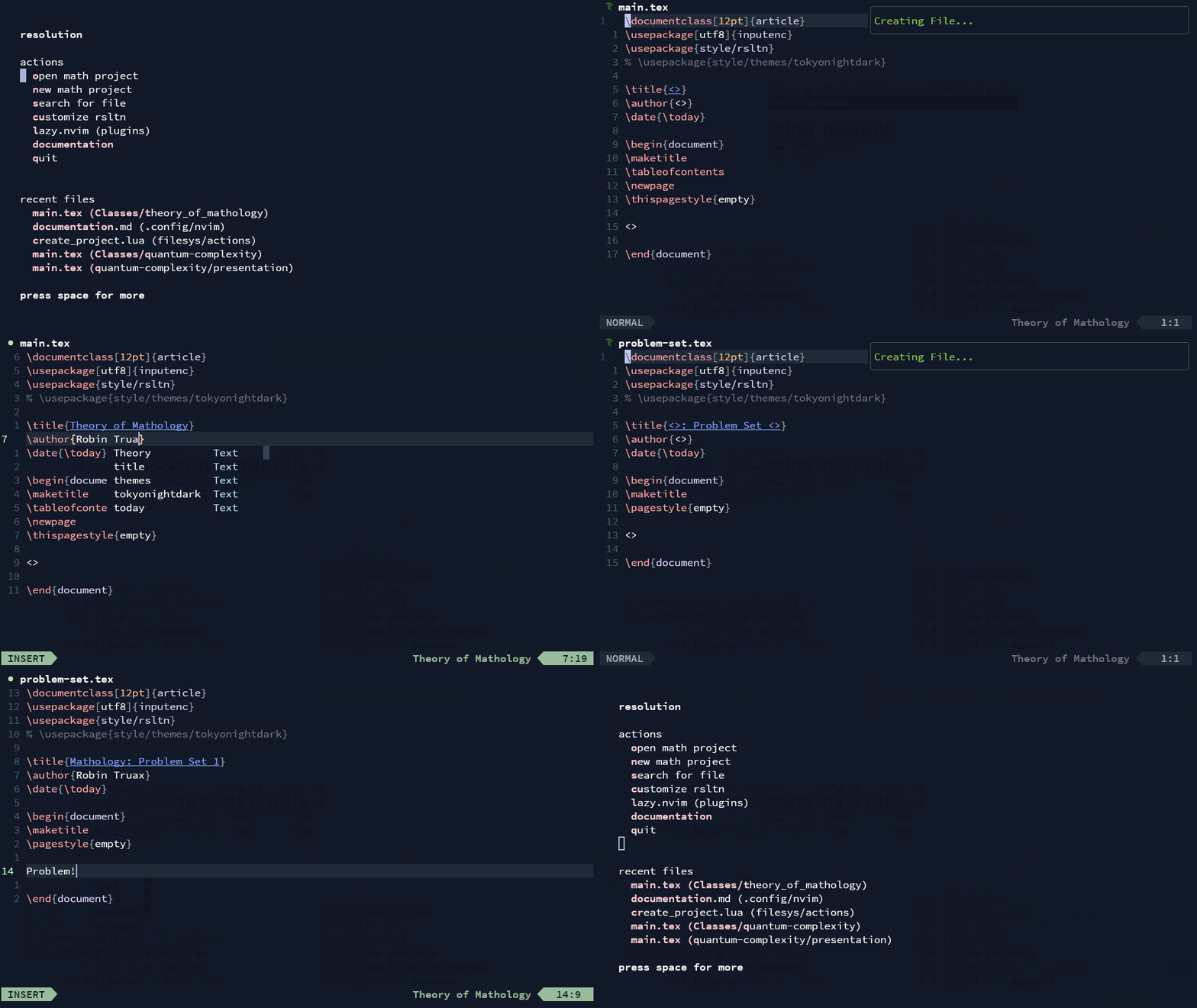
rsltn comes with a simple file management tool. Using various keybinds, one can quickly create, archive, or navigate through a project or file. Using symbolic links, rsltn also ensures any project created a computer automatically has access to rsltn's beautiful provided style files, and a central bibliography without adding additional dependencies.
Citations
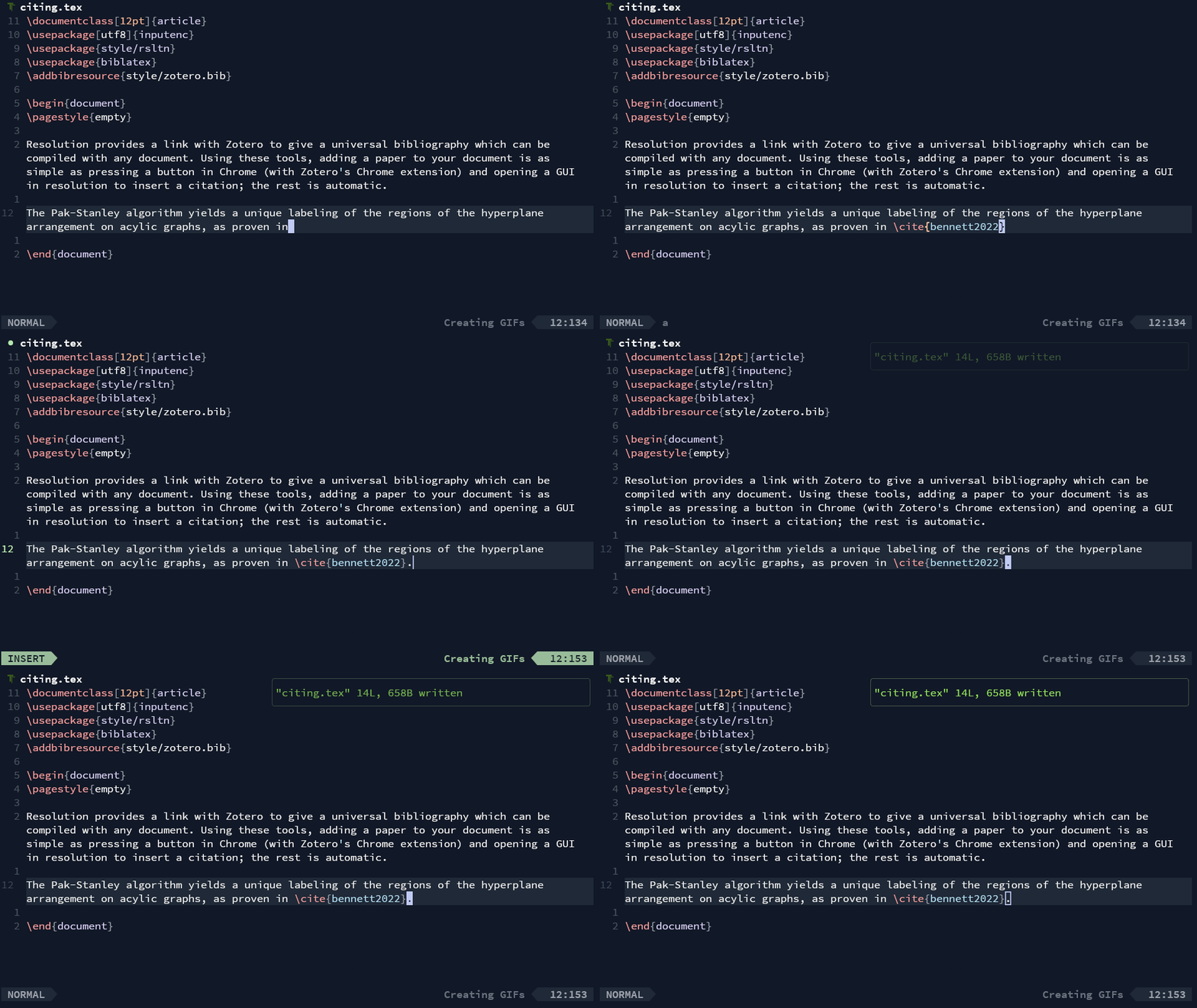
rsltn also simplifies the citation process with a central bibliography and citation picker. This bibliography is fed by Zotero, meaning you'll never need to learn bibtex syntax: just press a single button in Zotero's Chrome, Firefox, Edge, or Safari extension, and rsltn's central bibliography will add the paper, ready to be cited..
Keymaps
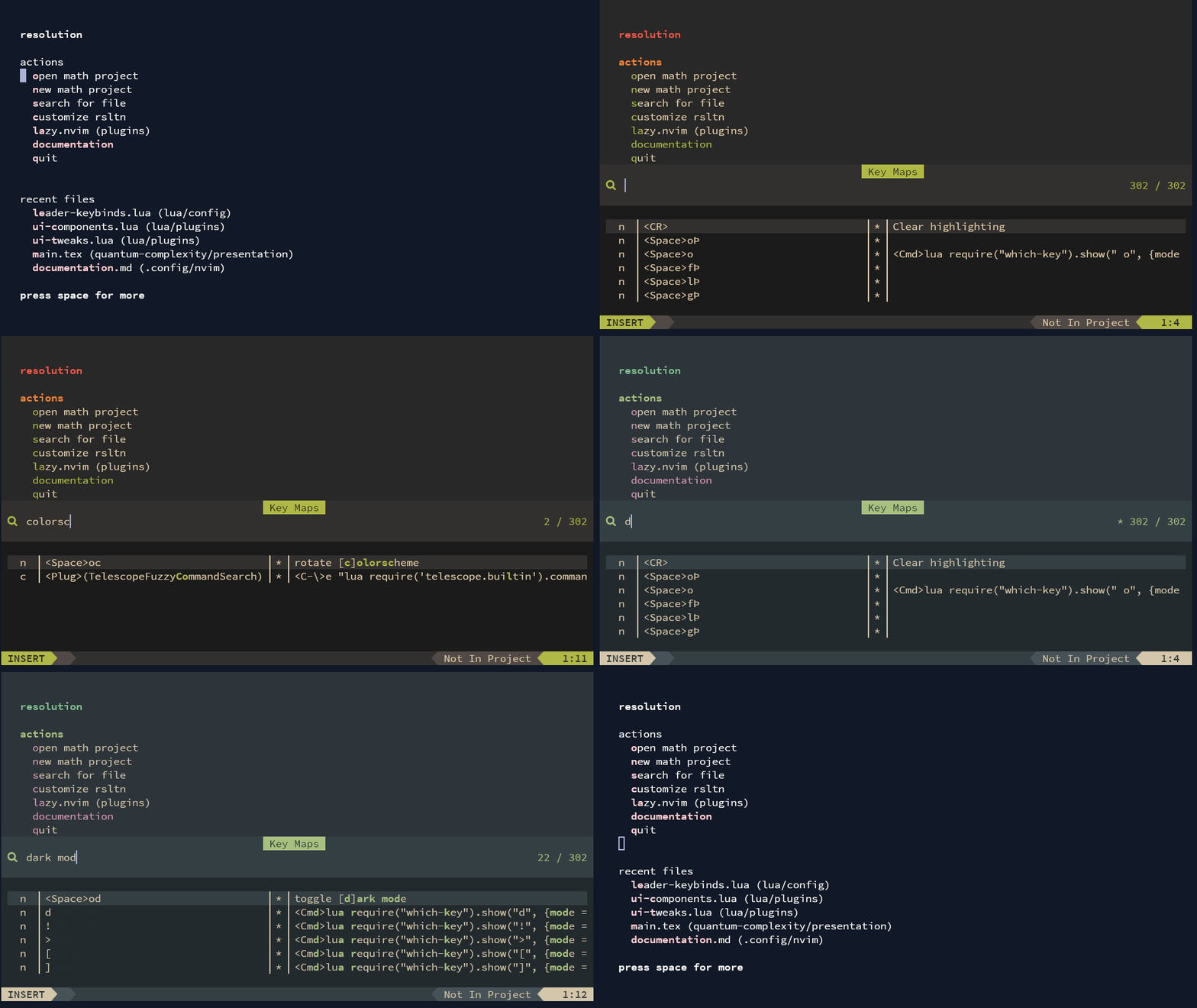
rsltn has built-in tools for exploring the tree of keybinds or searching for a specific operation; thus, you'll always know how to quickly execute the operation you're looking for.
Options
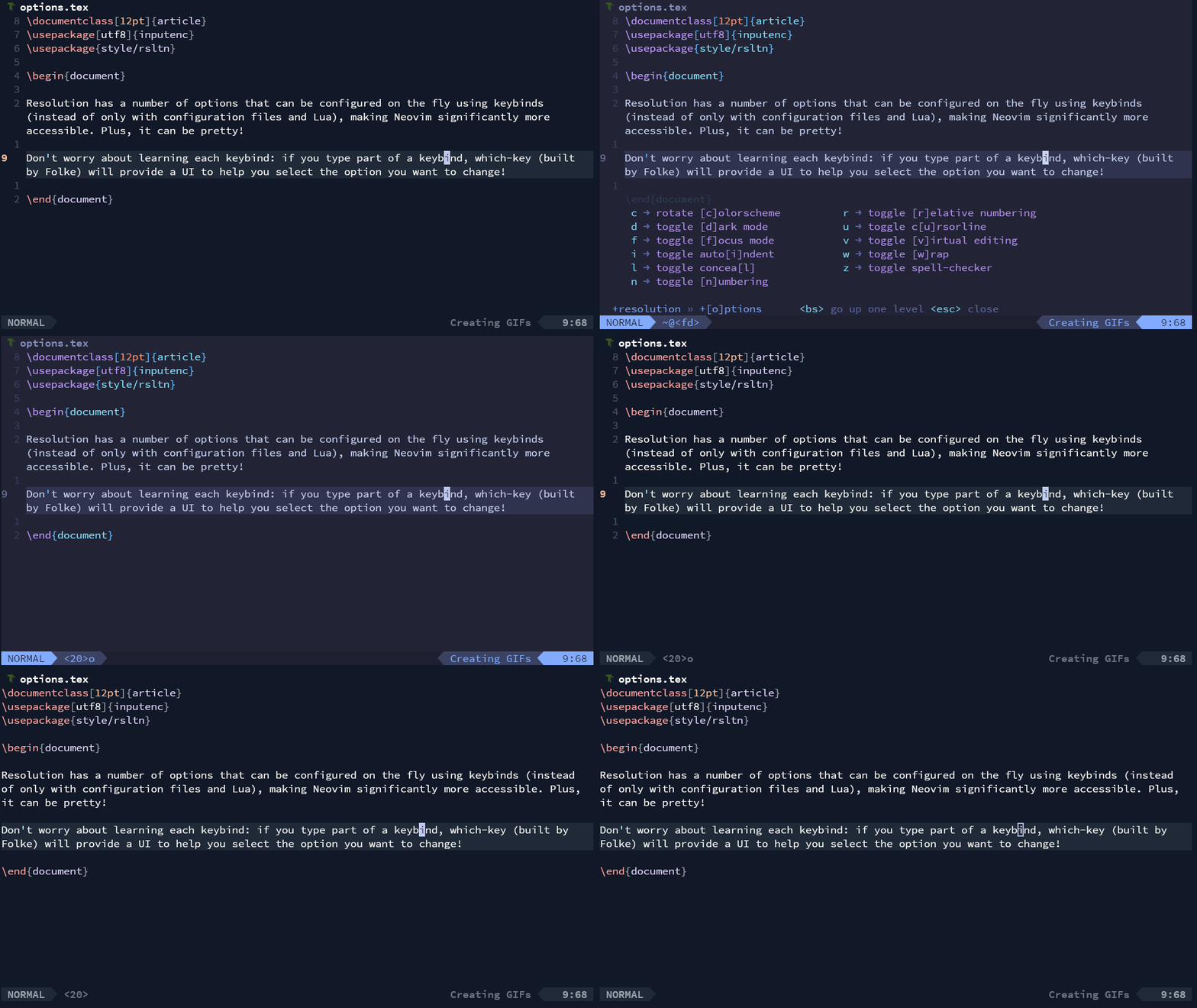
rsltn has a number of options that can be configured on the fly using keybinds (instead of only with configuration files and Lua), making Neovim significantly more accessible.
Get started by following the installation instructions in the documentation file documentation.md.