
This repository hosts applications for the Tizen TV Web Platform. Tizen TV apps are HTML5/JS/CSS applications and can be run in the Tizen TV Web Simulator. You can find the Tizen TV SDK 1.4 (with Web Simulator) here:
https://developer.samsung.com/smarttv/develop/getting-started/setting-up-sdk/installing-tv-sdk.html
May 28, 2015
We added 2 video apps (HTML5 and AVPlayer) and a simple image slideshow:
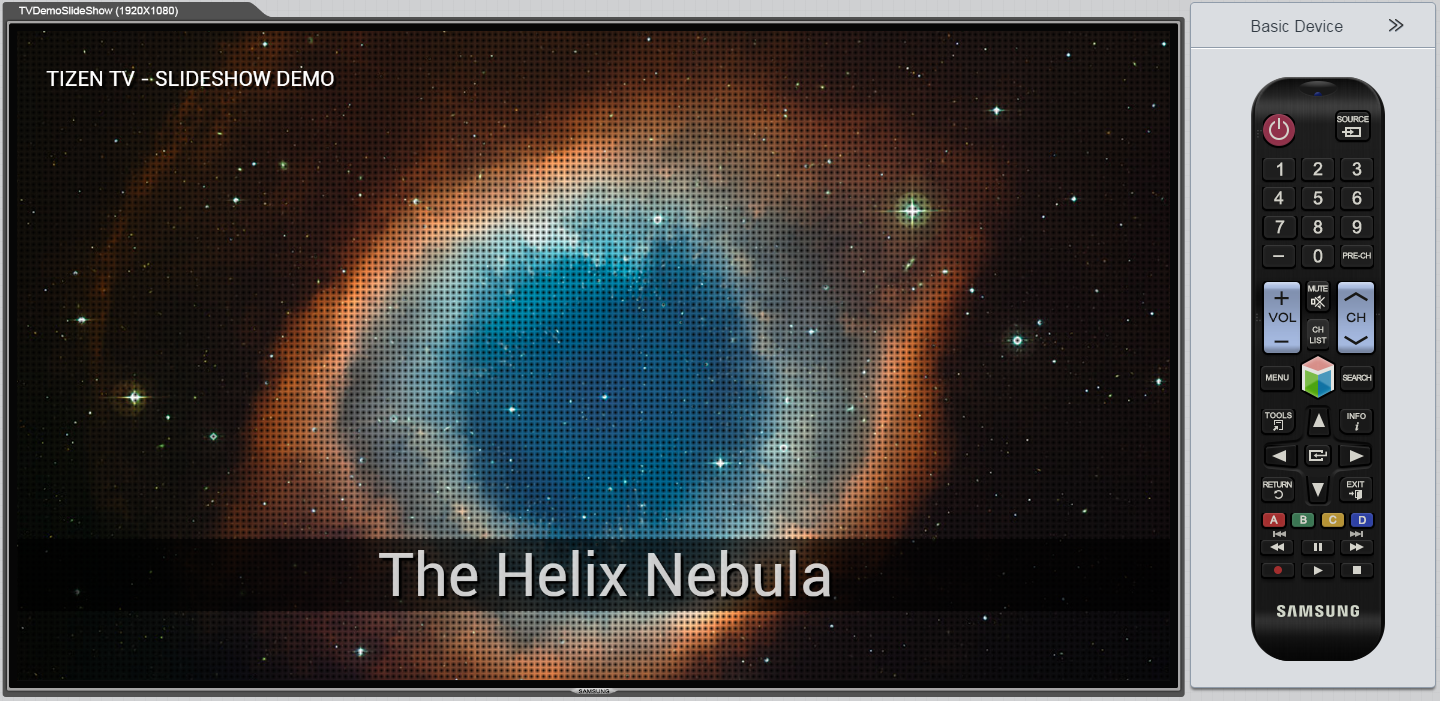
TVDemoSlideShow A simple HTML5/CSS3 image slide show:
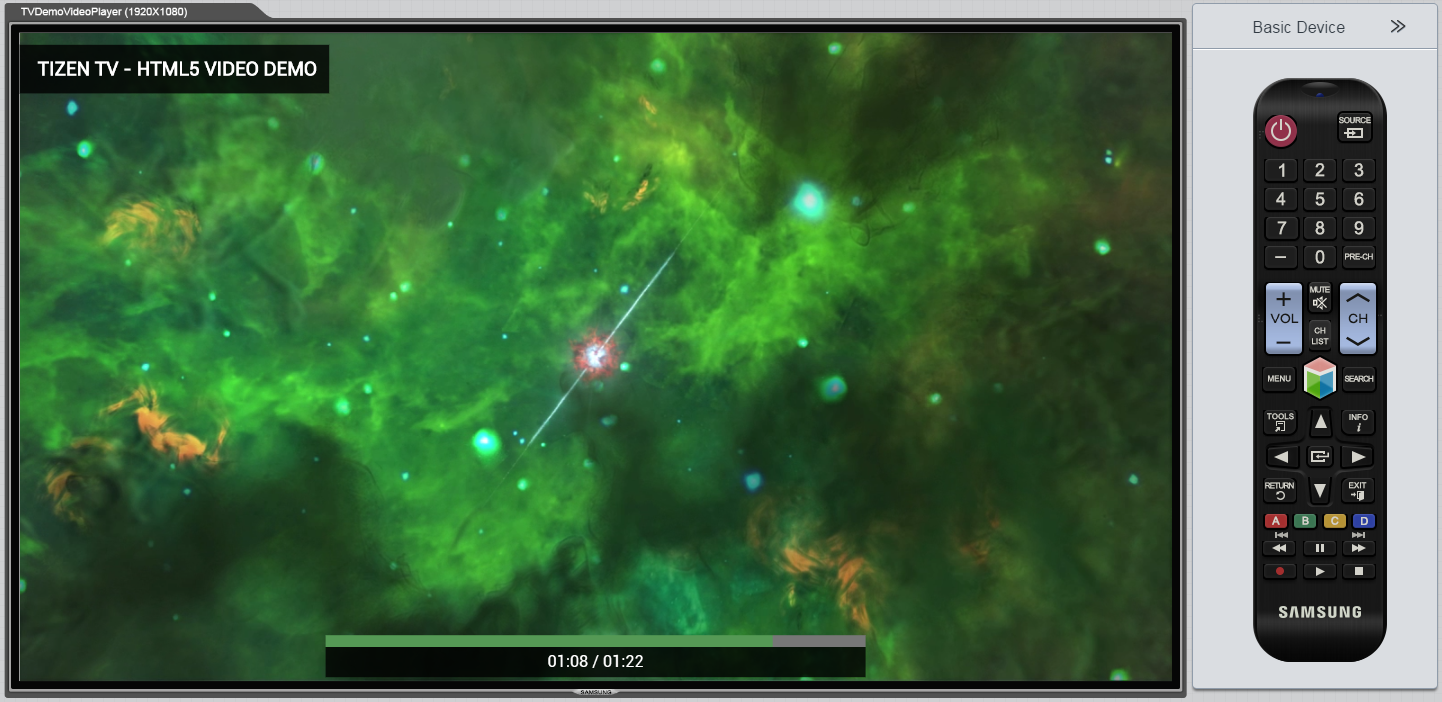
TVDemoVideoPlayer A simple video player app, it uses HTML5 tag video:
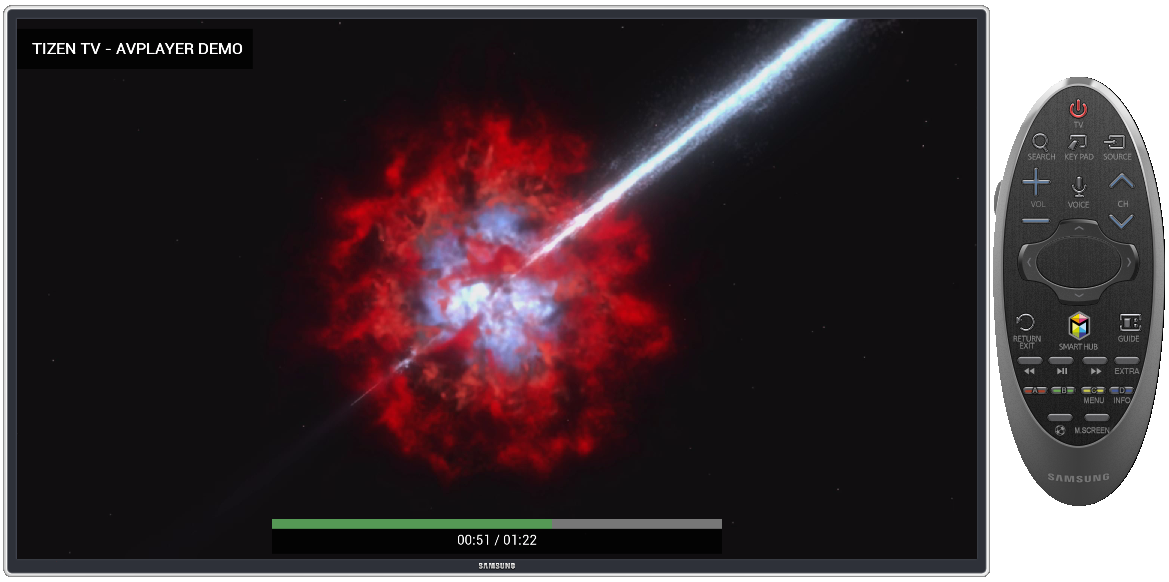
TVDemoAvPlay A simple video player using Tizen WebAPI for AVPlay component (It supports DRMs and streaming engines like DASH, HAS, HLS and SmoothStreaming) Must be tested on TV Tizen Emulator:
October 24, 2014
We are happy to add 2 new apps that use the Phaser game library:
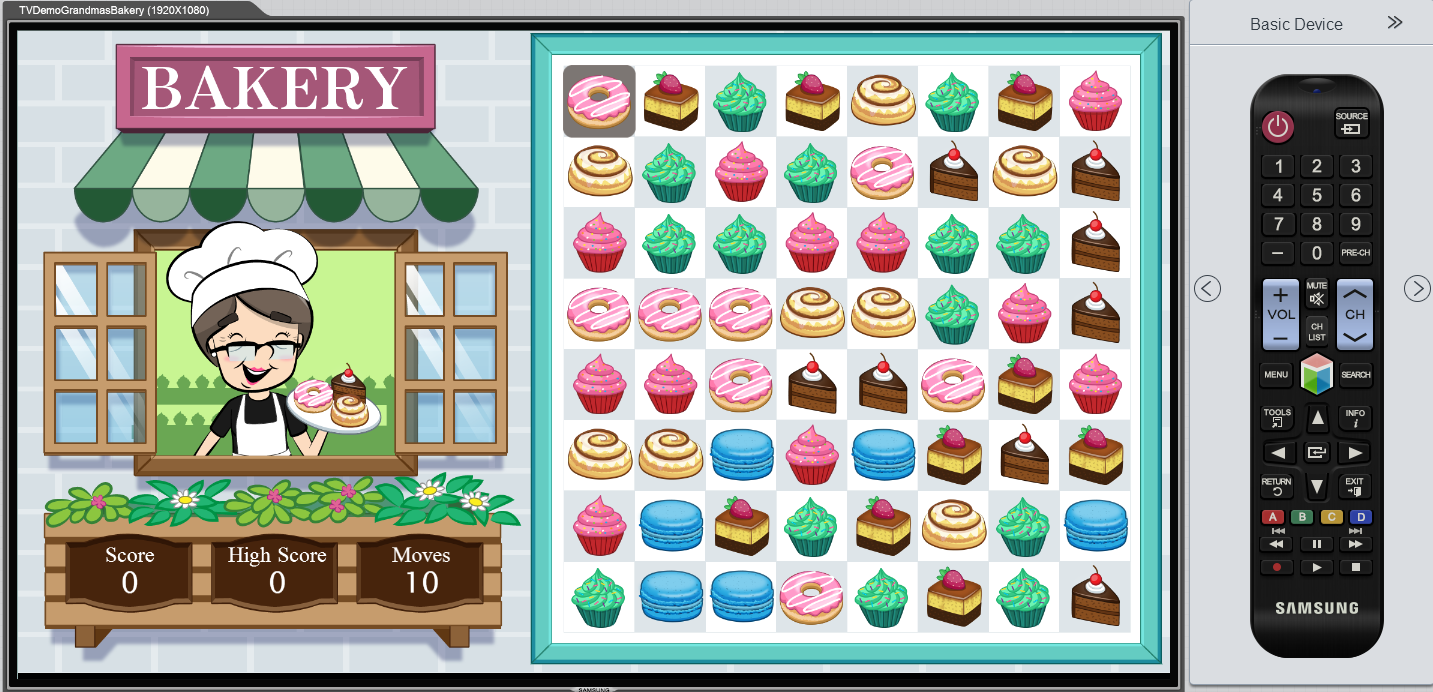
TVDemoGrandmasBakery : A match-3 games using the Phaser game library.
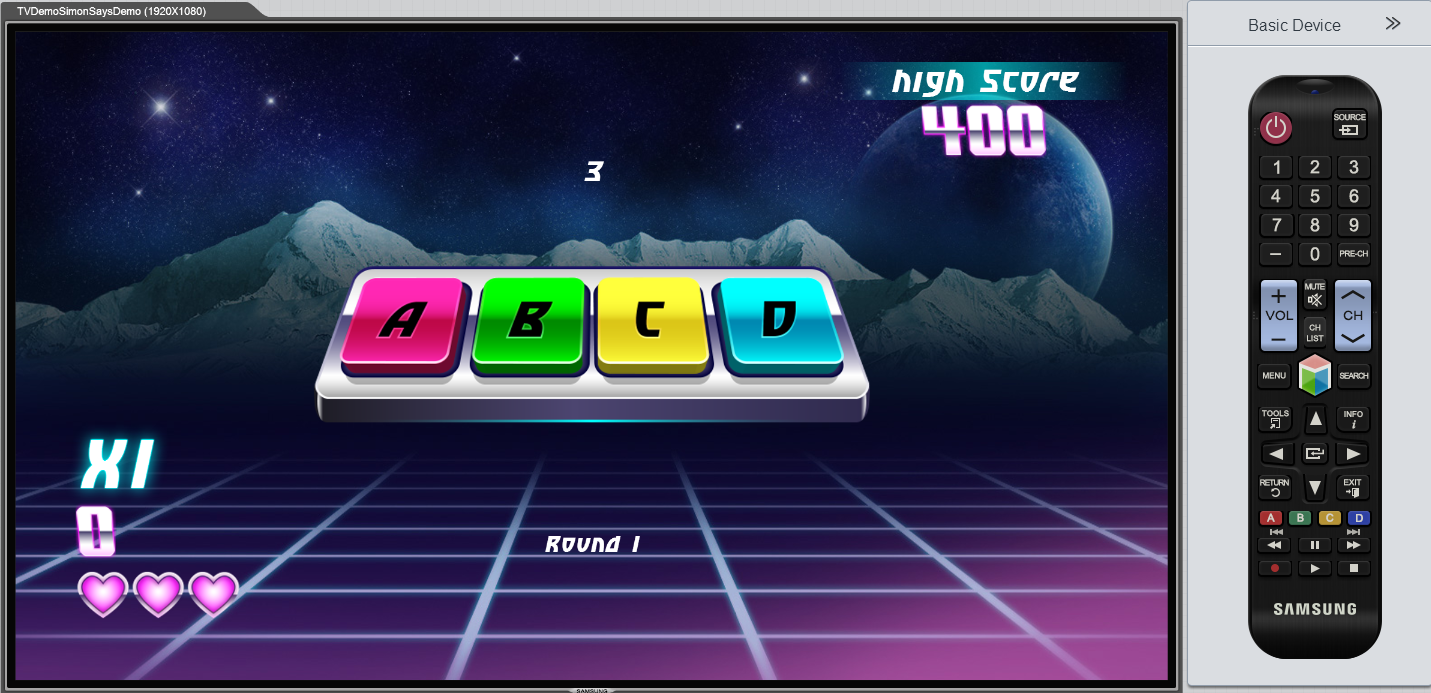
TVDemoSimonSaysDemo : A "Simon Says" games using the Phaser game library.
August 12, 2014
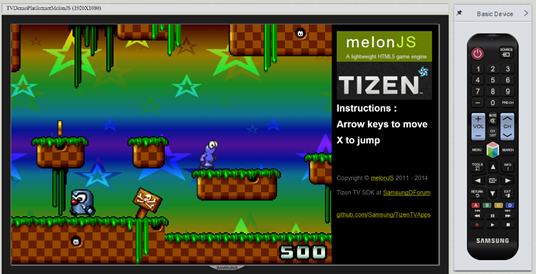
TVDemoPlatformerMelonJS : A port of the MelonJS game demo application.
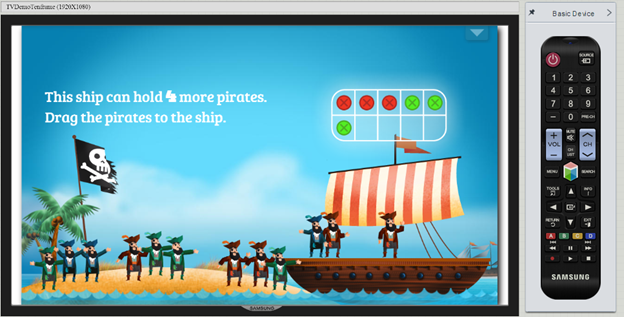
TVDemoTenframe : A port of a Tizen demo showing an educational application.
- Clone this repository to your desktop
- Install the Tizen TV Web 1.5 (available here: https://developer.samsung.com/smarttv/develop/getting-started/setting-up-sdk/installing-tv-sdk.html)
- Launch the Tizen IDE and import each app's folder into your workspace
- After important, right-click on the app's folder and choose Run As > Tizen TV Web Simulator Application (Samsung TV)
- NOTE: If you are running latest Tizen IDE and try running these projects, you might get following error. {code} Cannot run program "tizen-sdk/tools/sec_tv_websimulator/node-webkit.app/Contents/MacOS/node-webkit": error=2, No such file or directory. {code}
- Default IDE settings look like this: 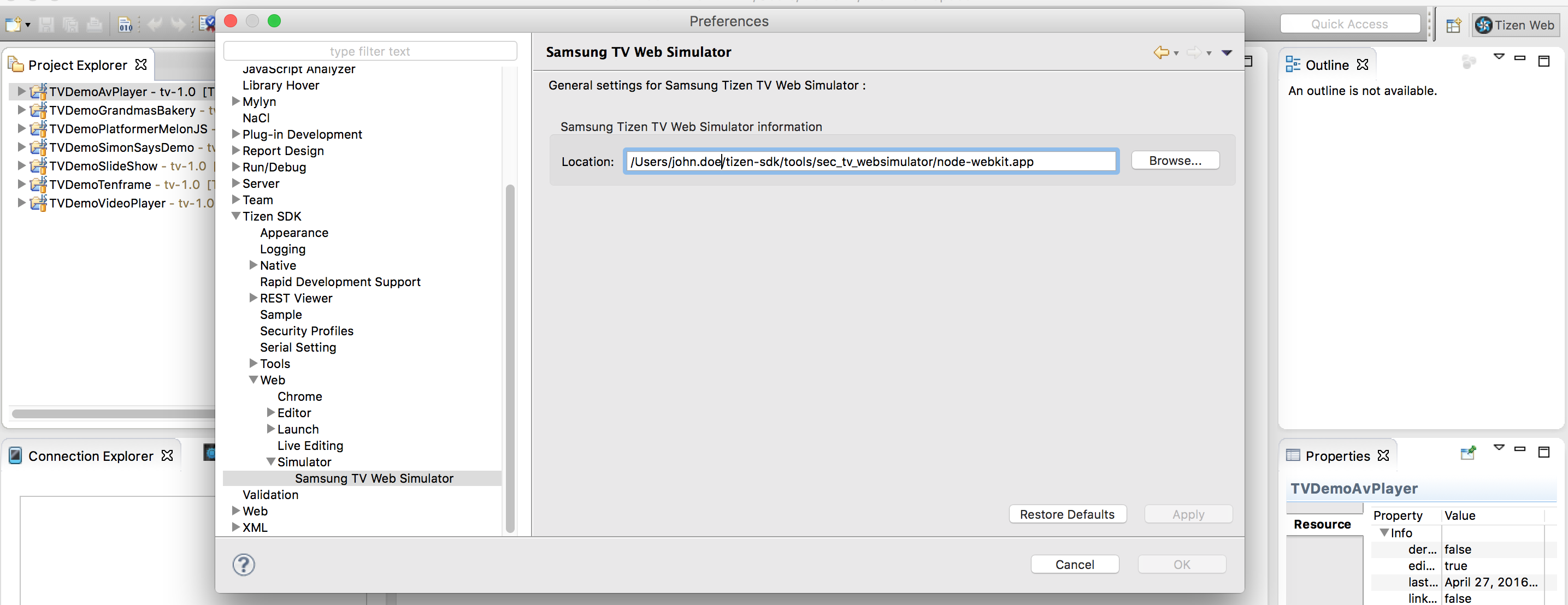
- Make following changes to your IDE configuration in order to make it work.
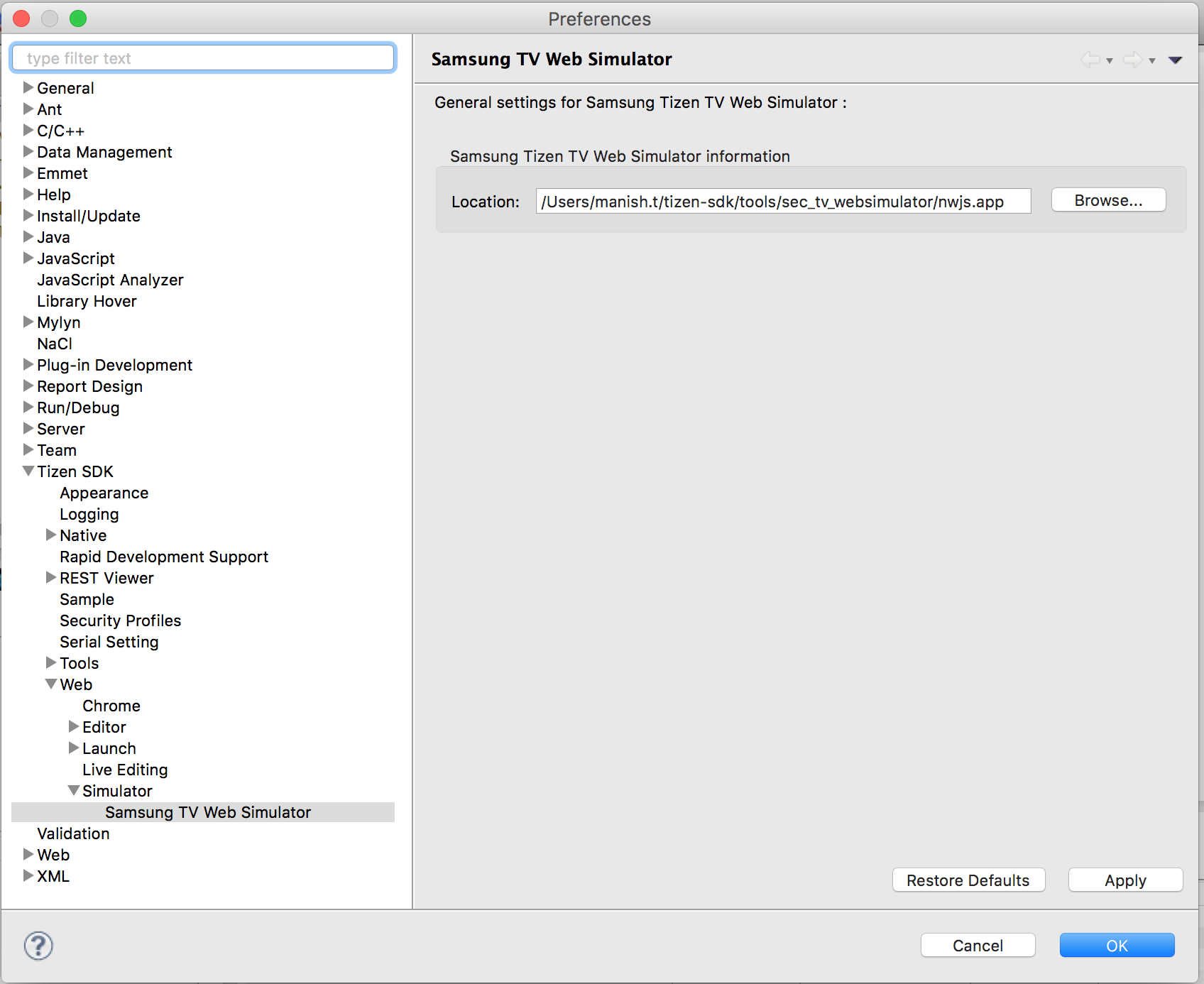
- Go to Tizen SDK directory and navigate to tools/sec_tv_websimulator/nwjs.app/Contents/MacOS/
- rename the file nwjs to node-webkit
- Remote Control events are not working properly. Please use keyboard and/or mouse.
Original MelonJS Demo App: http://melonjs.github.io/tutorial-platformer/
Additional Tizen HTML5 Apps: https://developer.tizen.org/downloads/sample-web-applications
Phaser homepage: http://phaser.io/