MongoGUI is a professional, lightweight web-based administration interface for MongoDB, built with Next.js 15, Tailwind CSS 4, and Monaco Editor. It provides a sleek alternative to heavy desktop clients for managing local or remote databases with real-time analytics.
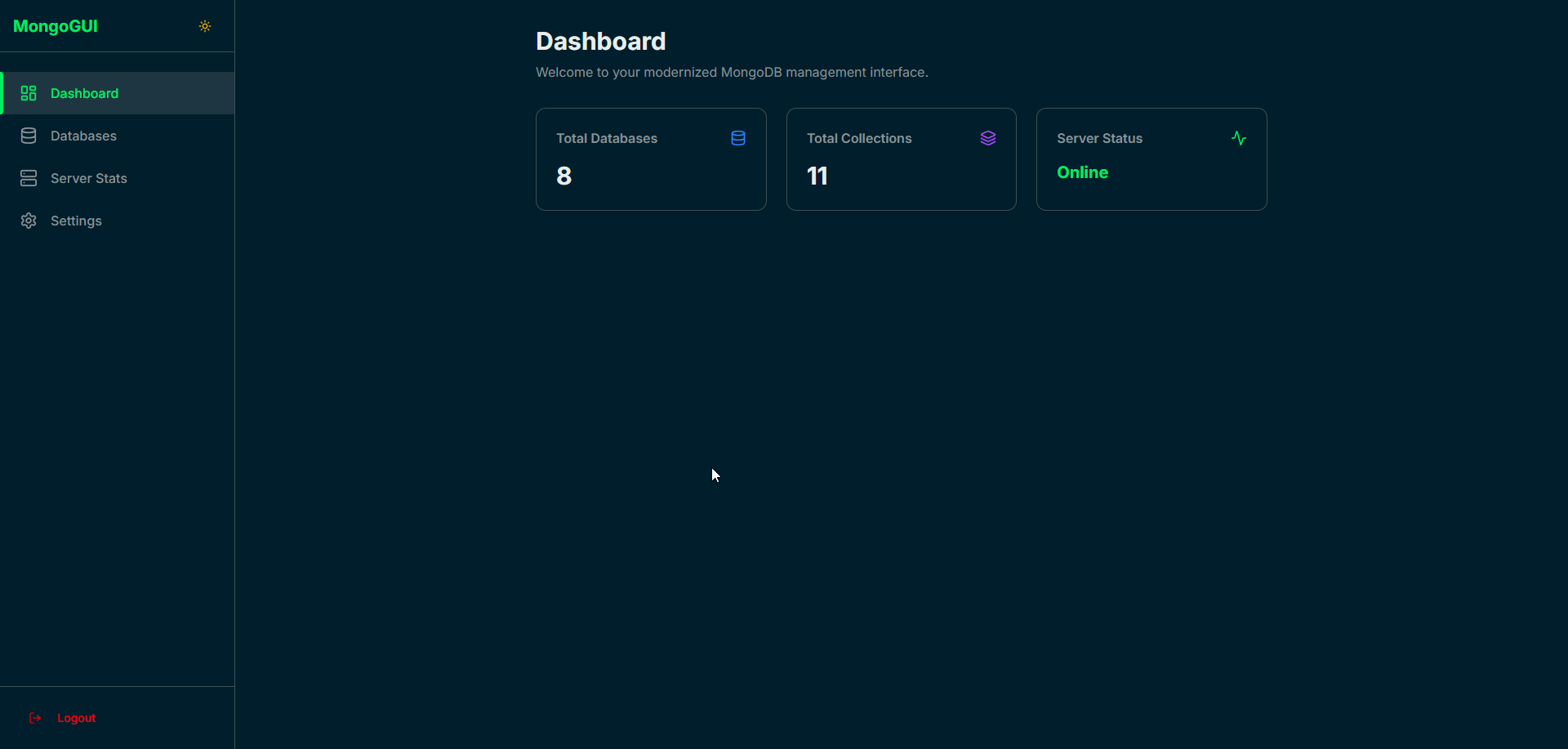
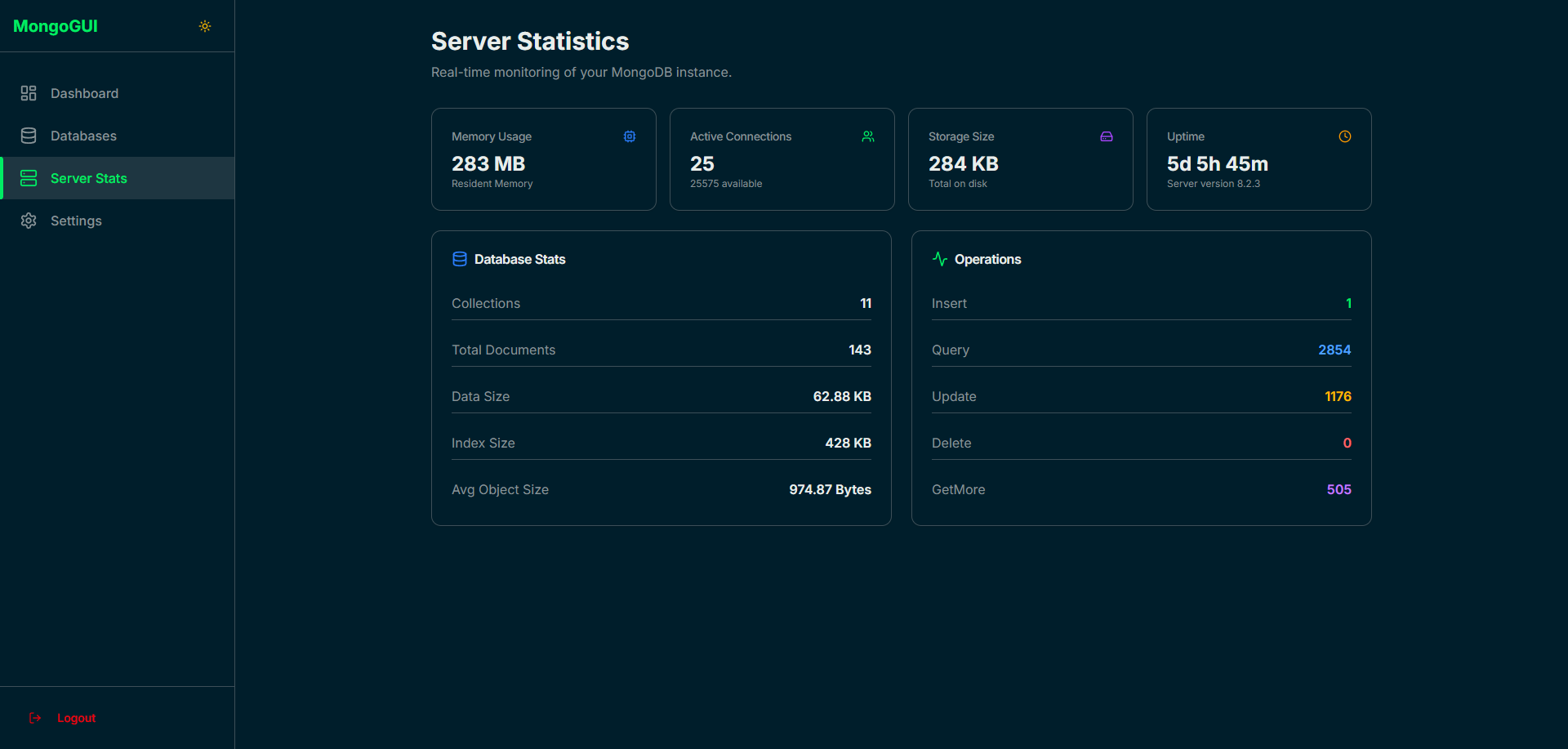
- Real-Time Dashboard: Live monitoring of server health (RAM, CPU usage, active connections, and uptime).
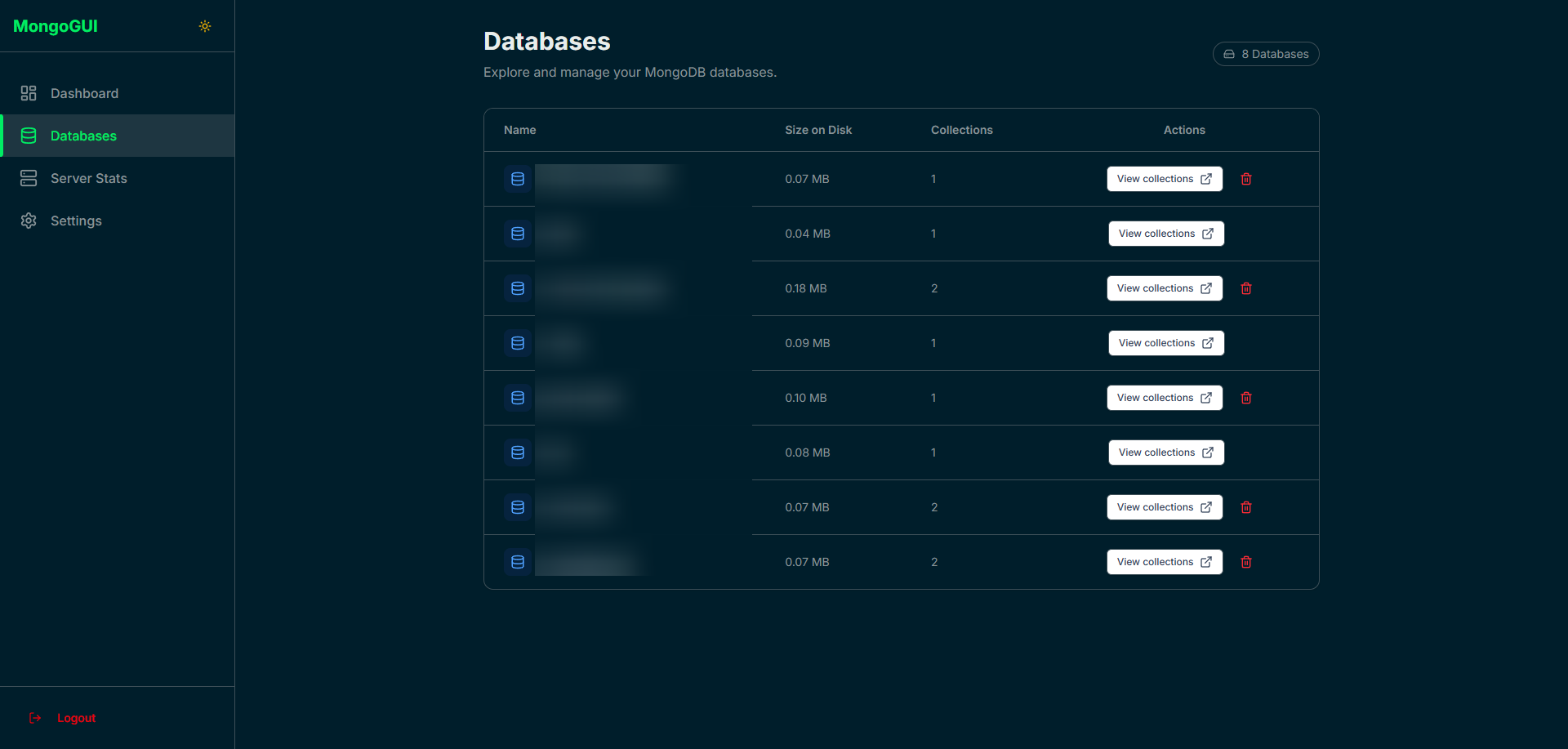
- Global Analytics: Intelligent aggregation of storage size and document counts across all databases.
- Pro Code Editor: Integrated Monaco Editor (VS Code engine) with syntax highlighting and strict JSON validation.
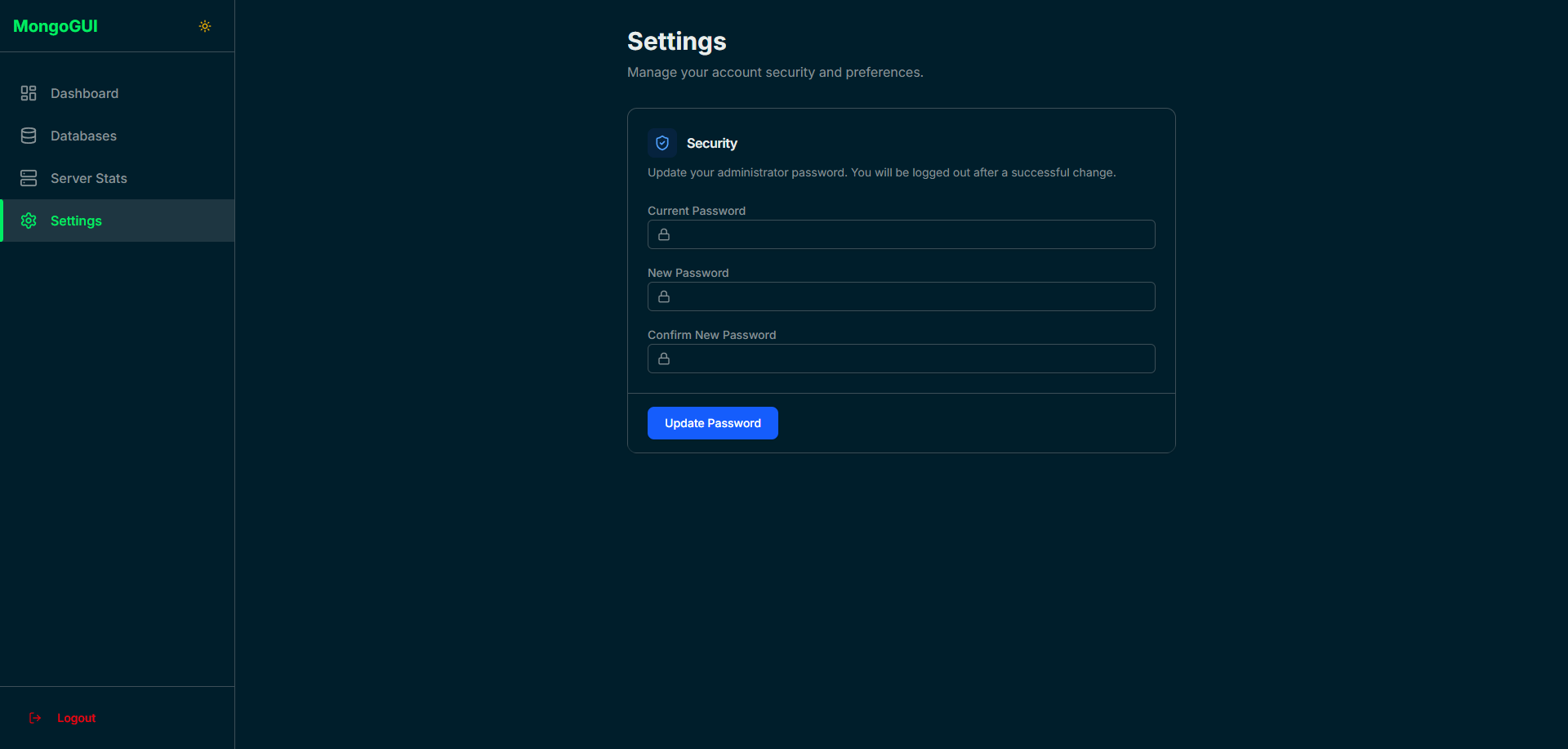
- User Settings: Update your administrator password directly from the interface.
- Smart Security: Save button automatically disables if JSON syntax is invalid.
- Responsive UI: Modern design with dark/light mode support and a fixed sidebar.
- Framework: Next.js 15 (App Router)
- Styling: Tailwind CSS 4 + Shadcn UI (Radix UI)
- Database: MongoDB (Data) & SQLite (Auth)
- Security: BcryptJS & Jose (JWT)
git clone https://github.com/Samuel-Community/mongo-gui.git
cd mongo-gui-modern
npm installCreate a .env file in the root directory. For maximum security, generate your JWT_SECRET using:
openssl rand -base64 32Add it to your .env:
MONGODB_URI=mongodb://localhost:27017
JWT_SECRET=your_generated_keyThe application features an Automatic Setup mode:
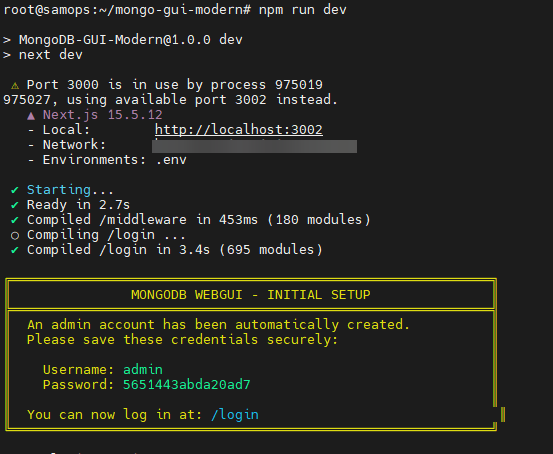
- Start the server:
npm run dev. - Open your browser at
http://localhost:3000. - Check your terminal: As soon as the page loads, a yellow box will appear in your console containing your auto-generated
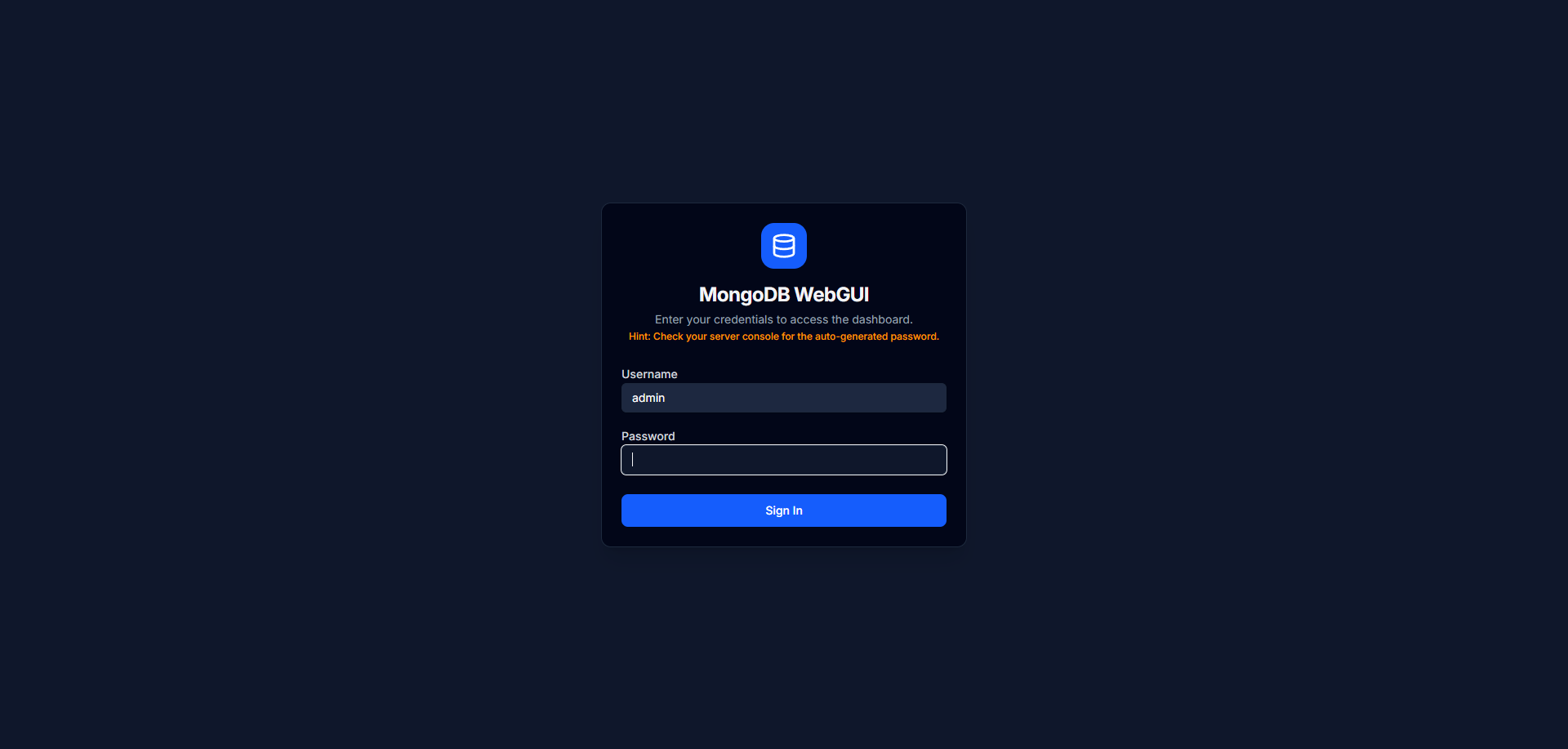
admincredentials. - Important: Log in and go to the Settings section to change your password for better security.
To keep the app running 24/7. Note that the -p (port) and -H (hostname) flags are optional:
# Generate the production build
npm run build

# Start the application

pm2 start npm --name "mongo-gui" -- start

# Use -p to change the port (default 3000)
# Use -H 127.0.0.1 to restrict access to localhost only (more secure with Nginx)
pm2 start npm --name "mongo-gui" -- start -- -p 4000 -H 127.0.0.1
pm2 save
Note: Removing -H 127.0.0.1 will allow you to access the app directly via http://your-server-ip:4000. Keeping it ensures that only your Nginx reverse proxy can talk to the app, which is the recommended setup for production
Access the app via your domain (e.g., https://domain.com):
Replace domain.com with your domain
- IP Restriction: Binding to
127.0.0.1ensures the app is invisible to the public internet except through your domain. - JWT Middleware: Every internal route is protected. Unauthorized requests are automatically redirected to the login page.
- Dynamic Detection: The middleware uses advanced header detection to ensure perfect redirects behind Nginx.
Developed with AI assistance to optimize Nginx configurations, Next.js 15 middleware logic, and secure authentication workflows.
MIT License.
Developed with ❤️ by Samuel-TutoRapide